



Créer des presets

Avec
Isaac CotecIsaac Cotec montre comment créer tes propres presets dans Ableton Live pour obtenir un son signature et une palette sonore avec laquelle produire.
Le contenu du cours
19 leçons (2h 54min) · 1 gratuites
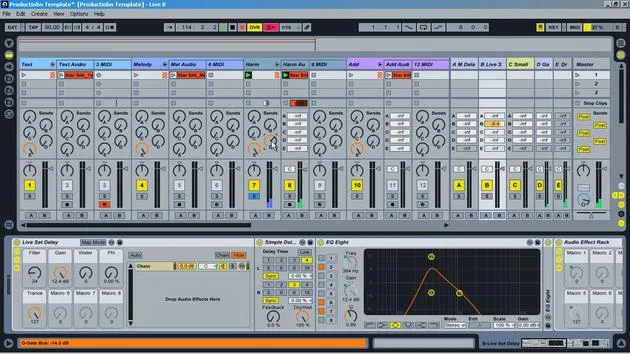
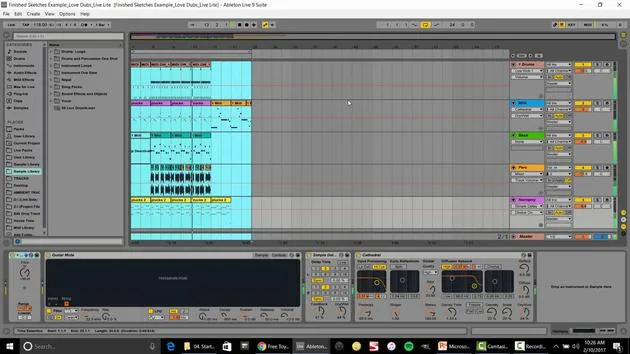
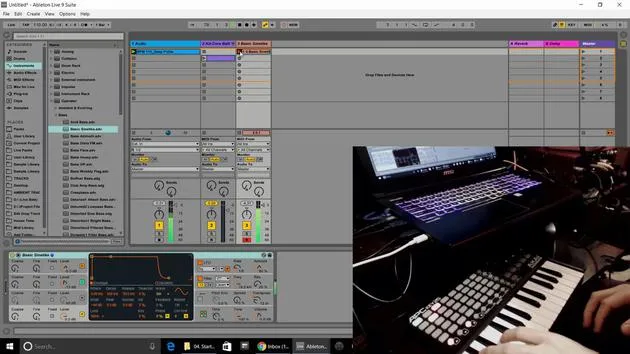
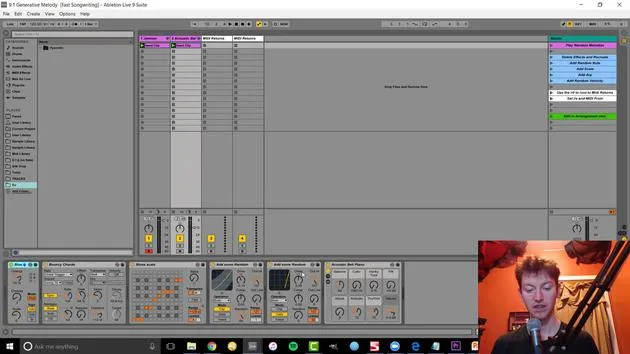
Transcription de la leçon
Music Lesson: The Importance of Pre-Production and Making Presets
Introduction to Presets
Another important part of pre-production is making presets. Presets serve as a sonic palette and create a unique sound that you can use in your production. It's a really fun, cool way of creating a signature sound that people recognize.
Key Examples of Signature Sounds
Think of musicians whose sounds are easily identifiable, such as:
- Tipper
- Art
- Imogen Heap (especially the way she prepares her vocals)
These artists stand out because of their unique presets.
Creating and Organizing Presets
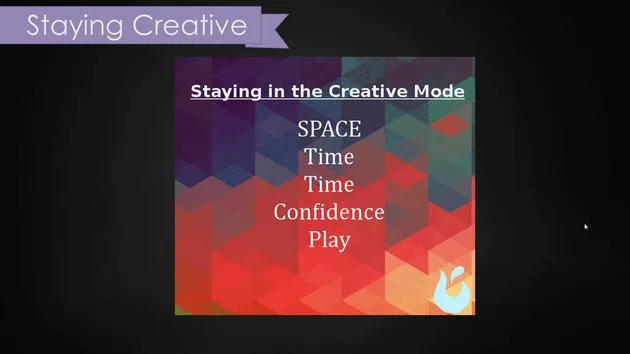
This image illustrates the process of making presets:
- Create Something Unique: Refine the sound you want.
- Save It: This is a very important step to ensure you can access it later.
- Keep Organized: Maintain a system for your presets.
- Refine Over Time: Continue to improve and save new versions.
We're going to cover:
- Creating instrument racks
- Naming and saving our presets
- Creating drum racks
Practical Demonstration
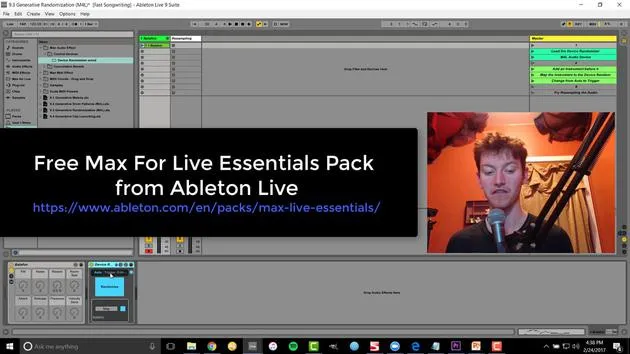
Setting Up a Blank Set
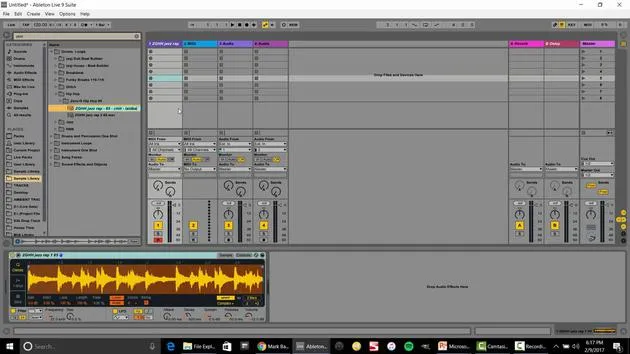
Alright, let's start. We have a blank set, and I'm going to show you how to save different presets.
-
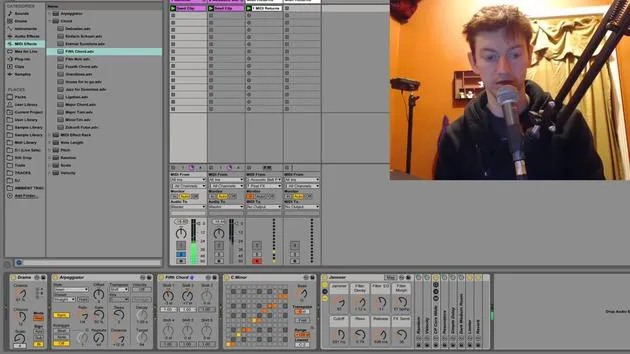
Load a Track: First, let's bring in an example track I've created with Silk Drop.
-
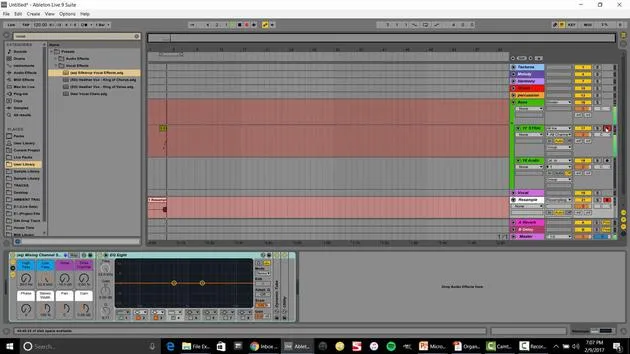
Add Audio Effects:
- I might include a chorus, a phalange, and possibly an auto filter.
- If I want these effects combined, I can select them all by holding Shift and clicking across.
-
Group Effects:
- Right-click and select Group (Control + G on PC or Command + G on Mac).
Now, think of this as one hardware rack with multiple effects.
Overview of Audio Effects
I'm going to provide an overview of audio effects without going too deep but enough to help you play around with them.
-
Open Up Macros: This shows all of our macro knobs.
-
Map Controls:
- Map the frequency and resonator controls to the macros for easy manipulation.
- Use right-click for mapping.
-
Adjusting Effects:
- Change the mapping settings to better suit your sound. For instance, adjust the resonator so it doesn't resonate too high.
-
Create Chains:
- You can create a dry chain with no effects and compare it with an effects-laden chain for parallel processing.
Renaming and Saving
Let's rename this effect Wobble Effect.
- Change the color of your effect.
- Use Control + R or Command + R to rename.
- Save Your Work: Press the save button to add the Wobble Effect to your audio effects library.
Building a Library
You can create a large collection of presets that are easy to access. For instance:
- Drag and drop different instruments into your presets.
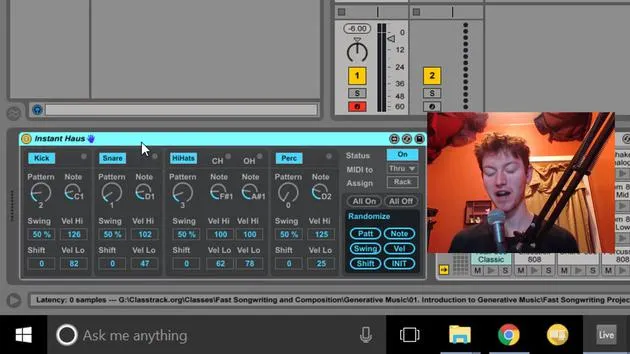
- Create and save different drum racks based on your sound preferences.
Instrument Rack Creation
This process is similar for creating instrument racks:
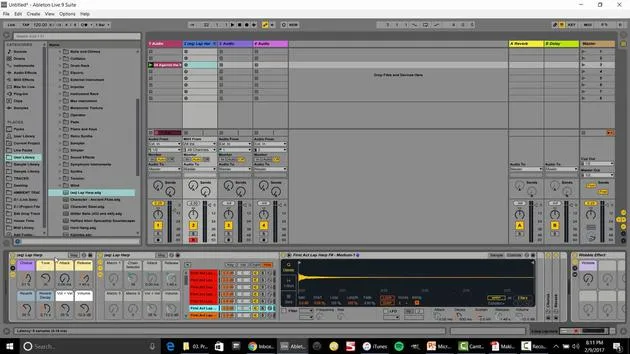
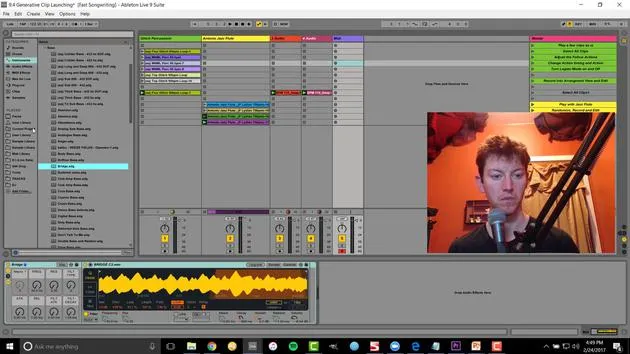
- Select Instruments: For example, drag in a Sampler or Guitar.
- Group Effects: Similar to audio effects, group them with the options available.
- Save Your Instrument: Rename it, save it under instrument racks, and ensure it's stored in your user library.
Drum Rack Creation
To create a drum rack:
- Go to Instruments > Drums and drag in the desired items.
- Select samples and drag them into the drum rack cells.
- Rename and save your drum rack for easy access.
Making Presets Activity
Classroom Activity Guide
Here's a structured activity for high school and college classrooms, as well as independent musicians:
- Install and Open: The Making Audio Effects Live Set.
- Create an Audio Effect Rack: Follow the prompts to set it up.
- Add and Group Effects: Drag in audio effects, group them, and map the macro knobs.
- Rename and Save: Complete the effect creation by renaming and saving it to your library.
Sharing Your Work
You can share your presets easily:
- If your effect has no samples, just drag it directly into Live to share with someone else.
Importance of Pre-Production
Spending time on pre-production can make the actual production process much faster. Personally, I've allocated up to 50% of my production time to pre-production activities. Once that groundwork is laid, I find I can create entire tracks or albums rapidly.
In one case, I spent three months on pre-production tools for my Emerging album, completing the songwriting in just one month!
Conclusion
In summary, focusing on pre-production in Ableton Live equips you with the necessary tools and presets, making the production process smoother and more efficient. As you familiarize yourself with VSTs and instruments, you'll find it easier to create music without scrambling during the actual production.
19 leçons
2h 54m de leçons vidéo structurées
Fonctions vidéo avancées
Ralentissez, bouclez un passage, suivez la partition
Mobile, tablette et ordinateur
Pratiquez où vous voulez
Satisfaction garantie à 100 %
Garantie remboursement 30 jours
Rencontrez votre guru
Rencontrez votre guru
Isaac Cotec est, sans doute, l'un des meilleurs formateurs Ableton au monde ! Tout en travaillant sur sa propre musique, il a commencé à enseigner les techniques d'enregistrement, le design sonore et Ableton Live à des élèves particuliers et, depuis qu'il a obtenu sa certification d'Ableton Certified Trainer officiel, il a aidé des milliers de producteurs à passer un cap et à réussir comme musiciens.
Isaac a commencé à produire de la musique électronique en 2005 avec Psyche Sonics, un groupe expérimental travaillant sur la science et la recherche des binaural beats et la modification de la conscience par le son. Après avoir tourné, il a continué à écrire de la musique sous l'alias Cotec puis a émergé comme l'artiste Subaqueous, mêlant son passé électronique à des techniques de production à la fois futuristes et organiques. À ce jour, il a sorti 3 albums et 4 EPs.
Isaac est aussi le fondateur et le gérant du label Invibe Music, qui représente certains des meilleurs artistes de musique électronique du Pacific Northwest et se spécialise dans la dance midtempo.
Dans ses cours Ableton Live, Isaac partage les techniques de production, de design sonore et d'écriture qu'il a passé des années à affiner — les compétences mêmes qu'il utilise pour transformer l'étincelle d'une idée en un morceau fini.







