



Clips et audio génératifs

Avec
Isaac CotecIsaac Cotec montre comment utiliser les follow actions et les modes de lancement d'Ableton pour rendre aléatoires des clips audio et générer de nouvelles boucles de percussion et idées.
Le contenu du cours
19 leçons (2h 54min) · 1 gratuites
Transcription de la leçon
Generative Clip Launching: A Fun Approach to Percussion Ideas
Alright! The last trick I'd like to show off is generative clip launching. This is a really fun way to come up with new percussive ideas.
The Concept
The idea here is using randomization between clips. We have a logical constraint with the clips we're using, specifically, we're selecting ones that work well together. Then, we'll edit the final outcome to discover a new percussion sound that we like.
Getting Started
-
Select Your Samples
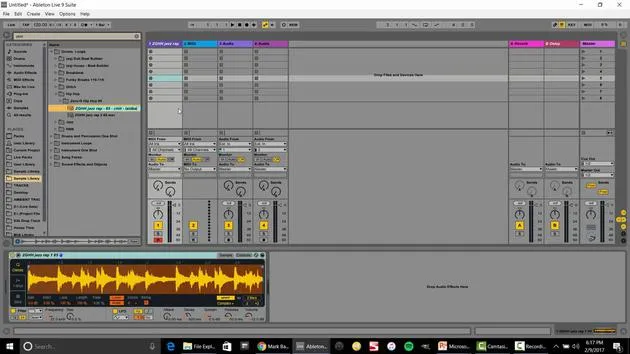
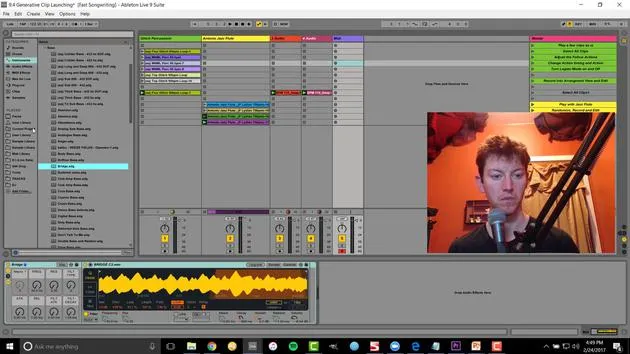
For instance, I've got a collection of weird little samples. Playing just one might be cool and could fit perfectly in my production, but I might want to change it somehow. -
Using Randomization
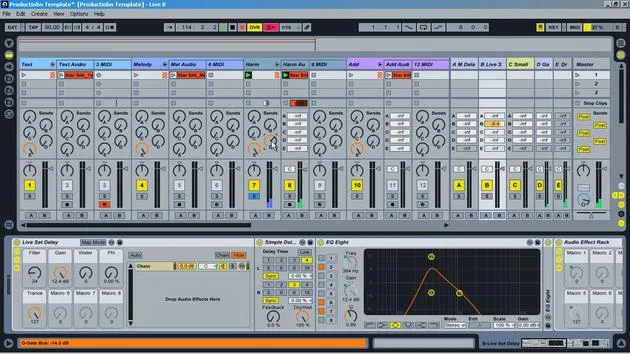
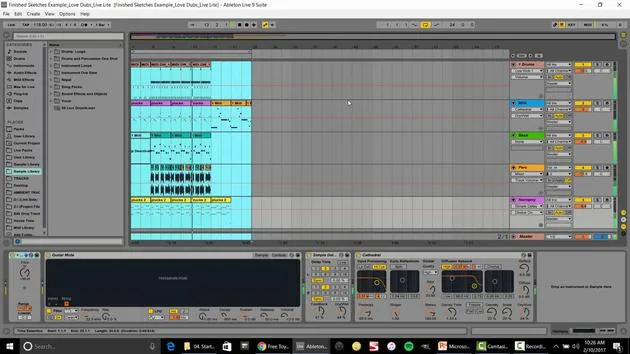
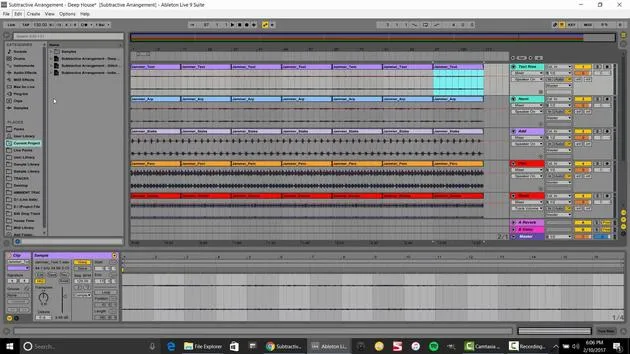
- If I select all of these clips, I go over to my launch controls and access the follow actions.
- Set it to play other, meaning it's playing any other sample every one bar.
- To increase variation, let's try this every one beat. Now we're creating moving, morphing sounds.
-
Adjusting the Timing
I have to select all of them again and set this to two quarter notes. Now we're really moving and have a cool, evolving sound!
Solving Playback Issues
One issue we might encounter is that when it plays these samples, it always starts from the beginning. To fix this:
- Select all of them and hit legato.
- This means that wherever the sample was playing from, it will continue from that position for the next sample.
Quote:
"This way it's not always starting at the beginning, and you'll hear a slight difference. I think that flows really well."
Recording the Results
To record this evolving sound:
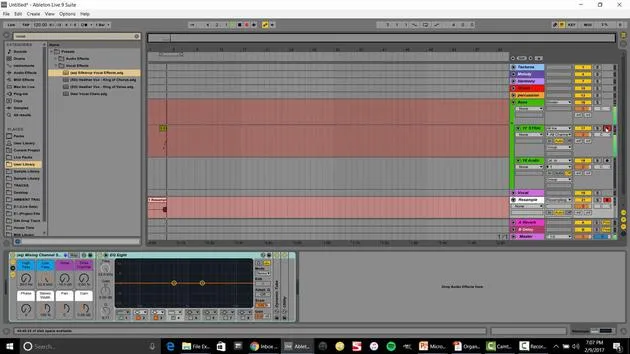
- Hit the arrangement record button to save it in the arrangement view.
Now, to make it a little more interesting, I'll drag in some house samples and speed it up a bit. Let's add a touch of percussion.
Final Edits
After adding new sounds, I would:
- Figure out what worked and what didn't,
- Delete unwanted parts, or
- Drag out sections until I achieve the sound I want.
Example:
You can see how I can quickly create a morphing idea.
- Select everything.
- Right-click and consolidate.
- Bounce it back over into my session view.
Let's do the same thing with this jazz flute.
- Set the follow action to one to other (it looks like I already set this in the file).
- Now it randomly moves between different samples while maintaining harmony, thanks to legato mode.
Adding Additional Layers
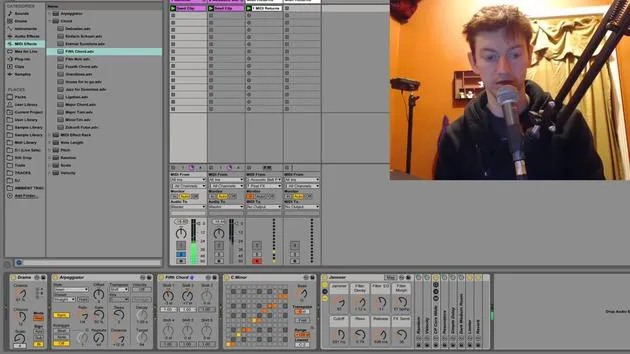
Next, I want to start incorporating some basslines. By adding generative randomization to the bass, we can create a compelling track.
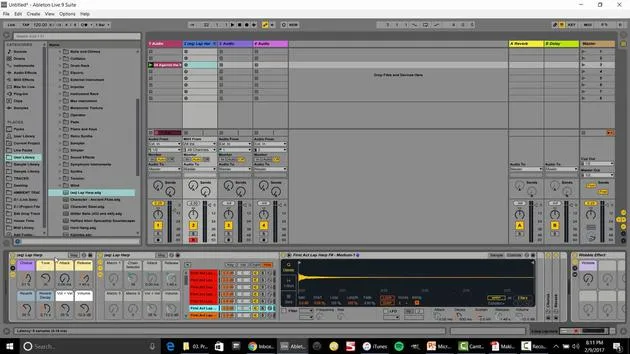
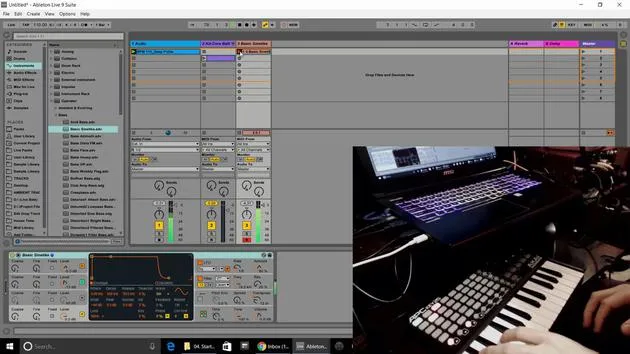
- Insert a MIDI track and select some type of bass from the instrument rack.
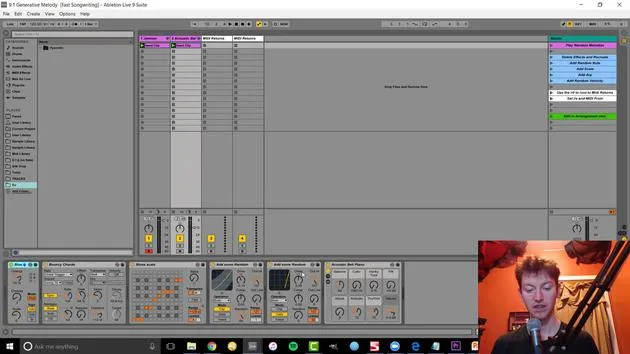
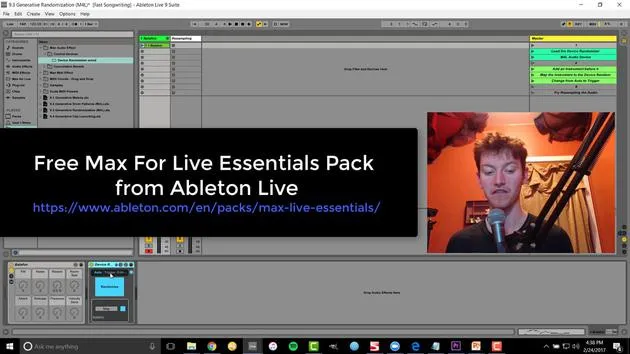
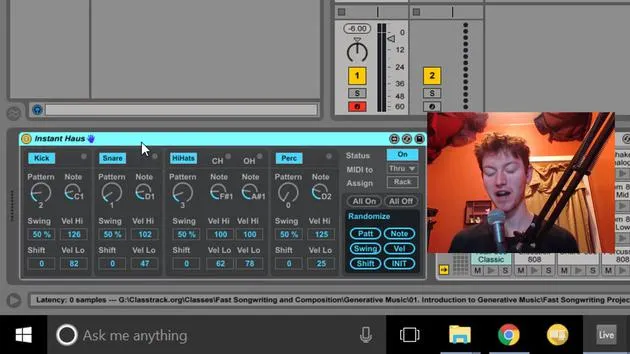
- Set up the device randomization.
- Write a bass sequence (for example, in F Lydian).
Observations:
- When we double the loop and activate randomization, we can hear a significant difference.
- Open up the parameters to create a very smooth curve over time.
Final Touches
One thing to note is that if you notice changes to the attack and other parameters, you may want to turn that off for clearer results.
Key Takeaway:
Editing is essential, whether bouncing to audio or tweaking parameters, to get exactly what you want out of the randomization.
Closing Thoughts:
These techniques are fantastic ways to make music. Think of generative music as another collaborator in the room. If you ever get stuck, just introduce some randomization, see what develops, record it, and edit. It might inspire you with ideas you wouldn't have come up with on your own.
There you go, some fun techniques that I love using in the studio!
19 leçons
2h 54m de leçons vidéo structurées
Fonctions vidéo avancées
Ralentissez, bouclez un passage, suivez la partition
Mobile, tablette et ordinateur
Pratiquez où vous voulez
Satisfaction garantie à 100 %
Garantie remboursement 30 jours
Rencontrez votre guru
Rencontrez votre guru
Isaac Cotec est, sans doute, l'un des meilleurs formateurs Ableton au monde ! Tout en travaillant sur sa propre musique, il a commencé à enseigner les techniques d'enregistrement, le design sonore et Ableton Live à des élèves particuliers et, depuis qu'il a obtenu sa certification d'Ableton Certified Trainer officiel, il a aidé des milliers de producteurs à passer un cap et à réussir comme musiciens.
Isaac a commencé à produire de la musique électronique en 2005 avec Psyche Sonics, un groupe expérimental travaillant sur la science et la recherche des binaural beats et la modification de la conscience par le son. Après avoir tourné, il a continué à écrire de la musique sous l'alias Cotec puis a émergé comme l'artiste Subaqueous, mêlant son passé électronique à des techniques de production à la fois futuristes et organiques. À ce jour, il a sorti 3 albums et 4 EPs.
Isaac est aussi le fondateur et le gérant du label Invibe Music, qui représente certains des meilleurs artistes de musique électronique du Pacific Northwest et se spécialise dans la dance midtempo.
Dans ses cours Ableton Live, Isaac partage les techniques de production, de design sonore et d'écriture qu'il a passé des années à affiner — les compétences mêmes qu'il utilise pour transformer l'étincelle d'une idée en un morceau fini.







