



Willkommen zum Kurs und Dovs Sicht auf Kreativität

Mit
Dov WatermanDov Waterman stellt den Kurs vor und teilt seine Sicht auf Kreativität und wie Logic Pro die Lücke zwischen den Ideen in deinem Kopf und der fertigen Musik verkleinern kann.
Das steckt im Kurs
10 Lektionen (0h 46m) · 1 gratis
01. Willkommen zum Kurs und Dovs Sicht auf Kreativität
Du bist hier3:29
02. Einführung in Workflow & Effizienz
1:30
03. Workflow und Effizienz
7:13
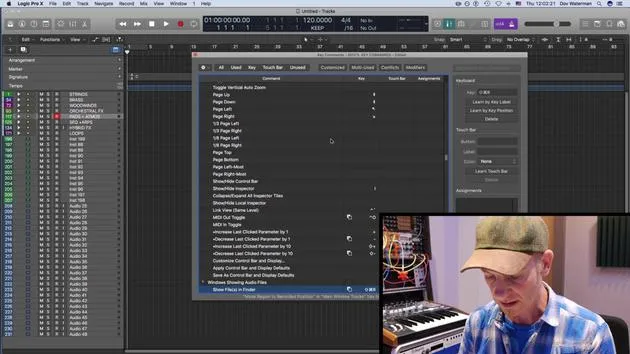
04. Tastenbefehle
6:04
05. Eine Klangpalette erstellen
4:02
06. Ein Template einrichten und speichern
4:30
07. Überblick über die Library und Channel-Strips
9:20
08. Die Werkzeugleiste
4:23
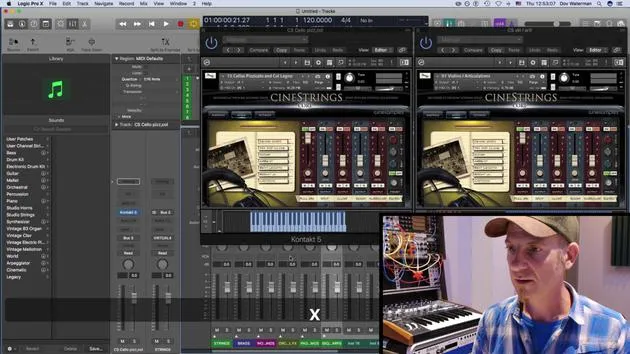
09. Screen-Sets
4:34
10. Aufgabe: Erstelle dein Template
1:18
Transkript der Lektion
The Creative Journey in Music Production
As creative people, we have a need to produce material that moves others and ourselves. As musicians and arrangers of music, we leverage our ability to play an instrument or help somebody else make music.
These days, the computer and relevant software are as much an artist's tool as the paintbrush and canvas were to a visual artist, or a score manuscript to a composer. Logic Pro is a piece of intelligent software that helps us produce the sounds we hear in our heads.
Bridging the Gap
The software has developed over time, becoming easier and simpler to use, but there's still a barrier between us and the virtual world of sound and computers. Our aim is to shorten the bridge between our ideas and their realization, smoothing out the technical barriers that get in the way of our creativity.
Key Concepts: Efficiency and Workflow
So how do we do this? Two key words you're going to be hearing from me over the course of our sessions are:
- Efficiency
- Workflow
By being efficient with the way you work, we can ensure a smooth flow of tasks, staying focused, working fast, and realizing those ideas the moment they enter our brains.
Like with any instrument, to work at this level, you need to put into practice certain elements to achieve this efficiency. This is as much a lesson in mindfulness and the theory of the human condition as it is a lesson in how to use Logic Pro.
Exploring Logic Pro
Logic has a plethora of features and ways to perform certain functions. Over time, you'll find the ones that benefit you. However, you do not need to become a "Logic ninja," or a "Pro Tools ninja," or an "Ableton ninja."
At an intermediate level, you should already know your way around the program. Understanding basic signal flow, how to connect a guitar, a mic, or a MIDI keyboard, etc., is crucial.
The challenge now lies in exploring the most efficient use of Logic's features to enhance your creative output and elevate your skills. For example, you will learn about:
- Shortcuts and key commands
- Setting up working templates for writing and mixing
- Delving into Logic's sound production tools
- Using MIDI and audio editing features to enhance your creations
All of these techniques are designed to help you stay in the zone.
Beyond Logic Pro
Other helpful practices might not be related to Logic at all. These are concepts you could learn from a life coach or a motivational speaker, such as:
- Visualization
- Experimentation
- Intent
You might be asking yourself, "Why am I here? I thought this guy was going to teach me Logic Pro." I'm going to teach you how to use Logic as a creative tool, and how to create with intent and not idly noodle.
When you are experimenting, I'll show you how to express yourself with the tools at your disposal. We'll spend time before you begin creating to develop a palette of sounds relative to your ideas.
Production Techniques
We'll go through various production techniques and learn to hear what our finished piece would sound like before it's finished.
However, because the creative impulse is so fleeting, it's vital that we can actually get music made when ideas come. As Denis Desantis states in his book Making Music, "above all else, music touches our soul, gives you goosebumps, and moves your listeners."
As such, music is a product, a material that takes time to craft, likewise honing the practices, tools, and concepts used to create it.
10 Lektionen
0 Std. 46 Min. strukturierte Videolektionen
Erweiterte Videofunktionen
Verlangsamen, Passagen loopen, mitlesen
Handy, Tablet & Desktop
Üben, wo du willst
100 % Zufriedenheitsgarantie
30 Tage Geld-zurück-Garantie
Lern deinen Guru kennen
Lern deinen Guru kennen
Dov Waterman ist Komponist, Pianist und Produzent. Er hat für Filme wie After Earth, Terminator Genisys, Transformers: The Last Knight und The Snowman Musik geschrieben und das Sounddesign gestaltet und arbeitet als Audio-Editor für Sample-Bibliotheken und Sounddesigner mit Firmen wie Native Instruments und SonoKinetic.
Seine Reihe Composition in Logic geht den Aufbau eines Tracks von Anfang bis Ende in Logic Pro durch – von Templates und Workflow über Synthese und Beat-Programmierung, MIDI-Effekte, Editing bis zum finalen Mix – für Produzenten, die ihre Ideen in fertige Tracks verwandeln möchten.







