



Einführung in Workflow & Effizienz

Mit
Dov Waterman
Das steckt im Kurs
10 Lektionen (0h 46m) · 1 gratis
01. Willkommen zum Kurs und Dovs Sicht auf Kreativität
Gratis-Lektion3:29
02. Einführung in Workflow & Effizienz
Du bist hier1:30
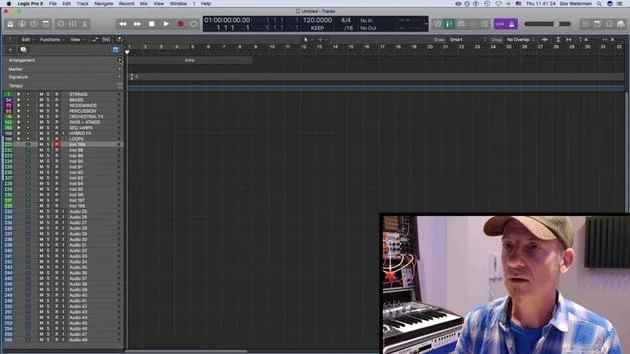
03. Workflow und Effizienz
7:13
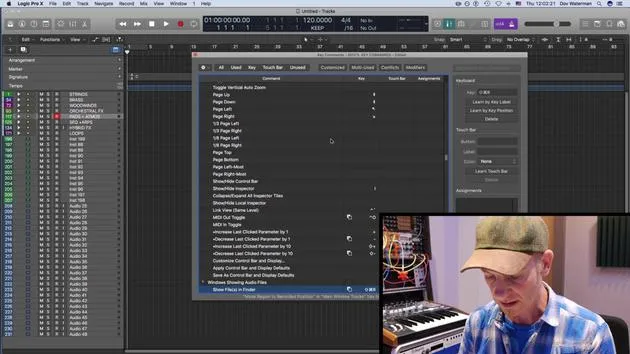
04. Tastenbefehle
6:04
05. Eine Klangpalette erstellen
4:02
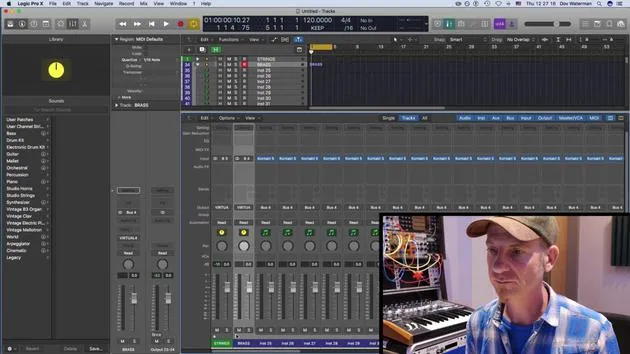
06. Ein Template einrichten und speichern
4:30
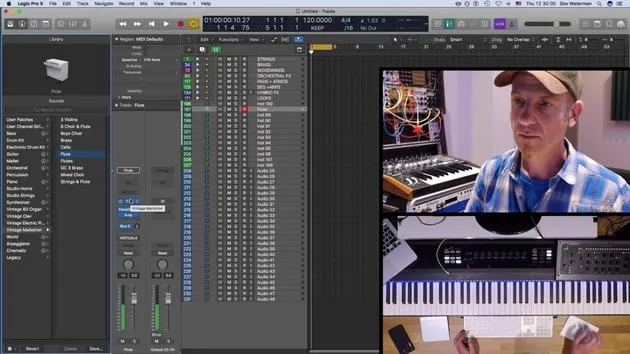
07. Überblick über die Library und Channel-Strips
9:20
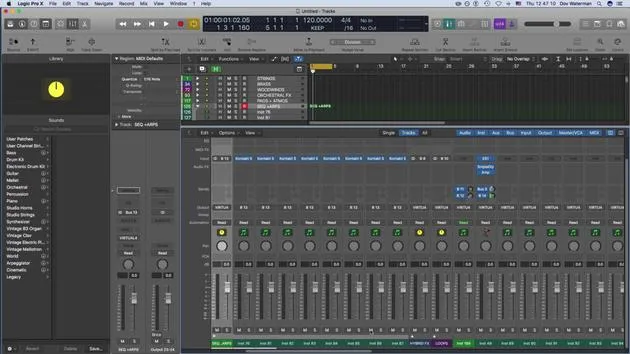
08. Die Werkzeugleiste
4:23
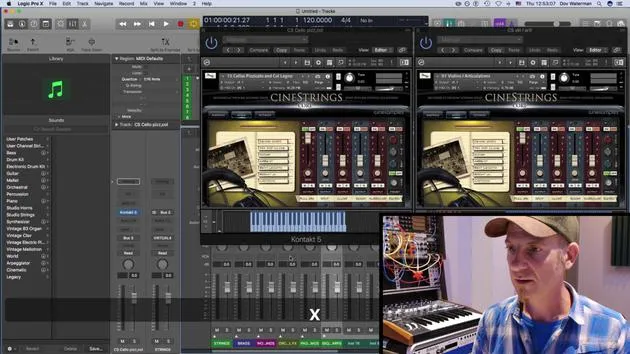
09. Screen-Sets
4:34
10. Aufgabe: Erstelle dein Template
1:18
Transkript der Lektion
Workflow and Efficiency in Logic
Welcome to this section of the course!
Overview
We're going to be talking about workflow and efficiency, specifically:
- Setting up logic to work for you
- Understanding the term "workflow" as work in flow
Session Goals
The point of this session is to:
- Set up your environment page
- The environment being the place where you're working, such as the arrange page and everything associated with it.
Key Concepts
We'll cover some basic concepts of logic, focusing on:
- Working smoothly within a single window environment
- Utilizing different panels and inspector views
- Customizing control panels, including:
- The toolbar panel
- The control bar panel
Customization Tips
By customizing these elements, you'll be able to:
- Access various parameters quickly
- Create a smoother workflow in your creative zone
Additional Topics
We'll also be covering:
- Setting up a template
- Building on the template
- Exploring key commands
- Customizing key commands
- Reviewing default key commands within Logic
Library Section
We'll take a look at the library section, focusing on:
- Creating a palette of sounds
- Generating your own sounds within the library
Screen Sets
Finally, we'll discuss screen sets to enhance your workflow.
Let's Get Started!
Ready to dive in? Let's get started!
10 Lektionen
0 Std. 46 Min. strukturierte Videolektionen
Erweiterte Videofunktionen
Verlangsamen, Passagen loopen, mitlesen
Handy, Tablet & Desktop
Üben, wo du willst
100 % Zufriedenheitsgarantie
30 Tage Geld-zurück-Garantie
Lern deinen Guru kennen
Lern deinen Guru kennen
Dov Waterman ist Komponist, Pianist und Produzent. Er hat für Filme wie After Earth, Terminator Genisys, Transformers: The Last Knight und The Snowman Musik geschrieben und das Sounddesign gestaltet und arbeitet als Audio-Editor für Sample-Bibliotheken und Sounddesigner mit Firmen wie Native Instruments und SonoKinetic.
Seine Reihe Composition in Logic geht den Aufbau eines Tracks von Anfang bis Ende in Logic Pro durch – von Templates und Workflow über Synthese und Beat-Programmierung, MIDI-Effekte, Editing bis zum finalen Mix – für Produzenten, die ihre Ideen in fertige Tracks verwandeln möchten.







