



Eine Klangpalette erstellen

Mit
Dov WatermanDov Waterman zeigt, wie du in Logic eine Klangpalette und eine Vorlage erstellst, damit deine bevorzugten Instrumente geladen und bereit sind, bevor du mit dem Komponieren beginnst.
Das steckt im Kurs
10 Lektionen (0h 46m) · 1 gratis
01. Willkommen zum Kurs und Dovs Sicht auf Kreativität
Gratis-Lektion3:29
02. Einführung in Workflow & Effizienz
1:30
03. Workflow und Effizienz
7:13
04. Tastenbefehle
6:04

05. Eine Klangpalette erstellen
Du bist hier4:02
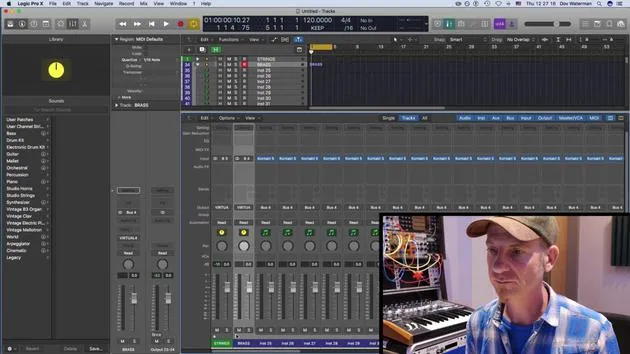
06. Ein Template einrichten und speichern
4:30
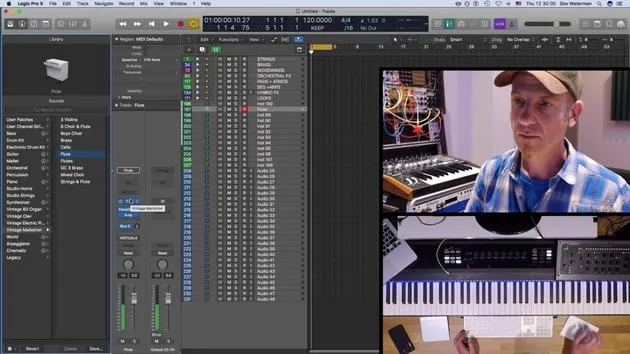
07. Überblick über die Library und Channel-Strips
9:20
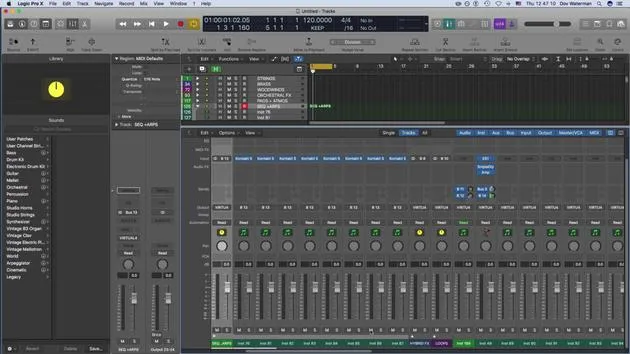
08. Die Werkzeugleiste
4:23
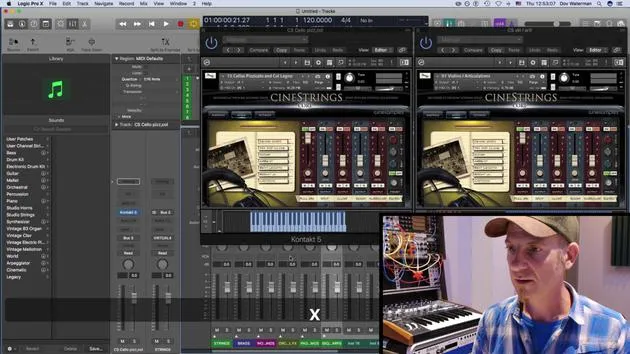
09. Screen-Sets
4:34

10. Aufgabe: Erstelle dein Template
1:18
Transkript der Lektion
Music Lesson: Understanding the Library Section and Templates
Introduction
Next topic we're going to look at is the library section. Part of our routine as composers and producers is to have sounds up and ready. Having these sounds accessible before you go into your creative zone is really important. This practice will save you a lot of time and hassle later when you're searching for the right sound.
Workflow Essentials
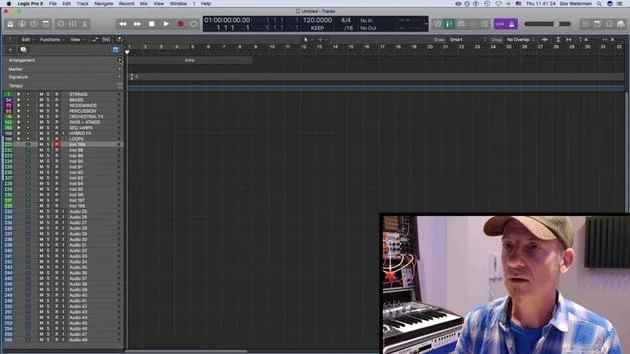
We've talked about key commands as one aspect of the workflow. Another very important aspect of maintaining a smooth workflow is setting up a template. A template consists of the sounds that we're going to use within our project.
The Role of Templates
- Definition: A template is essentially a shell that serves as a building block for our projects. It provides a common starting point for different projects.
- Composition: A template in Logic will consist of several components:
- Sounds: Default patches pulled up, whether they are instrument channel strips or audio channel strips.
- Channel Routing: Any routings to reverbs or other auxiliaries.
- Folder Tracks: Instruments and audio tracks can be organized into folder tracks. We will discuss folder tracks further on.
- Workspace Customization: This includes customization of your control bar, toolbar, and various other panels within Logic, along with the key commands that open these bars.
Sound Libraries and Palettes
Importance of Sound Libraries
The sounds used in a template often pertain to virtual instruments. The sound library in Logic houses:
- Logic Instruments: Such as the EX24, samplers, and other sound-producing instruments.
Creating Your Sound Palette
Creating your sound palette is intrinsic to utilizing the sound library:
- Saving Sounds: Logic allows you to save presets within instruments. You can also save the preset as a channel strip, including any plugin changes, into your sound library.
- User Patches: These get stored in user patches and folder tracks, distinct from the default patches that Logic already provides.
Consistency Across Projects
Starting to understand how all these elements can be part of your template is key. If you're working on multiple projects or an entire album, using a template can help ensure consistency in sound.
Conclusion
Within your template, you can utilize the sound library and all the sounds you have generated and saved, allowing you to save them as part of your overall template structure.
10 Lektionen
0 Std. 46 Min. strukturierte Videolektionen
Erweiterte Videofunktionen
Verlangsamen, Passagen loopen, mitlesen
Handy, Tablet & Desktop
Üben, wo du willst
100 % Zufriedenheitsgarantie
30 Tage Geld-zurück-Garantie
Lern deinen Guru kennen
Lern deinen Guru kennen
Dov Waterman ist Komponist, Pianist und Produzent. Er hat für Filme wie After Earth, Terminator Genisys, Transformers: The Last Knight und The Snowman Musik geschrieben und das Sounddesign gestaltet und arbeitet als Audio-Editor für Sample-Bibliotheken und Sounddesigner mit Firmen wie Native Instruments und SonoKinetic.
Seine Reihe Composition in Logic geht den Aufbau eines Tracks von Anfang bis Ende in Logic Pro durch – von Templates und Workflow über Synthese und Beat-Programmierung, MIDI-Effekte, Editing bis zum finalen Mix – für Produzenten, die ihre Ideen in fertige Tracks verwandeln möchten.







