



Importing successive queues, re-using settings and using Match Tracks
How to import the next cue in Pro Tools without losing your settings - using Import Session Data and Match Tracks to reuse tempo, markers and track layout.
What's in the course
16 lessons (1h 36m) · 1 free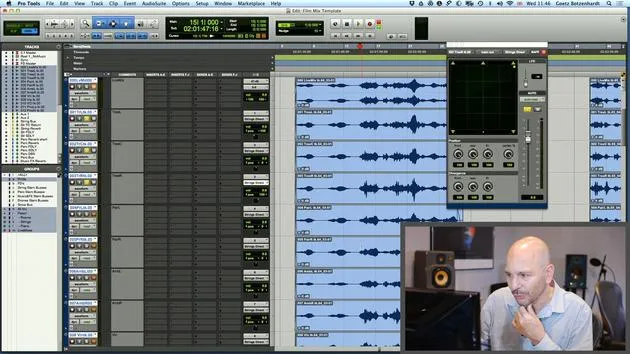
01. How to use both film footage and audio in Pro Tools
19:52
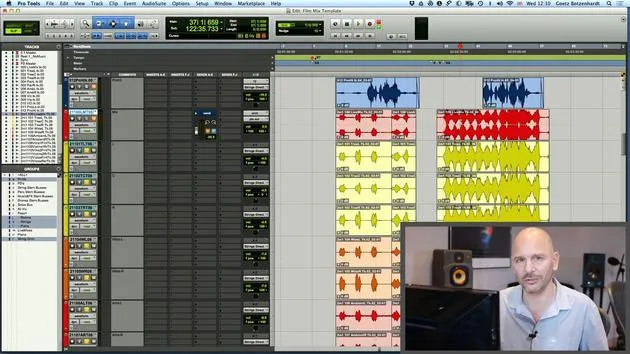
02. Importing an orchestral recording - key concepts
8:10
03. Stemming & Reverb
8:51
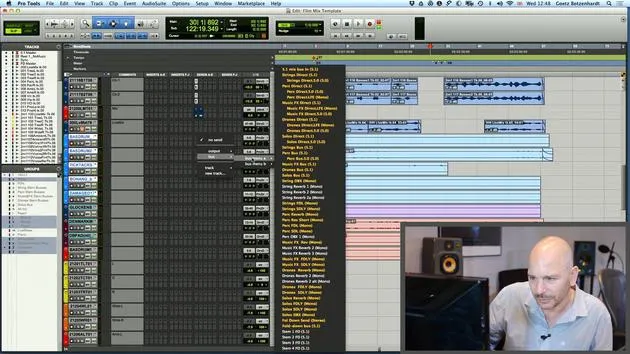
04. Adding more parts to the mix - percussive elements
4:33
05. The mixing process
6:35
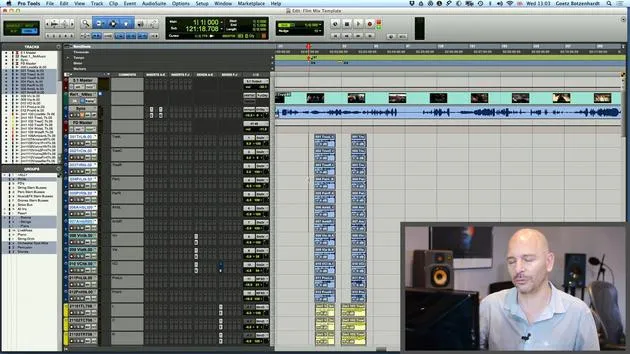
06. Dynamics & rides
3:08
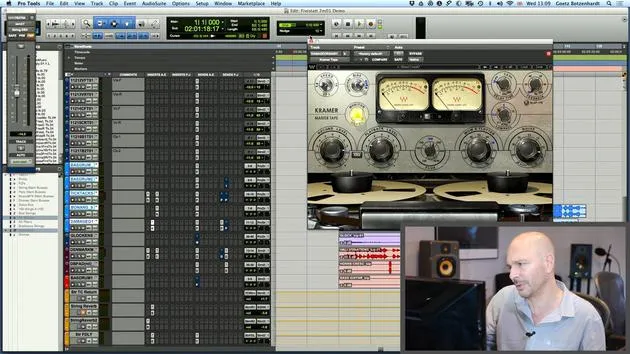
07. Walk-through of all Goetz's mixing on this score
5:02
08. ASSIGNMENT #2: CREATE A MIX
0:40
09. CHALLENGE #1: MIX TO FILM
0:55
Lesson transcript
Mixing the Next Cue in Pro Tools
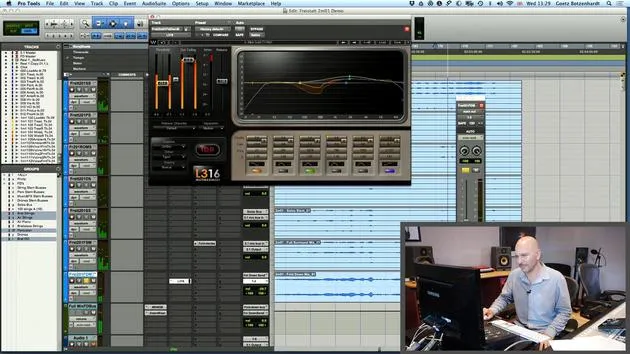
In this section, we will discuss how to efficiently mix the next cue in your film score using Pro Tools. Given that mixing each cue can be time-sensitive, leveraging Pro Tools' features is vital, especially for large orchestral sessions.
Importing the Next Cue
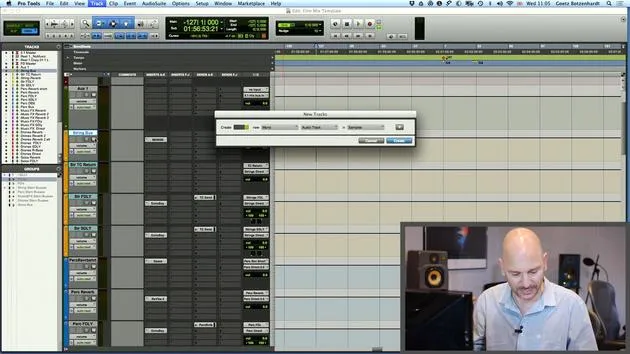
Once you've mixed the previous orchestral cues, it's crucial to retain your settings. You don't want to start from scratch. Pro Tools has an excellent function for this:
-
Import Session Data:
- Find your next cue.
- Open your session in Pro Tools and navigate to the Import Session Data option.
-
Using Match Tracks:
- For example, if you want to mix cues 2 and 4, open that session and go to the Import Session Data.
- Click on Match Tracks. This feature will automatically match tracks with the same names, selecting all similar tracks for you.
-
Importing Important Data:
- Make sure to import your cues and markers along with template information.
Important Note:
- Before proceeding, it's crucial to choose what you want to import. Check the pop-down menu and select None for the session already containing your desired settings.
- You only want to import the audio, as everything from your previous session, like volume, automation, outputs, and panning, should remain unchanged.
- Final Steps:
- After checking none, proceed to import by replacing existing playlists and consider importing alternate playlists for further editing.
- Check the first two items on the list: Alternate Playlist and Clips and Media.
- Hit OK and go to bar one. This may take a moment, but soon your audio for the next cue will be ready to go.
Additional Tips
- For orchestral sessions, anticipate that there may be sounds that haven't been used previously. As you progress, you'll find that many sounds will repeat.
- Although you'll need to adjust settings slightly, having a baseline will save you a significant amount of time.
Final Reminder
- Don't forget to save your session under a new name! Avoid saving over your previous work to prevent losing valuable progress.
In summary, using the Match Tracks feature in Pro Tools allows you to efficiently manage the mixing process, ensuring consistency and saving time as you work through your film score.
16 lessons
1h 36m of structured video lessons
Advanced video features
Slow down, loop a passage, follow along
Mobile, tablet & desktop
Practise wherever you are
100% satisfaction guarantee
30-day money-back guarantee
Meet your guru
Meet your guru
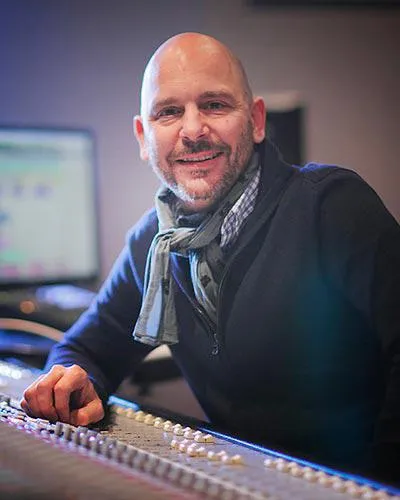
In the early nineties, Goetz Botzenhardt trained at Swanyard Recording Studios, assisting top producers like Flood, Alan Moulder and Tom Lord-Alge, and cut his teeth recording and mixing the dance and Acid Jazz bands of the 90s - Incognito, Galliano, Soul II Soul and many others.
At Swanyard he met Rollo Armstrong and the two quickly formed a creative partnership, leading to many big dance records and remixes and, soon after, to recording and mixing the first two acclaimed Faithless albums and Dido's multi-platinum 'No Angel'.
Ranging across genres, he recorded and mixed the Sugababes' debut album 'One Touch', including their first hit 'Overload', and has mixed for The Cardigans, Bjork, The Cinematic Orchestra, Craig David, the Pet Shop Boys and Hikaru Utada, one of Japan's most successful artists.
More recently he expanded into film and TV, working extensively with composers Christian Henson, Martin Phipps and Anne Nikitin, and mixing Daniel Pemberton's Golden Globe-nominated score for 'Steve Jobs', directed by Danny Boyle. Away from film he produced Tanita Tikaram's 'Closer to the People', mixed tracks for Sigala, Ella Eyre, Breton, Planet Funk and Tito Jackson, and in 2016 mixed Peabo Bryson's album with Jimmy Jam and Terry Lewis. A full list of his work is on his discography and filmography pages at goetz-botzenhardt.com.
Goetz works from his own studio and mix room, built around an SSL E4044 console, Adam 5.1 surround monitoring, a 48-channel Pro Tools HDX system and choice outboard gear. In his courses he takes you inside that room to show how he mixes across two very different worlds: in Mixing for Film & TV Score, how he balances and shapes orchestral and hybrid scores to serve the picture; and in Mixing Commercial Pop Music, how he builds punchy, radio-ready pop mixes from the multitrack up.







