



Preparing the mix: people and process
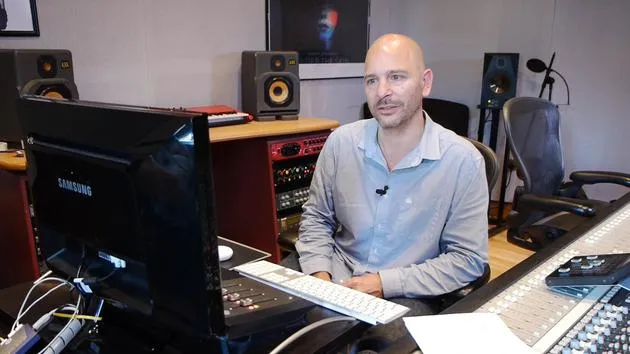
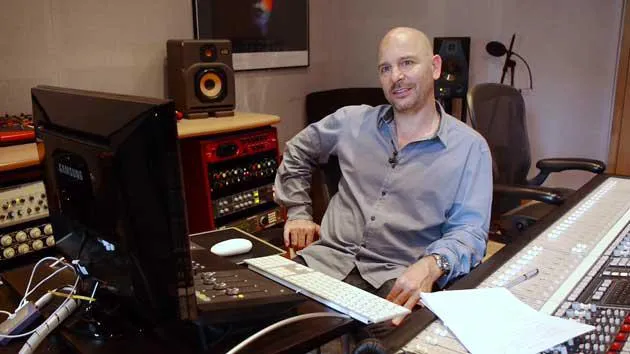
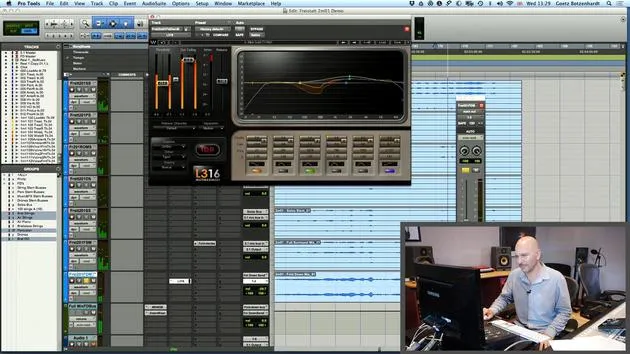
Goetz Botzenhardt covers what to sort out before a film-score mix: aligning with the composer, building a cue sheet, identifying your stems, and how to deliver to the dub.
What's in the course
16 lessons (1h 36m) · 1 free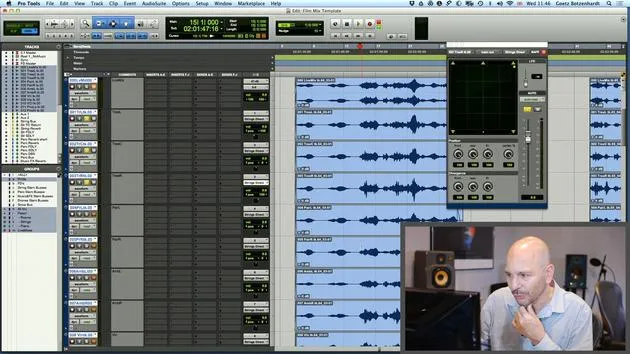
01. How to use both film footage and audio in Pro Tools
19:52
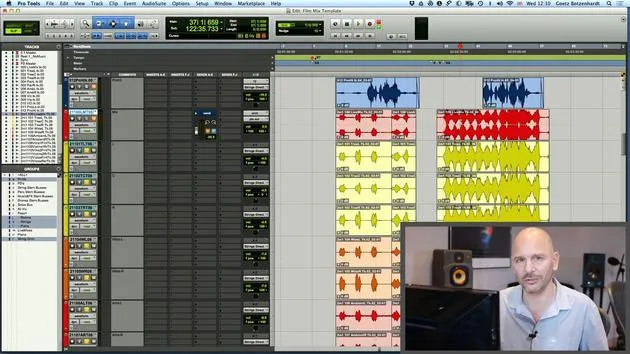
02. Importing an orchestral recording - key concepts
8:10
03. Stemming & Reverb
8:51
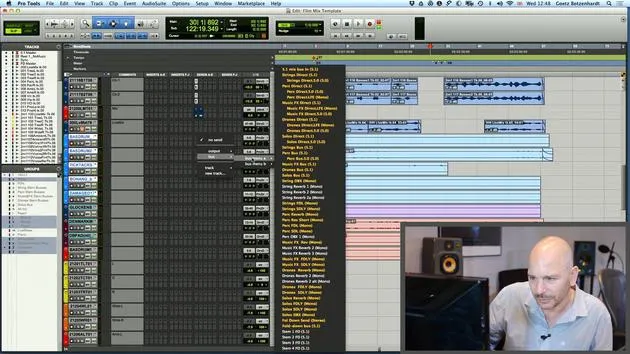
04. Adding more parts to the mix - percussive elements
4:33
05. The mixing process
6:35
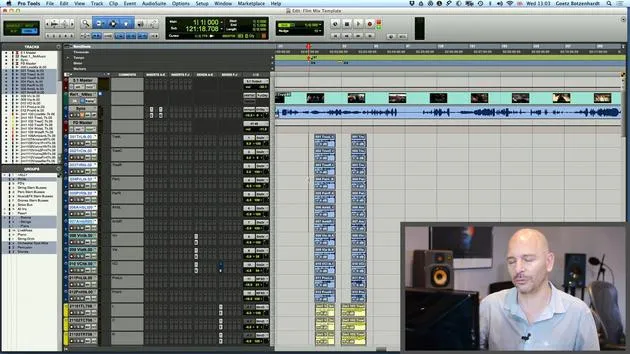
06. Dynamics & rides
3:08
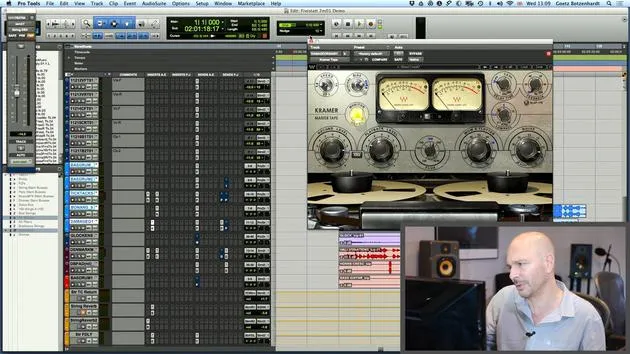
07. Walk-through of all Goetz's mixing on this score
5:02
08. ASSIGNMENT #2: CREATE A MIX
0:40
09. CHALLENGE #1: MIX TO FILM
0:55
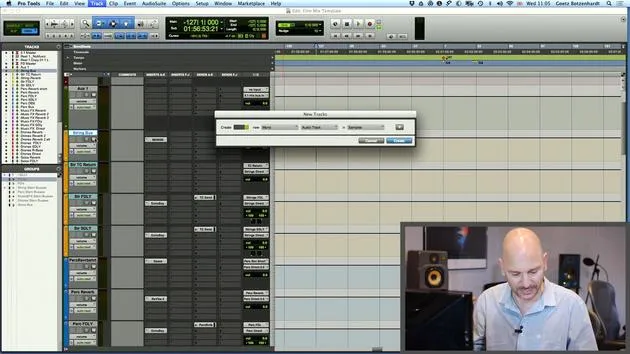
Lesson transcript
Mixing a Film Score: Preparation and Key Insights
Introduction
Welcome to the first part of our tutorial on how to mix a film score. Let's begin with your preparation.
Understanding Your Goals
Before you even load anything into Pro Tools, it's essential to think about what you want to achieve. This largely involves:
- Meetings with the Composer or Director: Engage in discussions about:
- The concept of the film
- The aesthetics of the film
- How the music will complement the visual elements
It's crucial to have a clear vision in your mind before you start mixing.
Working with the Composer
The composer is your most important collaborator. Their involvement can vary:
- They might attend the mixing sessions throughout the process.
- They may come in after you've mixed a few cues for reviews.
Your Role:
- Respect the composer's vision and expectations.
- Assist them in achieving their goals.
- Remember, you're the composer's right-hand man.
Teamwork in Film Production
Mixing a film score is a team effort involving:
- Composers
- Musicians
- Arrangers
Key Points:
- Be a team player; there's little room for ego.
- Collaboration is vital in achieving the best sound.
Cue Overview
Discussing cues with the composer or director is essential. Each piece of music is called a "cue," which can vary greatly:
- Length: Ranges from a few seconds to several minutes.
Tips:
- Create a list of how many cues there are.
- Identify key cues that feature the most important music, often played in scenes with minimal dialogue or sound effects.
Focus on these key cues first, as mastering their sound will set the tone for the rest of your mixing.
Understanding Stems
Stems are submixes of different groups of instruments. When finishing mixes, you will:
- Print the final mix in 5.1 surround or stereo.
- Print separate groups to allow for future adjustments.
Why Stems Matter:
- Stems enable music editors to make changes (e.g., removing drums) without returning to the original mix.
- A growing expectation in the industry is for you to provide stems.
Action Steps:
- Consult with the composer and possibly the director to determine the number and types of stems needed.
- Typically, you might have 5 stems, such as:
- Strings
- Percussion
- Solos
- Synthesizers or drones
- Sound effects
Delivery Format
Finally, confirm the format for delivering the session:
- Ensure the sample rate is correct.
- Have a dialogue with the dubbing team to confirm their expectations.
Recap of Key Points
- Talk to the Composer: Discuss the overall sound and your goals.
- Overview of Cues: Make a cue sheet listing all cues.
- Identify Key Cues: Focus on the order of mixing.
- Work Out Stems: Determine how many you need and what their groups will be.
- Delivery Specifications: Confirm how the session should be delivered to the dubbing team.
Let's get started with mixing!
16 lessons
1h 36m of structured video lessons
Advanced video features
Slow down, loop a passage, follow along
Mobile, tablet & desktop
Practise wherever you are
100% satisfaction guarantee
30-day money-back guarantee
Meet your guru
Meet your guru
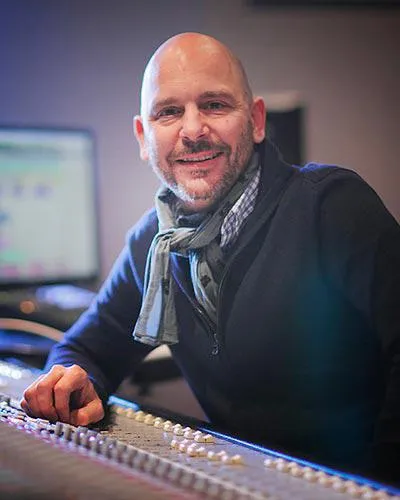
In the early nineties, Goetz Botzenhardt trained at Swanyard Recording Studios, assisting top producers like Flood, Alan Moulder and Tom Lord-Alge, and cut his teeth recording and mixing the dance and Acid Jazz bands of the 90s - Incognito, Galliano, Soul II Soul and many others.
At Swanyard he met Rollo Armstrong and the two quickly formed a creative partnership, leading to many big dance records and remixes and, soon after, to recording and mixing the first two acclaimed Faithless albums and Dido's multi-platinum 'No Angel'.
Ranging across genres, he recorded and mixed the Sugababes' debut album 'One Touch', including their first hit 'Overload', and has mixed for The Cardigans, Bjork, The Cinematic Orchestra, Craig David, the Pet Shop Boys and Hikaru Utada, one of Japan's most successful artists.
More recently he expanded into film and TV, working extensively with composers Christian Henson, Martin Phipps and Anne Nikitin, and mixing Daniel Pemberton's Golden Globe-nominated score for 'Steve Jobs', directed by Danny Boyle. Away from film he produced Tanita Tikaram's 'Closer to the People', mixed tracks for Sigala, Ella Eyre, Breton, Planet Funk and Tito Jackson, and in 2016 mixed Peabo Bryson's album with Jimmy Jam and Terry Lewis. A full list of his work is on his discography and filmography pages at goetz-botzenhardt.com.
Goetz works from his own studio and mix room, built around an SSL E4044 console, Adam 5.1 surround monitoring, a 48-channel Pro Tools HDX system and choice outboard gear. In his courses he takes you inside that room to show how he mixes across two very different worlds: in Mixing for Film & TV Score, how he balances and shapes orchestral and hybrid scores to serve the picture; and in Mixing Commercial Pop Music, how he builds punchy, radio-ready pop mixes from the multitrack up.







