



Importing an orchestral recording - key concepts
What's in the course
16 lessons (1h 36m) · 1 free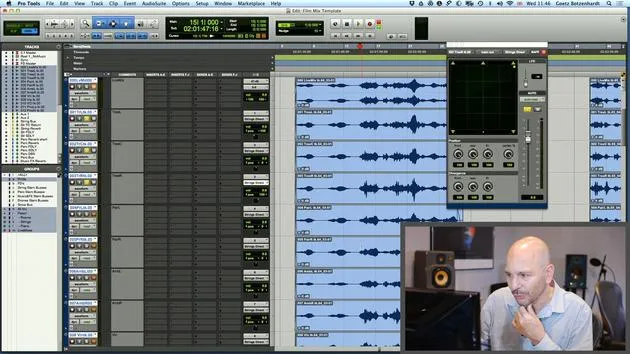
01. How to use both film footage and audio in Pro Tools
19:52
02. Importing an orchestral recording - key concepts
You are here8:10
03. Stemming & Reverb
8:51
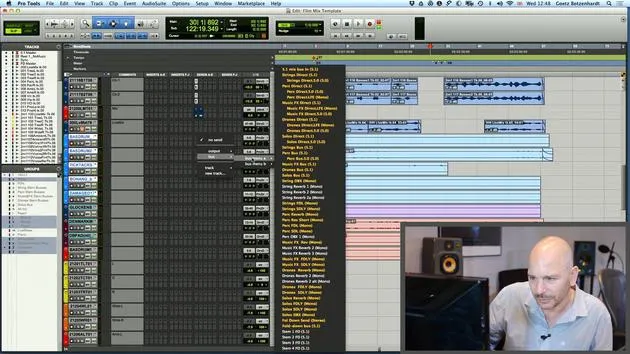
04. Adding more parts to the mix - percussive elements
4:33
05. The mixing process
6:35
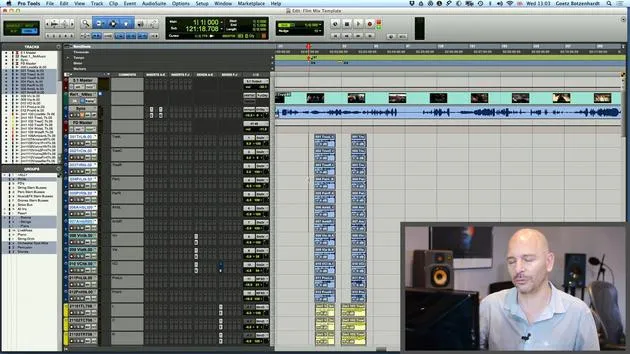
06. Dynamics & rides
3:08
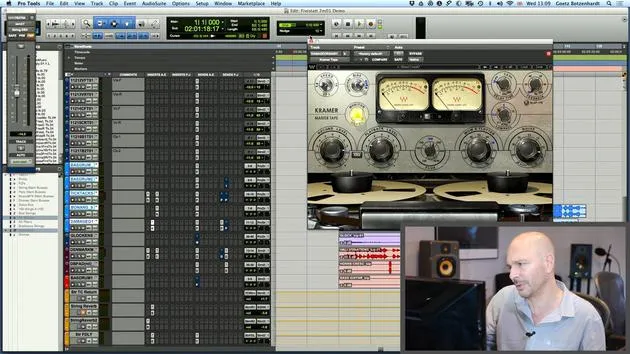
07. Walk-through of all Goetz's mixing on this score
5:02
08. ASSIGNMENT #2: CREATE A MIX
0:40
09. CHALLENGE #1: MIX TO FILM
0:55
Lesson transcript
Music Lesson: Importing Orchestra Tracks
Introduction
So, okay, now we're fairly happy with the way our recording sounds from the first lot. Let's bring in the next group of instruments!
Importing Session Data
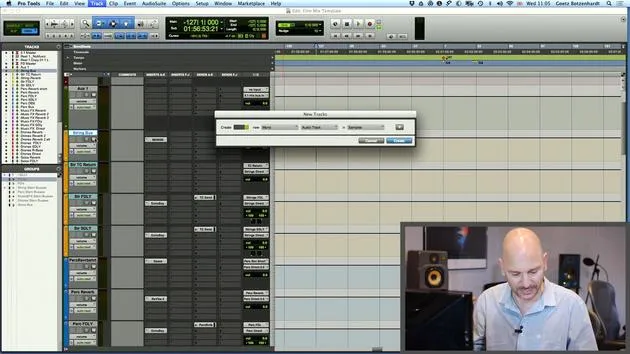
- We go back onto Import Session Data.
- We have another folder here called rollrecsessions, which is the studio in Bratislava.
- I'm going to find my queue and import this in again.
- They've done a good job with labeling their tracks.
Microphone Tracks
- We can see here
2ml1 100. This is where our microphones start. - Select all of these, but we don't need any of these because we've already done that.
Importing the Orchestra
- Now we're going to import our orchestra.
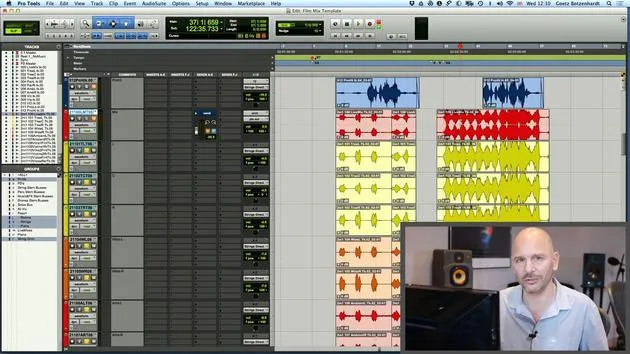
- It's nicely color-coded already!
Extra Tracks Explanation
You might wonder about the extra tracks down here. Here's a quick explanation:
- In orchestra sessions, they often record the orchestra more than once.
- They may do this for:
- Overdubs
- Extra voices
- Doubling to get a bigger sound
The recording engineer typically creates extra recording tracks beforehand. They always come into the session as well, but sometimes there's material on them, and sometimes there isn't. In this case, there isn't, so we don't have to worry about it.
Syncing with Pro Tools
Understanding Film Reels
- Just a quick explanation of how everything syncs up in our Pro Tools session.
- Usually, a film is divided into reels, with each reel typically between 15 and 20 minutes long.
In this case, let's check the length:
- This reel is 17 minutes long.
Placing the Movie in Pro Tools
- If you're not importing from another session, it's worth checking that your reel is positioned correctly.
- Look for the burnt-in timecode on your picture.
As we can see, this reel starts at:
- 1 hour, 59 minutes, and 50 seconds.
If your reel isn't already in the right place, select it, go to one spot, and type in that same value.
Syncing the Video
- Now, the start point of the reel is at 1 hour, 59 minutes, and 50 seconds.
- Make sure your video is placed correctly in your Pro Tools session.
Sync Adjustments
- Take spot off again.
- The sync usually starts at the same point where the reel begins.
Tip: If you hold Control and select the reel region, then click it with the hand tool, it'll snap to the right place.
Importing Material
- The other material you're loading in usually is in the right place already, as recording engineers work to the same sync templates.
- Protus has a helpful function for sync issues: it timestamps every file.
Timestamping Files
- Open this in the spotting dialog.
- If a file doesn't sit correctly, hit the arrow to snap it back to its original timestamp.
This feature is very helpful because once you lose a sync reference, it can be challenging to retrieve.
Loading in the Orchestra
Now that we've loaded in the orchestra, let's look at the channels again:
- We have a similar setup:
- Deca tree: pan left, centre right, wide tracks.
- We can blend them in the way we want.
Ambient and Spot Mics
- We also have the ambient tracks, which we need to pan to the back.
- Adjust that in the little square.
- The spot mics usually have panning done during the recording:
- Violins are over to the left.
- Violas are more central.
- Cellos and basses are more off to the right.
Balancing the Sound
Try to mirror the seating arrangement for accurate sound.
- I'm just going to have a quick listen now.
- I may need to adjust the ambient levels, taking time to balance everything up.
This balancing is a matter of taste regarding how dry or ambient you want the orchestra to sound.
Mixing Overview
Typically, you'll want a nice blend between:
- Spot mics
- Ambient mics
- Deca tree
In normal conditions, the deca tree is louder compared to all other signals.
Live Mix Consideration
If you wonder what this track is:
- This is the live mix.
It's typically a feed from the mixing desk during the recording session, capturing what they listened to while recording.
Final Adjustments
- We usually want to get the live mix tracks as far away as possible to avoid phasing issues caused by the signal passing through analog to digital conversion.
- I'm just going to hide that one and the top track which also says live mix track.
Conclusion
Thank you for following along with this lesson on importing orchestra tracks in Pro Tools!
16 lessons
1h 36m of structured video lessons
Advanced video features
Slow down, loop a passage, follow along
Mobile, tablet & desktop
Practise wherever you are
100% satisfaction guarantee
30-day money-back guarantee
Meet your guru
Meet your guru
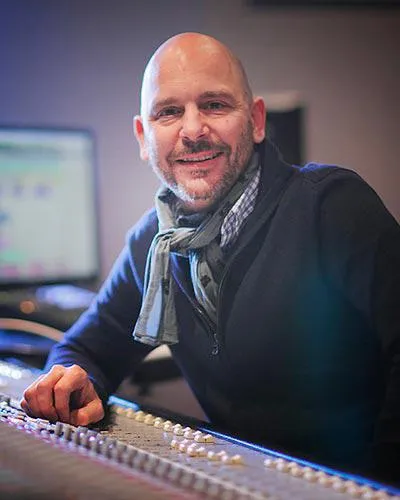
In the early nineties, Goetz Botzenhardt trained at Swanyard Recording Studios, assisting top producers like Flood, Alan Moulder and Tom Lord-Alge, and cut his teeth recording and mixing the dance and Acid Jazz bands of the 90s - Incognito, Galliano, Soul II Soul and many others.
At Swanyard he met Rollo Armstrong and the two quickly formed a creative partnership, leading to many big dance records and remixes and, soon after, to recording and mixing the first two acclaimed Faithless albums and Dido's multi-platinum 'No Angel'.
Ranging across genres, he recorded and mixed the Sugababes' debut album 'One Touch', including their first hit 'Overload', and has mixed for The Cardigans, Bjork, The Cinematic Orchestra, Craig David, the Pet Shop Boys and Hikaru Utada, one of Japan's most successful artists.
More recently he expanded into film and TV, working extensively with composers Christian Henson, Martin Phipps and Anne Nikitin, and mixing Daniel Pemberton's Golden Globe-nominated score for 'Steve Jobs', directed by Danny Boyle. Away from film he produced Tanita Tikaram's 'Closer to the People', mixed tracks for Sigala, Ella Eyre, Breton, Planet Funk and Tito Jackson, and in 2016 mixed Peabo Bryson's album with Jimmy Jam and Terry Lewis. A full list of his work is on his discography and filmography pages at goetz-botzenhardt.com.
Goetz works from his own studio and mix room, built around an SSL E4044 console, Adam 5.1 surround monitoring, a 48-channel Pro Tools HDX system and choice outboard gear. In his courses he takes you inside that room to show how he mixes across two very different worlds: in Mixing for Film & TV Score, how he balances and shapes orchestral and hybrid scores to serve the picture; and in Mixing Commercial Pop Music, how he builds punchy, radio-ready pop mixes from the multitrack up.







