



Exercises in Composition

With
Isaac CotecIsaac Cotec shows how to break a track into its parts, intro, verse, pre-chorus, chorus and bridge, using labelled MIDI clips in Ableton Live, with an example Live Set to download.
What's in the course
19 lessons (2h 54m) · 1 free
Lesson transcript
Music Composition Exercises
In this video, we're going to be showing off some exercises in composition and how we can really start applying this information to the different parts of a composition while looking at it in our own music.
Activity Overview
- Evaluating Other Tracks: We'll break down various parts of a track to understand how they work and how we can rearrange them.
Example Breakdown
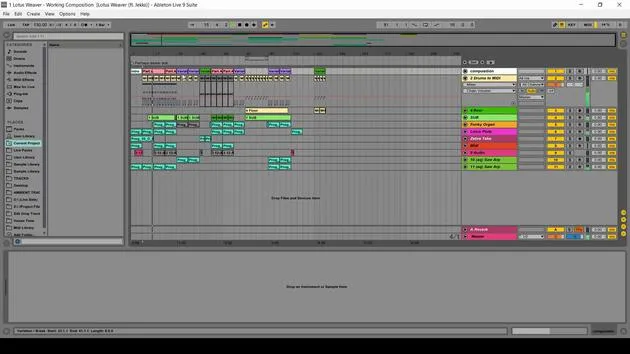
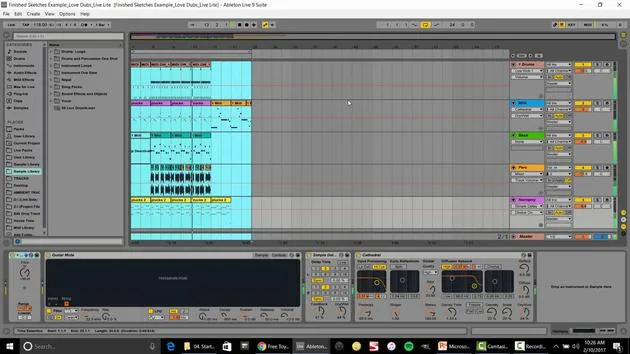
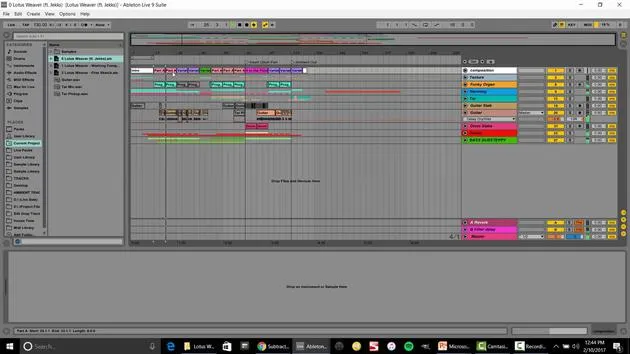
As an example, I have a track from my project Subaqueous, where I collaborated with Michael Miracle, an amazing piano player and teacher.
MIDI Track Setup
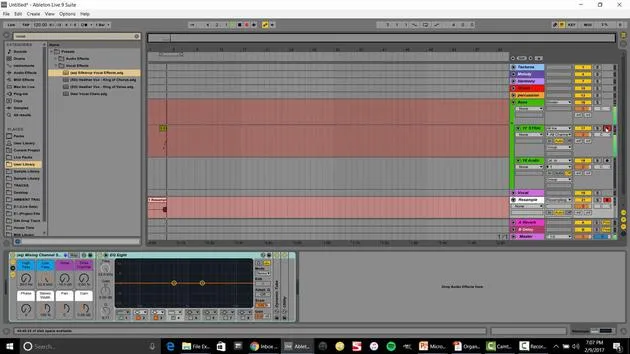
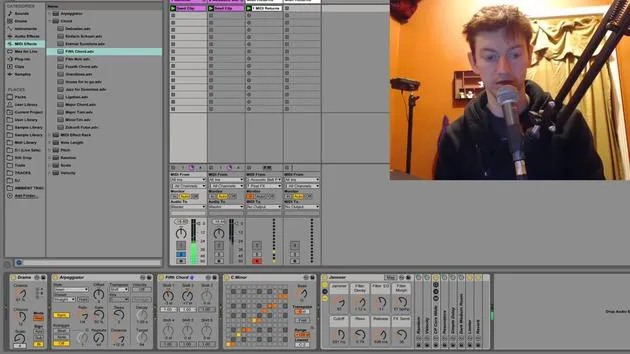
- At the top, I have a MIDI track with clips that help me label and color-code the composition:
- Intro: The opening of the track
- Verse: This tells the story of the track
- Solo Variation: More movement in this section
- Pre-Chorus: A great example of transitioning into the chorus, featuring a chord change
Let's listen again to highlight how the pre-chorus sets up the energy for the chorus. You'll notice that the chorus has significantly more energy than the verse.
Transitioning Between Sections
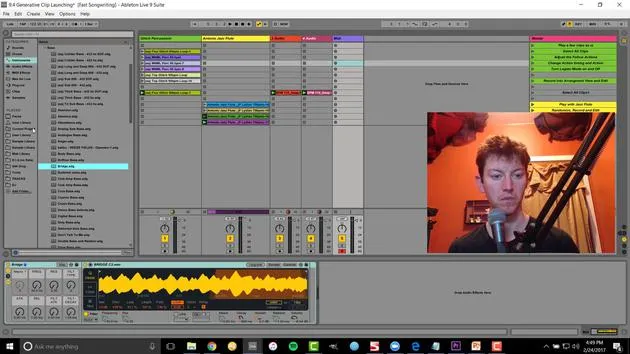
- We also look at a solo that leads back into the pre-chorus, before moving into a completely different section called the Bridge.
- The bridge features:
- A complete scale change
- Different feel and drums
From there, we return to the pre-chorus and then the chorus, concluding the track.
Hopefully, this gives you a clearer idea of the different parts and their functions within your own music.
Evaluating a Track From Scratch
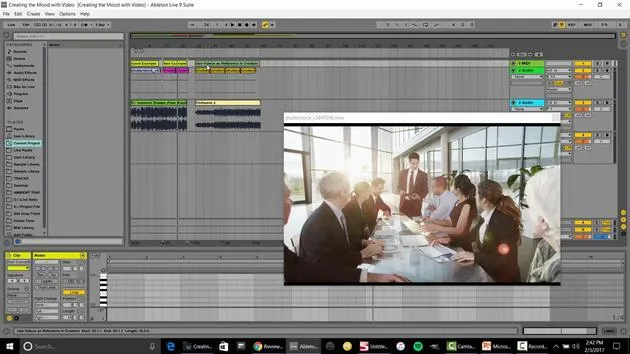
Now, let's take it a step deeper and evaluate another track from scratch, showing you how to set this up with the MIDI track located at the top.
Exercise with Your Favorite Musicians
- Import a track into Ableton Live.
- Set up a 'sketch' for its composition.
- You can right-click to insert a MIDI track. I already have one ready at the top.
Steps for Composition Setup
- Select an Area: Right-click to insert MIDI.
- Call this Intro.
- Add Beats: Insert another MIDI track called Intro Beats.
- Label the Verse: Color-code the sections clearly.
- Identify Variations: Name it based on the component you recognize (e.g., Verse, Variation).
- Label Parts: You might see a part without a traditional chorus; label it as Part B.
Here's how it starts taking shape:
- Outro: Drag over, name this section, and you're done!
The Benefits of This Approach
Now, you can easily see the movement over time. A cool advantage of this setup is the ability to move various parts around with ease.
Example of Moving Parts
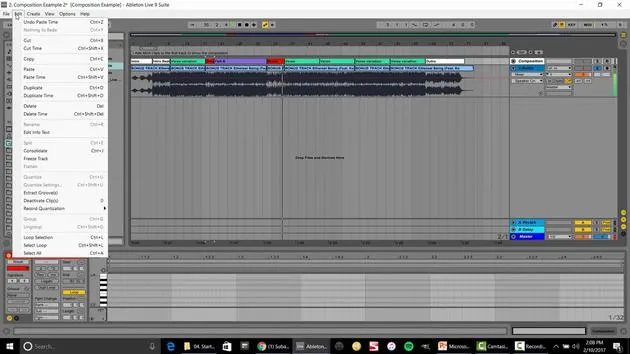
- Select the Verse:
- Edit → Cut Time
- Edit → Paste Time
- Now, you can creatively rearrange to form a very different composition:
- For instance, cut and paste sections to change the flow and energy.
Additional Resources
At the top, we have our composition setup. Now, I can grab this and drag it into any project, saving it as Composition Ethereal.
I've also created a large collection of different compositions available for you to download. This includes pre-made MIDI tracks from:
- Pop Music
- Radiohead
- Coldplay
- Emancipator (chill-out electronic)
Using the Composition Toolkit
Once you have it downloaded:
- Open the toolkit: Hit the little square to access.
- Drag and drop: Use them as templates for your own compositions.
Activity Suggestion
I highly suggest that you:
- Go through your favorite tracks
- Import them into Live
- Develop a composition MIDI track
- Save it into your composition toolkit library
This will help build a palette of music that inspires you for your production.
Conclusion: Changing Compositions
As one more example, let's change a composition similar to what we've just done. If you have Live Standard or Suite, you can perform these exercises, but unfortunately not with Live Lite.
Composition Example
-
Identify and label:
- Parts A, B, and C for clear separation
- Left space for adjustments
-
Experiment:
- Duplicate and paste different sections to see how they change the overall track.
- This exercise can yield surprising results and enhance your composition skills.
By experimenting with these techniques, you're not just remixing, you're actively practicing and enhancing your toolkit for composition.
19 lessons
2h 54m of structured video lessons
Advanced video features
Slow down, loop a passage, follow along
Mobile, tablet & desktop
Practise wherever you are
100% satisfaction guarantee
30-day money-back guarantee
Meet your guru
Meet your guru
Isaac Cotec is, arguably, one of the best Ableton trainers in the world! While working on his own music, he began teaching recording techniques, sound design, and Ableton Live to private students, and since earning his certification as an official Ableton Certified Trainer he has helped thousands of producers step up their game and succeed as musicians.
Isaac started producing electronic music in 2005 with Psyche Sonics, an experimental group working with the science and research of binaural beats and altering consciousness through sound. After touring, he continued writing music under the alias Cotec and later emerged as the artist Subaqueous, blending his electronic past with both future and organic production techniques. To date, he has released 3 albums and 4 EPs.
Isaac is also the founder and manager of the record label Invibe Music, which represents some of the Pacific Northwest's best electronic music and specialises in midtempo dance music.
In his Ableton Live courses, Isaac shares the production, sound design and songwriting techniques he has spent years refining - the very skills he uses to turn a spark of an idea into a finished track.







