



Einen Sketch aufbauen

Mit
Isaac CotecIsaac Cotec zeigt zwei Wege, einen Track-Sketch in Ableton Live zu beginnen - nach einem Plan zu arbeiten oder die Ideen und die Stimmung frei fließen zu lassen.
Das steckt im Kurs
19 Lektionen (2h 54m) · 1 gratis
Transkript der Lektion
Music Lesson: Building a Sketch
In this video, I'm going to start off with some tips and tricks around building a sketch.
Two Approaches to Making Music
When I sit down, I generally think of making music in two ways:
-
Analytical Approach (The Agenda)
- I have a goal in mind.
- Example:
- The song will be about "X" (e.g., a sunset on the beach).
- It will be of a certain style (e.g., a nice house-type beat).
- It might follow specific requirements, such as form (e.g., will it be five minutes long? Will it emulate certain artists I like?).
-
Flowing with Ideas
- I just let it unfold naturally.
- I allow the ideas and mood to direct the song.
- I stay unrestricted by scale or requirements.
Both approaches are valid and can lead to successful outcomes. However, I find that the second way, the flow, is often more enjoyable and leads to a final product that I prefer.
"It always starts off not sounding great because you're playing with ideas and building a sketch."
A sketch is not perfect sounding; its purpose is to get the creative juices flowing and start the process.
The Pyramid of Sketch Building
I think of a pyramid that represents the foundations of music and writing a sketch:
-
Efficient Techniques:
- Start with a rhythm and drums.
- Move to bass or rhythmic melody.
- Proceed to harmony, vocal, leads, and effects.
-
Common Missteps:
- Avoid starting with effects at the top.
- Just because you throw a bunch of effects on something doesn't mean it's a good composition.
"Think of it like meatloaf covered in chocolate, just because you added chocolate doesn't make it taste good."
The essence is to build ideas, use different sounds, instruments, and melodies until something good emerges. Once that's solid, then you can put the icing on top.
Building a Sketch
As an example, let's build a sketch together.
-
Starting with Drums:
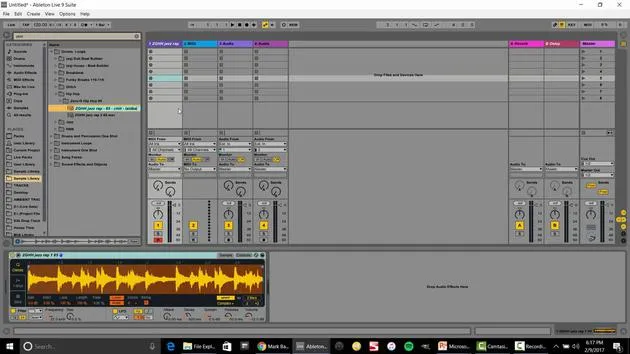
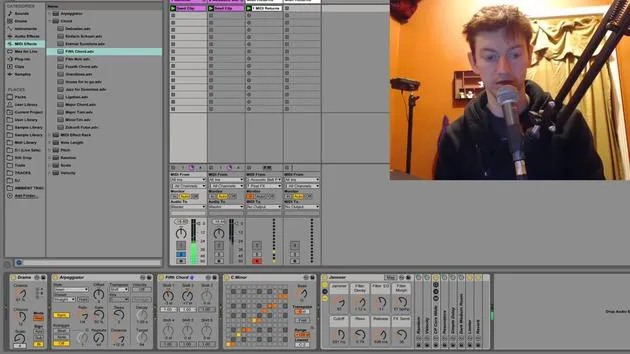
- Use Ableton Live to create a basic drum loop.
- I have a sample ready, let's start with that.
-
Creating a Drum Rack:
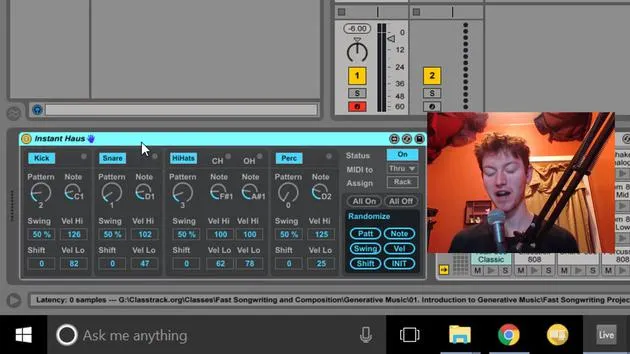
- I'll select a kick and a hi-hat to get a basic beat.
- Play with velocity for better dynamics.
-
Adding Bass and Rhythmic Ideas:
- Insert a MIDI track for bass, utilizing instruments like Operator.
- Record a bass line, aligning it to maintain good timing.
-
Incorporating Harmony:
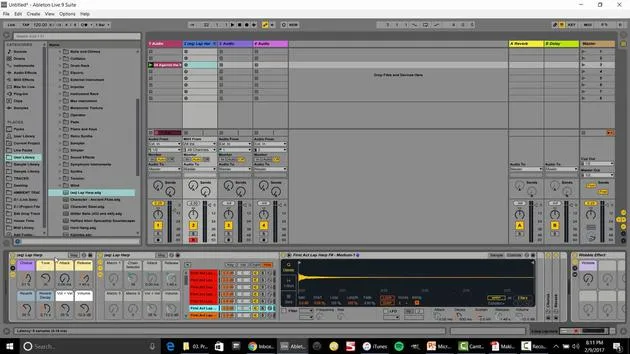
- Add a MIDI track for a pad or harmony.
- Quantize and adjust timing for a cleaner sound.
-
Adding Vocals or Leads:
- Choose a synth lead; experimenting is key!
-
Exploring Effects:
- Start considering effects once the foundational elements are set.
This entire process can be done quickly, giving you a sketch to work from.
Workflow Tips
-
Session View vs. Arrangement View:
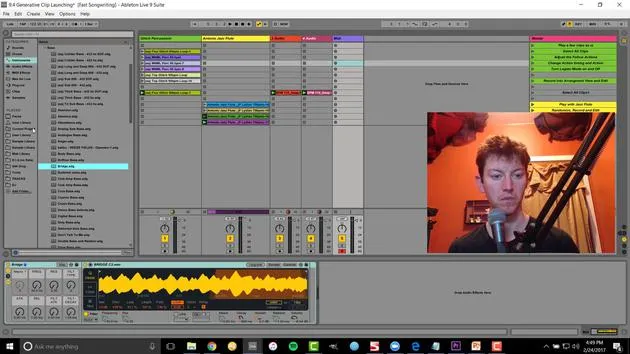
- Session View is great for recording and looping, very fluid and live.
- Arrangement View is better for more complex compositions or specific structural needs.
-
Quick Tips for Creating Sketches:
- Time Yourself: Aim to create sketches every hour.
- Good Note-taking: Name your clips and color-code MIDI notes.
- Sketch Completion: A sketch is done when you're starting to feel excited about it.
- Limit Ideas: Keep each sketch to one or two ideas to maintain focus.
By practicing these methods, you can significantly improve your workflow and make the process of sketching ideas more enjoyable. It can lead to increased production speed and creativity.
Now, go ahead and start producing sketches! You'll see that it enhances your workflow immensely and is a super fun way to start building ideas.
19 Lektionen
2 Std. 54 Min. strukturierte Videolektionen
Erweiterte Videofunktionen
Verlangsamen, Passagen loopen, mitlesen
Handy, Tablet & Desktop
Üben, wo du willst
100 % Zufriedenheitsgarantie
30 Tage Geld-zurück-Garantie
Lern deinen Guru kennen
Lern deinen Guru kennen
Isaac Cotec ist wohl einer der besten Ableton-Trainer der Welt! Während er an seiner eigenen Musik arbeitete, begann er, Privatschülern Aufnahmetechniken, Sounddesign und Ableton Live beizubringen, und seit seiner Zertifizierung als offizieller Ableton Certified Trainer hat er Tausenden von Produzenten geholfen, ihr Niveau zu steigern und als Musiker erfolgreich zu sein.
Isaac begann 2005 mit Psyche Sonics elektronische Musik zu produzieren, einer experimentellen Gruppe, die sich mit der Wissenschaft und Erforschung binauraler Beats und der Bewusstseinsveränderung durch Klang beschäftigte. Nach dem Touren schrieb er weiter Musik unter dem Alias Cotec und trat später als Künstler Subaqueous hervor, der seine elektronische Vergangenheit mit zukunftsgewandten wie organischen Produktionstechniken verband. Bis heute hat er 3 Alben und 4 EPs veröffentlicht.
Isaac ist außerdem Gründer und Manager des Plattenlabels Invibe Music, das einige der besten Elektronik-Künstler des Pacific Northwest vertritt und sich auf Midtempo-Dance-Musik spezialisiert.
In seinen Ableton-Live-Kursen teilt Isaac die Produktions-, Sounddesign- und Songwriting-Techniken, die er über Jahre verfeinert hat – genau jene Fähigkeiten, mit denen er aus dem Funken einer Idee einen fertigen Track macht.







