



Subtraction Arrangement Activity

With
Isaac CotecIsaac Cotec walks through the subtractive arrangement activity: laying your clips across the timeline and removing elements to build an arrangement, a staple of house and EDM.
What's in the course
19 lessons (2h 54m) · 1 free
Lesson transcript
Subtractive Arrangement Activity
In this video, we're going to be looking at the Subtractive Arrangement activity that I put together to showcase different ideas around composition.
What is Subtractive Arrangement?
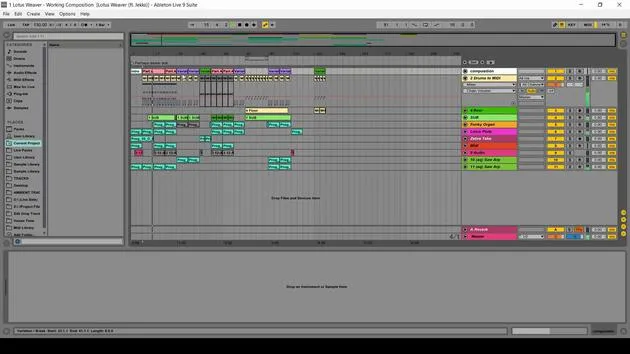
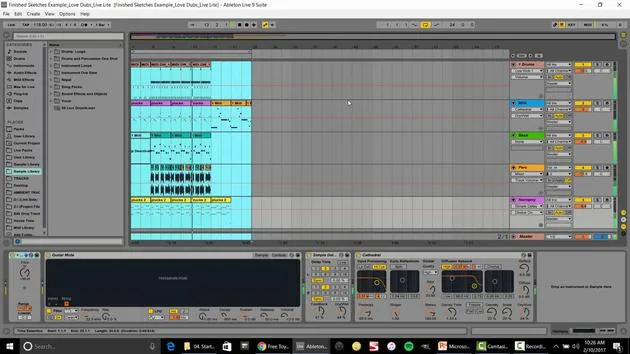
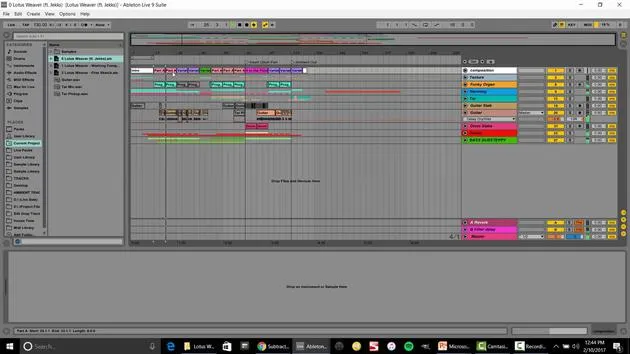
Subtractive Arrangement is where you take some ideas, sketches, and clips that you have already created, place them over your timeline, and then remove elements at certain points to create your arrangement.
Characteristics
- This is a very simple type of arrangement that is commonly used in electronic music, such as house and EDM.
- It's an effective way to illustrate how to write a composition in Ableton Live.
Starting the Project
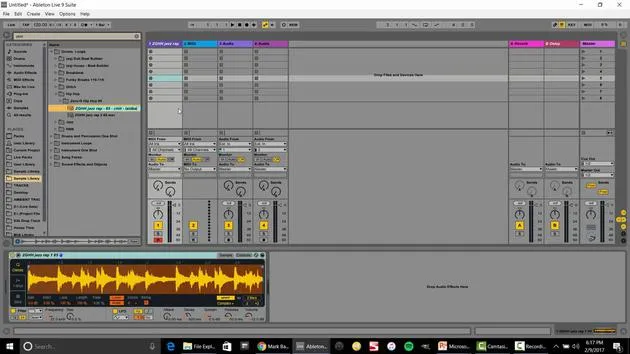
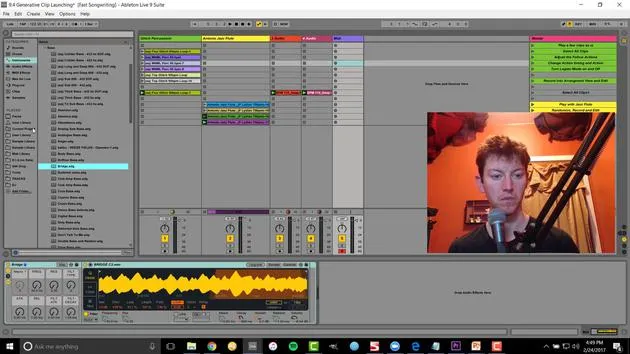
I have an Ableton Live pack called Subtractive Arrangement Project right here. If I open that up, I've got three different choices:
- Deep House
- Glitch Step
- Indy Trap
I wanted to provide you with three different versions so that you can experiment with those genres and sounds that you might prefer.
Example: Deep House
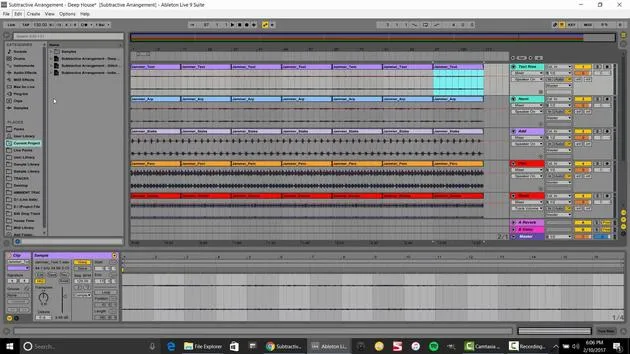
The one that I have loaded up here is the Deep House. Let's go ahead and play that.
Now, if this kept going with all these samples playing at the same time, it would get kind of old. That's where Subtractive Arrangement comes in.
Steps for Subtractive Arrangement
-
Select and Duplicate Ideas
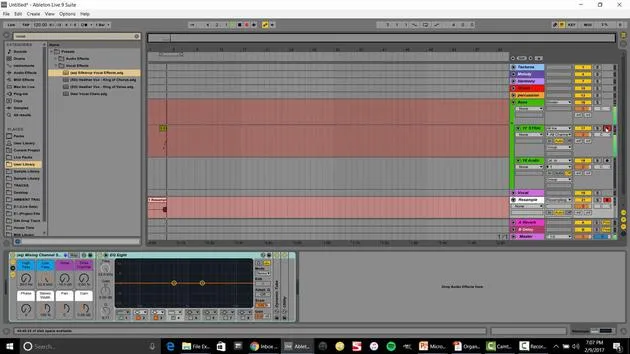
- Select all these and duplicate them by using Control + D.
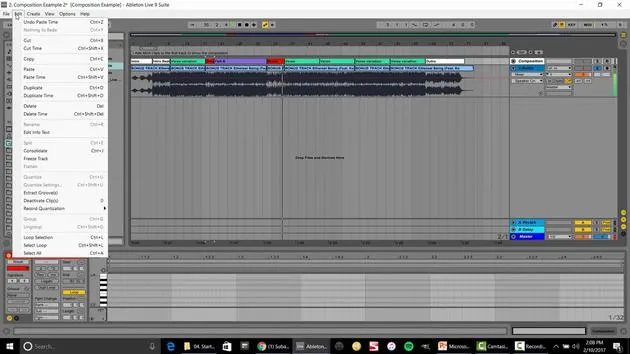
- Alternatively, go to Edit > Duplicate Time, and you can repeat this action as many times as needed.
-
Adjust the Waveform View
- You might not need to see the waveform all that much, so you can shrink it a little bit.
-
Cut Time and Remove Elements
- Start with no drums; let's not even have the kick.
- Cut that time so you just have that part and remove:
- The bass
- The stab
- The percussion
Let's save those for a more important time when we want more energy. This is a slow buildup type of track, which is why you generally see this technique more in EDM.
-
Building the Arrangement
- In the next section, break it down further by selecting and cutting time.
- Consider ending by removing parts, while bringing back the kick.
- You can fast forward, continue the kick, and take out the bass.
Final Thoughts
That's the idea behind the Subtractive Arrangement. It's a straightforward way to build your skills around arrangement by removing parts from what began as a simple loop. This method allows for greater variation and buildup by separating those elements.
Next Steps
If you wanted to take this a step further, you could start producing by:
- Bringing in new drums in different sections
- Creating a new bass line in another section
By doing so, you can begin to fill out that composition.
Additional Projects
Like I mentioned, there are different tracks available. I'm going to open the other two:
- Glitch: This one has a very different sound.
- Indy Trap: Another variation to explore.
These are all songs that I've created for different projects. For example, this one is from my Silk Drop project with a vocalist, but I took out the vocals to provide you with some variation to play with.
Enjoy experimenting with those stems and samples!
19 lessons
2h 54m of structured video lessons
Advanced video features
Slow down, loop a passage, follow along
Mobile, tablet & desktop
Practise wherever you are
100% satisfaction guarantee
30-day money-back guarantee
Meet your guru
Meet your guru
Isaac Cotec is, arguably, one of the best Ableton trainers in the world! While working on his own music, he began teaching recording techniques, sound design, and Ableton Live to private students, and since earning his certification as an official Ableton Certified Trainer he has helped thousands of producers step up their game and succeed as musicians.
Isaac started producing electronic music in 2005 with Psyche Sonics, an experimental group working with the science and research of binaural beats and altering consciousness through sound. After touring, he continued writing music under the alias Cotec and later emerged as the artist Subaqueous, blending his electronic past with both future and organic production techniques. To date, he has released 3 albums and 4 EPs.
Isaac is also the founder and manager of the record label Invibe Music, which represents some of the Pacific Northwest's best electronic music and specialises in midtempo dance music.
In his Ableton Live courses, Isaac shares the production, sound design and songwriting techniques he has spent years refining - the very skills he uses to turn a spark of an idea into a finished track.







