



Generative Clips and Audio

With
Isaac CotecIsaac Cotec shows how to use Ableton's follow actions and launch modes to randomise audio clips and generate fresh percussion loops and ideas.
What's in the course
19 lessons (2h 54m) · 1 free
Lesson transcript
Generative Clip Launching: A Fun Approach to Percussion Ideas
Alright! The last trick I'd like to show off is generative clip launching. This is a really fun way to come up with new percussive ideas.
The Concept
The idea here is using randomization between clips. We have a logical constraint with the clips we're using, specifically, we're selecting ones that work well together. Then, we'll edit the final outcome to discover a new percussion sound that we like.
Getting Started
-
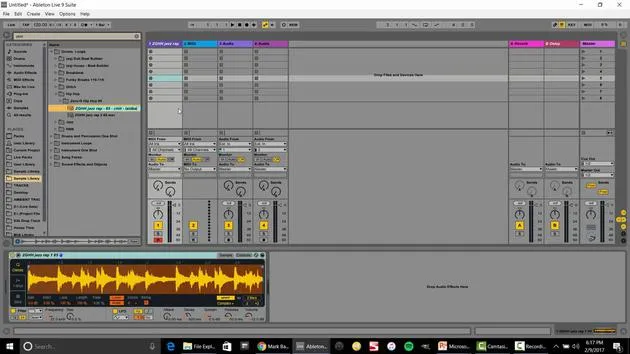
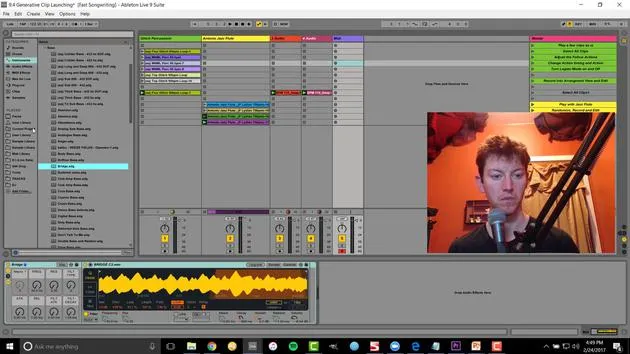
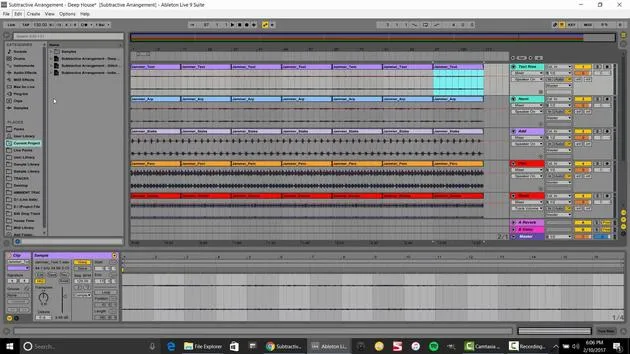
Select Your Samples
For instance, I've got a collection of weird little samples. Playing just one might be cool and could fit perfectly in my production, but I might want to change it somehow. -
Using Randomization
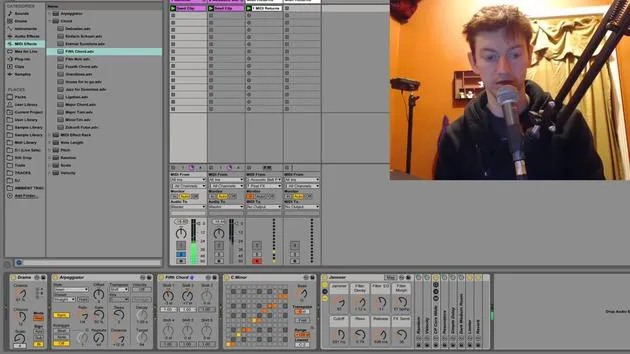
- If I select all of these clips, I go over to my launch controls and access the follow actions.
- Set it to play other, meaning it's playing any other sample every one bar.
- To increase variation, let's try this every one beat. Now we're creating moving, morphing sounds.
-
Adjusting the Timing
I have to select all of them again and set this to two quarter notes. Now we're really moving and have a cool, evolving sound!
Solving Playback Issues
One issue we might encounter is that when it plays these samples, it always starts from the beginning. To fix this:
- Select all of them and hit legato.
- This means that wherever the sample was playing from, it will continue from that position for the next sample.
Quote:
"This way it's not always starting at the beginning, and you'll hear a slight difference. I think that flows really well."
Recording the Results
To record this evolving sound:
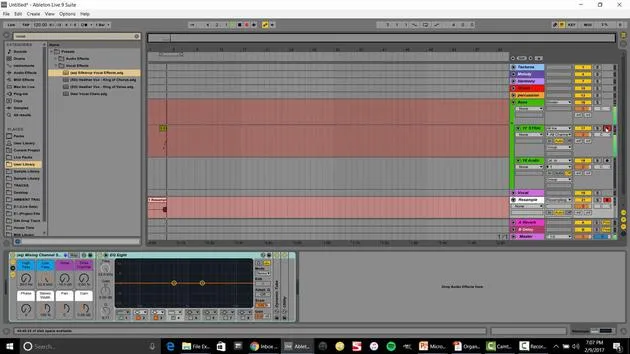
- Hit the arrangement record button to save it in the arrangement view.
Now, to make it a little more interesting, I'll drag in some house samples and speed it up a bit. Let's add a touch of percussion.
Final Edits
After adding new sounds, I would:
- Figure out what worked and what didn't,
- Delete unwanted parts, or
- Drag out sections until I achieve the sound I want.
Example:
You can see how I can quickly create a morphing idea.
- Select everything.
- Right-click and consolidate.
- Bounce it back over into my session view.
Let's do the same thing with this jazz flute.
- Set the follow action to one to other (it looks like I already set this in the file).
- Now it randomly moves between different samples while maintaining harmony, thanks to legato mode.
Adding Additional Layers
Next, I want to start incorporating some basslines. By adding generative randomization to the bass, we can create a compelling track.
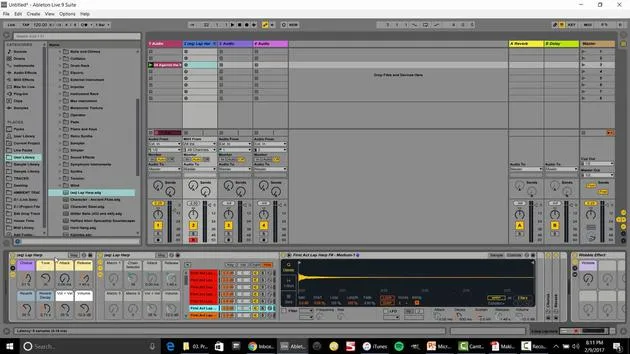
- Insert a MIDI track and select some type of bass from the instrument rack.
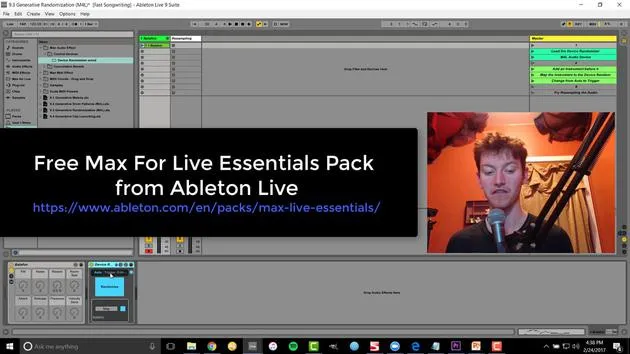
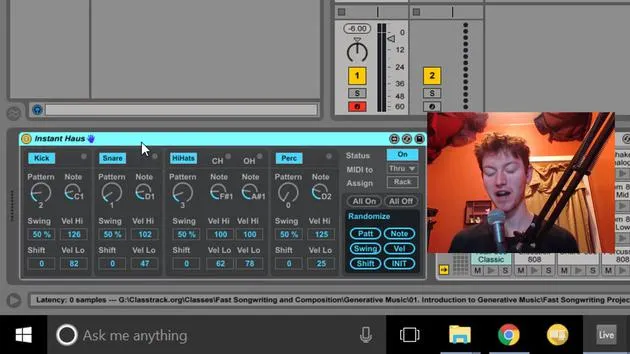
- Set up the device randomization.
- Write a bass sequence (for example, in F Lydian).
Observations:
- When we double the loop and activate randomization, we can hear a significant difference.
- Open up the parameters to create a very smooth curve over time.
Final Touches
One thing to note is that if you notice changes to the attack and other parameters, you may want to turn that off for clearer results.
Key Takeaway:
Editing is essential, whether bouncing to audio or tweaking parameters, to get exactly what you want out of the randomization.
Closing Thoughts:
These techniques are fantastic ways to make music. Think of generative music as another collaborator in the room. If you ever get stuck, just introduce some randomization, see what develops, record it, and edit. It might inspire you with ideas you wouldn't have come up with on your own.
There you go, some fun techniques that I love using in the studio!
19 lessons
2h 54m of structured video lessons
Advanced video features
Slow down, loop a passage, follow along
Mobile, tablet & desktop
Practise wherever you are
100% satisfaction guarantee
30-day money-back guarantee
Meet your guru
Meet your guru
Isaac Cotec is, arguably, one of the best Ableton trainers in the world! While working on his own music, he began teaching recording techniques, sound design, and Ableton Live to private students, and since earning his certification as an official Ableton Certified Trainer he has helped thousands of producers step up their game and succeed as musicians.
Isaac started producing electronic music in 2005 with Psyche Sonics, an experimental group working with the science and research of binaural beats and altering consciousness through sound. After touring, he continued writing music under the alias Cotec and later emerged as the artist Subaqueous, blending his electronic past with both future and organic production techniques. To date, he has released 3 albums and 4 EPs.
Isaac is also the founder and manager of the record label Invibe Music, which represents some of the Pacific Northwest's best electronic music and specialises in midtempo dance music.
In his Ableton Live courses, Isaac shares the production, sound design and songwriting techniques he has spent years refining - the very skills he uses to turn a spark of an idea into a finished track.







