



Smart controls & automation

With
Dov Waterman Part of the courseComposition in Logic: MIDI Effects, Smart Controls & Automation14 lessons (0h 53m)Your guruDov Waterman
What's in the course
14 lessons (0h 53m) · 1 free
Lesson transcript
Automation and Smart Control in Logic
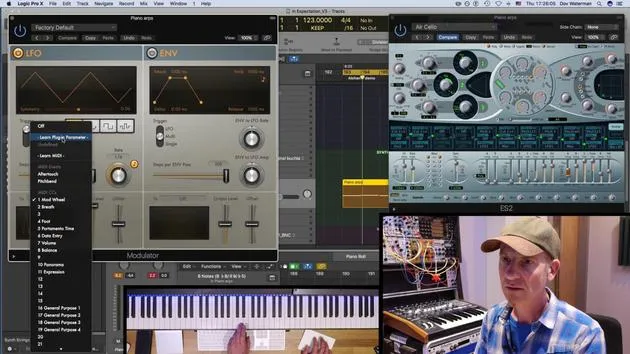
In this section, we're going to talk about automation and smart control. Smart control automation in Logic is specific to Logic. It's a very useful way of automating various parameters, whether in your mixing environments or in instruments.
Accessing Smart Controls
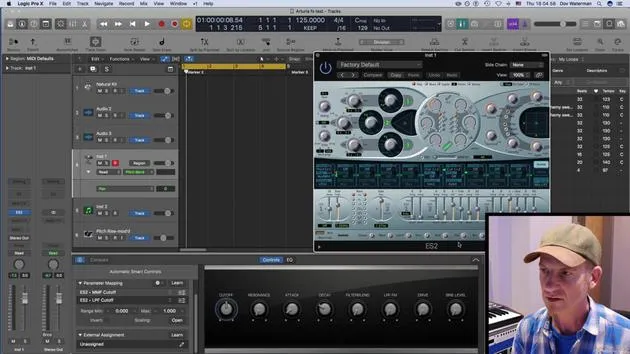
- To pull up the Smart Controls section, use Alt + Z.
- When you have an instrument pulled up, this will automatically display a selection of different controls that are pre-mapped to the instrument.
Example with ES2
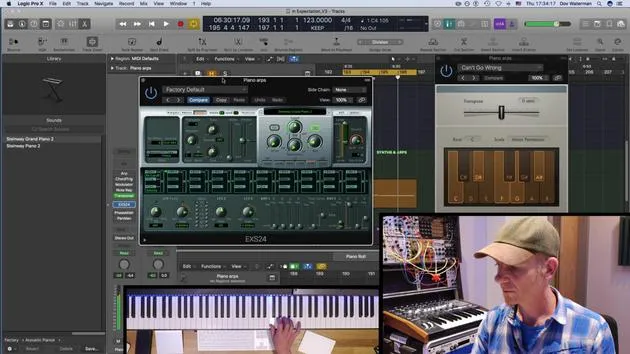
For example, the ES2, being a Logic instrument, has prioritized certain controller parameters such as:
- Cutoff
- Resonance
- Attack
Note: Smart controls are a way of automating and controlling various aspects and parameters in your virtual instruments and signal chain. This applies not only to virtual instruments but also to any plugins you have available.
Discovering Instruments
The Library is a great place to explore how Logic uses certain instruments within the Smart Control section.
- Let's pull up a synth.
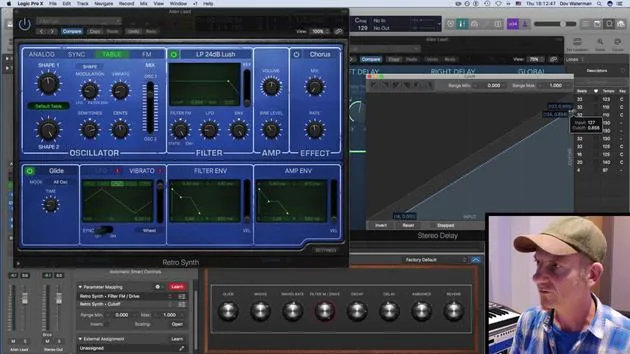
- I'll go to my settings and select: Synthesizer -> Retro Synth.
- I'll close the Library for clarity.
As you can see, this is the Retro Synth, and down here is the Smart Control section, which prioritizes different controllers that vary the sound.
Example of Using Smart Controls
When you have a sequence playing:
-
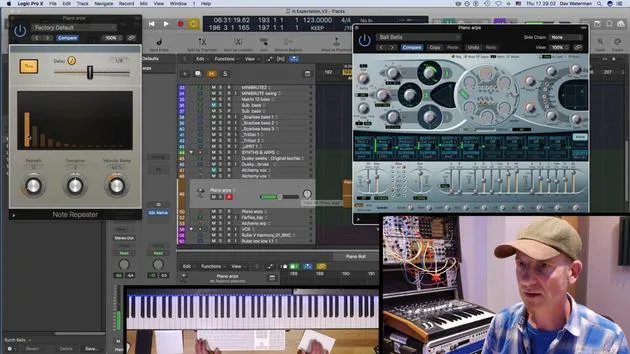
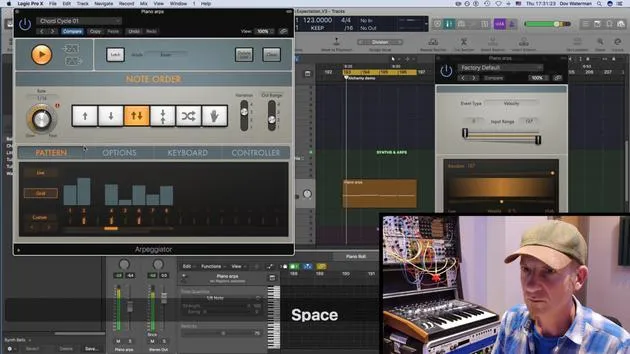
Add an Arpeggiator
- Record a little melody or a simple repeated melody.
-
Quantize
- Quickly quantize these notes to ensure they're on beat.
Effects Manipulation
Various parameters within the instrument are being affected. Additionally, effects such as:
- Delay
- Reverb (sent from a send over here)
These effects are still being manipulated within the Smart Controller.
Playing Your Sequence
Let's play my little sequence:
- Observe the delay section as you play and see it move.
This opens up a whole host of ways to control your sound. Instead of manually adjusting each parameter, you can record all these adjustments within a take.
Automation Recording
If you set this in Touch mode, all parameters can be modulated and adjustments recorded.
Types of Automation
There are two main types of automation in Logic:
- Track Automation:
- Better for recording automation for volume or panning.
- Region Automation:
- Should be used for any MIDI automation.
We will discuss these types further in a later section.
14 lessons
0h 53m of structured video lessons
Advanced video features
Slow down, loop a passage, follow along
Mobile, tablet & desktop
Practise wherever you are
100% satisfaction guarantee
30-day money-back guarantee
Meet your guru
Meet your guru
Dov Waterman is a composer, pianist and producer. He has written and designed sound for films including After Earth, Terminator Genisys, Transformers: The Last Knight and The Snowman, and works as a sample-library audio editor and sound designer with companies such as Native Instruments and SonoKinetic.
His Composition in Logic series walks through building a track end to end in Logic Pro - from templates and workflow to synthesis and beat programming, MIDI effects, editing and the final mix - for producers who want to turn their ideas into finished records.







