



Push et scripts de contrôle MIDI

Avec
Madeleine Bloom
Le contenu du cours
16 leçons (3h 6min) · 1 gratuites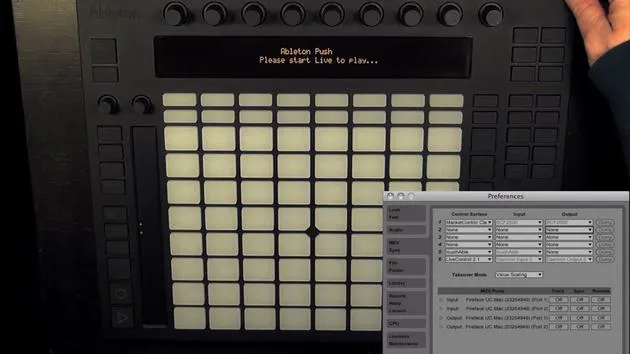
Transcription de la leçon
Push and MIDI Remote Scripts in Ableton Live
So, in this last video of the course, I want to talk about Push and MIDI remote scripts. It's possible to use Python scripts, these MIDI remote scripts enhance the features of Push. There are some MIDI remote scripts by Native Control, called Push Script Mods.
I've already downloaded the zip file and created a PDF file containing all the links, including links for the Macs for Life devices. You can simply click on the link and download it yourself.
Unzipping and Opening the Scripts
- Unzip the downloaded file and open it.
- You will see some Python scripts inside. Python is the programming language used for all the control surfaces in Live, including controllers like the APC40 and the LaunchPad.
Copying Scripts to the Push Folder
To get the scripts working, follow these steps:
- On a Mac:
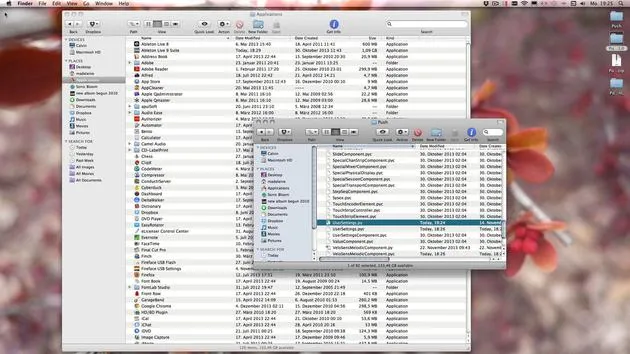
- Right-click on Ableton Live 9 and select Show Package Contents.
- Navigate to
Contents > Resources > MIDI Remote Scripts. - You will see the Push folder.
Backup the Push Folder
- The first thing you should do is make a backup:
- Copy the Push folder and save it somewhere else (e.g., on your desktop). Ensure you copy and not just move the folder.
Adding Script Mods
- Now, reopen the Push Script Mods, and:
- Copy all files (excluding the PDF) and drop them into the Push folder.
Editing the User Settings File
-
There is a user settings file included. Open the file with the PY ending.
- You can use Text Wrangler or any standard text editor, but ensure you do not add extra spaces; that will break the script.
-
Change the two specified settings to true to activate them.
- You can also set any that are defaulted to true back to false if you prefer.
-
Save the script, quit Text Wrangler, and close all Finder windows.
Starting Ableton Live
- Now, start Live 9.
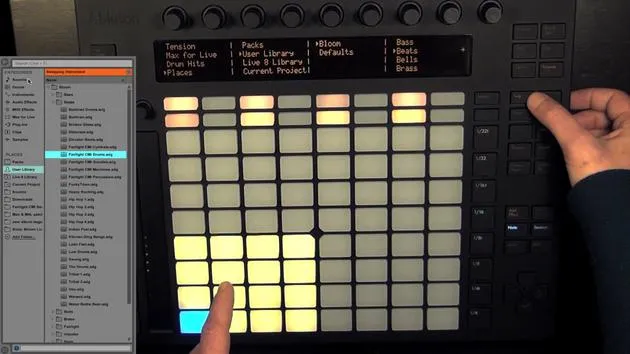
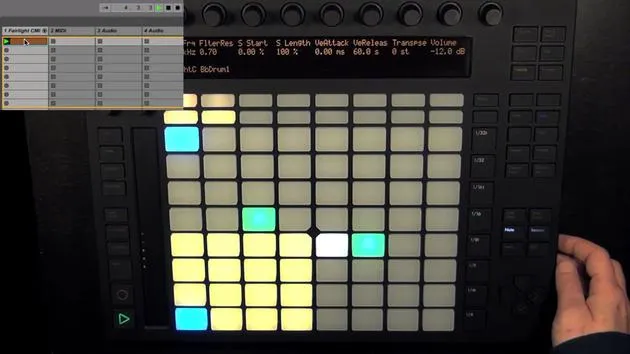
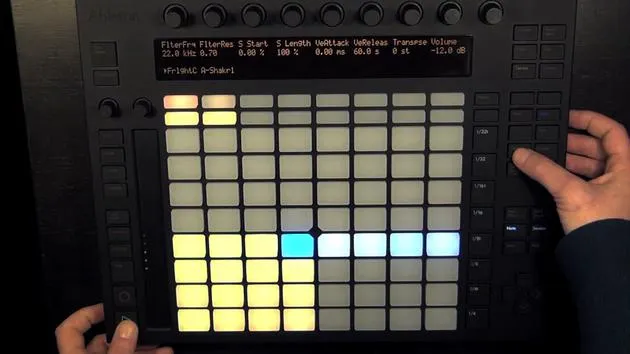
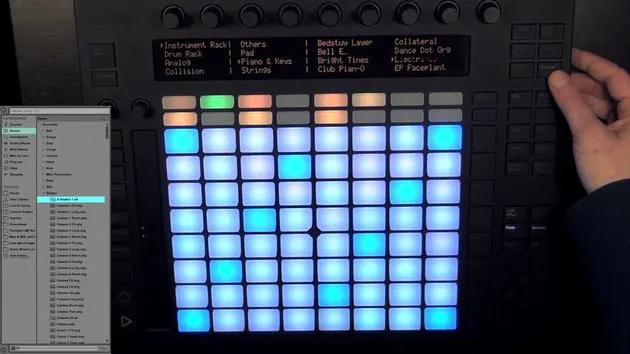
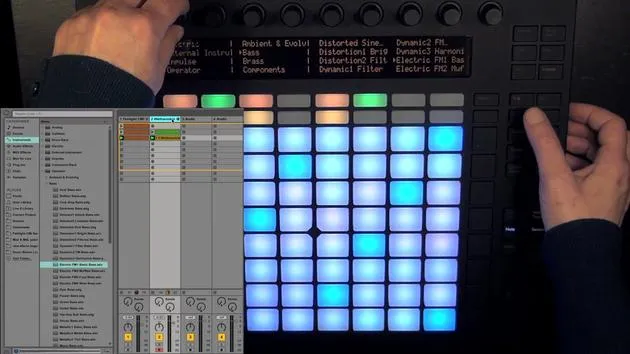
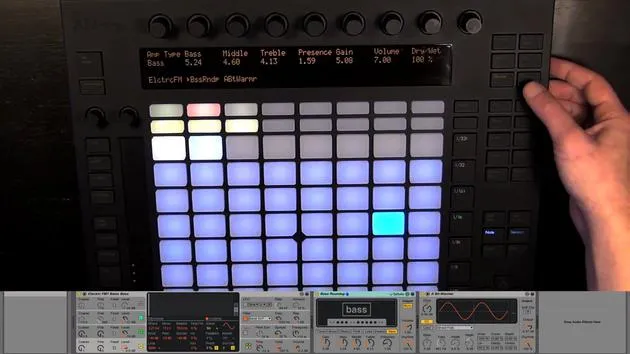
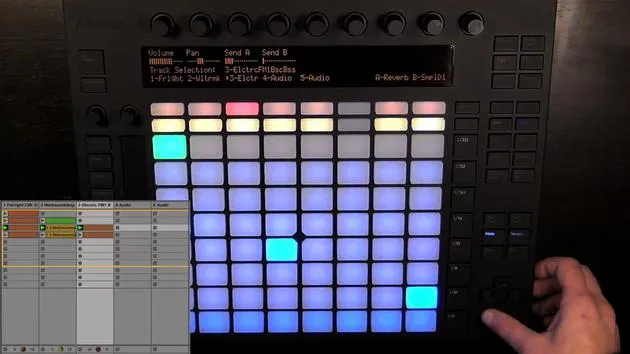
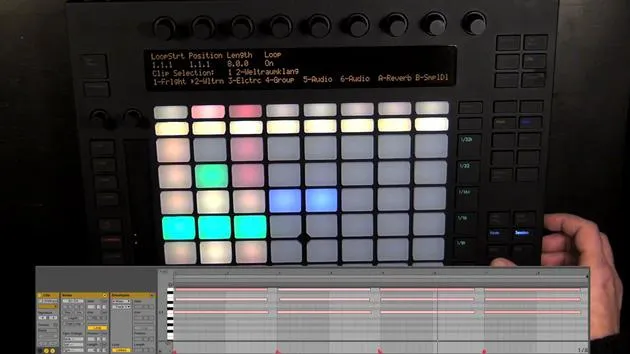
In the meantime, I've started Live and connected Push. I opened our previous Live set, and as you can see, it has a different color scheme called C Push.
Viewing Color Modes
- This is what it looks like:
- Note Mode: Key Layout
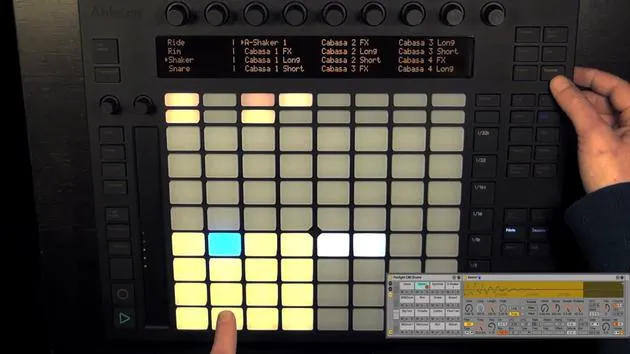
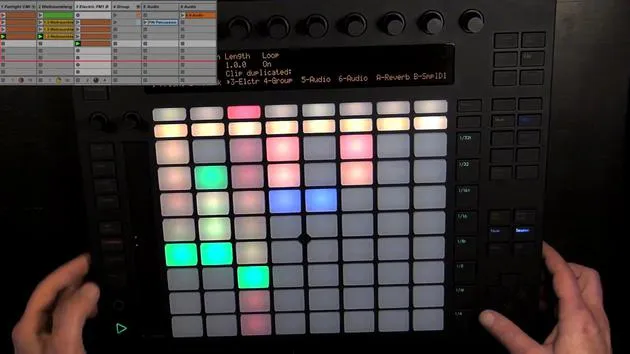
- Drum Layout: Let's switch and see the drum layout.
Session Mode
- To see all the colors, we should play something:
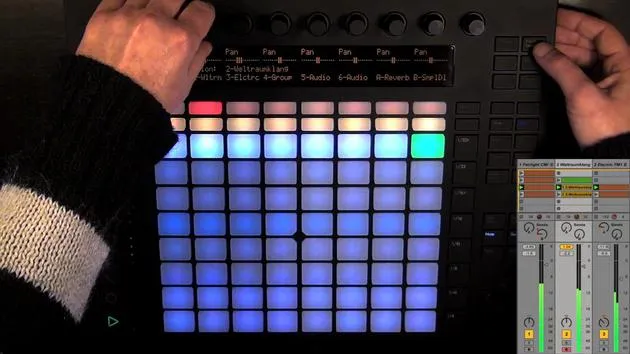
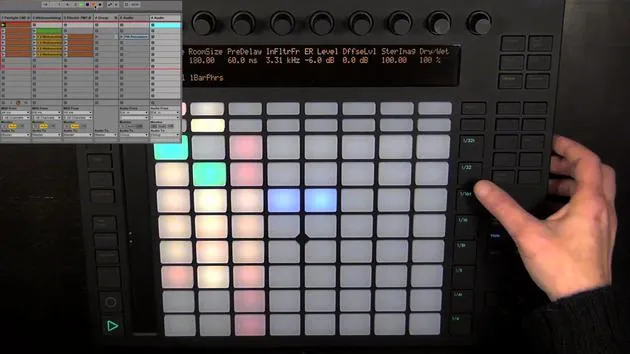
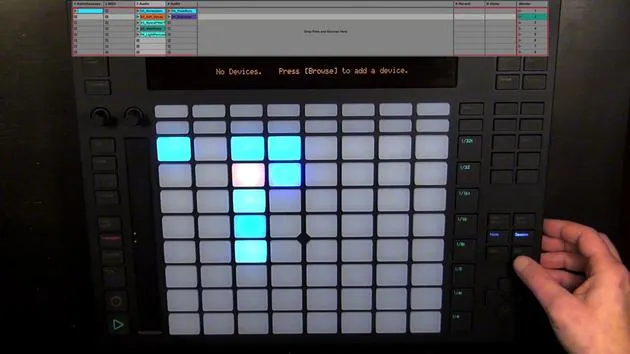
- Let's switch to Session Mode.
New Features Introduced
Touch Sensitive Pads
-
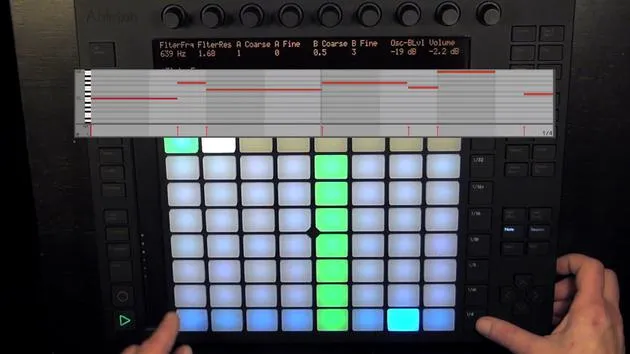
The next function this adds is touch-sensitive pads in both step sequencers (drum and melodic).
-
Let me demonstrate:
- I can lightly tap a pad, resulting in a low velocity note.
- Hitting the pad harder produces a higher velocity note, making beats more dynamic.
Record Toggle
- Another great function:
- Hold Shift and press Record to toggle Arrangement Record or Global Record, rather than just the Session Record.
Fine-Tuning Parameters
-
You can fine-tune parameters with more precision:
- Hold Shift while adjusting a parameter to change it in smaller increments.
-
For example:
- Adjusting the volume, pan, and send for tracks now allows for finer adjustment, except in Clip and Browse modes.
-
Reset Parameters:
- If you want to center a parameter, hold Shift and double-tap on the encoder.
Additional Color Schemes and Scripts
I also wanted to mention that I created three color schemes for Push, which you can download on Sonic Bloom. The links are included in the second module, along with a tutorial on creating your own color schemes.
Additionally, there is a script from Native Control called PXT Live. It costs $19.50 and adds many more functions to Push than those already available. I thought some of you might find this interesting, so I wanted to mention it.
Conclusion
That's all I wanted to say about Push and MIDI remote scripts. I hope you have fun with Ableton Live and Push!
16 leçons
3h 6m de leçons vidéo structurées
Fonctions vidéo avancées
Ralentissez, bouclez un passage, suivez la partition
Mobile, tablette et ordinateur
Pratiquez où vous voulez
Satisfaction garantie à 100 %
Garantie remboursement 30 jours
Rencontrez votre guru
Rencontrez votre guru
Madeleine Bloom est une musicienne de formation classique, productrice, multi-instrumentiste et chanteuse originaire de Berlin, et fondatrice du label Quixotica Records. Elle a étudié la musique électroacoustique au Conservatoire Franz Liszt auprès du Prof. Robin Minard et applique ces méthodes à son propre mélange de pop électronique. Sa musique a été saluée par les producteurs Guy Sigsworth et Rupert Hine, et lui a valu une invitation personnelle d'Imogen Heap, dont elle a assuré la première partie de la tournée.
Ancienne conseillère du support technique d'Ableton, elle a fondé en 2012 la plateforme en ligne Sonic Bloom, où elle enseigne Ableton Live et la production musicale à travers des cours, des ateliers et des séances individuelles. Elle a accompagné des personnes du monde entier avec Ableton Live, Push et Max for Live, mais aussi en ingénierie du son, théorie musicale, composition et sound design.







