



Automation

Avec
Madeleine Bloom
Le contenu du cours
16 leçons (3h 6min) · 1 gratuites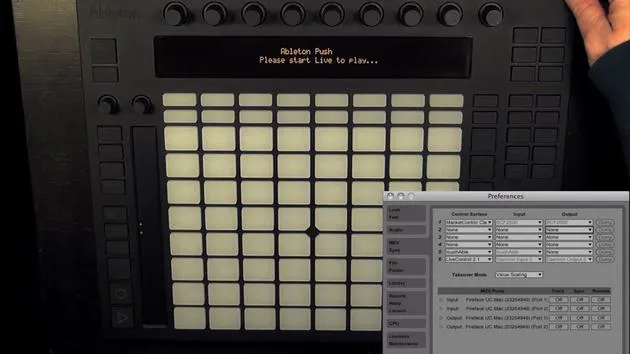
Transcription de la leçon
Recording Automation in Live 9
One thing that's new in Live 9 is the ability to record automation in the Session View. This feature is not only a lot of fun, but it's also quite simple to use.
Enabling Automation
To begin, we only need to enable automation, which is connected to the Automation Arm in Live. Whether automation is recorded depends on the settings in the Live Preferences.
-
Opening Preferences:
- I'm going to open the preferences now.
- Here, you see an option for Record Session Automation.
- Right now, it's set to Armed Tracks, meaning session automation will only be recorded on armed tracks.
- We could also change it to All Tracks, but I'll keep it set to Armed Tracks.
-
Checking Armed Tracks:
- Be careful to ensure that the track you want to record automation on is actually armed.
- Otherwise, we won't actually record any automation.
- As soon as automation is turned on, make sure to check what you find easier to use.
Automating Device Parameters
Now, let's check which parameters we'd like to record automation for. I think I'll automate a device parameter first so you can see how that works.
- Selecting Device:
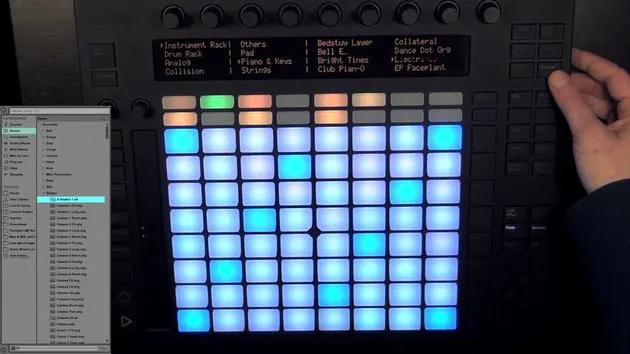
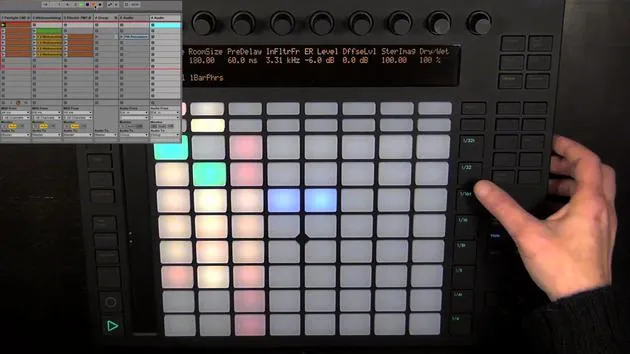
- I'll press Device and demonstrate using an arpeggiated sound.
- Let's try out what we want to automate.
-
Recording Automation:
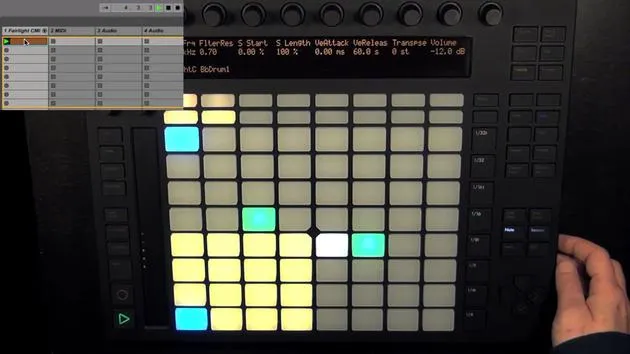
- To start recording, simply press Record and then begin tweaking the parameters.
- Unfortunately, in Live, the view is switched to the clip view, so we can't see all the tweaks being made and that they are getting automated.
-
Reviewing Recorded Automation:
- Once you press Record again, you'll see that it's been recorded.
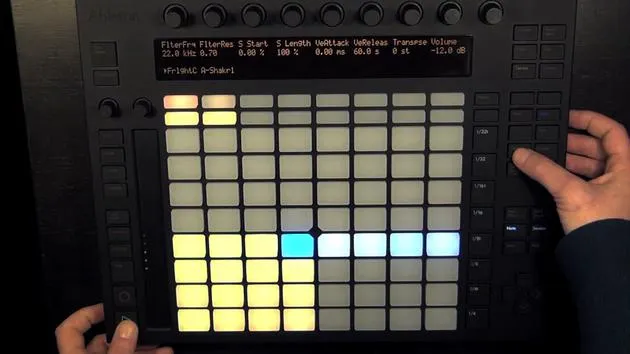
- You can see the numbers changing in the display and small indicators showing that it's automated.
Disabling and Reactivating Automation
-
If you turn the encoder again, you'll notice that the number appears in brackets, meaning the recorded automation has been disabled and overwritten with the current value.
- To Reactivate Automation:
- Hold Shift and then press Automate again to reactivate it.
- To Reactivate Automation:
-
If you're not quite happy with what you've recorded:
- Simply press Record again and tweak the encoder to change the automation.
- As long as you touch or turn the encoder, the automation will be recorded.
Deleting Automation
- If you don't like the automation at all:
- Hold Delete and then touch the encoder to delete the automation.
Automating Various Parameters
All parameters that we have access to can be automated. You can automate:
-
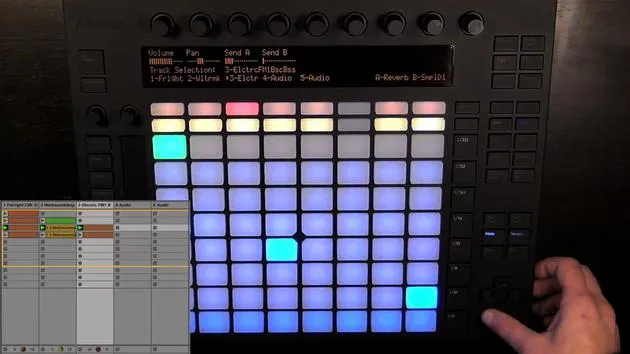
Sends:
- Choose another track to automate sends.
-
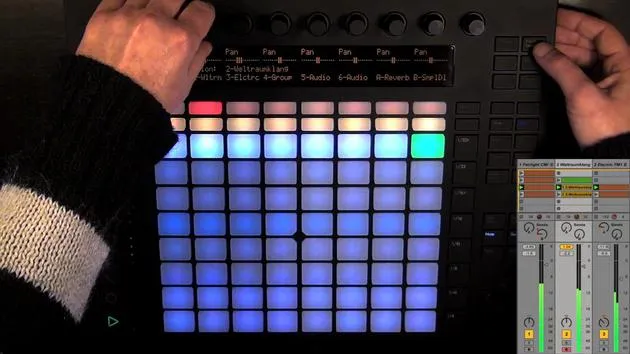
Volume and Panning:
- Experiment with automating volume and panning as well.
Automating Within the Step Sequencer
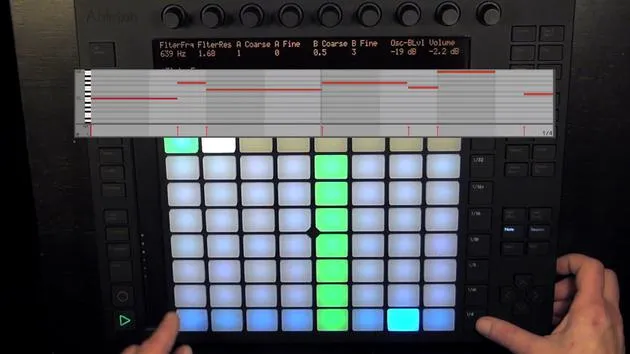
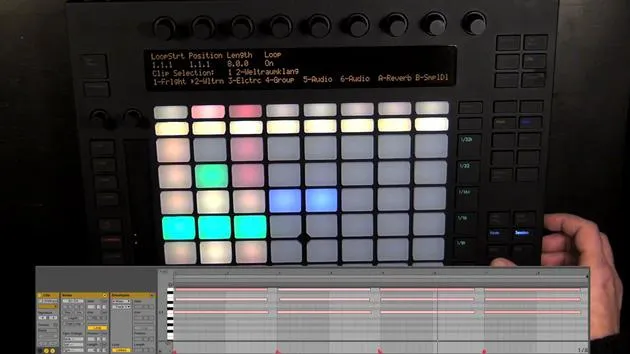
Another feature we can use is automation within the step sequencer, which is done per step.
-
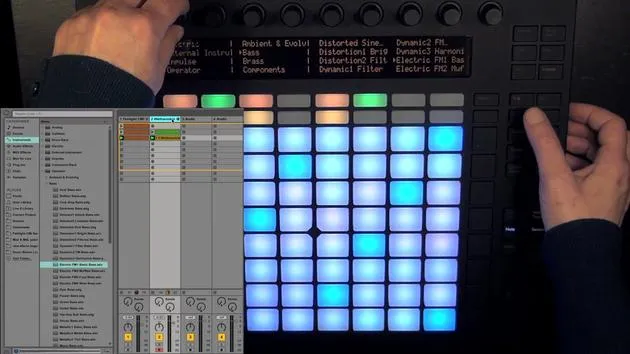
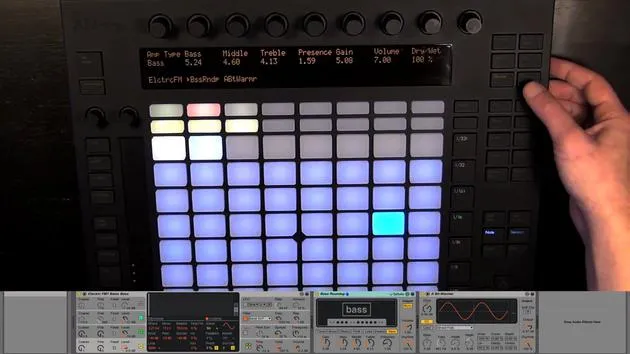
Working with the Bass Track:
- First, make the entered steps visible.
-
Automating Steps:
- Hold a step and adjust the node parameters.
- We have an option to Automate as well.
-
Adjusting Automation for Steps:
- We can automate parameters such as panning on a per-step basis.
- You can set a step all the way to the right and the next one all the way to the left, and so on, with varying levels of extremity.
-
Checking Automation:
- Pressing the first step again shows that the automation is still there.
Final Thoughts on Automation
Of course, you can also record automation for sends. Let's play it again, and you'll hear the difference. You can even solo the track to hear it more clearly.
- You can send this step to Return Track B or send all of this step to Return A, creating really cool effects.
- Additionally, you can enter automation for empty steps.
So, have fun automating all the parameters you want! I must say, it's one of my favorite features on Push.
16 leçons
3h 6m de leçons vidéo structurées
Fonctions vidéo avancées
Ralentissez, bouclez un passage, suivez la partition
Mobile, tablette et ordinateur
Pratiquez où vous voulez
Satisfaction garantie à 100 %
Garantie remboursement 30 jours
Rencontrez votre guru
Rencontrez votre guru
Madeleine Bloom est une musicienne de formation classique, productrice, multi-instrumentiste et chanteuse originaire de Berlin, et fondatrice du label Quixotica Records. Elle a étudié la musique électroacoustique au Conservatoire Franz Liszt auprès du Prof. Robin Minard et applique ces méthodes à son propre mélange de pop électronique. Sa musique a été saluée par les producteurs Guy Sigsworth et Rupert Hine, et lui a valu une invitation personnelle d'Imogen Heap, dont elle a assuré la première partie de la tournée.
Ancienne conseillère du support technique d'Ableton, elle a fondé en 2012 la plateforme en ligne Sonic Bloom, où elle enseigne Ableton Live et la production musicale à travers des cours, des ateliers et des séances individuelles. Elle a accompagné des personnes du monde entier avec Ableton Live, Push et Max for Live, mais aussi en ingénierie du son, théorie musicale, composition et sound design.







