



Beats I - La disposition

Avec
Madeleine BloomFamiliarise-toi avec la disposition de la batterie sur Ableton Push - la grille de pads 4x4, ce que signifient les couleurs des pads, et comment couper, isoler et remplacer les sons à la volée.
Le contenu du cours
16 leçons (3h 6min) · 1 gratuites
Transcription de la leçon
Drum Layout Overview
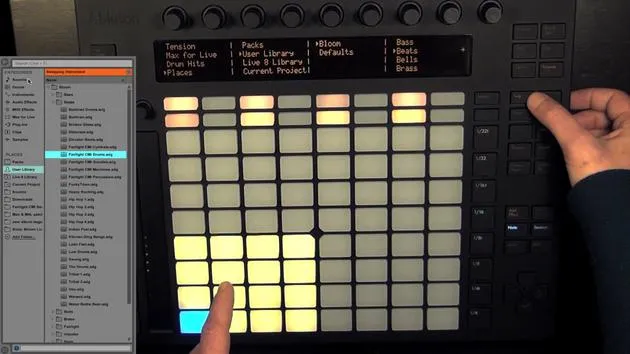
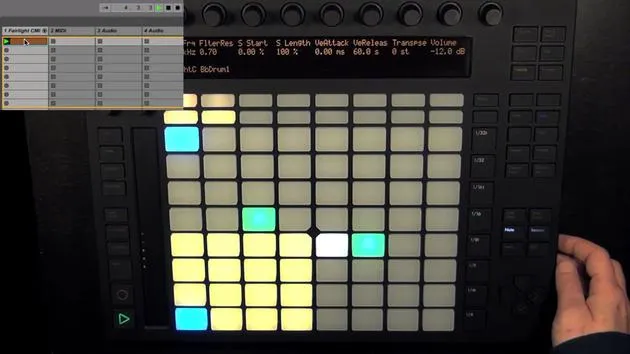
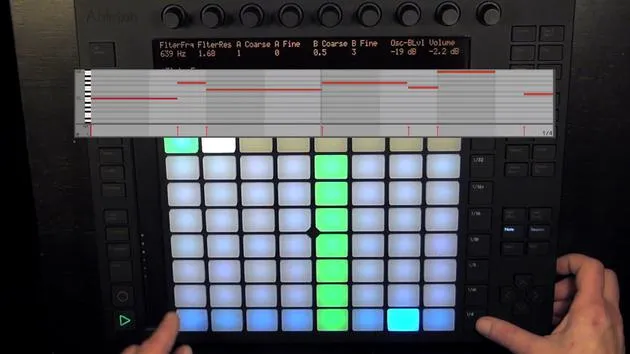
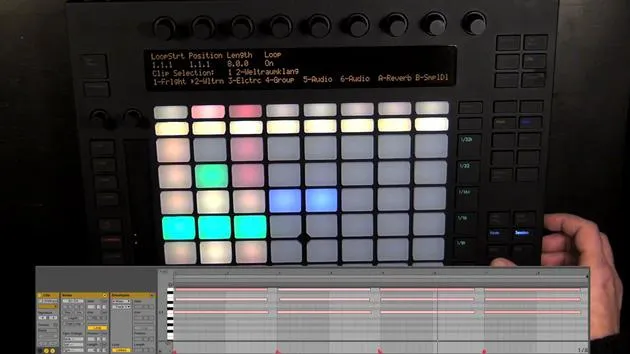
Here we can already see the drum layout, which is divided into three sections.
1. Drum Rack Pads
- Configuration: The drum rack pads are set up in a 4x4 grid, and they can be moved to the next 16 pads either with the touch strip or with the octave up and down buttons.
- Pad Colors:
- Bright Yellow Pads: These are filled and can be played live to record rhythms.
- Selected Pad: Displayed in blue. When held, it turns green to indicate that it is playing.
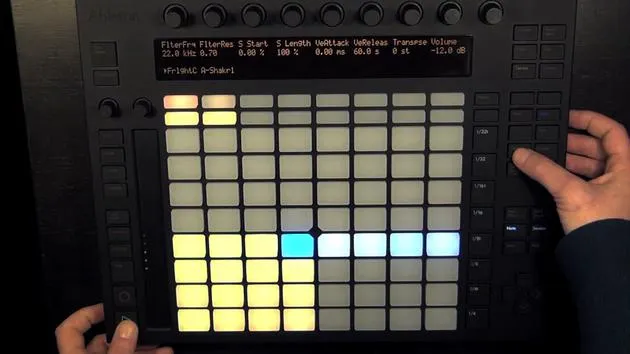
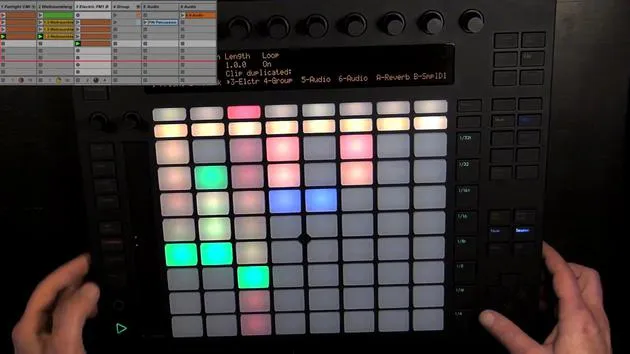
Muting and Soloing Pads
-
Muting:
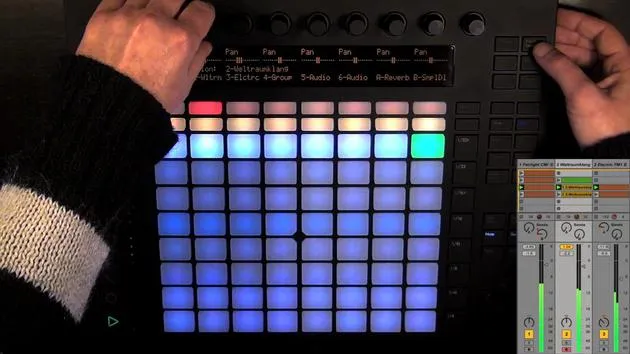
- Press mute and select the drum pad(s) you want to mute.
- Muted pads turn orange to indicate their status.
- To unmute, hold mute again and press the muted pads.
-
Soloing:
- Hold solo, choose the pad(s) you want to solo.
- Soloed pads will show a different shade of blue.
- To exit solo mode, press solo again.
Navigating Pads
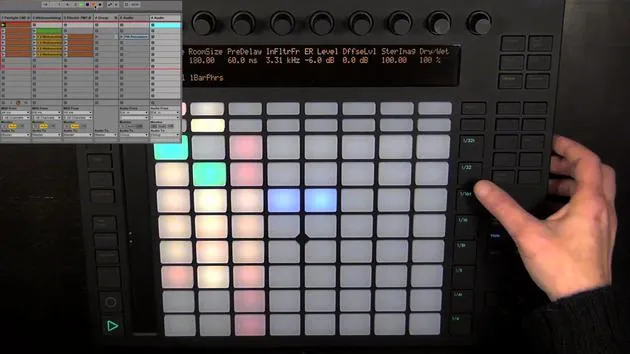
- Empty Pads: Dull yellow pads indicate that they're empty.
- Moving Between Rows:
- Hold shift and use the touch strip or octave buttons to navigate through the rows of pads.
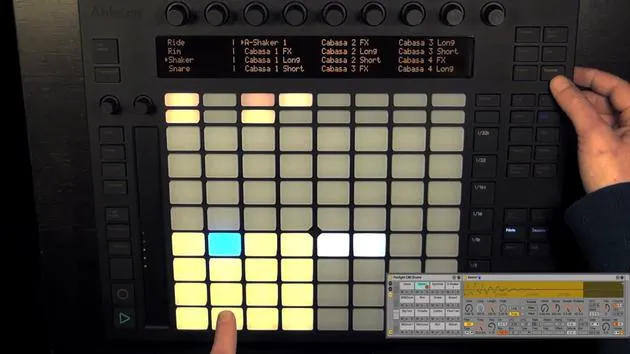
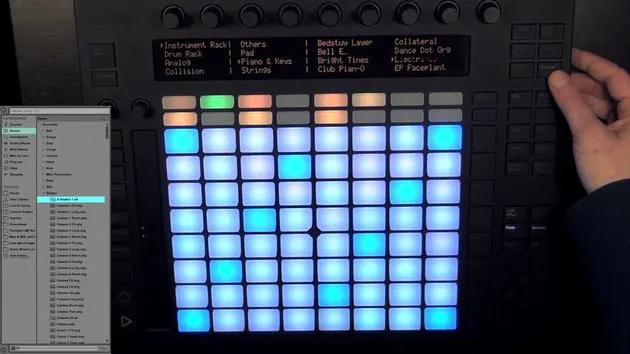
2. Hot Swapping Drum Pad Sounds
As mentioned earlier, you can exchange or hot swap individual drum pad sounds.
-
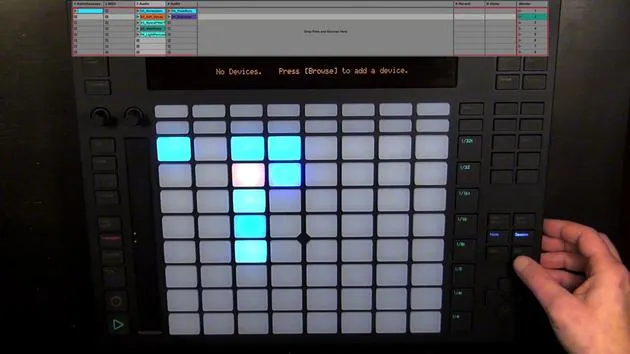
Device View: Ensure you are in the device view to choose sounds.
-
Selecting Sounds:
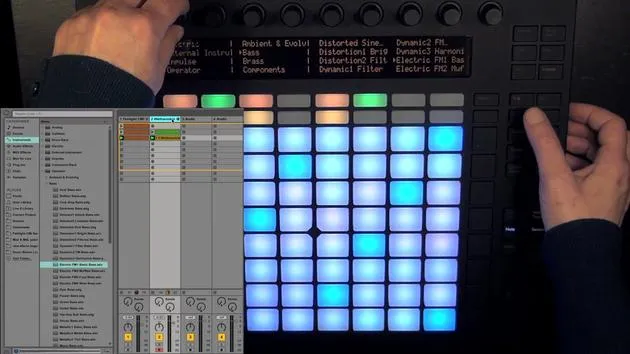
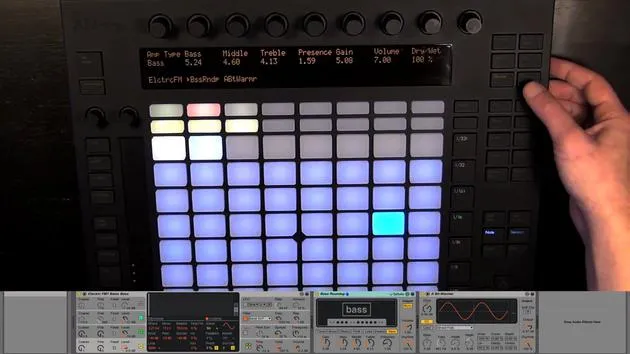
- Press browse to see everything that can be loaded into a drum pad.
- You can find individual drum hits sorted by type, similar to the live library.
- For example, if you were to exchange a hi-hat sound from the core library, it would open in the hi-hats section.
-
Loading Sounds:
- After selecting a sound (e.g., a shaker), load it by pressing the green button.
- You can also hot swap other sounds or MIDI instruments by pressing the pad and selecting a different sound.
3. Loop Length Controls
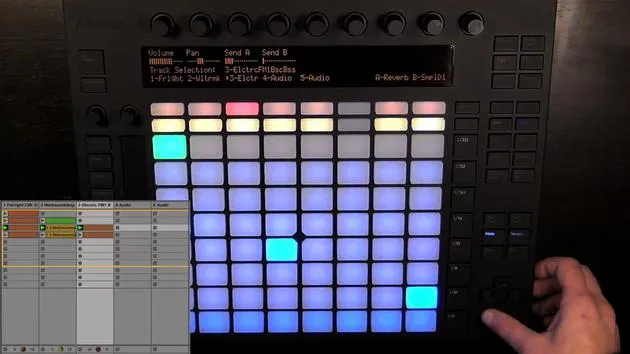
The next section is the loop length controls, which consist of 16 pads again.
-
Default Configuration: Two pages are selected, with each page corresponding to one bar in a MIDI clip, even if there isn't a MIDI clip created yet.
-
Recording Capacity: You can record a total of 16 bars with two pages at a resolution of 1/16th notes, which is the default for the step sequencer.
-
Adding Notes: Simply press the pads to add notes, but we will delve into this more in the next video.
16 leçons
3h 6m de leçons vidéo structurées
Fonctions vidéo avancées
Ralentissez, bouclez un passage, suivez la partition
Mobile, tablette et ordinateur
Pratiquez où vous voulez
Satisfaction garantie à 100 %
Garantie remboursement 30 jours
Rencontrez votre guru
Rencontrez votre guru
Madeleine Bloom est une musicienne de formation classique, productrice, multi-instrumentiste et chanteuse originaire de Berlin, et fondatrice du label Quixotica Records. Elle a étudié la musique électroacoustique au Conservatoire Franz Liszt auprès du Prof. Robin Minard et applique ces méthodes à son propre mélange de pop électronique. Sa musique a été saluée par les producteurs Guy Sigsworth et Rupert Hine, et lui a valu une invitation personnelle d'Imogen Heap, dont elle a assuré la première partie de la tournée.
Ancienne conseillère du support technique d'Ableton, elle a fondé en 2012 la plateforme en ligne Sonic Bloom, où elle enseigne Ableton Live et la production musicale à travers des cours, des ateliers et des séances individuelles. Elle a accompagné des personnes du monde entier avec Ableton Live, Push et Max for Live, mais aussi en ingénierie du son, théorie musicale, composition et sound design.







