Deuxième étape - Façonnage du son et filtres

Avec
Aamir YaqubPlongeons maintenant dans la deuxième étape de la synthèse soustractive : le façonnage du son et le filtrage
Le contenu du cours
20 leçons (1h 47min) · 1 gratuites
01. Bienvenue dans la synthèse
Leçon gratuite0:53
02. Introduction à la synthèse, synthèse soustractive
3:22
03. Première étape : génération du son
4:09
04. Deuxième étape - Façonnage du son et filtres
Tu es ici1:35
05. Façonner le volume - ADSR
3:27
06. LFO
1:54
07. Alchemy
4:11
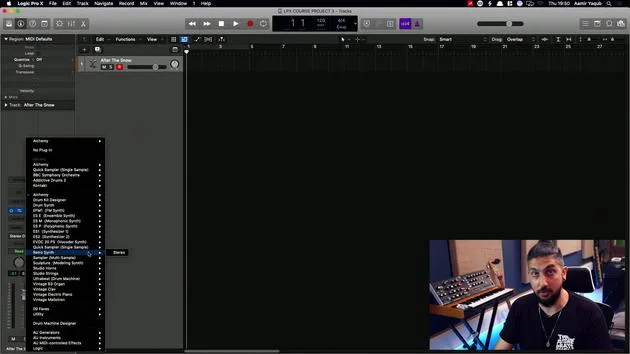
08. Retro synth
4:55
09. Synthés ES1 et ES2
4:00

10. Synthétiseur ESP
1:17
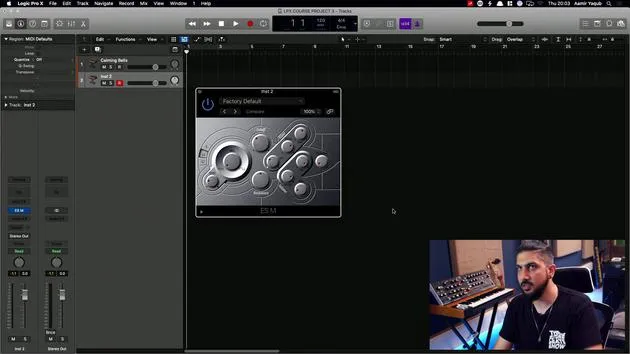
11. ESM, ESE, EFM1
8:54
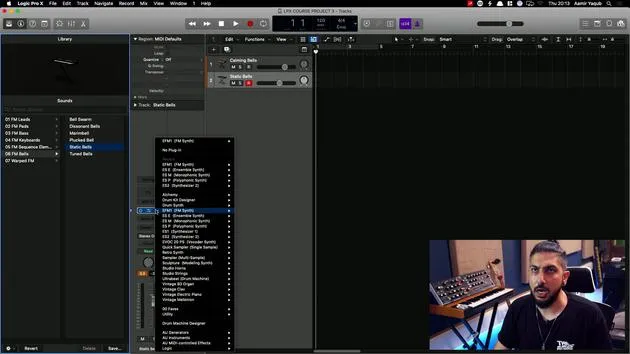
12. Sculpture, EVOC20 et vocoding
7:53
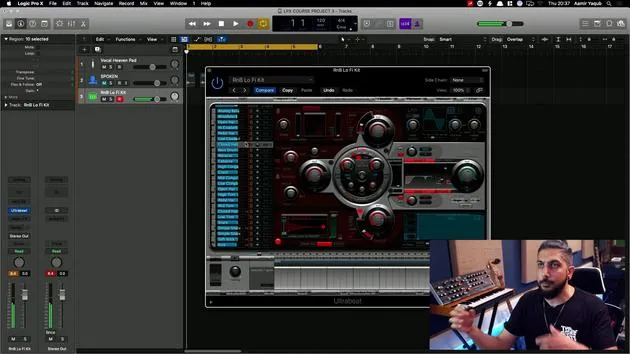
13. Drum Synth et Ultrabeat
7:11
14. Drum Kit and Drum Machine Designer
7:23
15. Synthés de clavier : orgue vintage, EP, Clav, Mellotron
9:03
16. Studio Horns et Studio Strings
4:48
17. Effets MIDI - Arpégiateur
21:21
18. Effets MIDI - Chord Trigger
5:45
19. Autres effets MIDI
4:33
Transcription de la leçon
Shaping Tone in Subtractive Synthesis
Now that we have a basic understanding of how to generate tone, let's explore how to shape that tone.
Understanding Waveforms
The waveforms we've discussed are our raw material. We wouldn't want every sound we produce to simply sound like:
- A square wave
- A sawtooth wave
The Role of Filters
To change these sounds, we use a filter. The purpose of a filter in subtractive synthesis is to remove portions of the signal, specifically, portions of the frequency spectrum, that are being sent from the oscillators.
After filtering:
- A rich-sounding sawtooth wave can become a smooth, warm sound by eliminating the high-end information through filtering.
Examples
-
Sawtooth Wave without a Filter:
(Insert audio example)
-
Sawtooth Wave with a Filter:
(Insert audio example)
Filter Controls
The filter section of most subtractive synthesizers will contain two primary controls:
-
Cutoff Frequency (often abbreviated to 'cutoff')
- Cutoff refers to where the filter is cutting off:
- Higher frequencies (if you're using a high cut filter)
- Lower frequencies (if you're using a low cut filter)
- Cutoff refers to where the filter is cutting off:
-
Resonance
- Resonance allows you to take a set of frequencies and boost them, resulting in a much more resonant sound.
20 leçons
1h 47m de leçons vidéo structurées
Fonctions vidéo avancées
Ralentissez, bouclez un passage, suivez la partition
Mobile, tablette et ordinateur
Pratiquez où vous voulez
Satisfaction garantie à 100 %
Garantie remboursement 30 jours
Rencontrez votre guru
Rencontrez votre guru
Aamir Yaqub est un producteur et ingénieur du son basé à Londres. Il a travaillé avec certains des plus grands noms de la musique, dont Alicia Keys, David Guetta, Rihanna, Sia et will.i.am, tout en développant des artistes indépendants.
Au fil de ses cours, il enseigne l'intégralité de son flux de travail sur Logic Pro : de l'interface et de l'enregistrement à la création de beats, la synthèse et les effets MIDI, jusqu'au mixage et à la finalisation d'un morceau.