Synthés ES1 et ES2

Avec
Aamir YaqubAamir Yaqub explore deux des plus anciens synthés de Logic, l'ES1 et l'ES2, et montre comment façonner la basse et d'autres sons avec leurs filtres.
Le contenu du cours
20 leçons (1h 47min) · 1 gratuites
01. Bienvenue dans la synthèse
Leçon gratuite0:53
02. Introduction à la synthèse, synthèse soustractive
3:22
03. Première étape : génération du son
4:09
04. Deuxième étape - Façonnage du son et filtres
1:35
05. Façonner le volume - ADSR
3:27
06. LFO
1:54
07. Alchemy
4:11
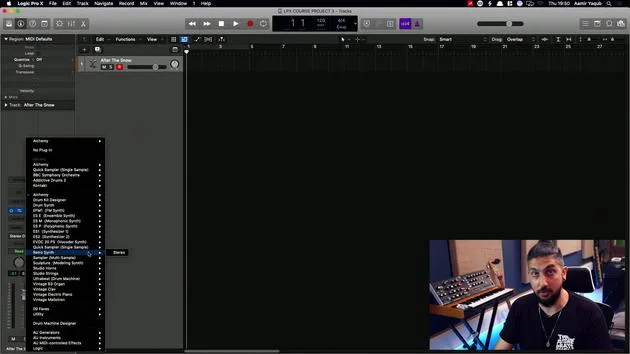
08. Retro synth
4:55
09. Synthés ES1 et ES2
Tu es ici4:00
10. Synthétiseur ESP
1:17
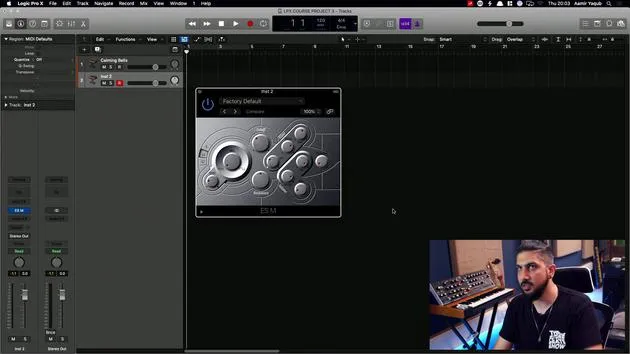
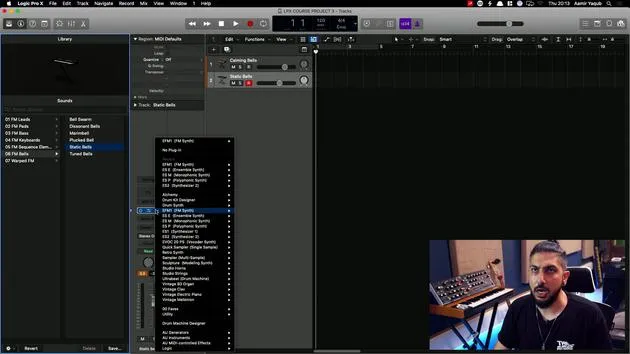
11. ESM, ESE, EFM1
8:54
12. Sculpture, EVOC20 et vocoding
7:53
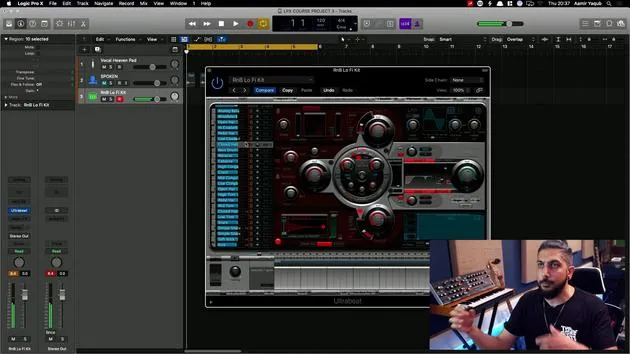
13. Drum Synth et Ultrabeat
7:11
14. Drum Kit and Drum Machine Designer
7:23
15. Synthés de clavier : orgue vintage, EP, Clav, Mellotron
9:03
16. Studio Horns et Studio Strings
4:48
17. Effets MIDI - Arpégiateur
21:21
18. Effets MIDI - Chord Trigger
5:45
19. Autres effets MIDI
4:33
Transcription de la leçon
Synth Overview in Logic Pro
So some of the synths in Logic have been around for a long time. When you look at, for instance, ES1, you may wonder, "What kind of GUI design is that?" because of its bright green color. However, it is a great synth that has many excellent features and still sounds pretty good for a digital software instrument.
ES1 Features
-
Bass Sounds:
- I tend to like bass sounds from here; London bass is always a nice sound and pretty raw.
-
Adjusting Settings:
- Mess around with settings like cutoff.
- Bring the resonance down initially on London Bass so that it doesn't feel so piercing, just use that slider.
- Darken the sound with the cutoff.
-
Experimentation:
- Try out features and mix in more sub if you want to.
- You can hear how the sound changes with these adjustments.
Despite its old appearance, there's a lot you can do with ES1. It emulates the sound of analog synths and features a very simple and streamlined interface to help you get familiar with those sounds.
Moving on to ES2
The next synth we're going to load here is ES2. Again, it doesn't look brand new; it has been around for a long time, and as you can tell, it looks quite complicated.
ES2 Characteristics
-
Synthesis Types:
- Combines subtractive synthesis with FM and wavetable elements.
- Tends to produce sounds that are quite rich and evolving, useful for many genres, especially dance-based genres.
-
Layout:
- ES2 features one of the more complicated layouts you will find in Logic synths.
- Logic synths generally work in a similar fashion.
Core Concepts of Subtractive Synthesis
Always refer back to the basic core concepts of subtractive synthesis:
- Sources/Oscillators: Located on 1, 2, and 3.
- Filter Section:
- Two filters that can be blended (Filter 1 and Filter 2).
- LFO Sections:
- LFO1 and LFO2 are situated at the bottom.
- Envelopes:
- Three envelopes are available for adjusting sound dynamics.
Routing Matrix
In the middle, there's a routing matrix that allows for extensive modulation options:
- You can take one LFO as the source and adjust the pitch of the sound you're working with.
- This adjustment can be made to just one oscillator, like oscillator one, or all three, or any combination in between.
This routing matrix is what gives this synth its particular power, allowing you to do so much within it!
20 leçons
1h 47m de leçons vidéo structurées
Fonctions vidéo avancées
Ralentissez, bouclez un passage, suivez la partition
Mobile, tablette et ordinateur
Pratiquez où vous voulez
Satisfaction garantie à 100 %
Garantie remboursement 30 jours
Rencontrez votre guru
Rencontrez votre guru
Aamir Yaqub est un producteur et ingénieur du son basé à Londres. Il a travaillé avec certains des plus grands noms de la musique, dont Alicia Keys, David Guetta, Rihanna, Sia et will.i.am, tout en développant des artistes indépendants.
Au fil de ses cours, il enseigne l'intégralité de son flux de travail sur Logic Pro : de l'interface et de l'enregistrement à la création de beats, la synthèse et les effets MIDI, jusqu'au mixage et à la finalisation d'un morceau.