



Qu'est-ce qu'Ableton Live - Pour commencer

Avec
Isaac CotecIsaac Cotec présente Ableton Live et le cours à venir : ce qu'est le logiciel, comment s'y repérer et comment travailler avec les clips et les modes de warp.

Le contenu du cours
20 leçons (2h 16min) · 1 gratuites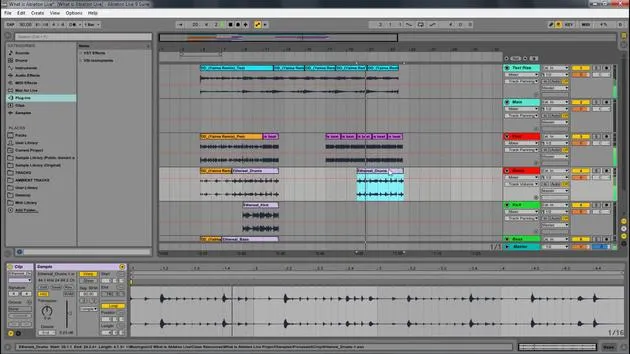
Transcription de la leçon
Introduction to Ableton Live Course
In this video, I'm going to introduce the course on Ableton Live. The scope of this course is to cover the basics of the program.
What We Will Cover
We will look at:
- What Ableton Live is
- How to navigate around the program
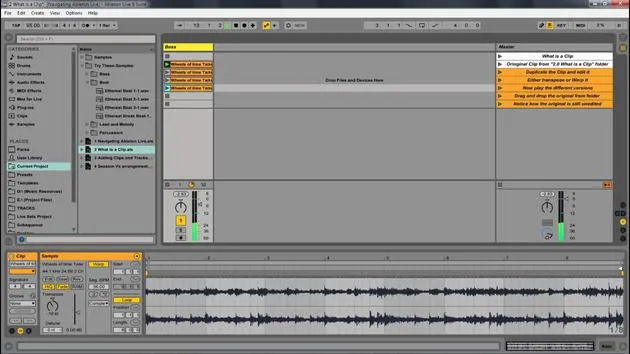
- Working with the building blocks of Live called clips
- Controlling timing through warp modes and warping tracks
By the end of this course, you'll have a solid overview of the program, know where to start, and be ready to build out ideas, music, or anything you want within Ableton Live.
Course Structure
This Ableton Live course is broken up into modules. Think of each module as a class session focusing on a specific concept.
Module Topics
- What is Ableton Live?
- Navigating Ableton Live
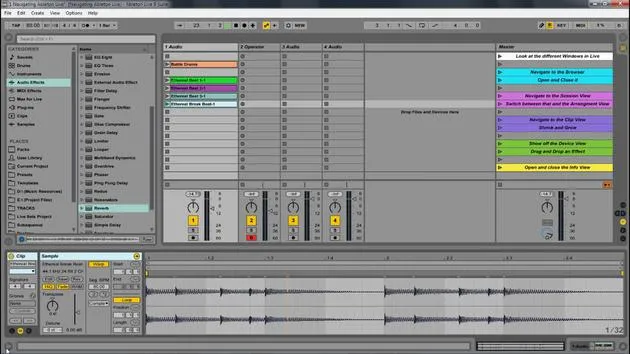
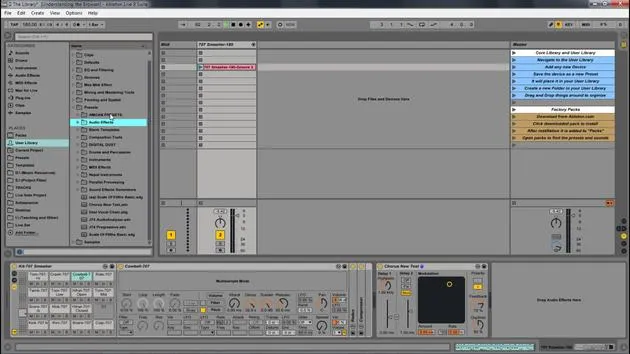
- Understanding the browser
- Controlling timing
- Controlling clips
If you already know what Ableton Live is, feel free to skip directly to the navigating section. Even if you feel comfortable with a concept like controlling timing, I recommend watching it all the way through as a good review.
Defining Ableton Live
What is Ableton Live?
Ableton Live is a digital audio workstation (DAW). Unlike many other software sequencers, Live is designed to be an instrument for live performance, as well as a tool for composing, recording, arranging, mixing, and mastering.
It is widely used by DJs due to its suite of controls for:
- Beat matching
- Crossfading
- Adding effects
- Turntablism
Ableton Live was one of the first music applications to automatically beat match songs. It features a user-friendly drag-and-drop nature, allowing you to effortlessly integrate:
- Audio effects
- Instrument racks
- VSTs
- MIDI
Advantages of Ableton Live
While every program has its strengths and weaknesses, I prefer Live for several reasons:
- Creativity: Live is a software that you can play. It's designed for easy creation, allowing you to loop parts while writing new ones.
- Nonlinear Songwriting: The Session view promotes nonlinear songwriting and is easy to manipulate.
- Performance Optimization: Live is optimized for performance, making it a preferred choice for my shows across the United States and beyond.
Working with Clips in Ableton Live
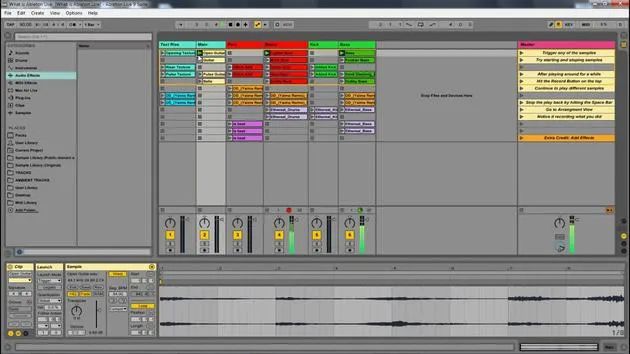
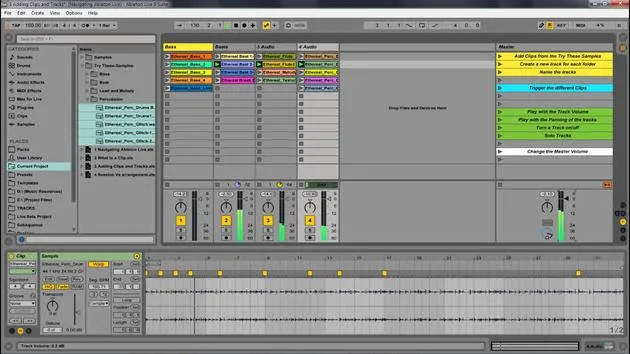
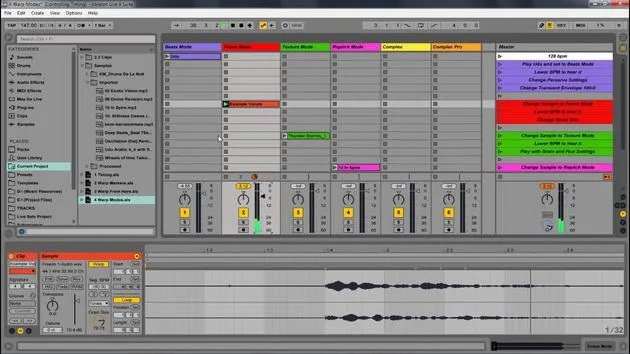
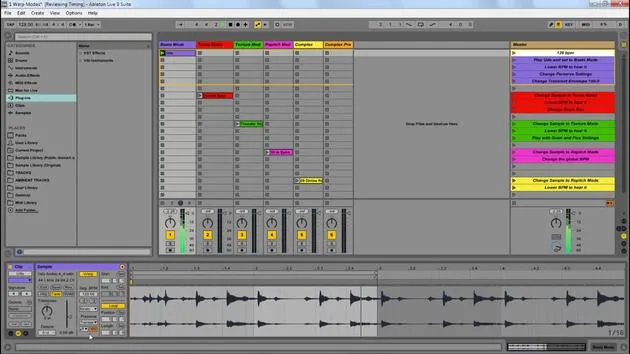
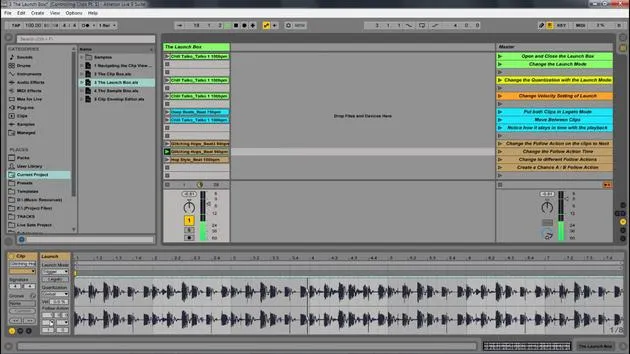
Now, let's look at Ableton Live itself. The Ableton Live set has some clips already loaded. These clips represent audio samples that I can trigger by simply clicking the play button.
Managing Clips
- You can start different parts by pressing the play buttons on various tracks.
- Pressing the play button on an entire row allows you to play that part, similar to managing an Excel sheet with samples and concepts.
- Everything happens in time, making it smooth to create new ideas.
Stopping Clips
To stop all clips, you can hit the spacebar or click the little square representing a stop.
Recording in Live
One feature I can utilize is the Arrangement Record located at the top right. When I click that, I can play different parts, adding new drums and beats.
- Pausing: I can hit the spacebar again to pause.
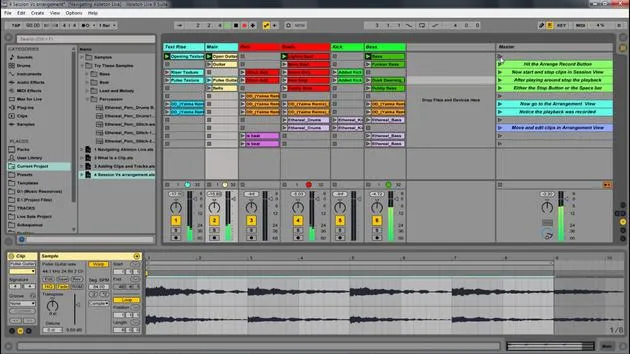
- Switching Views: By hitting tab, I can toggle between the Session View (nonlinear) and the Arrangement View (linear).
Arrangement View
In Arrangement View, everything is laid out in a linear fashion.
- Recording: Hitting record captures everything I played in Session View and places it into Arrangement View.
- Editing: I can drag clips around, delete sections, and use shortcuts like Control + D (Command + D on Mac) to duplicate elements easily.
Arrangement View allows you to construct your song in a linear fashion, contrasting with the continuous session feel of Session View.
Conclusion
In summary, we have:
- Explored the differences between Session View and Arrangement View
- Discussed the creativity and flexibility within Ableton Live
In the next few videos, we will go over navigation and other aspects of Ableton Live to help you get started on your musical journey!
20 leçons
2h 16m de leçons vidéo structurées
Fonctions vidéo avancées
Ralentissez, bouclez un passage, suivez la partition
Mobile, tablette et ordinateur
Pratiquez où vous voulez
Satisfaction garantie à 100 %
Garantie remboursement 30 jours
Rencontrez votre guru
Rencontrez votre guru
Isaac Cotec est, sans doute, l'un des meilleurs formateurs Ableton au monde ! Tout en travaillant sur sa propre musique, il a commencé à enseigner les techniques d'enregistrement, le design sonore et Ableton Live à des élèves particuliers et, depuis qu'il a obtenu sa certification d'Ableton Certified Trainer officiel, il a aidé des milliers de producteurs à passer un cap et à réussir comme musiciens.
Isaac a commencé à produire de la musique électronique en 2005 avec Psyche Sonics, un groupe expérimental travaillant sur la science et la recherche des binaural beats et la modification de la conscience par le son. Après avoir tourné, il a continué à écrire de la musique sous l'alias Cotec puis a émergé comme l'artiste Subaqueous, mêlant son passé électronique à des techniques de production à la fois futuristes et organiques. À ce jour, il a sorti 3 albums et 4 EPs.
Isaac est aussi le fondateur et le gérant du label Invibe Music, qui représente certains des meilleurs artistes de musique électronique du Pacific Northwest et se spécialise dans la dance midtempo.
Dans ses cours Ableton Live, Isaac partage les techniques de production, de design sonore et d'écriture qu'il a passé des années à affiner — les compétences mêmes qu'il utilise pour transformer l'étincelle d'une idée en un morceau fini.







