



Naviguer dans Ableton Live - Vue d'ensemble

Avec
Isaac CotecIsaac Cotec te fait faire le tour de l'interface d'Ableton Live, en parcourant les fenêtres principales et le navigateur pour que tu puisses t'y retrouver.

Le contenu du cours
20 leçons (2h 16min) · 1 gratuites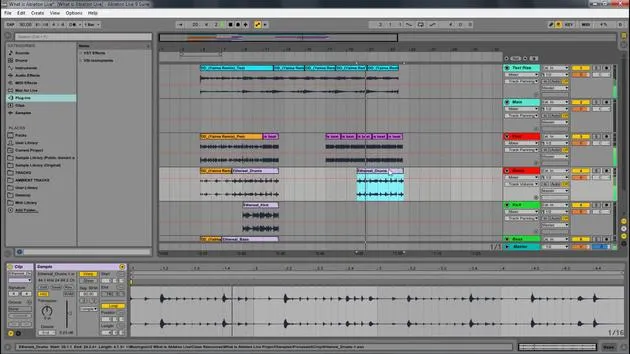
Transcription de la leçon
Navigating Ableton Live
In this module, we're going to be looking at navigating Ableton Live and how we can really understand the different windows and parts of the program.
Worksheet Download
There will be a worksheet for you to download. This will help you understand how to navigate Ableton Live. Feel free to:
- Download it
- Print it out
- Have it available for reference
This will aid you in filling in the boxes for your own sake and help you remember the different aspects of Ableton Live.
Overview of Ableton Live
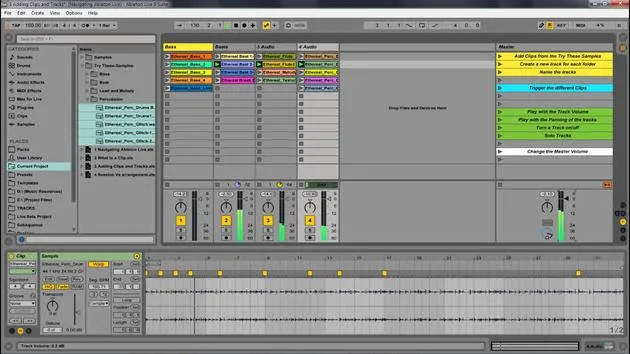
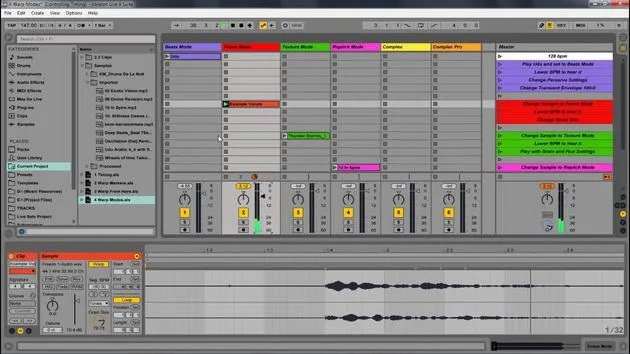
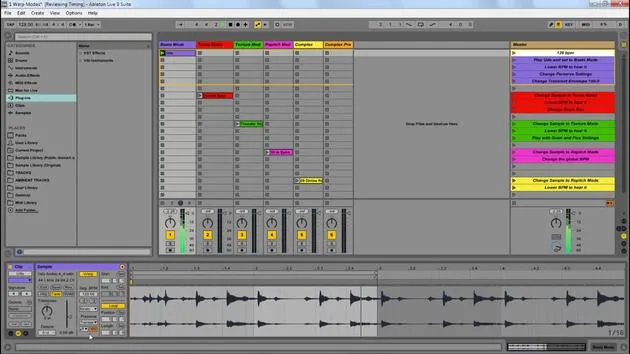
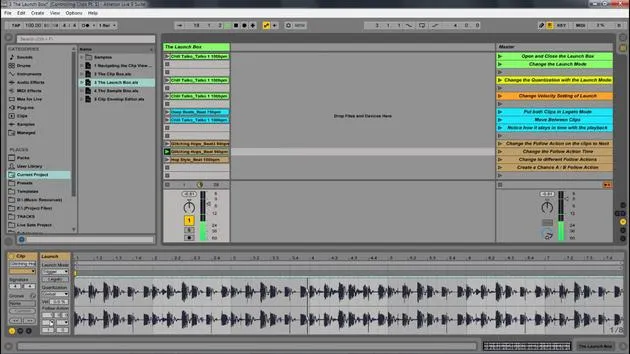
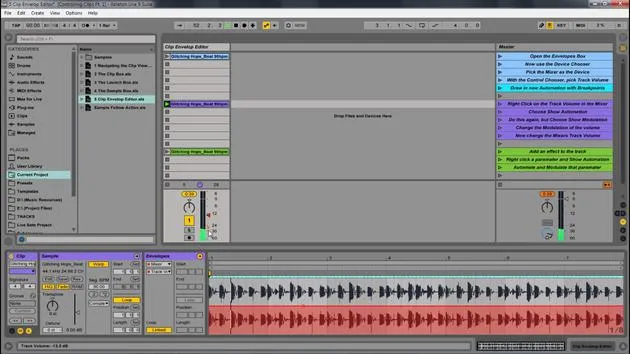
Here's an overview of the Ableton Live set, and I'll walk you through the different parts of Ableton.
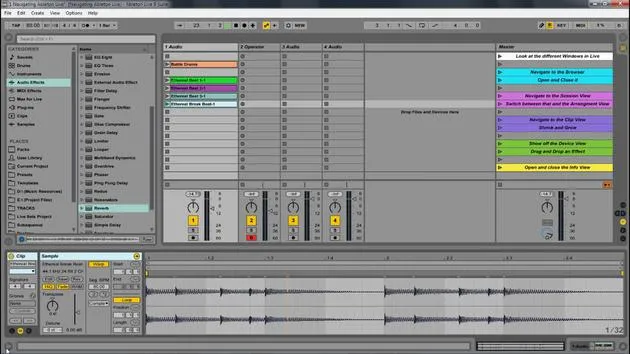
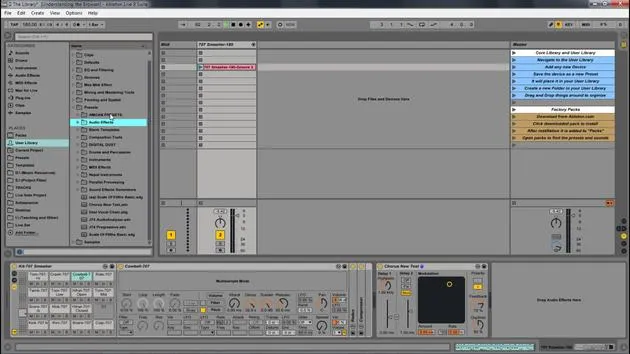
The Browser
- Location: The browser is located on the left side.
- Action: You can open and close it with the triangle icon (similar triangles are found throughout the program).
Functionality:
- This is where you find your audio effects and instruments.
- You can drag in various sounds and any file sample libraries you might have.
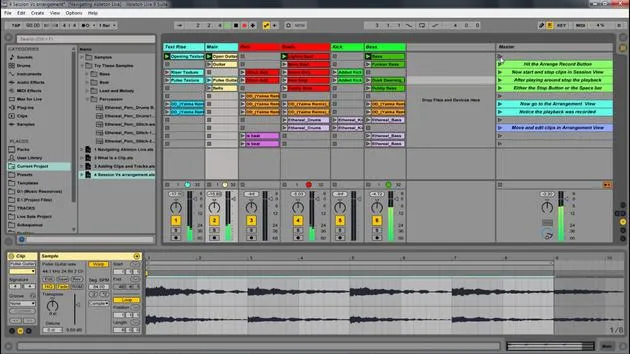
Session View vs. Arrangement View
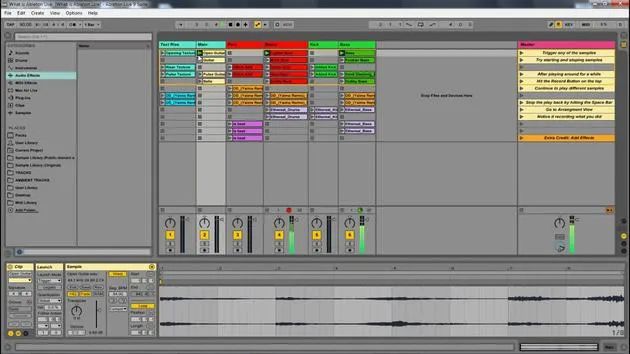
Session View
- Definition: Think of Session View as a nonlinear way of looking at music.
- Functionality: You can grab different clips and drag them in.
- When you play a clip, it loops until you start the next section.
- There's no beginning or end to this; it's similar to a jam session.
Arrangement View
- Definition: Arrangement View displays clips in a linear fashion from beginning to end.
- Functionality:
- You can drag clips in to create a composition.
- This allows you to arrange your song from start to finish.
Switching Between Views
- You can easily flip between Session View and Arrangement View by pressing the Tab button.
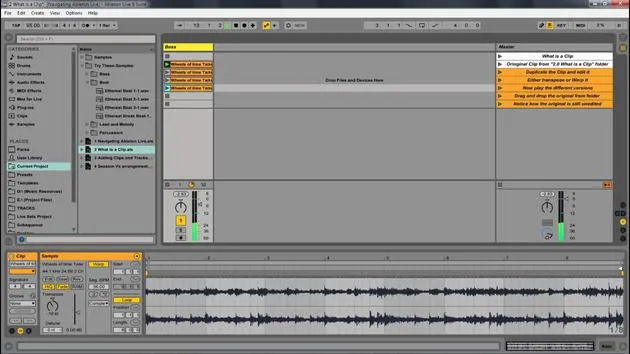
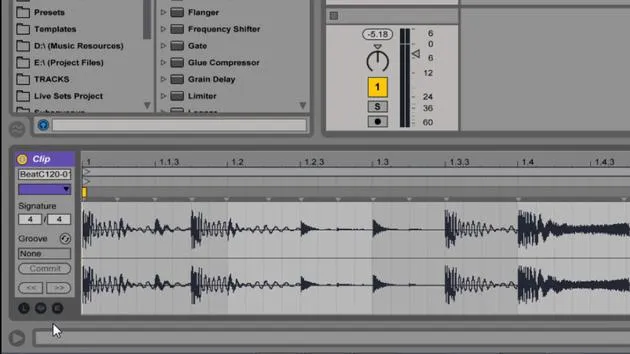
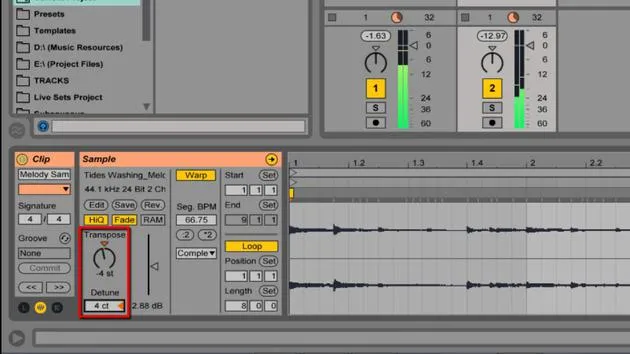
Clip View
- To access the Clip View:
- How to Open: Double-click a clip.
- Display: You can see the waveform and additional information.
Scaling:
- You can extend or shrink the view, and there's also a small triangle to open and close it.
Devices View
- Access: Found at the bottom of the screen.
- Functionality: Displays devices associated with the selected clip.
Example:
- If you drag in a device like a simple delay or a reverb, you will see it in this view.
Info View
- This is an incredibly helpful feature.
- How to Show/Hide: You can manage the visibility here.
- Functionality: Acts as a cheat sheet.
- Hovering your mouse over items will describe their functions.
Summary of Windows
To quickly summarize:
- Session View: Green window
- Browser: Blue window
- Arrangement View: Pink window
- Clip View: Displays clip information
- Use Shift + Tab to toggle between Clip View and Devices View.
- Devices View: Bottom panel showing devices
- Info View: Helpful descriptions for parameters
Next Steps
You have the worksheet to review and fill out. Let's dive deeper into the other parts of navigating Ableton Live!
20 leçons
2h 16m de leçons vidéo structurées
Fonctions vidéo avancées
Ralentissez, bouclez un passage, suivez la partition
Mobile, tablette et ordinateur
Pratiquez où vous voulez
Satisfaction garantie à 100 %
Garantie remboursement 30 jours
Rencontrez votre guru
Rencontrez votre guru
Isaac Cotec est, sans doute, l'un des meilleurs formateurs Ableton au monde ! Tout en travaillant sur sa propre musique, il a commencé à enseigner les techniques d'enregistrement, le design sonore et Ableton Live à des élèves particuliers et, depuis qu'il a obtenu sa certification d'Ableton Certified Trainer officiel, il a aidé des milliers de producteurs à passer un cap et à réussir comme musiciens.
Isaac a commencé à produire de la musique électronique en 2005 avec Psyche Sonics, un groupe expérimental travaillant sur la science et la recherche des binaural beats et la modification de la conscience par le son. Après avoir tourné, il a continué à écrire de la musique sous l'alias Cotec puis a émergé comme l'artiste Subaqueous, mêlant son passé électronique à des techniques de production à la fois futuristes et organiques. À ce jour, il a sorti 3 albums et 4 EPs.
Isaac est aussi le fondateur et le gérant du label Invibe Music, qui représente certains des meilleurs artistes de musique électronique du Pacific Northwest et se spécialise dans la dance midtempo.
Dans ses cours Ableton Live, Isaac partage les techniques de production, de design sonore et d'écriture qu'il a passé des années à affiner — les compétences mêmes qu'il utilise pour transformer l'étincelle d'une idée en un morceau fini.







