



Naviguer dans Ableton Live - Clips

Avec
Isaac Cotec
Le contenu du cours
20 leçons (2h 16min) · 1 gratuites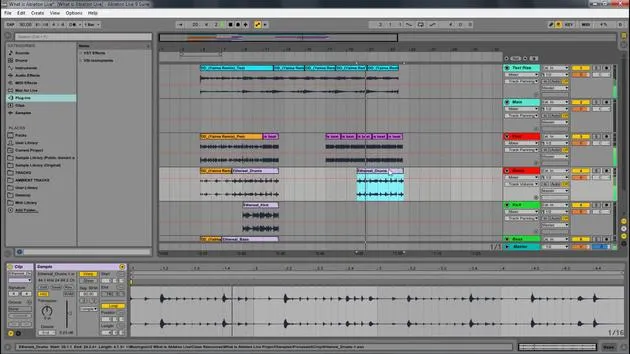
Transcription de la leçon
Understanding the Building Blocks of Ableton
Now let's look at understanding what the building blocks of Ableton is.
Just knowing what those windows are is not going to help you; however, it will create a common language so we can describe where things are and what pages we're looking at.
The Parts That Make Ableton Work
Now we really need to understand the parts that make Ableton work. What are the things that play the music and musical ideas?
The Clips
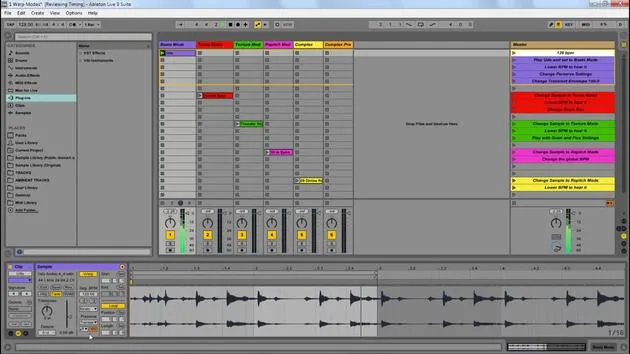
The basic music building blocks of Live are called clips.
A clip is a piece of musical material: a melody, a drum pattern, a bass line, or even a complete song.
Live allows you to record and alter clips and to create larger musical structures from them, such as:
- Songs
- Scores
- Remixes
- DJ sets
- Whole stage shows
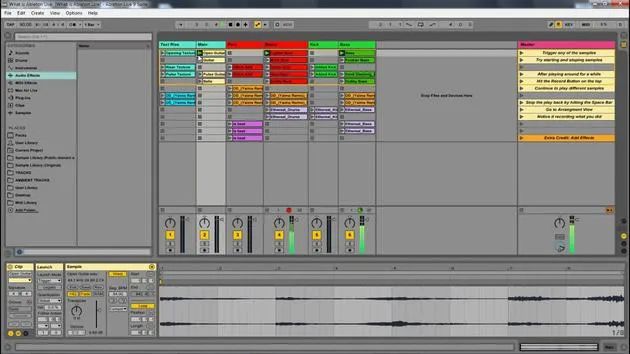
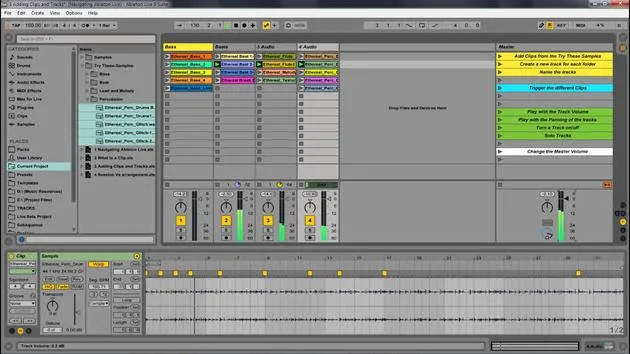
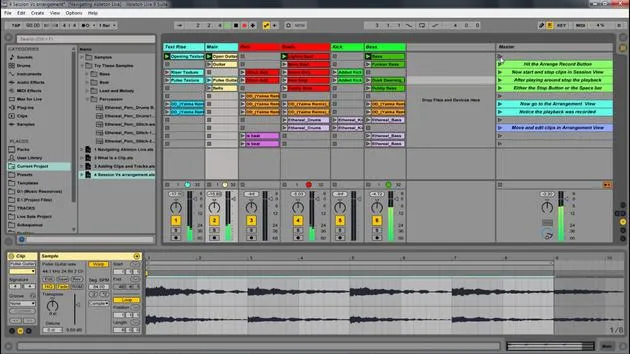
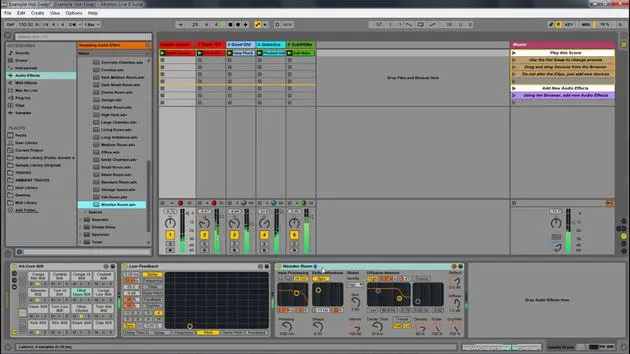
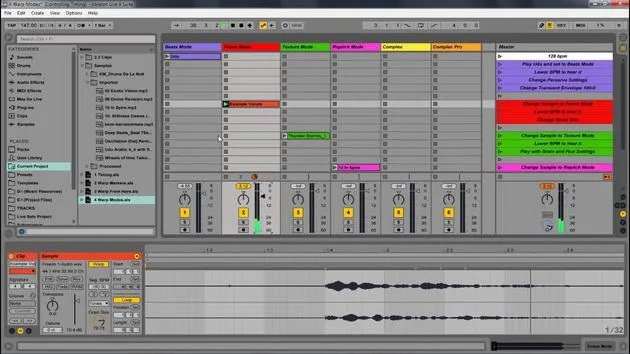
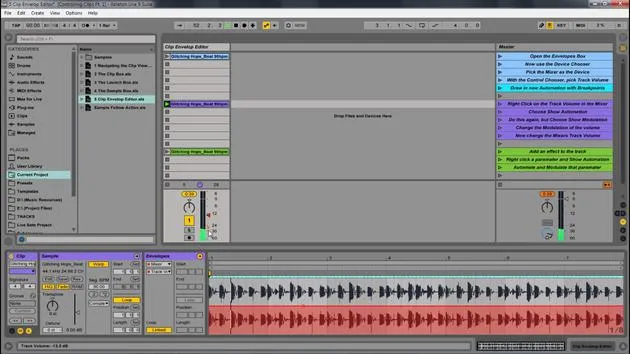
In this image, we have tracks, which represent clips. We're going to look deeper into that.
Clips as Containers
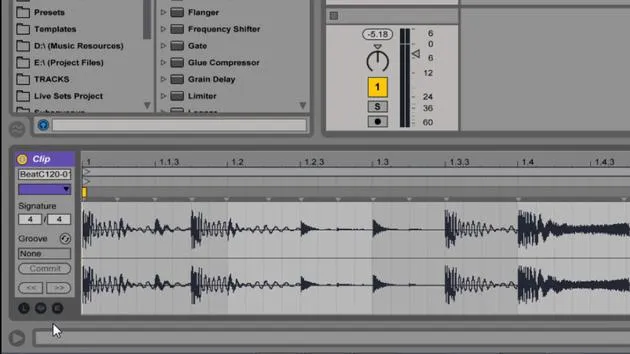
Clips are a container. It's really important to realize that this is kind of like a wrapper around a piece of audio. It doesn't actually mean it's the audio.
This leads us to what is called non-destructive editing, which allows for multiple versions of the same sample.
Example of Non-Destructive Editing
Let me show you that.
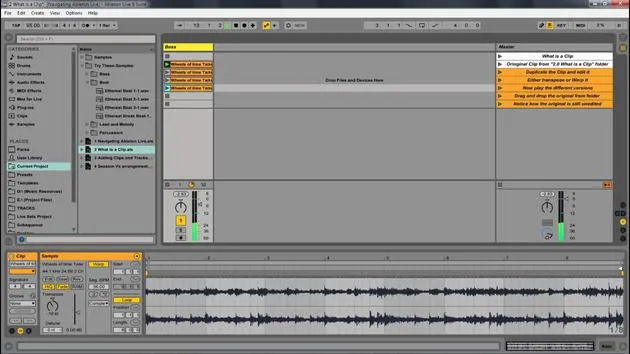
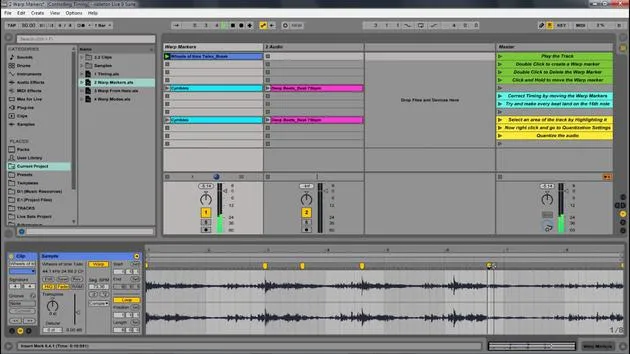
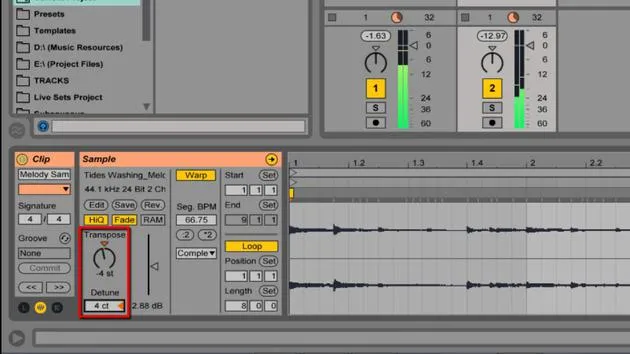
Here we have this "wheel of time" thing that I've created. Now, if I take this, I can hold Control and move it down to duplicate it.
As an example, I can come in here and transpose this one down quite a bit. Notice how this one's transposed while this one is as is.
I can also do other things, such as:
- Shrink this one to that section
- Change its color for the sake of understanding
Let's put this one up. See how this is all the same sample and I've changed it in some ways, but the original sample is totally fine. I have not changed that in any way.
I'm just saying with this container, the orange, blue, and so on, that the clip is saying, "Well, I want to play this one differently."
Understanding the Sample
If I click here, this is just going to show me what that sample is. Here's the original sample, which has not been changed in any way. There are not multiple versions of the sample; it's the same thing.
But the clip is indicating that we are playing it back differently.
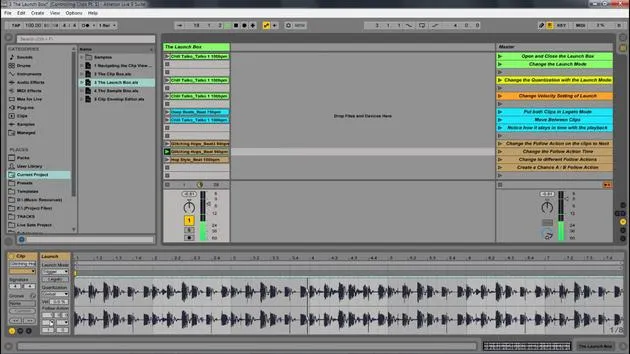
I can also drag in any sample; I can drag in this beat, and so on. Anything I can just drag over can be added to my live set.
20 leçons
2h 16m de leçons vidéo structurées
Fonctions vidéo avancées
Ralentissez, bouclez un passage, suivez la partition
Mobile, tablette et ordinateur
Pratiquez où vous voulez
Satisfaction garantie à 100 %
Garantie remboursement 30 jours
Rencontrez votre guru
Rencontrez votre guru
Isaac Cotec est, sans doute, l'un des meilleurs formateurs Ableton au monde ! Tout en travaillant sur sa propre musique, il a commencé à enseigner les techniques d'enregistrement, le design sonore et Ableton Live à des élèves particuliers et, depuis qu'il a obtenu sa certification d'Ableton Certified Trainer officiel, il a aidé des milliers de producteurs à passer un cap et à réussir comme musiciens.
Isaac a commencé à produire de la musique électronique en 2005 avec Psyche Sonics, un groupe expérimental travaillant sur la science et la recherche des binaural beats et la modification de la conscience par le son. Après avoir tourné, il a continué à écrire de la musique sous l'alias Cotec puis a émergé comme l'artiste Subaqueous, mêlant son passé électronique à des techniques de production à la fois futuristes et organiques. À ce jour, il a sorti 3 albums et 4 EPs.
Isaac est aussi le fondateur et le gérant du label Invibe Music, qui représente certains des meilleurs artistes de musique électronique du Pacific Northwest et se spécialise dans la dance midtempo.
Dans ses cours Ableton Live, Isaac partage les techniques de production, de design sonore et d'écriture qu'il a passé des années à affiner — les compétences mêmes qu'il utilise pour transformer l'étincelle d'une idée en un morceau fini.







