



Exercice - Comprendre le navigateur - Exemple de Hot Swap

Avec
Isaac CotecUn exercice pratique utilisant le navigateur et le Hot-Swap d'Ableton pour changer rapidement les presets, les racks d'instruments et les sons dans un set Live que tu télécharges et suis pas à pas.

Le contenu du cours
20 leçons (2h 16min) · 1 gratuites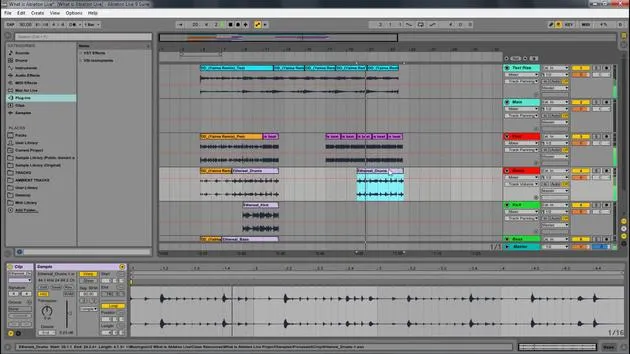
Transcription de la leçon
Hot Swapping in Ableton Live
In this video, we're going to be looking at Hot Swapping and how we can use that with the browser and the way that Ableton works to quickly change sounds, instrument racks, you name it.
What is Hot Swapping?
Hot Swap allows us to pick any device and switch it to another preset. This activity will let you play with how easy it is to change presets and sounds in Ableton Live.
Getting Started
-
Download the Live Set: Go ahead and download the live set that I will be showing throughout this video and follow along with these activities.
-
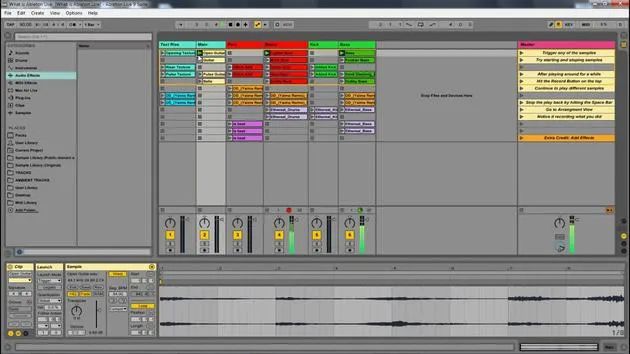
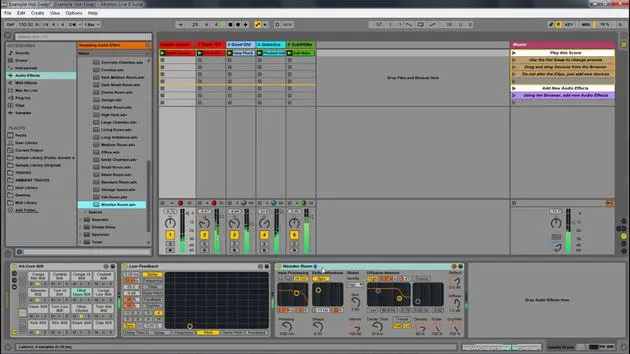
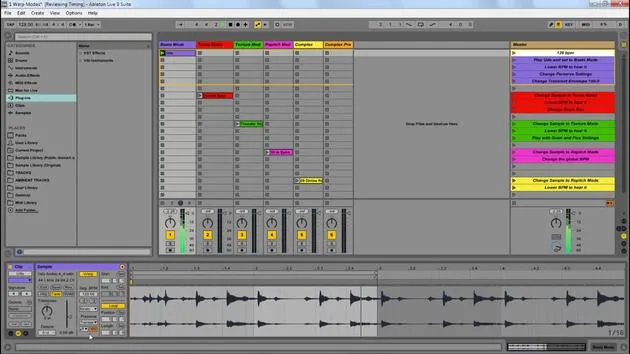
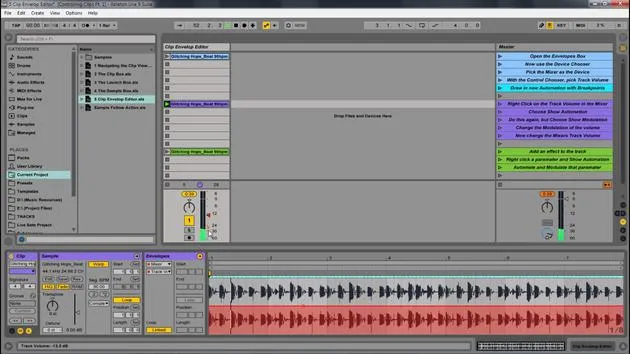
Open the Hot Swap Example Live Set: After downloading, open the Hot Swap example live set. Follow the instructions on the master track, which will include changing presets and using Hot Swap mode.
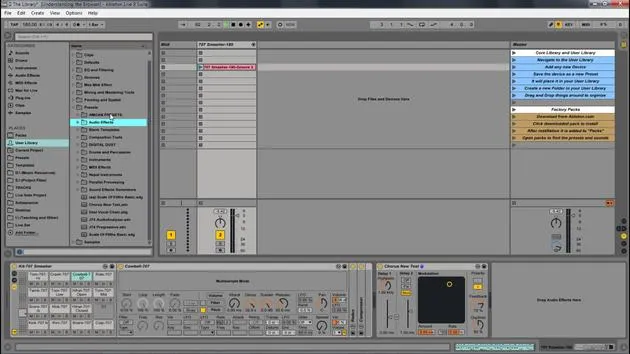
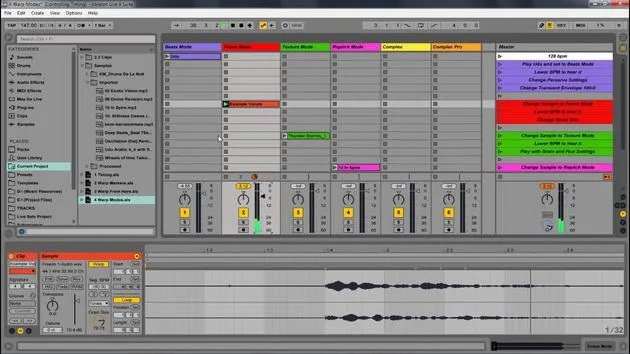
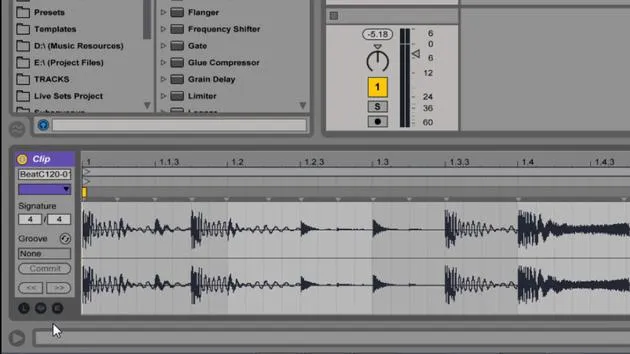
(This image shows what Hot Swap is. Right at the top here, we have this button, and it's on any device. If you click that, you'll enter into Hot Swap mode.)
Using Hot Swap
Step-by-Step Process
-
Select Your Track: Start on the master track, and play the different parts.
-
Switch Sounds: Let's say we're producing something and want to switch some different sounds, perhaps the pluck, the glide, or other parts.
- Solo the device you want to change.
- Press the Hot Swap button to enter the browser with different instruments.
- You can click on each instrument, and it will change that sound immediately in your track.
-
Experiment with Different Instruments: Keep searching for the exact sound you need.
Adding Audio Effects
-
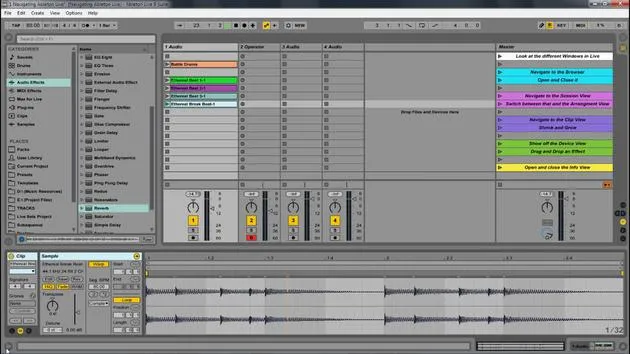
Feel free to drag and drop devices. For example, let's add Grain Delay to the drums.
- Once you hit the Hot Swap button, it will give you all the different presets for that specific device.
- You can select from various presets and hear the changes in real time.
-
Applying Effects to the Master Track: To showcase the effect more prominently, put it on the master track.
- Hit the Hot Swap button again to change presets and find the one that fits your song.
Key Benefits of Hot Swapping
Hot swapping allows you to quickly and easily navigate through presets in Ableton Live without the need to dig into the browser each time. It streamlines your workflow, letting you focus more on creativity rather than navigation.
Conclusion
Once you download the live set, you can follow along with the different steps I provided and start changing out these presets to the ones that you prefer.
Start playing with this idea of Hot Swapping in Ableton Live, and explore the vast possibilities of sound manipulation!
20 leçons
2h 16m de leçons vidéo structurées
Fonctions vidéo avancées
Ralentissez, bouclez un passage, suivez la partition
Mobile, tablette et ordinateur
Pratiquez où vous voulez
Satisfaction garantie à 100 %
Garantie remboursement 30 jours
Rencontrez votre guru
Rencontrez votre guru
Isaac Cotec est, sans doute, l'un des meilleurs formateurs Ableton au monde ! Tout en travaillant sur sa propre musique, il a commencé à enseigner les techniques d'enregistrement, le design sonore et Ableton Live à des élèves particuliers et, depuis qu'il a obtenu sa certification d'Ableton Certified Trainer officiel, il a aidé des milliers de producteurs à passer un cap et à réussir comme musiciens.
Isaac a commencé à produire de la musique électronique en 2005 avec Psyche Sonics, un groupe expérimental travaillant sur la science et la recherche des binaural beats et la modification de la conscience par le son. Après avoir tourné, il a continué à écrire de la musique sous l'alias Cotec puis a émergé comme l'artiste Subaqueous, mêlant son passé électronique à des techniques de production à la fois futuristes et organiques. À ce jour, il a sorti 3 albums et 4 EPs.
Isaac est aussi le fondateur et le gérant du label Invibe Music, qui représente certains des meilleurs artistes de musique électronique du Pacific Northwest et se spécialise dans la dance midtempo.
Dans ses cours Ableton Live, Isaac partage les techniques de production, de design sonore et d'écriture qu'il a passé des années à affiner — les compétences mêmes qu'il utilise pour transformer l'étincelle d'une idée en un morceau fini.







