



Exercice : Crée ton template

Avec
Dov WatermanDov Waterman te confie ton premier exercice : construire un template fonctionnel à partir des patches que tu as créés et les organiser en track stacks et dossiers.
Le contenu du cours
10 leçons (0h 46min) · 1 gratuites
01. Bienvenue dans le cours et le point de vue de Dov sur la créativité
Leçon gratuite3:29
02. Introduction au workflow et à l'efficacité
1:30
03. Flux de travail et efficacité
7:13
04. Raccourcis clavier
6:04
05. Créer une palette de sons
4:02
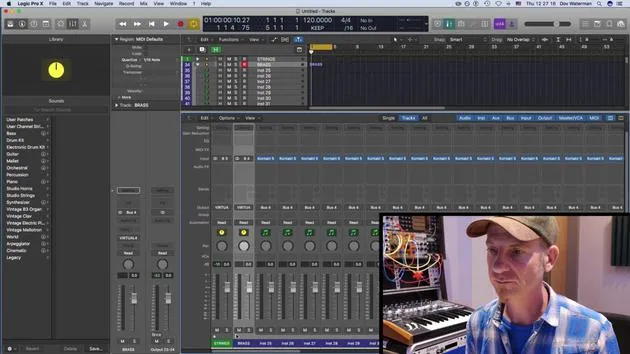
06. Configurer et enregistrer un template
4:30
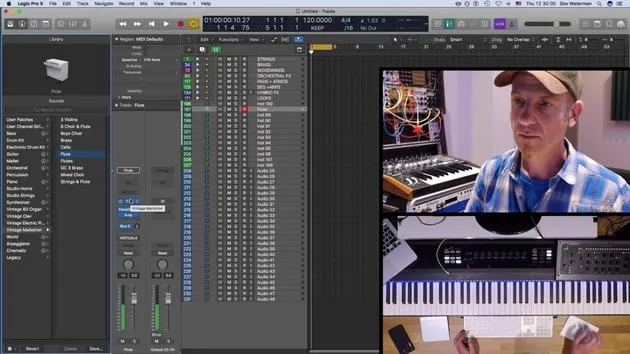
07. Vue d'ensemble de la bibliothèque et des tranches de console
9:20
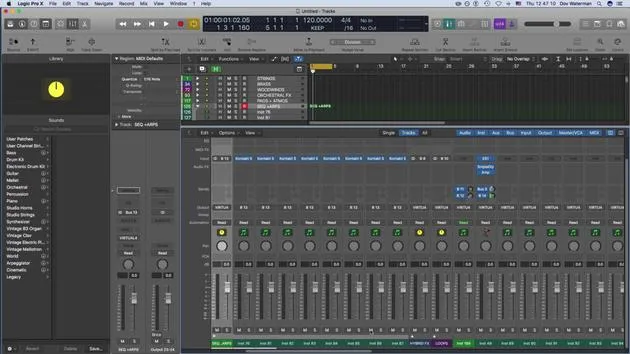
08. La barre d'outils
4:23
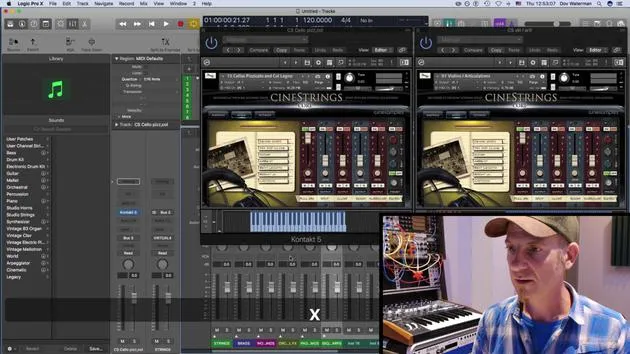
09. Screen-sets
4:34
10. Exercice : Crée ton template
Tu es ici1:18
Transcription de la leçon
Music Lesson: Setting Up Your Workflow
Okay, so hopefully after this section of the course, you've understood the importance of:
- Setting up certain aspects of the environment
- Understanding the workflow that you've established
- Recognizing what you're capable of with your setup
The Importance of a Template
It's crucial to set yourself up with a template that works for you within the genre you are writing. Consider the sounds that you will be using.
Your Challenge
The challenge for this part of the course is to:
-
Set up a template of sounds
- Utilize elements from the patches that you've created.
-
Organize these patches into track folders
- Pull presets from Logic or create your own within the library.
- Set them up in track folders.
- Create track stacks and group those tracks into folders.
Good luck with that! In the next section, we'll be talking about synthesis.
10 leçons
0h 46m de leçons vidéo structurées
Fonctions vidéo avancées
Ralentissez, bouclez un passage, suivez la partition
Mobile, tablette et ordinateur
Pratiquez où vous voulez
Satisfaction garantie à 100 %
Garantie remboursement 30 jours
Rencontrez votre guru
Rencontrez votre guru
Dov Waterman est compositeur, pianiste et producteur. Il a écrit et conçu le son de films tels que After Earth, Terminator Genisys, Transformers: The Last Knight et The Snowman, et travaille comme monteur audio de bibliothèques de samples et sound designer avec des sociétés comme Native Instruments et SonoKinetic.
Sa série Composition in Logic parcourt la construction d'un morceau de bout en bout dans Logic Pro — des templates et du workflow jusqu'à la synthèse et la programmation de beats, les effets MIDI, le montage et le mix final — pour les producteurs qui veulent transformer leurs idées en disques aboutis.







