



Créer une palette de sons

Avec
Dov WatermanDov Waterman montre comment créer une palette de sons et un template dans Logic, pour que tes instruments favoris soient chargés et prêts avant de commencer à composer.
Le contenu du cours
10 leçons (0h 46min) · 1 gratuites
01. Bienvenue dans le cours et le point de vue de Dov sur la créativité
Leçon gratuite3:29
02. Introduction au workflow et à l'efficacité
1:30
03. Flux de travail et efficacité
7:13
04. Raccourcis clavier
6:04
05. Créer une palette de sons
Tu es ici4:02
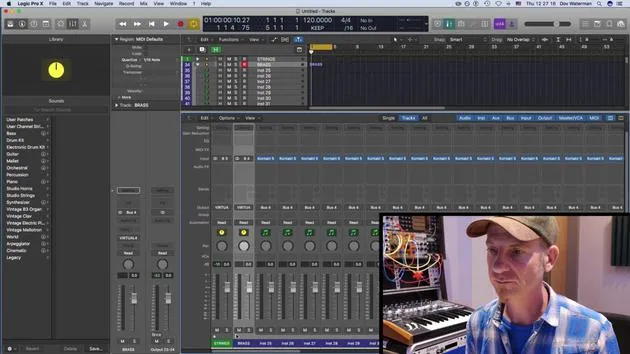
06. Configurer et enregistrer un template
4:30
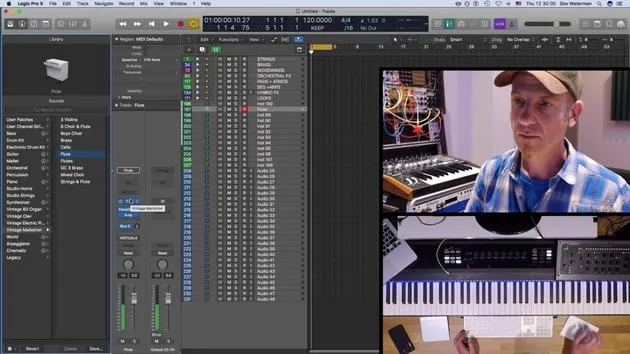
07. Vue d'ensemble de la bibliothèque et des tranches de console
9:20
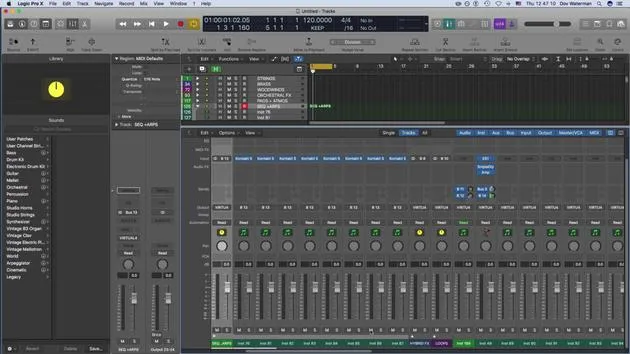
08. La barre d'outils
4:23
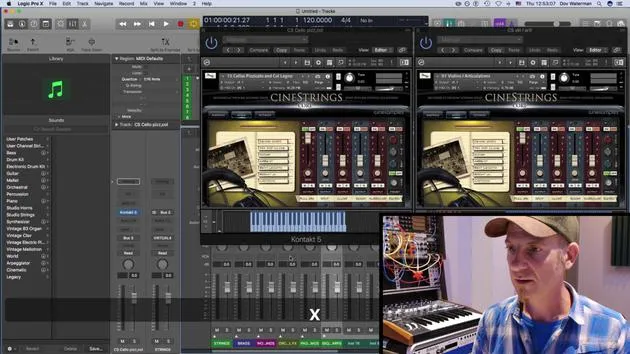
09. Screen-sets
4:34
10. Exercice : Crée ton template
1:18
Transcription de la leçon
Music Lesson: Understanding the Library Section and Templates
Introduction
Next topic we're going to look at is the library section. Part of our routine as composers and producers is to have sounds up and ready. Having these sounds accessible before you go into your creative zone is really important. This practice will save you a lot of time and hassle later when you're searching for the right sound.
Workflow Essentials
We've talked about key commands as one aspect of the workflow. Another very important aspect of maintaining a smooth workflow is setting up a template. A template consists of the sounds that we're going to use within our project.
The Role of Templates
- Definition: A template is essentially a shell that serves as a building block for our projects. It provides a common starting point for different projects.
- Composition: A template in Logic will consist of several components:
- Sounds: Default patches pulled up, whether they are instrument channel strips or audio channel strips.
- Channel Routing: Any routings to reverbs or other auxiliaries.
- Folder Tracks: Instruments and audio tracks can be organized into folder tracks. We will discuss folder tracks further on.
- Workspace Customization: This includes customization of your control bar, toolbar, and various other panels within Logic, along with the key commands that open these bars.
Sound Libraries and Palettes
Importance of Sound Libraries
The sounds used in a template often pertain to virtual instruments. The sound library in Logic houses:
- Logic Instruments: Such as the EX24, samplers, and other sound-producing instruments.
Creating Your Sound Palette
Creating your sound palette is intrinsic to utilizing the sound library:
- Saving Sounds: Logic allows you to save presets within instruments. You can also save the preset as a channel strip, including any plugin changes, into your sound library.
- User Patches: These get stored in user patches and folder tracks, distinct from the default patches that Logic already provides.
Consistency Across Projects
Starting to understand how all these elements can be part of your template is key. If you're working on multiple projects or an entire album, using a template can help ensure consistency in sound.
Conclusion
Within your template, you can utilize the sound library and all the sounds you have generated and saved, allowing you to save them as part of your overall template structure.
10 leçons
0h 46m de leçons vidéo structurées
Fonctions vidéo avancées
Ralentissez, bouclez un passage, suivez la partition
Mobile, tablette et ordinateur
Pratiquez où vous voulez
Satisfaction garantie à 100 %
Garantie remboursement 30 jours
Rencontrez votre guru
Rencontrez votre guru
Dov Waterman est compositeur, pianiste et producteur. Il a écrit et conçu le son de films tels que After Earth, Terminator Genisys, Transformers: The Last Knight et The Snowman, et travaille comme monteur audio de bibliothèques de samples et sound designer avec des sociétés comme Native Instruments et SonoKinetic.
Sa série Composition in Logic parcourt la construction d'un morceau de bout en bout dans Logic Pro — des templates et du workflow jusqu'à la synthèse et la programmation de beats, les effets MIDI, le montage et le mix final — pour les producteurs qui veulent transformer leurs idées en disques aboutis.







