



La barre d'outils

Avec
Dov WatermanDov Waterman montre comment la barre d'outils de Logic Pro donne accès en un clic aux fonctions que tu utilises le plus, et comment la personnaliser pour un flux de composition plus rapide.
Le contenu du cours
10 leçons (0h 46min) · 1 gratuites
01. Bienvenue dans le cours et le point de vue de Dov sur la créativité
Leçon gratuite3:29
02. Introduction au workflow et à l'efficacité
1:30
03. Flux de travail et efficacité
7:13
04. Raccourcis clavier
6:04
05. Créer une palette de sons
4:02
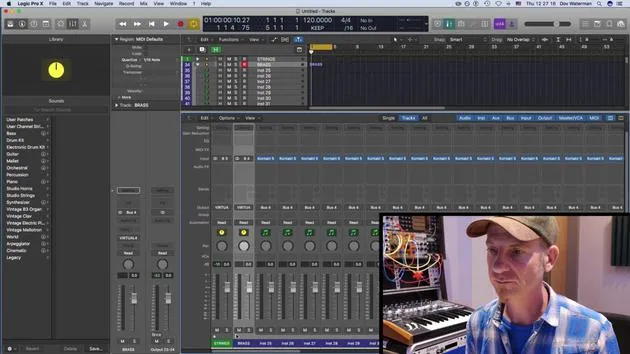
06. Configurer et enregistrer un template
4:30
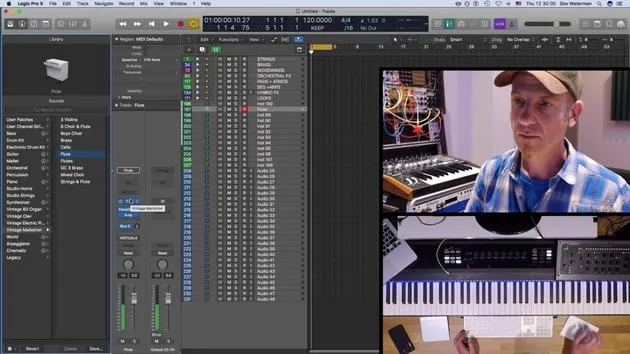
07. Vue d'ensemble de la bibliothèque et des tranches de console
9:20
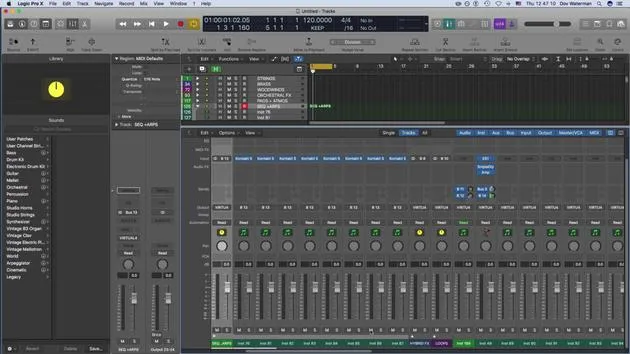
08. La barre d'outils
Tu es ici4:23
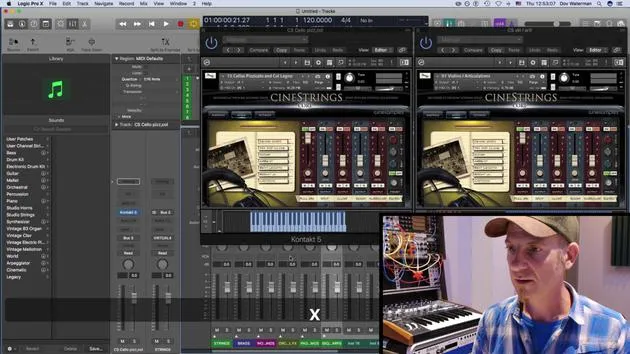
09. Screen-sets
4:34
10. Exercice : Crée ton template
1:18
Transcription de la leçon
Recap on Template Building and Customization
Building a Template
- Building a template consists of:
- Getting your sounds correctly in place
- Loading them into folders
- Categorizing them for easier visibility
Customizing the Environment
- We looked at adding elements to:
- The control bar
- The toolbar
Control Bar Functions
- The control bar, located just beneath the toolbar, includes various functions that I frequently reference.
- Key Commandable Functions:
- Most functions here can be accessed via key commands.
- This includes:
- Editing MIDI
- Repeating sections
- Arranging
- Bouncing regions
- Splitting locators
Customizing Functions
- To customize the toolbar:
- Use Control + Click to add functions.
- I prefer seeing certain functions visually rather than relying solely on key commands to avoid accidental pressing.
Useful Functions to Add
- Bounce: I haven't assigned a key command for this, but I keep it visible in the control bar.
- Automatic Quick Assign: We'll discuss this further, particularly regarding automation.
- Import/Export Audio: Essential functions for workflow.
Bouncing Stems
- When creating stems or bouncing out audio, the process is as follows:
- It generates bounce folders (as opposed to "bounce in place," which we'll explore later).
- This feature helps in exporting selections of regions or tracks effectively.
Grouping Tracks for Post Production
- One critical aspect of post-production involves organizing your audio:
- Using folder tracks or summing buses (aux tracks) aids in managing audio when stemming.
- During final mix stages, mixers may need sections grouped (e.g., string sections, brass sections).
- To bounce a section, highlight it and:
- Click Bounce or go to Bounce Output (both perform the same action).
- We will cover more about bouncing and importing files in detail later on.
10 leçons
0h 46m de leçons vidéo structurées
Fonctions vidéo avancées
Ralentissez, bouclez un passage, suivez la partition
Mobile, tablette et ordinateur
Pratiquez où vous voulez
Satisfaction garantie à 100 %
Garantie remboursement 30 jours
Rencontrez votre guru
Rencontrez votre guru
Dov Waterman est compositeur, pianiste et producteur. Il a écrit et conçu le son de films tels que After Earth, Terminator Genisys, Transformers: The Last Knight et The Snowman, et travaille comme monteur audio de bibliothèques de samples et sound designer avec des sociétés comme Native Instruments et SonoKinetic.
Sa série Composition in Logic parcourt la construction d'un morceau de bout en bout dans Logic Pro — des templates et du workflow jusqu'à la synthèse et la programmation de beats, les effets MIDI, le montage et le mix final — pour les producteurs qui veulent transformer leurs idées en disques aboutis.







