



Introducción al flujo de trabajo y la eficiencia

Con
Dov Waterman
Qué incluye el curso
10 lecciones (0h 46m) · 1 gratis
01. Bienvenido al curso y la visión de Dov sobre la creatividad
Lección gratis3:29
02. Introducción al flujo de trabajo y la eficiencia
Estás aquí1:30
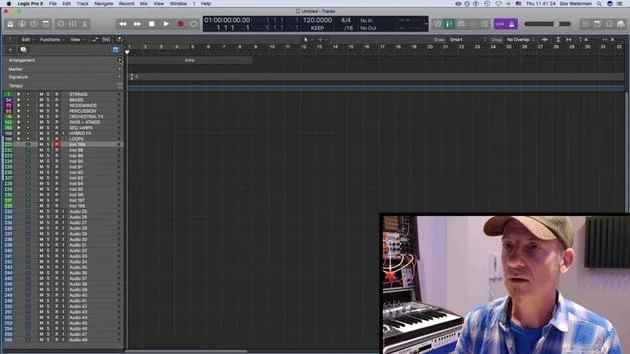
03. Flujo de trabajo y eficiencia
7:13
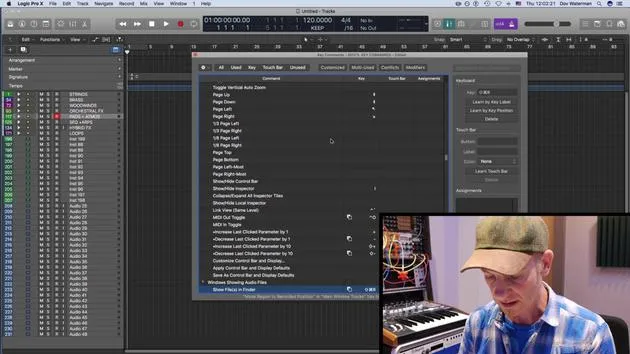
04. Comandos de teclado
6:04
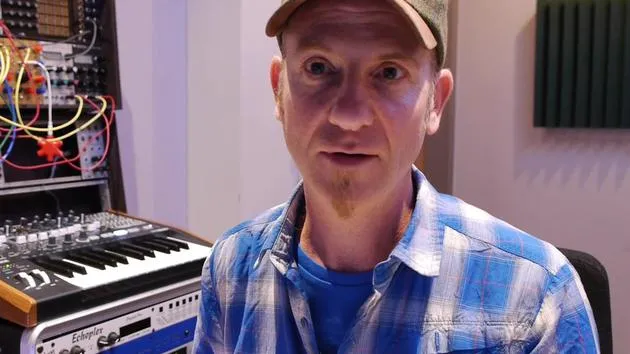
05. Crear una paleta de sonidos
4:02
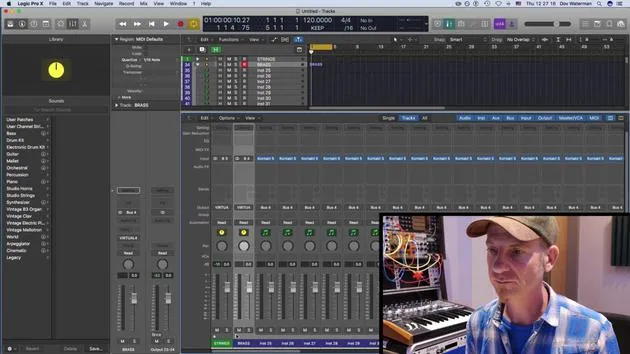
06. Configurar y guardar una plantilla
4:30
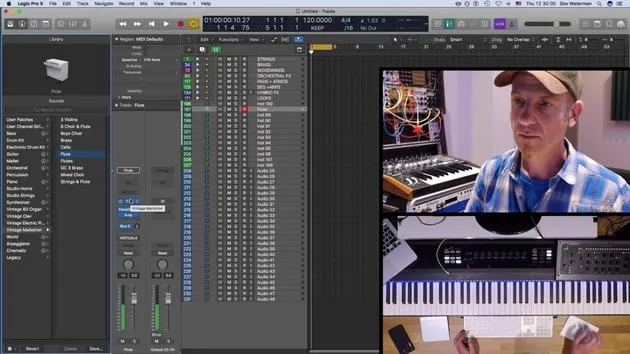
07. Visión general de la biblioteca y los channel strips
9:20
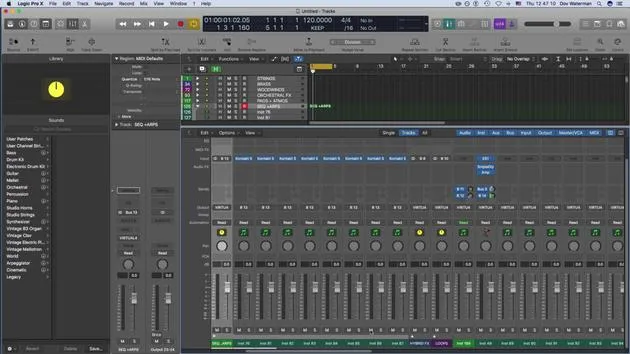
08. La barra de herramientas
4:23
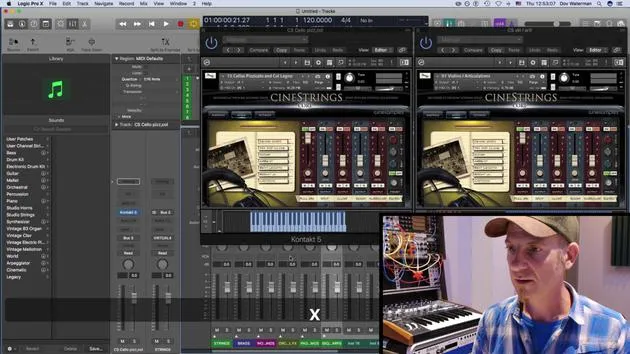
09. Screen-sets
4:34
10. Tarea: Crea tu plantilla
1:18
Transcripción de la lección
Workflow and Efficiency in Logic
Welcome to this section of the course!
Overview
We're going to be talking about workflow and efficiency, specifically:
- Setting up logic to work for you
- Understanding the term "workflow" as work in flow
Session Goals
The point of this session is to:
- Set up your environment page
- The environment being the place where you're working, such as the arrange page and everything associated with it.
Key Concepts
We'll cover some basic concepts of logic, focusing on:
- Working smoothly within a single window environment
- Utilizing different panels and inspector views
- Customizing control panels, including:
- The toolbar panel
- The control bar panel
Customization Tips
By customizing these elements, you'll be able to:
- Access various parameters quickly
- Create a smoother workflow in your creative zone
Additional Topics
We'll also be covering:
- Setting up a template
- Building on the template
- Exploring key commands
- Customizing key commands
- Reviewing default key commands within Logic
Library Section
We'll take a look at the library section, focusing on:
- Creating a palette of sounds
- Generating your own sounds within the library
Screen Sets
Finally, we'll discuss screen sets to enhance your workflow.
Let's Get Started!
Ready to dive in? Let's get started!
10 lecciones
0h 46m de lecciones en vídeo estructuradas
Funciones de vídeo avanzadas
Ralentiza, repite un pasaje, sigue la partitura
Móvil, tablet y ordenador
Practica donde quieras
Garantía de satisfacción 100%
30 días de garantía de devolución
Conoce a tu gurú
Conoce a tu gurú
Dov Waterman es compositor, pianista y productor. Ha escrito y diseñado el sonido de películas como After Earth, Terminator Genisys, Transformers: The Last Knight y The Snowman, y trabaja como editor de audio de bibliotecas de samples y diseñador de sonido con empresas como Native Instruments y SonoKinetic.
Su serie Composition in Logic recorre la construcción de un tema de principio a fin en Logic Pro —desde las plantillas y el flujo de trabajo hasta la síntesis y la programación de ritmos, los efectos MIDI, la edición y la mezcla final— para productores que quieran convertir sus ideas en discos terminados.







