



La barra de herramientas

Con
Dov WatermanDov Waterman muestra cómo la barra de herramientas de Logic Pro da acceso con un clic a las funciones que más usas, y cómo personalizarla para un flujo de trabajo de composición más rápido.
Qué incluye el curso
10 lecciones (0h 46m) · 1 gratis
01. Bienvenido al curso y la visión de Dov sobre la creatividad
Lección gratis3:29
02. Introducción al flujo de trabajo y la eficiencia
1:30
03. Flujo de trabajo y eficiencia
7:13
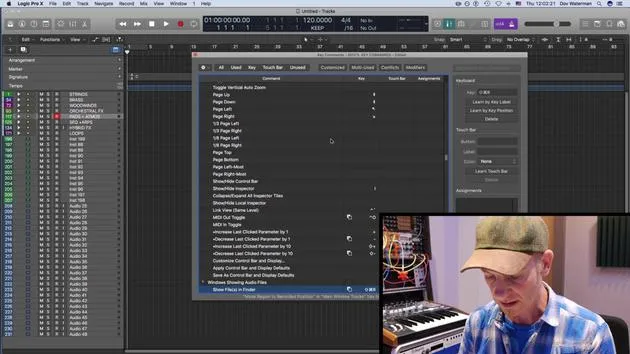
04. Comandos de teclado
6:04
05. Crear una paleta de sonidos
4:02
06. Configurar y guardar una plantilla
4:30
07. Visión general de la biblioteca y los channel strips
9:20
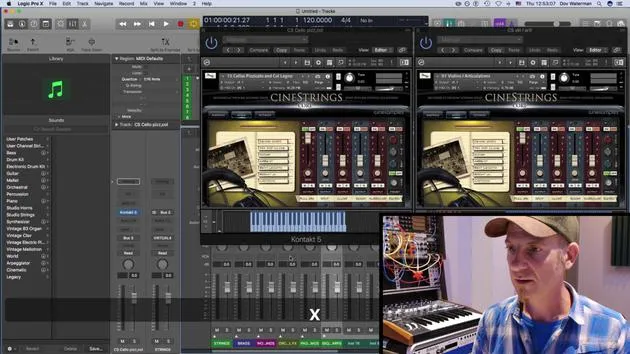
08. La barra de herramientas
Estás aquí4:23
09. Screen-sets
4:34
10. Tarea: Crea tu plantilla
1:18
Transcripción de la lección
Recap on Template Building and Customization
Building a Template
- Building a template consists of:
- Getting your sounds correctly in place
- Loading them into folders
- Categorizing them for easier visibility
Customizing the Environment
- We looked at adding elements to:
- The control bar
- The toolbar
Control Bar Functions
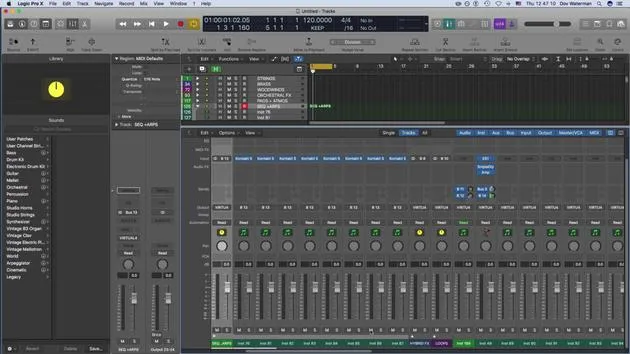
- The control bar, located just beneath the toolbar, includes various functions that I frequently reference.
- Key Commandable Functions:
- Most functions here can be accessed via key commands.
- This includes:
- Editing MIDI
- Repeating sections
- Arranging
- Bouncing regions
- Splitting locators
Customizing Functions
- To customize the toolbar:
- Use Control + Click to add functions.
- I prefer seeing certain functions visually rather than relying solely on key commands to avoid accidental pressing.
Useful Functions to Add
- Bounce: I haven't assigned a key command for this, but I keep it visible in the control bar.
- Automatic Quick Assign: We'll discuss this further, particularly regarding automation.
- Import/Export Audio: Essential functions for workflow.
Bouncing Stems
- When creating stems or bouncing out audio, the process is as follows:
- It generates bounce folders (as opposed to "bounce in place," which we'll explore later).
- This feature helps in exporting selections of regions or tracks effectively.
Grouping Tracks for Post Production
- One critical aspect of post-production involves organizing your audio:
- Using folder tracks or summing buses (aux tracks) aids in managing audio when stemming.
- During final mix stages, mixers may need sections grouped (e.g., string sections, brass sections).
- To bounce a section, highlight it and:
- Click Bounce or go to Bounce Output (both perform the same action).
- We will cover more about bouncing and importing files in detail later on.
10 lecciones
0h 46m de lecciones en vídeo estructuradas
Funciones de vídeo avanzadas
Ralentiza, repite un pasaje, sigue la partitura
Móvil, tablet y ordenador
Practica donde quieras
Garantía de satisfacción 100%
30 días de garantía de devolución
Conoce a tu gurú
Conoce a tu gurú
Dov Waterman es compositor, pianista y productor. Ha escrito y diseñado el sonido de películas como After Earth, Terminator Genisys, Transformers: The Last Knight y The Snowman, y trabaja como editor de audio de bibliotecas de samples y diseñador de sonido con empresas como Native Instruments y SonoKinetic.
Su serie Composition in Logic recorre la construcción de un tema de principio a fin en Logic Pro —desde las plantillas y el flujo de trabajo hasta la síntesis y la programación de ritmos, los efectos MIDI, la edición y la mezcla final— para productores que quieran convertir sus ideas en discos terminados.







