



Comandos de teclado

Con
Dov WatermanDov Waterman te muestra cómo encontrar, aprender y personalizar los comandos de teclado en Logic Pro para agilizar tu flujo de trabajo.
Qué incluye el curso
10 lecciones (0h 46m) · 1 gratis
01. Bienvenido al curso y la visión de Dov sobre la creatividad
Lección gratis3:29
02. Introducción al flujo de trabajo y la eficiencia
1:30
03. Flujo de trabajo y eficiencia
7:13
04. Comandos de teclado
Estás aquí6:04
05. Crear una paleta de sonidos
4:02
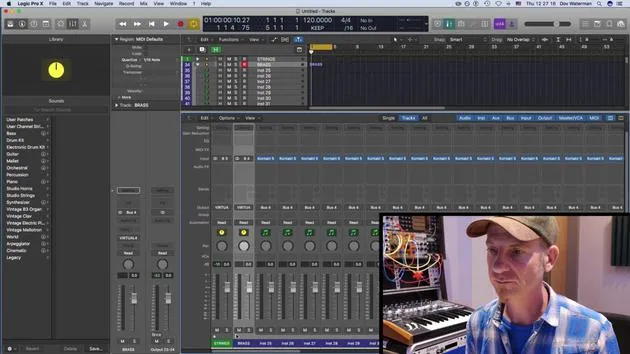
06. Configurar y guardar una plantilla
4:30
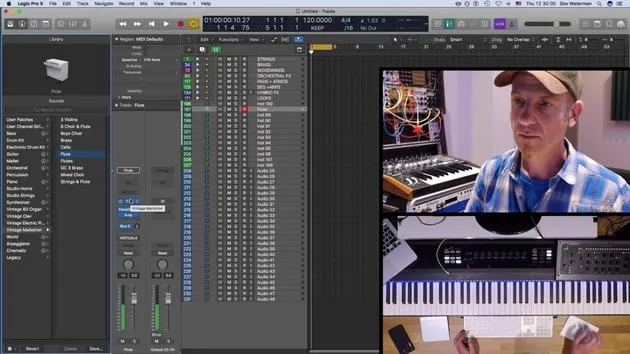
07. Visión general de la biblioteca y los channel strips
9:20
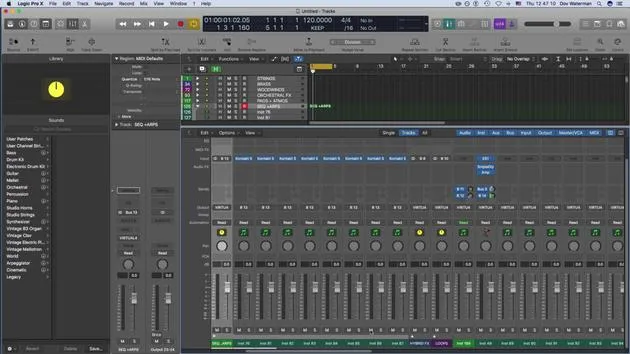
08. La barra de herramientas
4:23
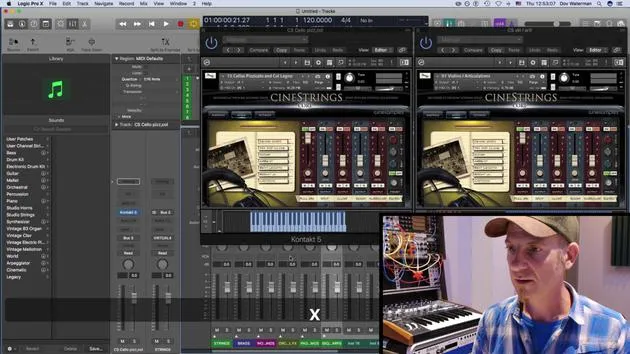
09. Screen-sets
4:34
10. Tarea: Crea tu plantilla
1:18
Transcripción de la lección
Key Commands in Logic
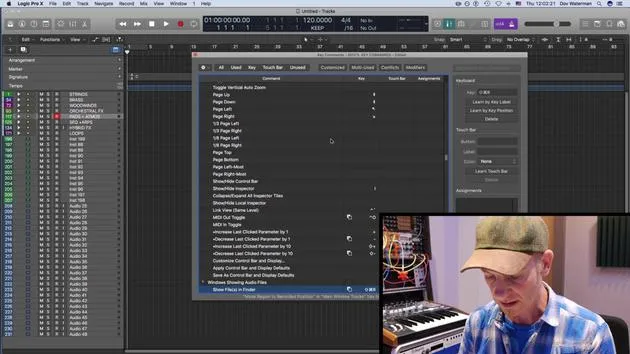
Welcome to the key command lesson! This page is a fantastic resource for understanding your key commands. If you're ever unsure about what a key command does, or if you're looking for a specific one, here's how to navigate it:
Finding Key Commands
-
Type in a Key Command:
- For example, if I press H, I get Toggle Hide View.
- This function is useful for showing various hidden tracks in Logic.
-
Not a How-To Video:
- Just a heads up, this isn't an in-depth video on the various functions of Logic.
- Covering all functions would take much longer than we have.
-
Using the Key Commands Page:
- If you're unsure of what a key command does, or if you're searching for a command that isn't listed, simply type in a key and you'll discover its functionality.
Common Key Commands
- Voice Separation Tool: A command I seldom use.
- Metronome (C):
- Press C to toggle the metronome on and off.
- Searching for "metronome" yields options for MIDI monitoring and metronome clicking.
Saving Customized Key Commands
- If you create key commands not included in the default settings, you can save these as a preset:
- Store your key commands in a file that can be exported and used on another computer with Logic.
Example: Changing a Key Command
-
Search for "Record":
- You might find commands like "Record on" or "Record repeat".
- Let's say you want to change the record button to Shift + S.
-
Result:
- Pressing Shift + S may display "Select similar region events in main window."
- If you don't use this often, simply replace the command.
-
Deleting Commands:
- To remove a command, press delete on the section, and it will vanish.
-
Saving Changes:
- After adjusting commands, save them to your Key Commands folder in your Music directory for future use.
Recap of the Command Bar
- In the command bar at the top, you can view all available key commands in Logic:
- All Commands: A comprehensive list, including those you have customized.
- Unused: Displays functions without assigned key commands.
- Multi Use: Highlights key commands with conflicts that may confuse Logic.
- Modifier Keys: Make use of the extended keyboard or right-side ASCII commands for an enhanced workflow.
Utilizing these key commands will greatly enhance your efficiency while working in Logic. Happy music making!
10 lecciones
0h 46m de lecciones en vídeo estructuradas
Funciones de vídeo avanzadas
Ralentiza, repite un pasaje, sigue la partitura
Móvil, tablet y ordenador
Practica donde quieras
Garantía de satisfacción 100%
30 días de garantía de devolución
Conoce a tu gurú
Conoce a tu gurú
Dov Waterman es compositor, pianista y productor. Ha escrito y diseñado el sonido de películas como After Earth, Terminator Genisys, Transformers: The Last Knight y The Snowman, y trabaja como editor de audio de bibliotecas de samples y diseñador de sonido con empresas como Native Instruments y SonoKinetic.
Su serie Composition in Logic recorre la construcción de un tema de principio a fin en Logic Pro —desde las plantillas y el flujo de trabajo hasta la síntesis y la programación de ritmos, los efectos MIDI, la edición y la mezcla final— para productores que quieran convertir sus ideas en discos terminados.







