



Crear una paleta de sonidos

Con
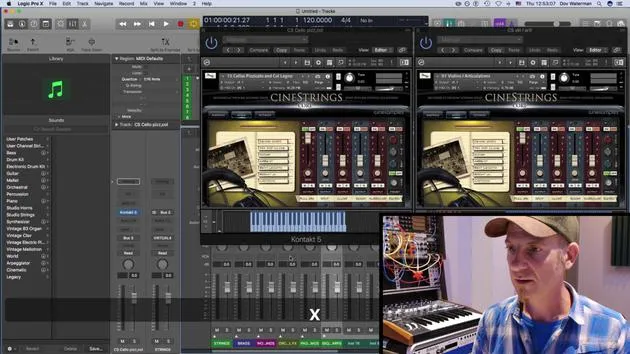
Dov WatermanDov Waterman muestra cómo crear una paleta de sonidos y una plantilla en Logic, para que tus instrumentos habituales estén cargados y listos antes de empezar a componer.
Qué incluye el curso
10 lecciones (0h 46m) · 1 gratis
01. Bienvenido al curso y la visión de Dov sobre la creatividad
Lección gratis3:29
02. Introducción al flujo de trabajo y la eficiencia
1:30
03. Flujo de trabajo y eficiencia
7:13
04. Comandos de teclado
6:04
05. Crear una paleta de sonidos
Estás aquí4:02
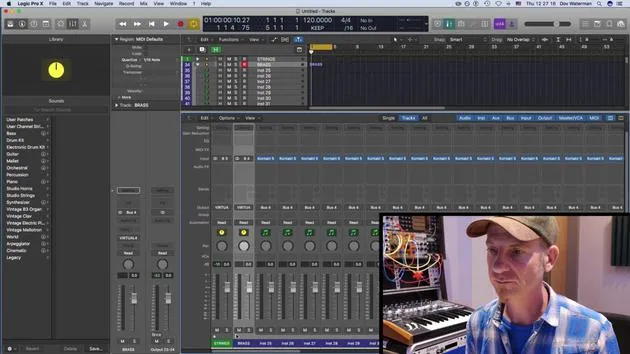
06. Configurar y guardar una plantilla
4:30
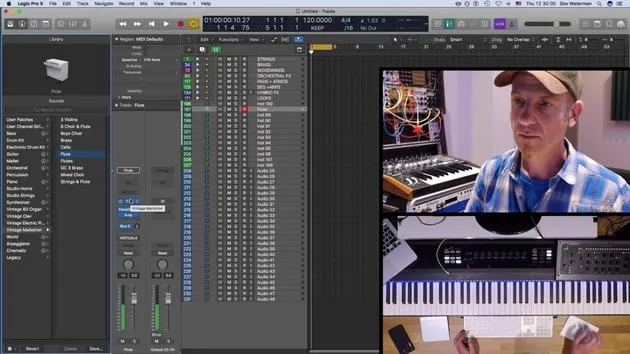
07. Visión general de la biblioteca y los channel strips
9:20
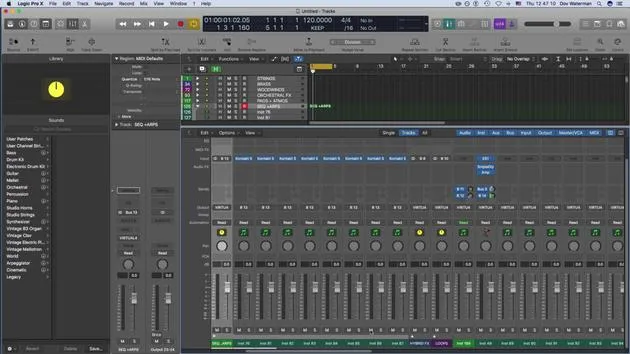
08. La barra de herramientas
4:23
09. Screen-sets
4:34
10. Tarea: Crea tu plantilla
1:18
Transcripción de la lección
Music Lesson: Understanding the Library Section and Templates
Introduction
Next topic we're going to look at is the library section. Part of our routine as composers and producers is to have sounds up and ready. Having these sounds accessible before you go into your creative zone is really important. This practice will save you a lot of time and hassle later when you're searching for the right sound.
Workflow Essentials
We've talked about key commands as one aspect of the workflow. Another very important aspect of maintaining a smooth workflow is setting up a template. A template consists of the sounds that we're going to use within our project.
The Role of Templates
- Definition: A template is essentially a shell that serves as a building block for our projects. It provides a common starting point for different projects.
- Composition: A template in Logic will consist of several components:
- Sounds: Default patches pulled up, whether they are instrument channel strips or audio channel strips.
- Channel Routing: Any routings to reverbs or other auxiliaries.
- Folder Tracks: Instruments and audio tracks can be organized into folder tracks. We will discuss folder tracks further on.
- Workspace Customization: This includes customization of your control bar, toolbar, and various other panels within Logic, along with the key commands that open these bars.
Sound Libraries and Palettes
Importance of Sound Libraries
The sounds used in a template often pertain to virtual instruments. The sound library in Logic houses:
- Logic Instruments: Such as the EX24, samplers, and other sound-producing instruments.
Creating Your Sound Palette
Creating your sound palette is intrinsic to utilizing the sound library:
- Saving Sounds: Logic allows you to save presets within instruments. You can also save the preset as a channel strip, including any plugin changes, into your sound library.
- User Patches: These get stored in user patches and folder tracks, distinct from the default patches that Logic already provides.
Consistency Across Projects
Starting to understand how all these elements can be part of your template is key. If you're working on multiple projects or an entire album, using a template can help ensure consistency in sound.
Conclusion
Within your template, you can utilize the sound library and all the sounds you have generated and saved, allowing you to save them as part of your overall template structure.
10 lecciones
0h 46m de lecciones en vídeo estructuradas
Funciones de vídeo avanzadas
Ralentiza, repite un pasaje, sigue la partitura
Móvil, tablet y ordenador
Practica donde quieras
Garantía de satisfacción 100%
30 días de garantía de devolución
Conoce a tu gurú
Conoce a tu gurú
Dov Waterman es compositor, pianista y productor. Ha escrito y diseñado el sonido de películas como After Earth, Terminator Genisys, Transformers: The Last Knight y The Snowman, y trabaja como editor de audio de bibliotecas de samples y diseñador de sonido con empresas como Native Instruments y SonoKinetic.
Su serie Composition in Logic recorre la construcción de un tema de principio a fin en Logic Pro —desde las plantillas y el flujo de trabajo hasta la síntesis y la programación de ritmos, los efectos MIDI, la edición y la mezcla final— para productores que quieran convertir sus ideas en discos terminados.







