



Die Multi Effects nutzen - Phat FX und Step FX

Mit
Aamir Yaqub
Das steckt im Kurs
16 Lektionen (1h 33m) · 1 gratis
01. Willkommen bei den Audio-Effekten
Gratis-Lektion0:46
02. Audio-Effekte
3:00
03. Die Multi Effects nutzen - Phat FX und Step FX
Du bist hier5:11
04. Einen Reverb-Bus mit einem Send einrichten
3:58
05. Reverbs in Logic Pro verwenden
3:27
06. Delays in Logic Pro verwenden
8:02
07. Distortion-Plugins
6:35
08. Filter-Plugins
5:35

09. Distortion und Filter - Abschluss
0:30
10. Modulations-Plugins
12:54
11. Pitch-Plugins
6:50

12. Modulation und Pitch – Outro
1:03
13. Amps und Pedal-Effekte
10:38
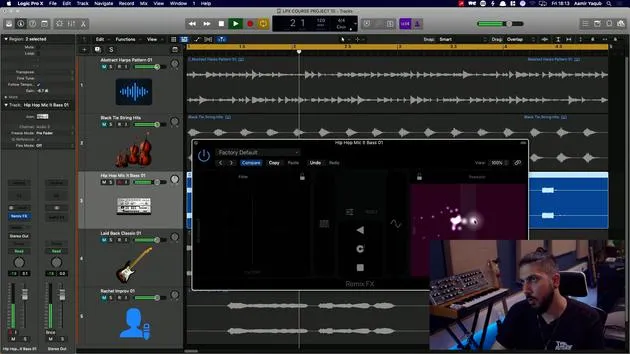
14. Spezialeffekte
5:49
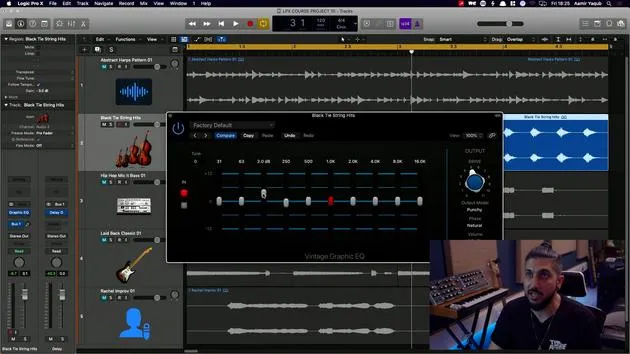
15. EQs (Equalizer)
7:18
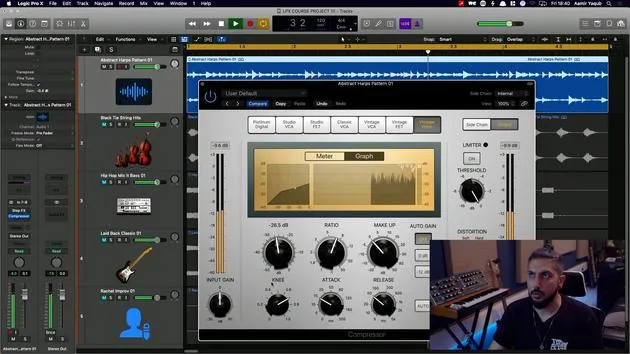
16. Dynamik und Kompression
11:43
Transkript der Lektion
Exploring Audio Effects in Logic Pro
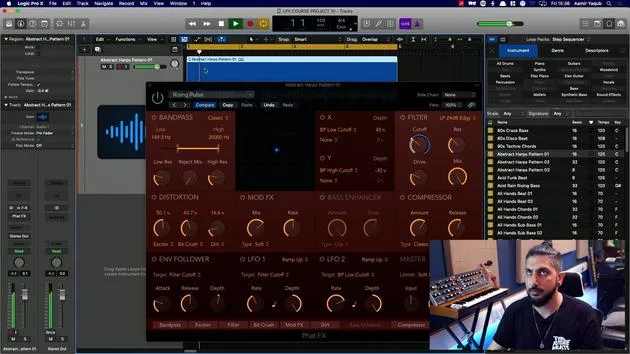
A good place to start with audio effects is to look at some of the multi-effects, as they combine many individual effects you will find inside of Logic Pro. One excellent example is the FATFX.
Understanding FATFX
What you're looking at here is essentially a module of different effects that you can use:
- Band Pass: Essentially an EQ
- Distortion: A distortion unit
- Bass Enhancer: Similar to EQ and distortion
- Compressor: Used for dynamic range control
With all of these options, it's a case of experimenting to see what you like.
Working with FATFX
With the FATFX, we have different units to work with and a central X/Y pad that allows us to evolve and modulate sound. You may have already seen similar features in various plugins inside of Logic Pro.
For instance, if we take a harp pattern in the background and choose the Rising Pulse effect:
- Original Sound: Let's listen to the sound without any effects.
- Adding Effects: Now, let's turn it on and see what happens.
- By cranking up the distortion, we can add some grit.
- Increasing the Exciter boosts high frequencies.
- Utilizing the Bit Crusher creates a digital, lower-resolution sound.
- Adding the Bass Enhancer enriches the bass.
This single plugin, with its well-organized effects, allows us to create a unique sound. It's a powerful creative tool for exploring the world of audio effects.
Exploring Step Effects
The other effects unit in the multi-effects category is the Step Effects. It works similarly to FATFX, featuring a comparable interface and a step modulator.
Features of Step Effects:
- Familiar design: Turn up and down with velocity and steps.
- ADSR Control: Add further rhythm to your sound.
This tool allows you to achieve nice gated sounds. For example, selecting Skipping Gate can enhance your audio.
Conclusion
By having a solid starting point with these multi-effects, you can dive deep into audio experimentation:
- Gating Effect: Without it, sounds are more open; with it on, they have a closed feel.
- Automation: Use automation to transition between these two states over time.
Experiment and discover the sonic landscapes you can create with these tools!
16 Lektionen
1 Std. 33 Min. strukturierte Videolektionen
Erweiterte Videofunktionen
Verlangsamen, Passagen loopen, mitlesen
Handy, Tablet & Desktop
Üben, wo du willst
100 % Zufriedenheitsgarantie
30 Tage Geld-zurück-Garantie
Lern deinen Guru kennen
Lern deinen Guru kennen
Aamir Yaqub ist ein in London ansässiger Musikproduzent und Toningenieur. Er hat mit einigen der größten Namen der Musik gearbeitet, darunter Alicia Keys, David Guetta, Rihanna, Sia und will.i.am, und fördert außerdem unabhängige Künstler.
In seinen Kursen vermittelt er seinen kompletten Logic-Pro-Workflow – von der Oberfläche und dem Aufnehmen über Beatmaking, Synthese und MIDI-Effekte bis zum Mixing und Finalisieren eines Tracks.







