



Spezialeffekte

Mit
Aamir Yaqub
Das steckt im Kurs
16 Lektionen (1h 33m) · 1 gratis
01. Willkommen bei den Audio-Effekten
Gratis-Lektion0:46
02. Audio-Effekte
3:00
03. Die Multi Effects nutzen - Phat FX und Step FX
5:11
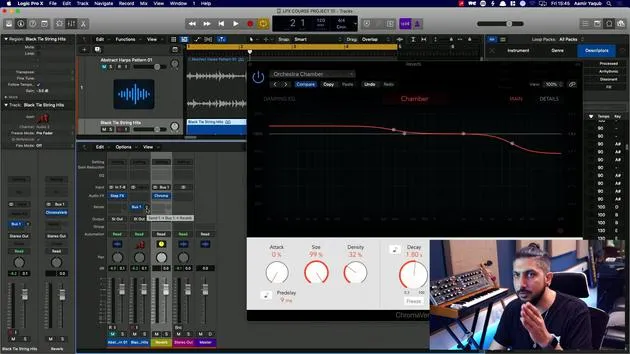
04. Einen Reverb-Bus mit einem Send einrichten
3:58
05. Reverbs in Logic Pro verwenden
3:27
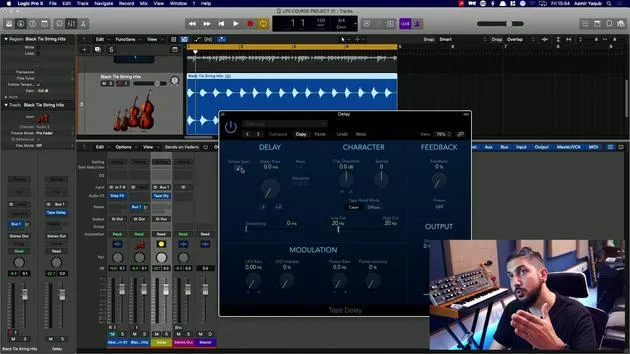
06. Delays in Logic Pro verwenden
8:02
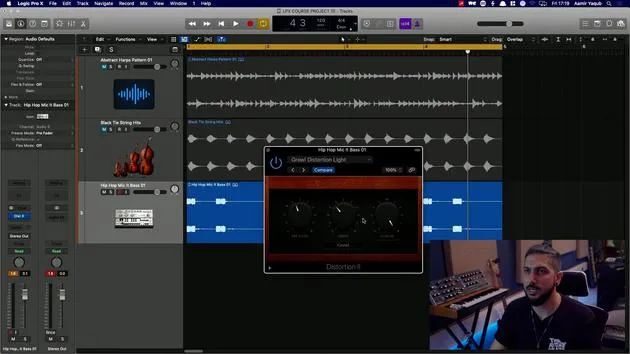
07. Distortion-Plugins
6:35
08. Filter-Plugins
5:35

09. Distortion und Filter - Abschluss
0:30
10. Modulations-Plugins
12:54
11. Pitch-Plugins
6:50

12. Modulation und Pitch – Outro
1:03
13. Amps und Pedal-Effekte
10:38
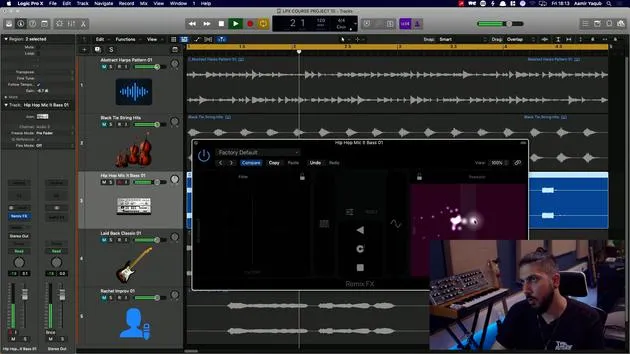
14. Spezialeffekte
Du bist hier5:49
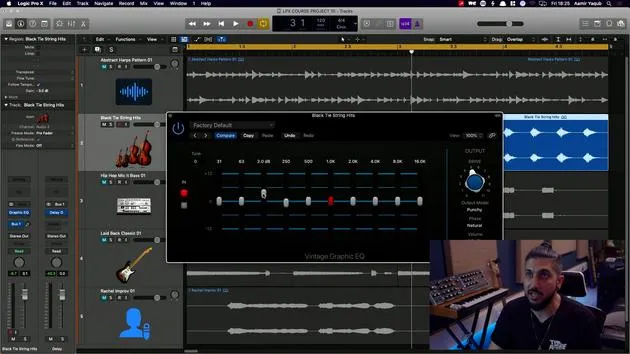
15. EQs (Equalizer)
7:18
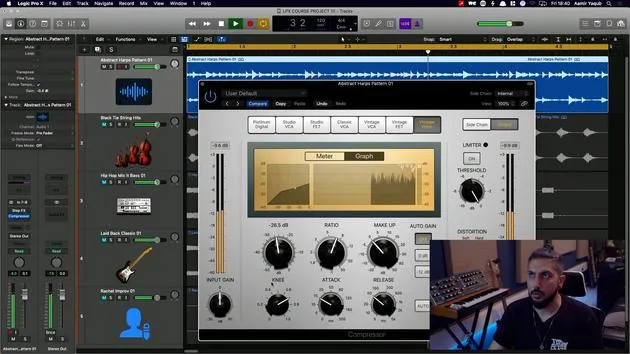
16. Dynamik und Kompression
11:43
Transkript der Lektion
Exploring Specialized Audio Effects
Right, so let's look at a category in the audio effects list here, which is called Specialized. Specialized has three plugins in this category, and the first one we're going to look at is Sub Bass.
Sub Bass
Sub Bass is actually a super old plugin and it does exactly what it says on the tin in that it lifts up that sub bass energy.
- If you have a bass sound and you want it to sound much more subbier,
- If you have a kick sound and you want it to sound much more subbier,
You can get it to do that. You might only hear this if you're listening on speakers or good quality headphones, but you can kind of get some sub enhancement happening here.
Let's hear it in action:
- Turn it off.
- Turn it on.
- Turn that up.
- Turn it off.
So that's a cool, handy utility to have when you're working with bass sounds.
Exciter
Next, we have the Exciter. The Exciter is kind of like, in a way, it's the opposite of the sub bass enhancer because it adds lots of extra information and excitement to the higher frequencies in your given sound.
- If you were to go in and you were to perhaps, you know, go to artificial overload, you might not hear this well because this is a bass sound.
Let's have a listen:
- Turn it off so you can hear that.
- There's so much more edge to that sound.
It's a very, very simple plugin. You can kind of choose where you want it to enhance those higher frequencies. You can choose from two different colors, the extra harmonics that it's adding, and whether you want to have the dry signal in there or not.
Remix FX
Finally, we have Remix FX. This is something that came along quite recently and is essentially set up kind of like if you were using one of those MIDI pads where you can just slide along some XY stuff.
Key Features:
- On the left-hand side, I have a filter.
- On the right-hand side, I have a repeater.
- In the middle, I have the ability to gate the sound.
- Also in the middle, I have the ability to bit crush the sound.
- I can temporarily reverse a chunk of the sound if I want to.
- I can scratch the sound, and here I can stop or start the sound, depending on what I want to do.
Let's see these in action:
One thing that I will say is that you can actually change these as well. So instead of a filter here, I can have a wobble, reverb, orbit, or delay. I can obviously do the same on this side.
I'm going to keep it simple for now, so let's just have a quick play around with this.
As you can see, this is a pretty cool effect, especially if you come from a background of being a DJ. You can take a sound and do all these things to it.
However, it doesn't have to be just one sound. You could essentially put this on your stereo output and have all of your sounds that you are playing around with in this way.
Pro Tip:
- Your stereo output is the fader that you usually see next to your track fader in your inspector. If you ever want to see it in the mixer view, just press X and you can see it's this stereo output here.
- You could put that on and essentially just be jamming up with all of these effects on your entire song. It might sound pretty cool!
Amp Designer and Pedal Board
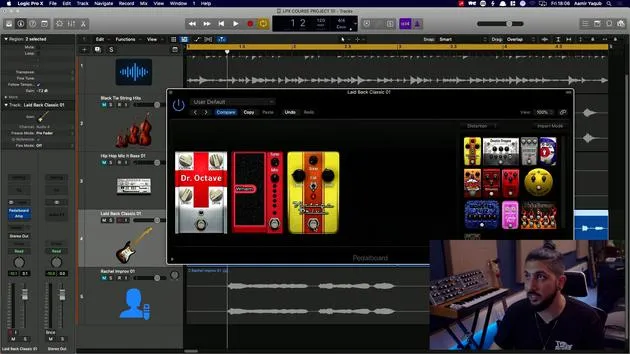
Make sure you check out the Amp Designer and the Pedal Board. They are really, really cool in Logic Pro. Obviously, they are great for guitar and bass sounds, but actually, why not try them out on other sounds?
Suggestions:
- Try them out on vocals.
- Try them out on synths and other things that you wouldn't expect them to be on.
You can get much more unique sounds out of it. Personally, I'm a huge fan of using amps on synths and pedals on vocal sounds, so try those combinations and see what you come up with!
16 Lektionen
1 Std. 33 Min. strukturierte Videolektionen
Erweiterte Videofunktionen
Verlangsamen, Passagen loopen, mitlesen
Handy, Tablet & Desktop
Üben, wo du willst
100 % Zufriedenheitsgarantie
30 Tage Geld-zurück-Garantie
Lern deinen Guru kennen
Lern deinen Guru kennen
Aamir Yaqub ist ein in London ansässiger Musikproduzent und Toningenieur. Er hat mit einigen der größten Namen der Musik gearbeitet, darunter Alicia Keys, David Guetta, Rihanna, Sia und will.i.am, und fördert außerdem unabhängige Künstler.
In seinen Kursen vermittelt er seinen kompletten Logic-Pro-Workflow – von der Oberfläche und dem Aufnehmen über Beatmaking, Synthese und MIDI-Effekte bis zum Mixing und Finalisieren eines Tracks.







