



Amps und Pedal-Effekte

Mit
Aamir YaqubEin Rundgang durch Logics Amp Designer – Amps und Boxen auswählen, Mikrofone positionieren und tauschen und cleane, angezerrte oder verzerrte Gitarrensounds einstellen.
Das steckt im Kurs
16 Lektionen (1h 33m) · 1 gratis
01. Willkommen bei den Audio-Effekten
Gratis-Lektion0:46
02. Audio-Effekte
3:00
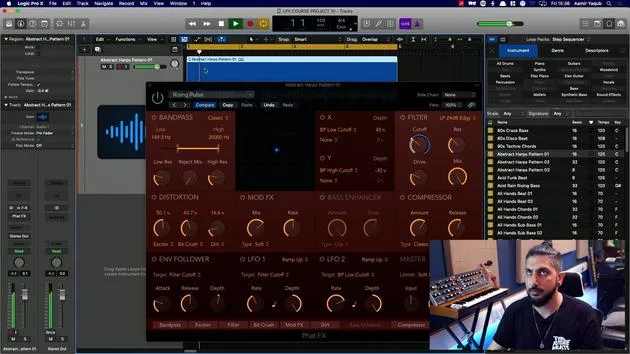
03. Die Multi Effects nutzen - Phat FX und Step FX
5:11
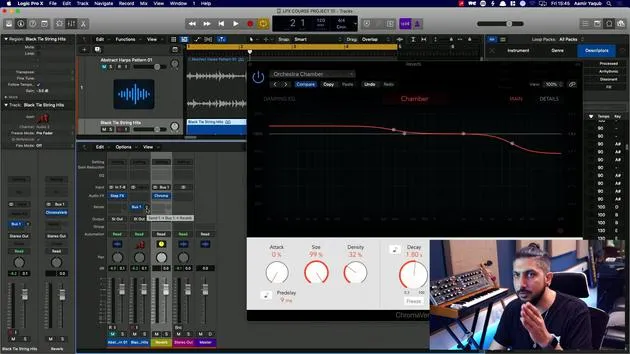
04. Einen Reverb-Bus mit einem Send einrichten
3:58
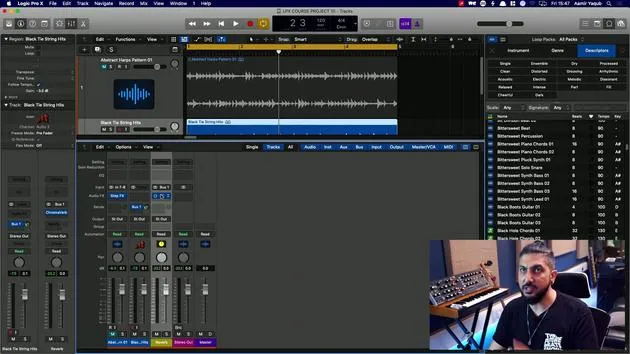
05. Reverbs in Logic Pro verwenden
3:27
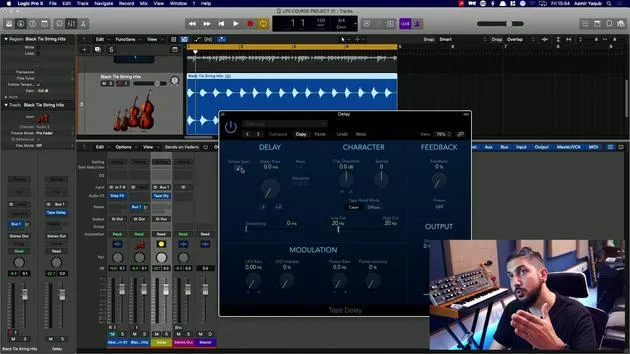
06. Delays in Logic Pro verwenden
8:02
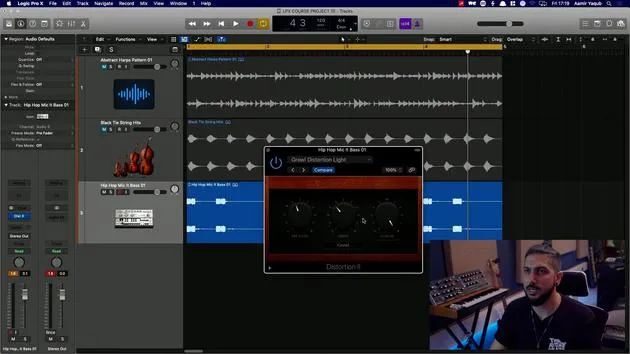
07. Distortion-Plugins
6:35
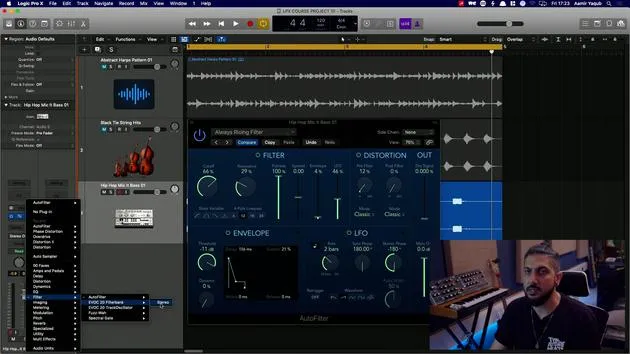
08. Filter-Plugins
5:35

09. Distortion und Filter - Abschluss
0:30
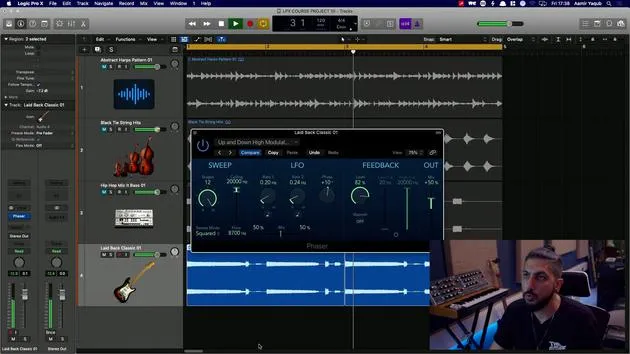
10. Modulations-Plugins
12:54
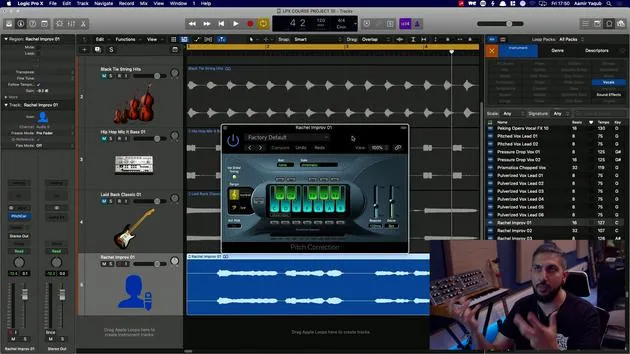
11. Pitch-Plugins
6:50

12. Modulation und Pitch – Outro
1:03
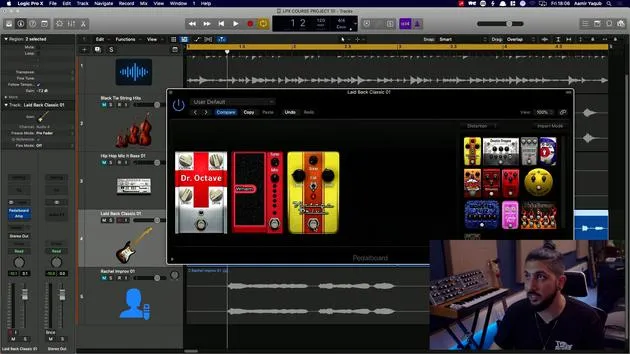
13. Amps und Pedal-Effekte
Du bist hier10:38
14. Spezialeffekte
5:49
15. EQs (Equalizer)
7:18
16. Dynamik und Kompression
11:43
Transkript der Lektion
Music Lesson: Exploring Amps and Pedals
Logic has a wonderful selection of amps and pedals. When you see me loading up guitar sounds, I've gone through some patches from the library and applied those sounds to the guitar that I was playing. These are largely based on amps and pedal plugins.
Amp Designer
Let's take a look at those plugins now.
-
Amp Designer:
- This allows you to plug your guitar in and play as if you were hearing back from an amp. It's essentially amp modeling.
- We have a vast selection of different amps available, based largely on really famous ones that already exist.
- Cabinets: These are the speakers that go along with the amp (usually on top of the cabinet).
- You can choose:
- Combos: Two that go together.
- Mix and match as you wish.
-
Mic Positioning:
- You can move the mic:
- Further away
- Closer to the center of the speaker
- Closer to the edge of the speaker
- Each positioning gives you different sounds.
- You can move the mic:
-
Mic Types:
- You can change the mic that is being modeled:
- Condenser microphone
- Dynamic microphone
- Ribbon microphone
- You can change the mic that is being modeled:
-
Choosing Your Sound:
- Look via the categories available to you:
- Clean guitar sound
- Crunchy guitar sound
- Distorted sound
- For instance, if you want a clean, fat jazz sound, you can easily find it.
- When I turn the effects off, you can hear my original guitar sound. When I turn it on, it provides a much darker, warmer tone.
- Look via the categories available to you:
-
Example Sound:
- Let's try another clean option: Old Brown.
- You'll notice it has a bit more space due to the reverb on this amp.
- Let's try another clean option: Old Brown.
"There is really an endless amount of combinations, effects, and plugin settings that you can go through here. It's all about what kind of sound you want."
Bass Amp Designer
In the amps and pedals category, you can also choose the Bass Amp Designer:
- If you're a bass player or working with dry bass loops or stems, you can change combinations here just like with the guitar amp designer.
- You can independently change the amp and the cabinet.
- Mic Options: Same as before.
- You can change between:
- Amp sound
- Direct box sound (clean signal into the amp and cabinet).
"If you know what you're after, you can play around with these. And don't forget, if you open up the library, ensuring the triangle is on this bass amp plugin, you can smoothly switch between different settings."
Pedals ? The Guitarist's Best Friend
Guitarists love their pedals. These are the pedals they have in a box in front of them that they step on with their feet to create various sounds.
Plugin Order Matters
- Sometimes, the order of your plugins matters:
- My amp is before my pedal board, but in reality, the pedal board would come before the amp.
- You can easily swap positions by clicking and dragging.
Creating Your Pedal Board
-
Currently, we have no pedals set up.
-
All of your pedals are on the side.
-
If you're looking for a fuzz effect, you might choose something like Monster Fuzz:
- Click and drag it into your setup.
- This light indicates that the plugin is on. Stomp to turn it off.
Pedal Categories
-
Distortion:
- A wide variety of distortion plugins available.
-
Pitch:
- Features an octaver that plays sounds one octave up and one octave down.
-
Modulation & Effects:
- Includes choruses, phases, flanges, tremolos, etc.
-
Dynamics:
- This would relate essentially to a compressor.
Trying Effects
- Feel free to try one or two different effects:
- Move whatever effect you want to remove off to the side.
- The octaver plays back the octaves of the guitar part.
Exploring Further
-
As I'm adjusting the pedals:
- I'm getting different pitches.
- If you don't want a certain effect, you can turn it off.
-
In terms of distortion:
- Most of these are fuzz pedals, which are synonymous with guitars.
-
Don't forget to explore the modulation category for nice choruses, tremolos, and even the spin box, which mimics a Leslie speaker.
"There are so many pedals that you can really create some fantastic sounds."
Feel free to mess around and experiment!
16 Lektionen
1 Std. 33 Min. strukturierte Videolektionen
Erweiterte Videofunktionen
Verlangsamen, Passagen loopen, mitlesen
Handy, Tablet & Desktop
Üben, wo du willst
100 % Zufriedenheitsgarantie
30 Tage Geld-zurück-Garantie
Lern deinen Guru kennen
Lern deinen Guru kennen
Aamir Yaqub ist ein in London ansässiger Musikproduzent und Toningenieur. Er hat mit einigen der größten Namen der Musik gearbeitet, darunter Alicia Keys, David Guetta, Rihanna, Sia und will.i.am, und fördert außerdem unabhängige Künstler.
In seinen Kursen vermittelt er seinen kompletten Logic-Pro-Workflow – von der Oberfläche und dem Aufnehmen über Beatmaking, Synthese und MIDI-Effekte bis zum Mixing und Finalisieren eines Tracks.







