



Distortion-Plugins

Mit
Aamir Yaqub
Das steckt im Kurs
16 Lektionen (1h 33m) · 1 gratis
01. Willkommen bei den Audio-Effekten
Gratis-Lektion0:46
02. Audio-Effekte
3:00
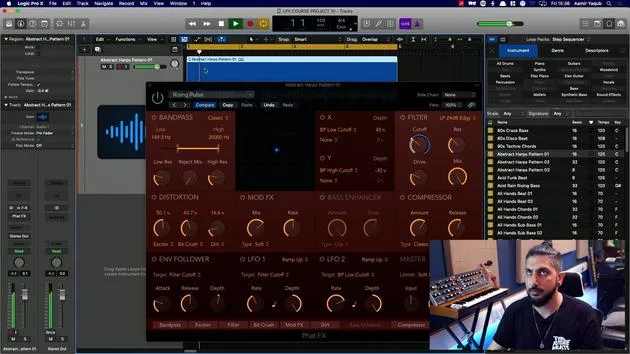
03. Die Multi Effects nutzen - Phat FX und Step FX
5:11
04. Einen Reverb-Bus mit einem Send einrichten
3:58
05. Reverbs in Logic Pro verwenden
3:27
06. Delays in Logic Pro verwenden
8:02
07. Distortion-Plugins
Du bist hier6:35
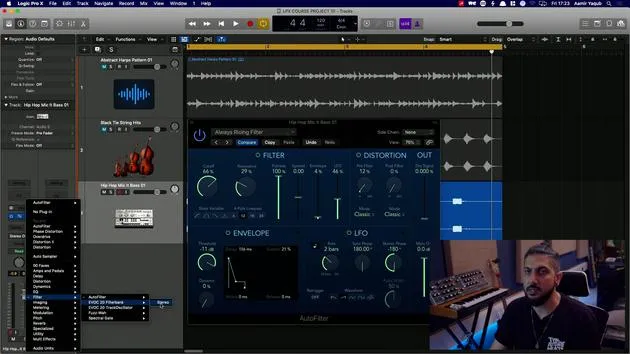
08. Filter-Plugins
5:35
09. Distortion und Filter - Abschluss
0:30
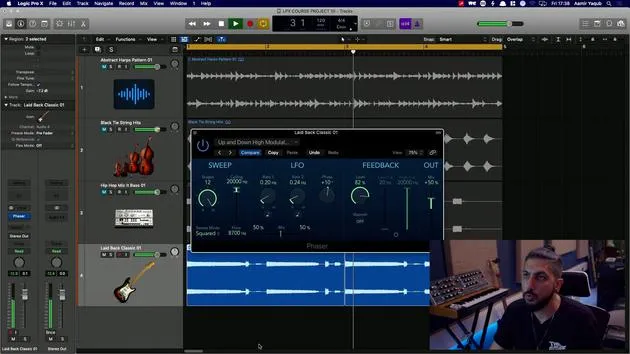
10. Modulations-Plugins
12:54
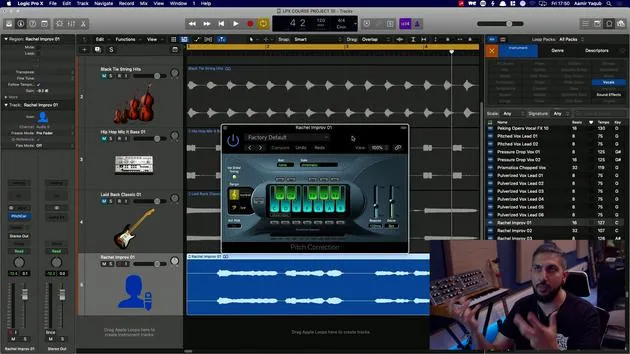
11. Pitch-Plugins
6:50
12. Modulation und Pitch – Outro
1:03
13. Amps und Pedal-Effekte
10:38
14. Spezialeffekte
5:49
15. EQs (Equalizer)
7:18
16. Dynamik und Kompression
11:43
Transkript der Lektion
Exploring Distortion Plugins
One of the categories you might want to explore in the audio effects is the distortion plugins. Distortion plugins can:
- Add warmth
- Add grit
- Add edge to your sounds
Bit Crusher
The first one we're going to look at is the bit crusher. This effect works by degrading the signal to a point reminiscent of old Nintendo machines, which produced 8-bit and 16-bit sounds. Reducing the resolution tends to give you that extra bit of edge and crunch to a sound.
Without effect:
I've got a bass line here that sounds like this.
With effect:
If I turn this on now, that may or may not be the sound that you're looking for.
You can use something like a 16-bit downshift to hear how that sound has a buzz.
Tip: Be sure to mess around with the drive settings and the resolution settings.
Clip Distortion
Next up in the distortion category, we have clip distortion. Clip distortion essentially gives you the sound you would get if you clipped a signal, meaning if you overloaded it.
- You can make this effect very subtle or quite pronounced.
Let's pick a default option, such as Clean Boost.
Important Note:
Do be careful when using these plugins, especially the distortion ones, as they can be significantly louder than the source material. Always try to keep your speakers down, or if you're using headphones, ensure they are at a lower volume.
Sound:
Let's hear what this sounds like.
You can hear it gives a darker, warmer sound with a little bit of edge.
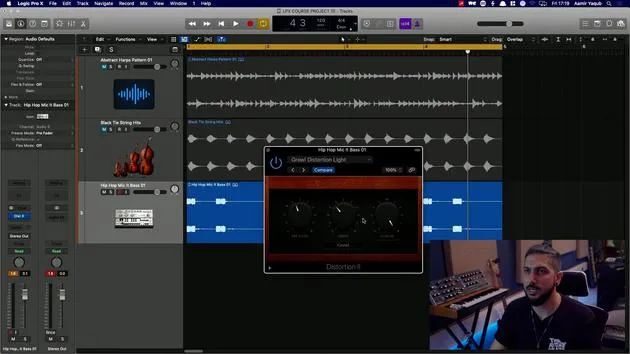
Distortion and Distortion II
Next, we have the distortion plugins called Distortion and Distortion II.
- Distortion: This effect breaks up the signal for added edge. You can adjust:
- Tone
- Drive
- Level compensation
Sound Comparison:
Without this effect now with.
As you can hear, the level increases, so be mindful of your audio settings.
- Distortion II: This is a different model of distortion based on the sound of an organ. It's ideal for adding a gritty texture to organ sounds.
Example:
I'm going to go for growl, distortion, light.
Let's see what happens when we listen to that.
You can tweak the tone and input, and experiment with different styles such as:
- Bitey
- Nasty
- Class AB1 Soft
- Class AB1 Hard
Overdrive
Next, we have overdrive. Overdrive is a sound synonymous with guitars, commonly found in guitar pedals and amps.
Sound Check:
If we were to boost this with a bright tube, what would this sound like?
We can also darken the sound by bringing the tone down.
Phase Distortion
Finally, in the distortion category, we have phase distortion. This plugin introduces both distortion and phase, giving your sound a distorted feeling with a touch of psychedelia.
Example Setting:
A good setting to work with is warm phase.
You can hear it sounds distorted but has a weird, spatial effect as well. Increasing the cutoff and resonance can further enhance this effect.
Conclusion
These distortion plugins are fantastic for adding edge, grit, or warmth to your sounds. Experiment with each to find the right fit for your audio projects!
16 Lektionen
1 Std. 33 Min. strukturierte Videolektionen
Erweiterte Videofunktionen
Verlangsamen, Passagen loopen, mitlesen
Handy, Tablet & Desktop
Üben, wo du willst
100 % Zufriedenheitsgarantie
30 Tage Geld-zurück-Garantie
Lern deinen Guru kennen
Lern deinen Guru kennen
Aamir Yaqub ist ein in London ansässiger Musikproduzent und Toningenieur. Er hat mit einigen der größten Namen der Musik gearbeitet, darunter Alicia Keys, David Guetta, Rihanna, Sia und will.i.am, und fördert außerdem unabhängige Künstler.
In seinen Kursen vermittelt er seinen kompletten Logic-Pro-Workflow – von der Oberfläche und dem Aufnehmen über Beatmaking, Synthese und MIDI-Effekte bis zum Mixing und Finalisieren eines Tracks.







