



Dynamik und Kompression

Mit
Aamir YaqubAamir Yaqub geht die Dynamikprozessoren von Logic durch – das Noise Gate, den Kompressor und den De-Esser – und wann du zu welchem greifst, um deine Audiopegel zu kontrollieren.
Das steckt im Kurs
16 Lektionen (1h 33m) · 1 gratis
01. Willkommen bei den Audio-Effekten
Gratis-Lektion0:46
02. Audio-Effekte
3:00
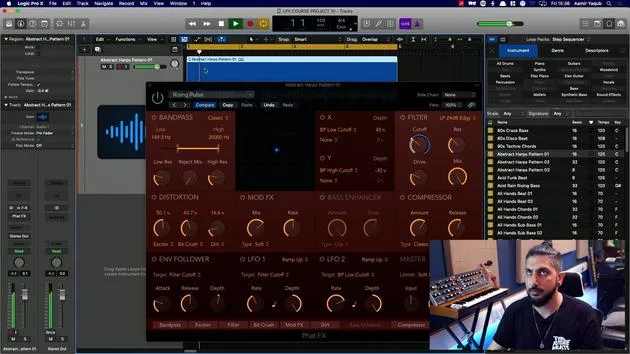
03. Die Multi Effects nutzen - Phat FX und Step FX
5:11
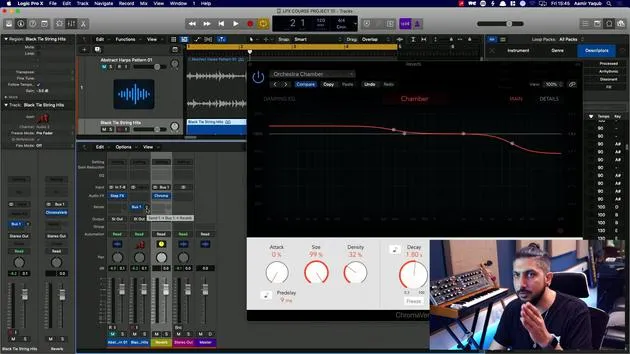
04. Einen Reverb-Bus mit einem Send einrichten
3:58
05. Reverbs in Logic Pro verwenden
3:27
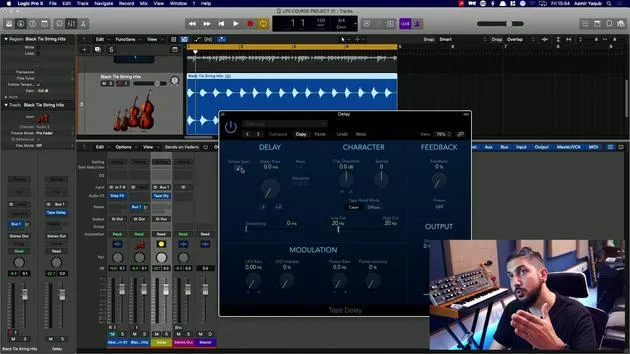
06. Delays in Logic Pro verwenden
8:02
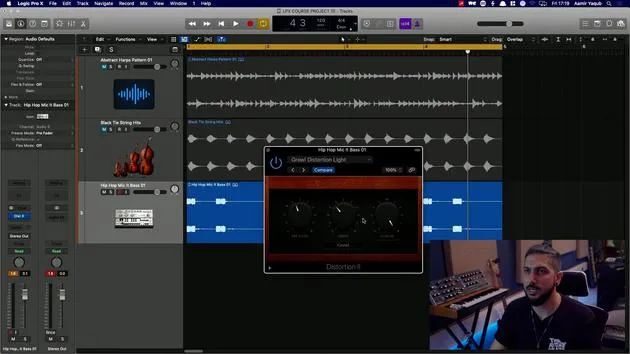
07. Distortion-Plugins
6:35
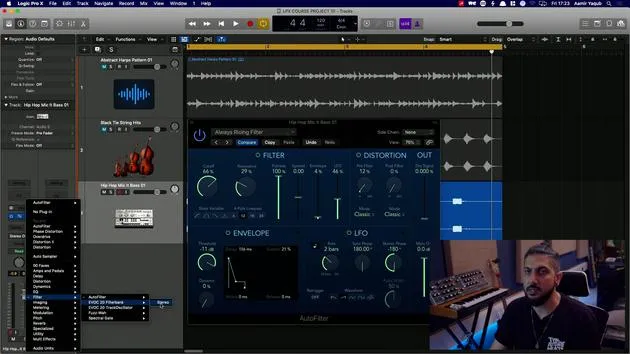
08. Filter-Plugins
5:35

09. Distortion und Filter - Abschluss
0:30
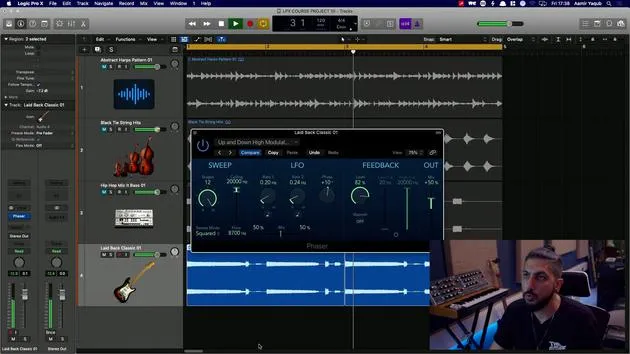
10. Modulations-Plugins
12:54
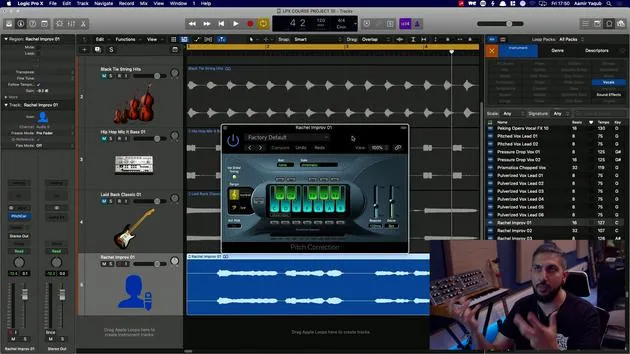
11. Pitch-Plugins
6:50

12. Modulation und Pitch – Outro
1:03
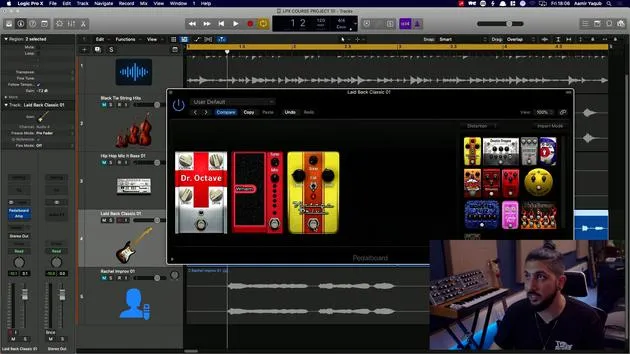
13. Amps und Pedal-Effekte
10:38
14. Spezialeffekte
5:49
15. EQs (Equalizer)
7:18
16. Dynamik und Kompression
Du bist hier11:43
Transkript der Lektion
Dynamic Section Overview
And lastly, here we have the dynamic section. This area plays host to many different processes for your audio dynamics. These processes are really there to help you with the levels of things.
Key Dynamics Processes
-
Noise Gate: If you're trying to mute everything below a certain level and let everything play above a certain level, you would opt for a noise gate. It allows me to mute the sound when it drops below a certain level and to play the sound when it goes above a certain level.
-
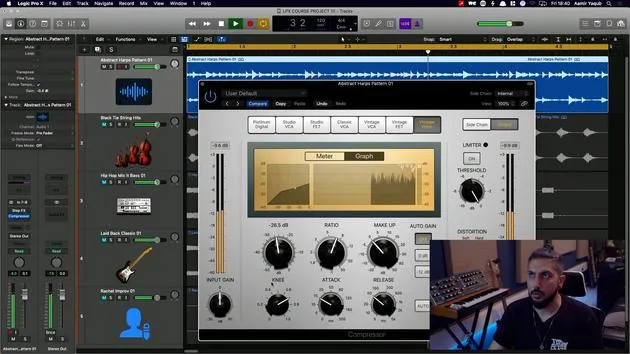
Compressor: If you're trying to control the overall level of different musical phrases in a sound, you would opt for a compressor. It brings down the louder sounds and raises the quieter sounds, ensuring a more consistent volume.
-
De Esser: If you are trying to control the level of S or high frequency information in a vocal, you would probably opt for a De Esser. It focuses on a specific set of frequencies where sibilance occurs and dynamically controls those frequencies.
Noise Gate in Detail
Let's take a look at the noise gate first and foremost. It is crucial for getting rid of background noise in audio recordings, such as those recorded at home.
Threshold Setting
One of the most important things about the gate is the threshold setting. This setting must be configured so that:
- When the audio goes above a certain level, the gate opens.
- When it drops below that level, the gate closes.
In the instance of these strings, I can gate them by setting my threshold appropriately.
Adjusting Parameters
- Attack: Adjust to open the gate more gradually.
- Hold: Keep the gate open for longer.
- Release Time: Control how quickly the gate closes after the sound drops below the threshold.
Enveloper
Next up in the dynamics category, we will take a look at the enveloper.
- The enveloper allows us to change the envelope of the sound. You can:
- Increase the attack of a sound making it more prominent to the ear.
- Take away some of the release or sustain, depending on what you're after.
For example, I will increase the attack of the strings so they sound like they jump out a bit more and take away some of the release to create a tighter sound dynamically.
De Esser Functionality
One powerful tool for vocals is the De Esser.
- This tool takes away high information, focusing on a specific frequency area where sibilance occurs.
- Adjust the threshold based on the level of the input signal.
- Use the filter solo feature to hear which frequencies the De Esser is controlling.
Additionally, you can define the maximum reduction gain to avoid excessive suppression.
Compressor Essentials
With the compressor, a very important tool in music production, it takes time to master.
How It Works
- A compressor lowers louder sounds and raises quieter sounds. This balances out variations in volume, which is essential for maintaining listener engagement.
Settings to Know
- Threshold: Define the point at which the compressor starts to work.
- Ratio: Determines how much compression is applied.
- Attack and Release:
- Attack: How quickly the compressor engages after the sound exceeds the threshold.
- Release: How quickly it resets once the sound drops below the threshold.
Compression is both an art and a science, and mastering it can significantly improve your productions.
Limiter Overview
In the dynamics category, you'll also find limiters.
Limiter Functionality
A limiter operates like a compressor but with a more extreme ratio, preventing signals from exceeding a certain threshold.
- Instead of having a traditional threshold, you have an output level setting.
- This is a critical tool for mastering engineers, but can also be used on individual sounds.
Final Thoughts
Spend time working with EQs and compressors as they form the foundation of sound production. They've become an integral part of mixing and production processes, and by understanding them, you'll unlock greater creativity in your music.
16 Lektionen
1 Std. 33 Min. strukturierte Videolektionen
Erweiterte Videofunktionen
Verlangsamen, Passagen loopen, mitlesen
Handy, Tablet & Desktop
Üben, wo du willst
100 % Zufriedenheitsgarantie
30 Tage Geld-zurück-Garantie
Lern deinen Guru kennen
Lern deinen Guru kennen
Aamir Yaqub ist ein in London ansässiger Musikproduzent und Toningenieur. Er hat mit einigen der größten Namen der Musik gearbeitet, darunter Alicia Keys, David Guetta, Rihanna, Sia und will.i.am, und fördert außerdem unabhängige Künstler.
In seinen Kursen vermittelt er seinen kompletten Logic-Pro-Workflow – von der Oberfläche und dem Aufnehmen über Beatmaking, Synthese und MIDI-Effekte bis zum Mixing und Finalisieren eines Tracks.







