



Subtractive EQ
With
Ciaran RobinsonCiaran Robinson shares his mixing workflow - why he starts with the vocals - and uses subtractive EQ to cut unwanted frequencies before adding any dynamics.
What's in the course
31 lessons (2h 41m) · 1 free
01. Section 1 overview
0:25
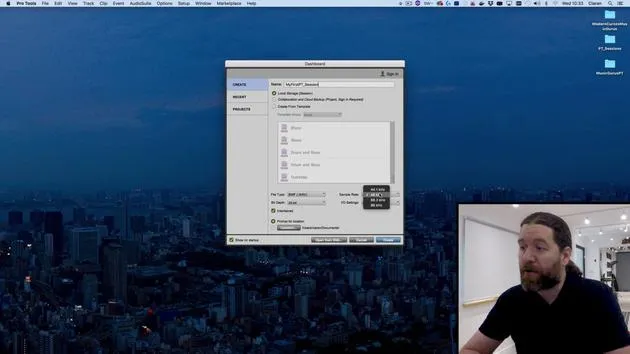
02. Opening Pro Tools session & settings
Free lesson4:37
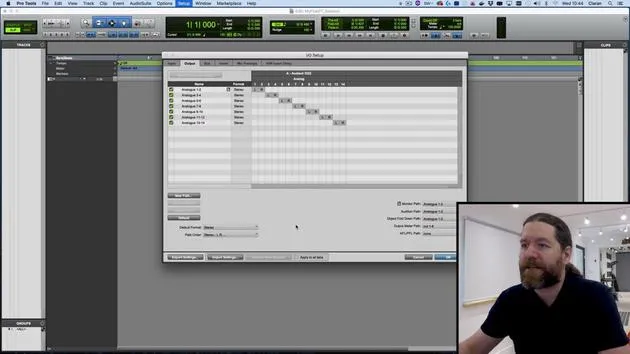
03. IO Setup & audio interface
8:12
04. Edit Window overview
9:35
05. Zooming & track heights
11:00
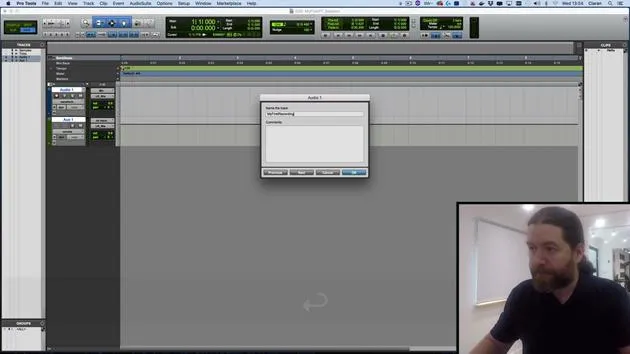
06. Track types & creating tracks
9:47
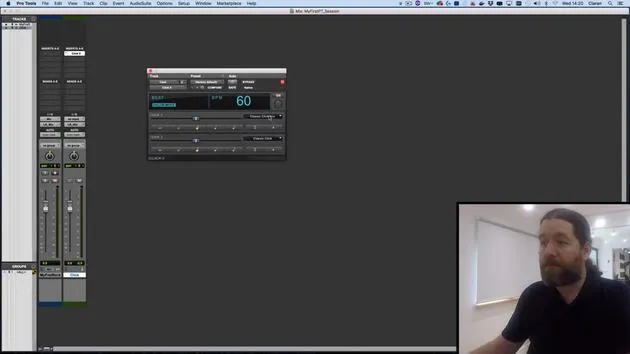
07. Configuring a click track
5:11
08. Making your first recording
4:01
09. Recording configuration
6:11
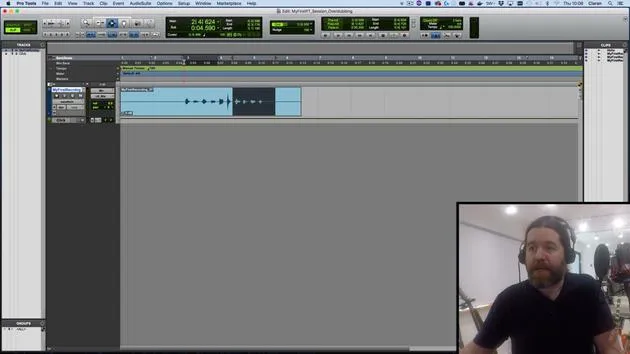
10. Punching in & out
9:10
11. Playlists & loop recording
4:28
12. Saving & backing up your work
5:04
13. CHALLENGE #1: MAKE YOUR FIRST RECORDING
0:27
Lesson transcript
Mixing Basics: Where to Start
So, our level balance is done. We're pretty much ready to actually get into the nitty-gritty of our mixing.
Where Do We Start?
It's tempting to think you should start on the left-hand side with the kick and make your way all the way to the right-hand side where the vocals are. However, I advise against this.
- Common Mistake: This approach often leads to a mix that resembles "telephone voice" where the entire frequency range is filled up with everything else, leaving no room for the vocals.
- Focus on Vocals: To make the vocals stand out, you'll want to emphasize the presence range.
Key Strategy
-
Identify the Most Important Instrument:
- In most pop and rock music productions, the vocals are typically the most crucial element.
- Shape everything around them.
-
Contextual Variation:
- In electronic music, the bass and the kick may be the most important.
- It all depends on the context.
Proposed Order of Action
- Start with the vocals.
- Once the vocals are shaped, move on to the guitars (since they sit in a similar frequency range).
- Next, address the bass and guitar to ensure they work well together.
- Ensure the bass and kick are cohesive.
- Finally, build up the rest of the drum kit.
Snare Drum Demonstration
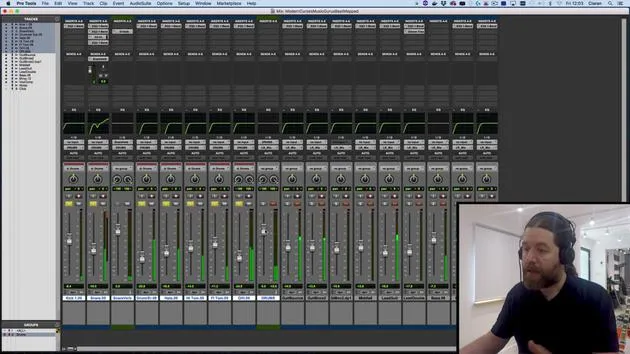
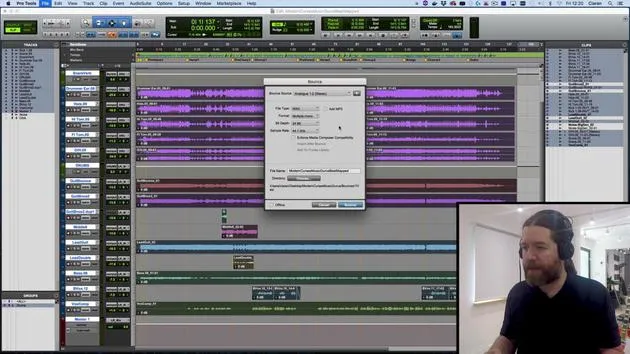
To demonstrate this process, I will focus on the snare drum.
Processing Steps
-
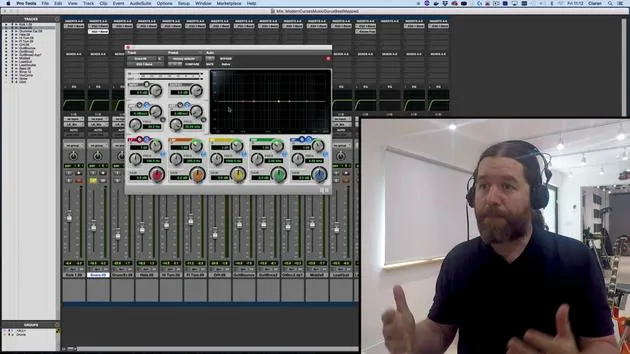
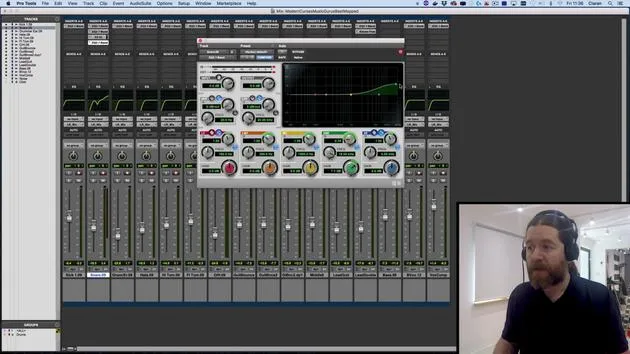
Subtractive EQ
- Listen for unwanted frequencies.
- For the snare drum, I've noticed a slight boxy ring around 490-500 Hz that I dislike.
- I'll eliminate that frequency before moving on to dynamic processing.
-
Dynamic Processing
- Dynamics are level-dependent, so I want to remove any frequencies I don't like first.
Ear Training
- How did I identify the frequency around 490 Hz?
- Ear Training:
- I've spent years learning to identify different tones.
- If you're new, there are tricks to help you learn.
- Ear Training:
EQ Implementation
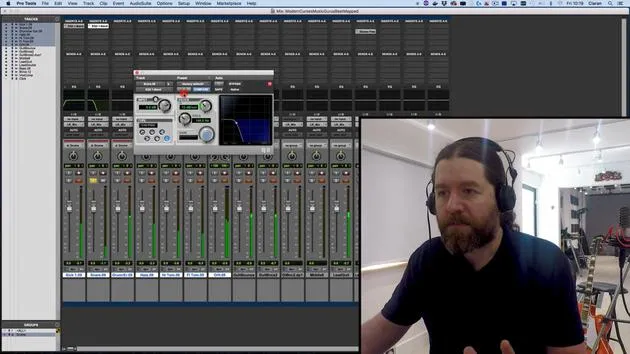
- Using Pro Tools stock plugins, I will dial up an EQ.
- While my preferred plugin is Fab Filter EQ, the stock version will suffice.
Boost and Sweep Technique
- You might have heard of the boost and sweep technique, where you set a narrow bell, push the frequency up, and listen for something unpleasant before pulling it back down.
Important Note:
- Don't start your mixing process with boost and sweep. Instead:
- Identify what you want to remove before using this technique.
Pro Tips
- Be aware that once you notice something unpleasant in a track, it can become hard to unhear it.
- For example:
- The squeaky kick drum in "Since I've Been Loving You" by Led Zeppelin.
- The piano in the introduction of "Roxanne" by Sting.
Neater Approach in Pro Tools
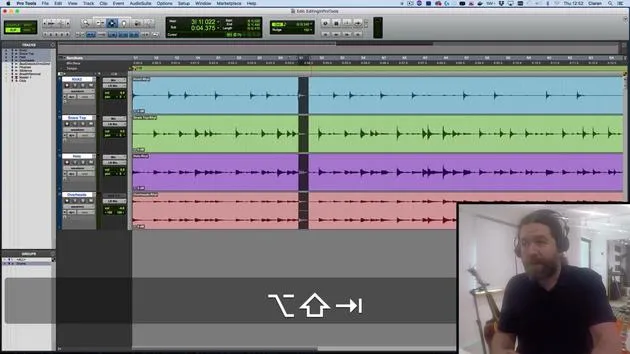
In Pro Tools, you can hold the control and shift keys (PC variations exist) while adjusting the EQ parameters. This solos the EQ band, allowing for a clearer analysis of the frequency.
- Narrow the bell and sweep through frequencies.
- For the snare, I found it to be around 470 Hz.
Final Steps
- Bring up the gain and pull down what you don't want.
- Important: Always bypass your EQ and ask yourself, "Does it sound better?"
Conclusion:
- It's easy to forget how things sounded originally, so be critical of your adjustments.
- Aim for two to three frequencies to attenuate; anything more may complicate your mix.
- As you get comfortable with EQing, your curves will become smooth and simple.
Next Steps
In the next video, I'll cover how to use dynamics processors, how they behave, and a trick to add punch to an instrument.
31 lessons
2h 41m of structured video lessons
Advanced video features
Slow down, loop a passage, follow along
Mobile, tablet & desktop
Practise wherever you are
100% satisfaction guarantee
30-day money-back guarantee
Meet your guru
Meet your guru
Ciarán Robinson is an audio engineer with over 25 years of experience across live engineering, mixing, recording, studio design and sound for film, TV and games. He is currently head of the Music Producer MA at Tileyard Education in London and has taught at contemporary music institutes including BIMM, SSR and SAE.
He has lectured in audio production for more than 20 years, building courses on Pro Tools, game audio, studio engineering and post-production, with former students going on to work with acts such as Coldplay and Biffy Clyro.







