



Plosives removal

With
Ciaran Robinson
What's in the course
31 lessons (2h 41m) · 1 free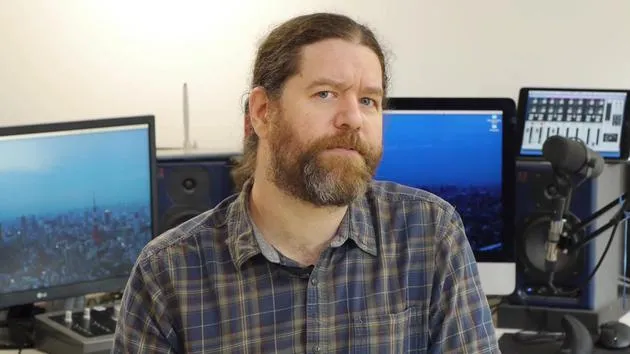
01. Section 1 overview
0:25
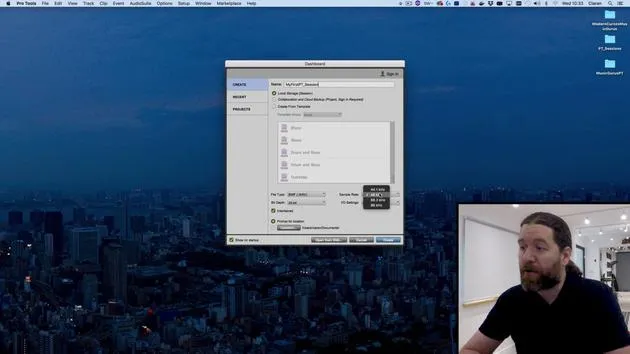
02. Opening Pro Tools session & settings
Free lesson4:37
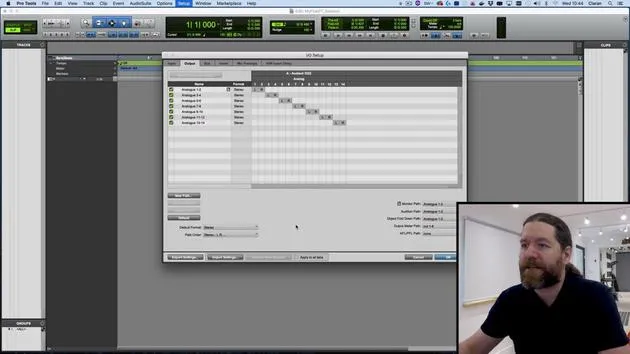
03. IO Setup & audio interface
8:12
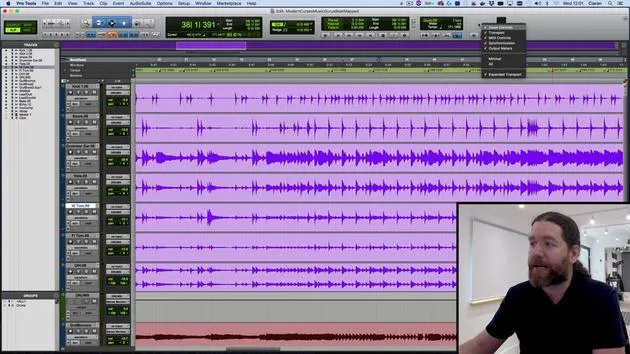
04. Edit Window overview
9:35
05. Zooming & track heights
11:00
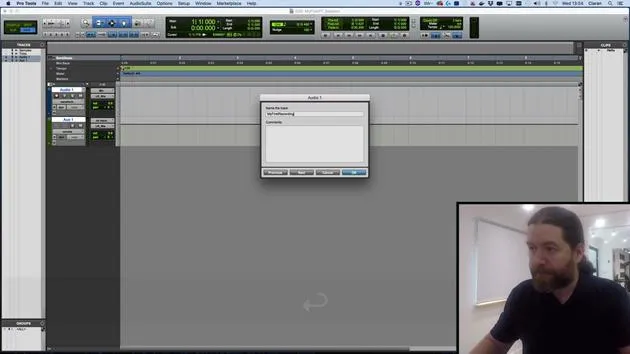
06. Track types & creating tracks
9:47
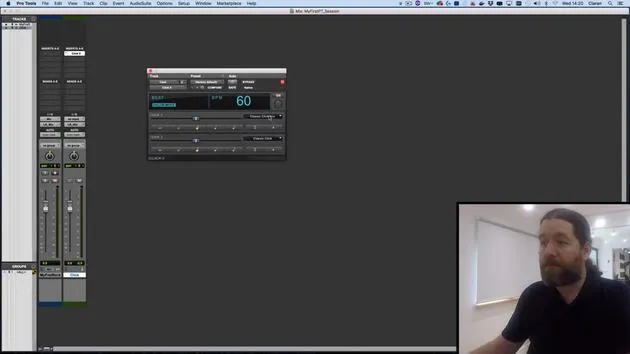
07. Configuring a click track
5:11
08. Making your first recording
4:01
09. Recording configuration
6:11
10. Punching in & out
9:10
11. Playlists & loop recording
4:28
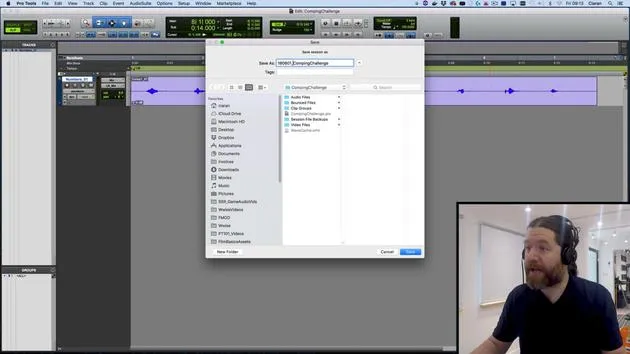
12. Saving & backing up your work
5:04
13. CHALLENGE #1: MAKE YOUR FIRST RECORDING
0:27
Lesson transcript
Music Editing: Handling Plosives in Your Tracks
So rather than just show you more tools, let me demonstrate some editing techniques and put them into practice.
Understanding Plosives
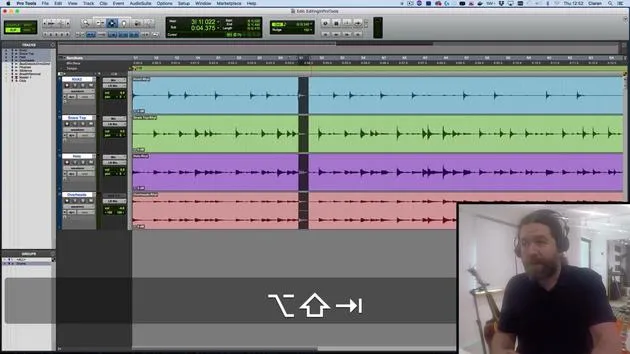
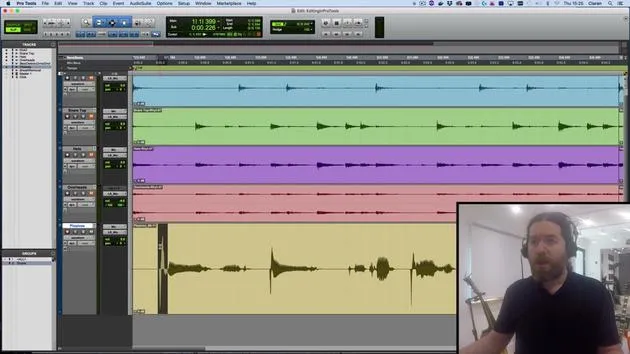
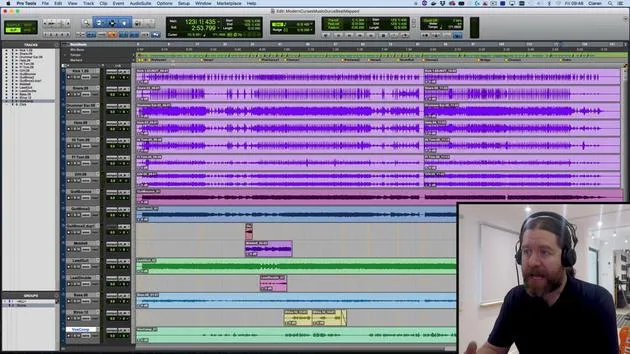
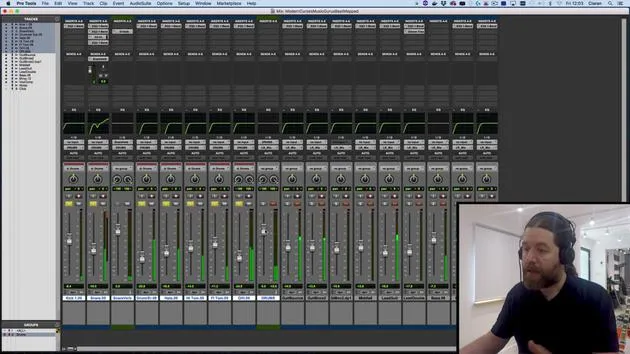
In particular, I'm going to remove some plosives. First, let's start off by going over here to my tracks list.
- There's an italics track called "plosives."
- If I right-click on it, I have the option to show and make active.
I'll also mute these drums by pressing E for explode. Remember from earlier, this will also zoom in on the track so I can see it more clearly.
What Are Plosives?
Let's have a listen. Ps and Bs can cause plosive problems.
- A plosive is high velocity air.
- If you say the word plosive with your hand in front of your mouth, you'll feel the high-velocity air hit your palm.
If that airflow hits the diaphragm of a microphone, the sudden thump that it causes is what you're hearing now. It could be far worse than this, but this is something I've tried to keep in the sort of realistic realms.
If it had been much worse, then it should have been noticed while it was tracked.
Techniques for Managing Plosives
To prevent plosives, you'd use a pop shield and position your singer slightly off the front of the diaphragm of the mic. There are a few techniques to achieve that, but occasionally you'll encounter something you just need to deal with.
Now, focusing on the section with plosives:
- One of the best ways to get rid of a plosive is to use a low cut filter to remove that low thump.
- I could bring in a plugin and automate it for different sections, but honestly, that's a real pain.
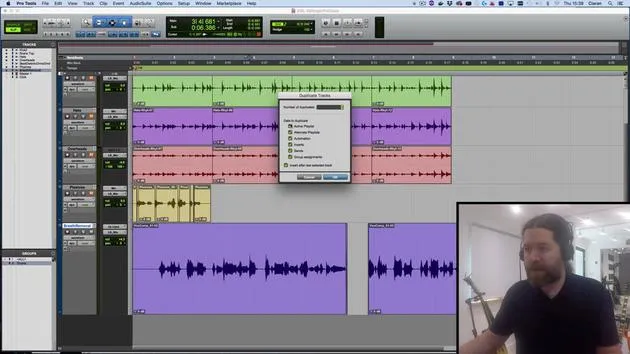
Instead, I'm going to use Audiosuite.
Using Audiosuite
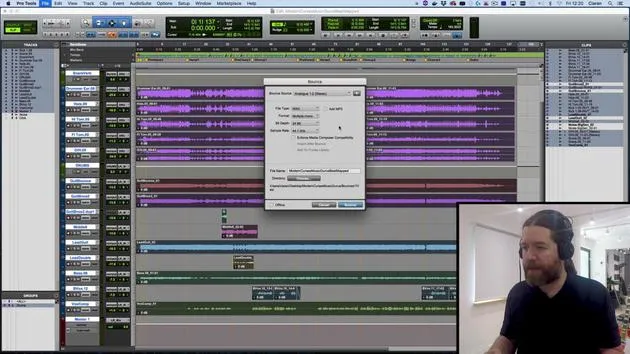
Audiosuite allows you to render effects on a particular section of a track.
- With just this bit selected, when I bring up an Audiosuite plugin, it will only affect this section.
- This method also frees up processing power because, once it's done, all you have to do is playback the rendered file.
To begin, I can find this by going up to Audiosuite at the top. I'm going to do this a few times, so I'll hold off a second.
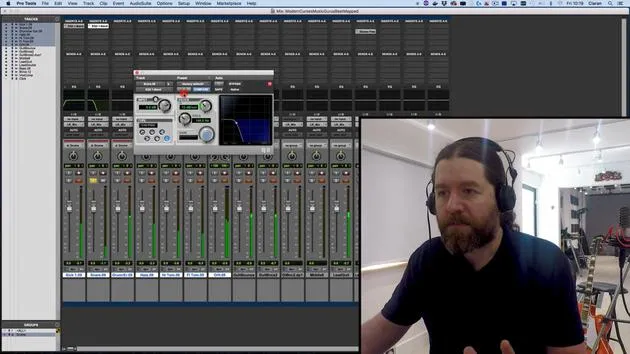
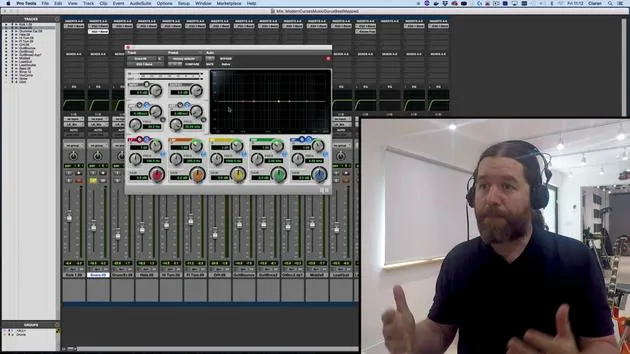
- Hold the Command key and go to Audiosuite > EQ > EQ3 1 band.
As you can see, nothing has happened except that I now have a shortcut to that plugin at the top.
Setting the Low Cut Filter
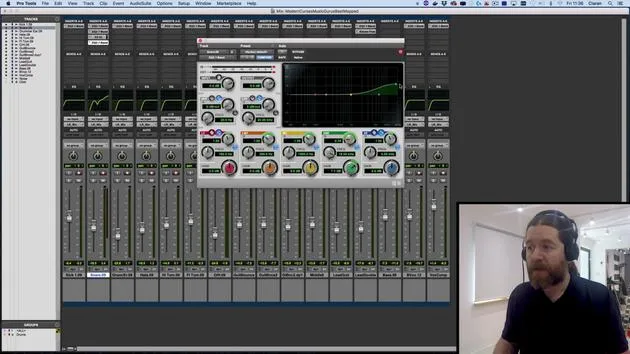
I want this to be a low cut filter:
- Pull the frequency all the way down so it doesn't really do anything, and hit play.
- If I hit the space bar, it won't loop even though loop playback is turned on.
This is because loops need to be more than half a second long to work. However, the preview button at the bottom left of an Audiosuite plugin doesn't have that limitation; it will cycle regardless of length.
Action: Press this button and bring up the frequency until you hear the low thump disappear.
- Once I think it's right, I hit render, and I now have a new audio file without the low thump applied.
Listening and Crossfading
Let's give it a listen.
- It's okay, but can you hear a slight click?
- This happens because of a sudden change in waveform value from one point to another, the vertical section causes a click.
Fixing the Click: Crossfades
The best way to eliminate these clicks is to use a crossfade. We can access crossfades in various ways.
- Remember that our smart tool gives us the crossfade option when we go down to the join between two clips.
- An easier way: make a selection covering the area where you want the crossfade and go to Edit > Fades > Create.
You can see Command + F is the shortcut for this.
Crossfade Settings
You can then change the settings:
- Equal Power or Equal Gain.
Way to remember this: Use equal gain when they're not the same. If you're crossfading two dissimilar tracks, use equal gain; otherwise, go with equal power.
- I'm happy with the rest of the settings here.
Now, press OK, and your crossfade is applied. Let's give it a listen now.
"Ps and Bs", nice!
Repeating the Process
Since I'm dealing with both plosives, I can apply the same settings to the next one.
- Select the next plosive, hit render, and make a selection again.
- If Key Focus or Edit Key Focus is turned on, it applies the same fade settings immediately.
Let's give that a listen:
"These can cause plosive problems."
Notice it's not just P's and B's that can cause plosive thumps. You can get them at the end of an S or whenever high-velocity air is produced by the mouth.
So, don't assume where they'll be; listen carefully and check for them.
Conclusion
There you go! That's how to fix plosives in your mix. In the next video, I'll show you another editing trick, which is how to deal with breaths in a recording.
See you then!
31 lessons
2h 41m of structured video lessons
Advanced video features
Slow down, loop a passage, follow along
Mobile, tablet & desktop
Practise wherever you are
100% satisfaction guarantee
30-day money-back guarantee
Meet your guru
Meet your guru
Ciarán Robinson is an audio engineer with over 25 years of experience across live engineering, mixing, recording, studio design and sound for film, TV and games. He is currently head of the Music Producer MA at Tileyard Education in London and has taught at contemporary music institutes including BIMM, SSR and SAE.
He has lectured in audio production for more than 20 years, building courses on Pro Tools, game audio, studio engineering and post-production, with former students going on to work with acts such as Coldplay and Biffy Clyro.







