



Section 2 overview
With
Ciaran Robinson
What's in the course
31 lessons (2h 41m) · 1 free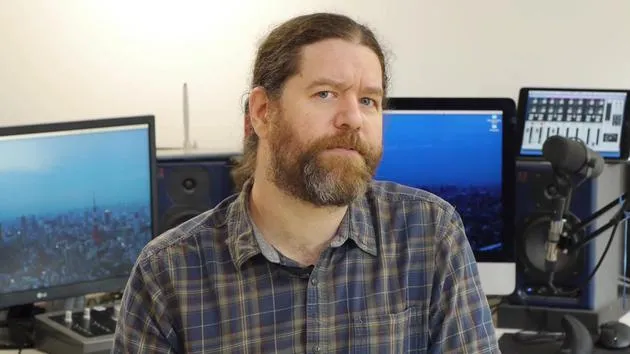
01. Section 1 overview
0:25
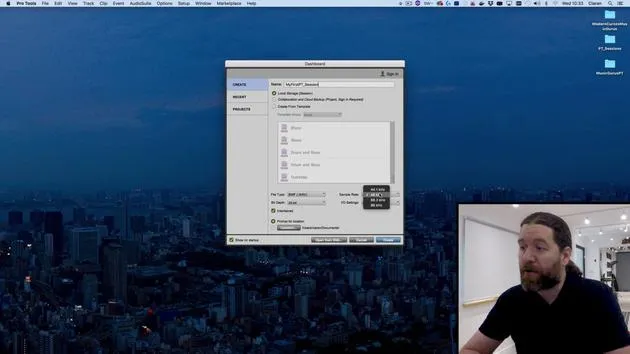
02. Opening Pro Tools session & settings
Free lesson4:37
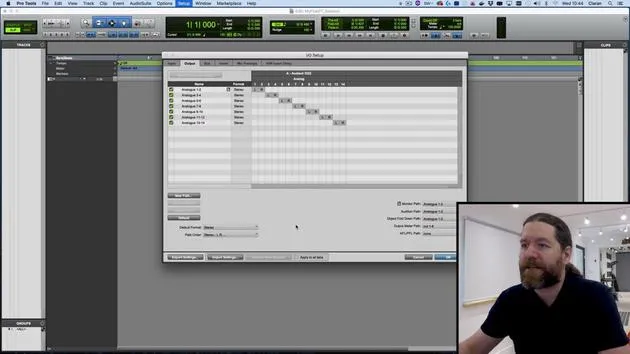
03. IO Setup & audio interface
8:12
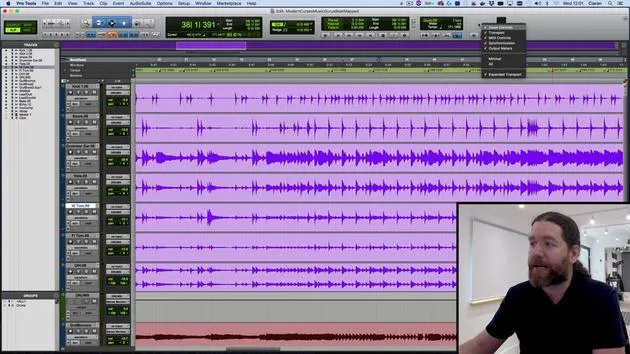
04. Edit Window overview
9:35
05. Zooming & track heights
11:00
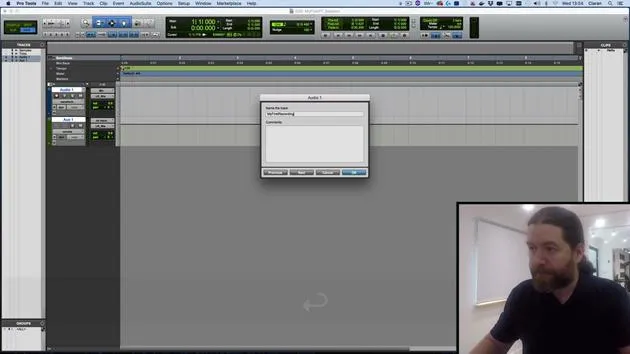
06. Track types & creating tracks
9:47
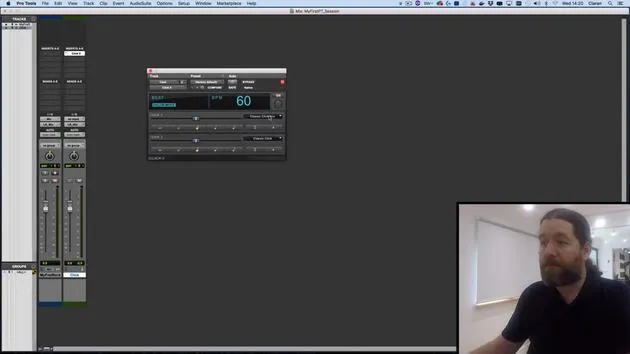
07. Configuring a click track
5:11
08. Making your first recording
4:01
09. Recording configuration
6:11
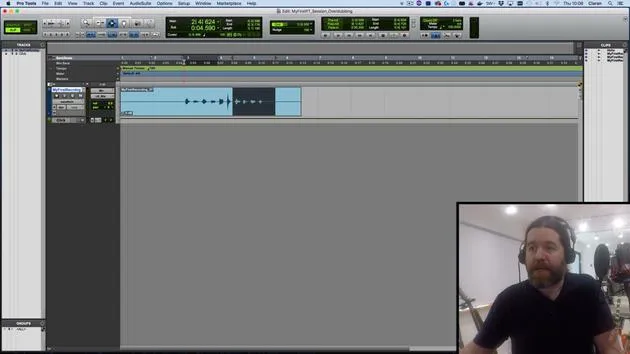
10. Punching in & out
9:10
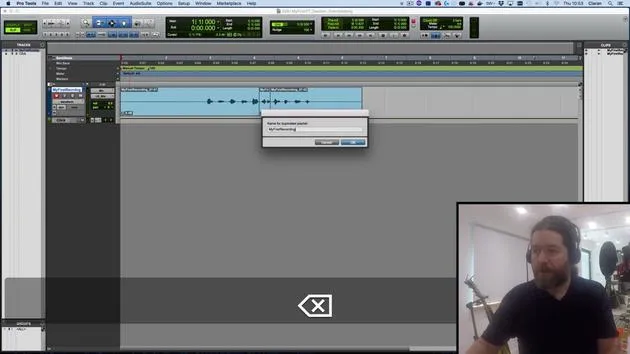
11. Playlists & loop recording
4:28
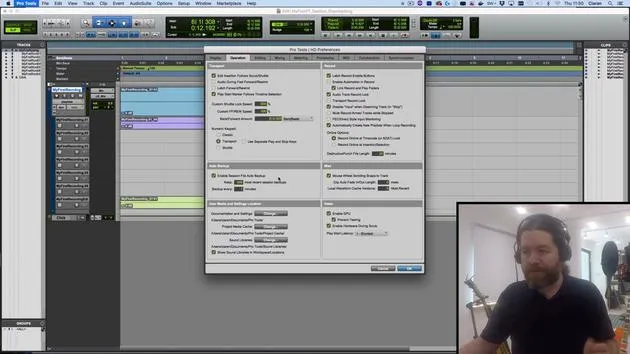
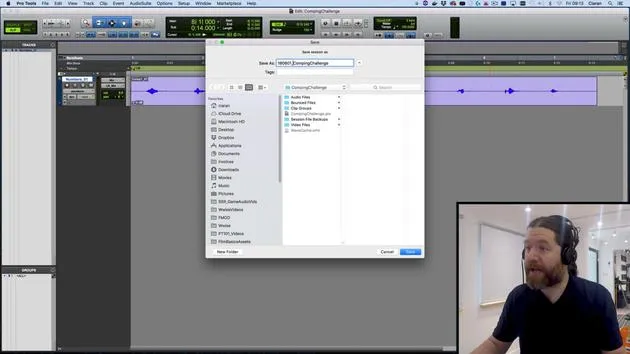
12. Saving & backing up your work
5:04
13. CHALLENGE #1: MAKE YOUR FIRST RECORDING
0:27
Lesson transcript
Editing in Pro Tools
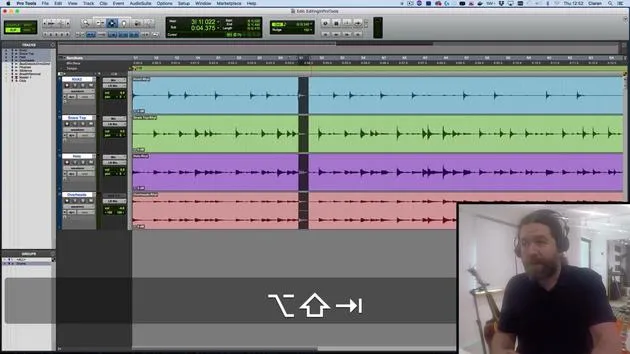
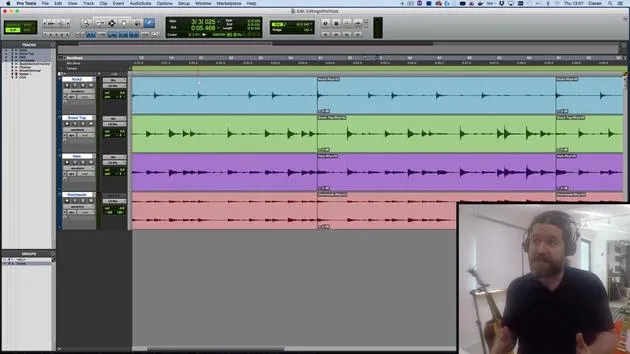
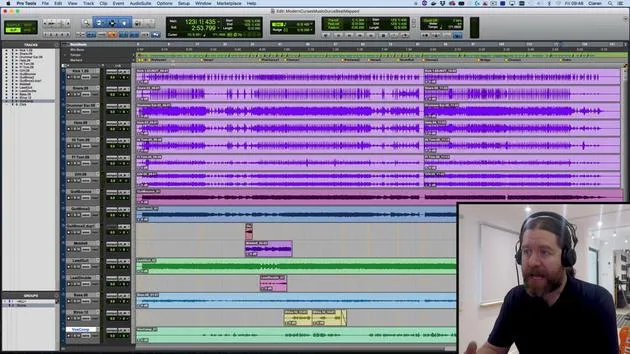
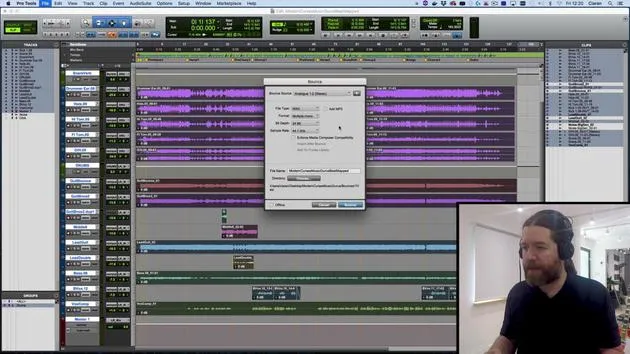
In the last session, we saw how to record audio into Pro Tools. Now, we're going to take a look at editing.
The Strengths of Pro Tools
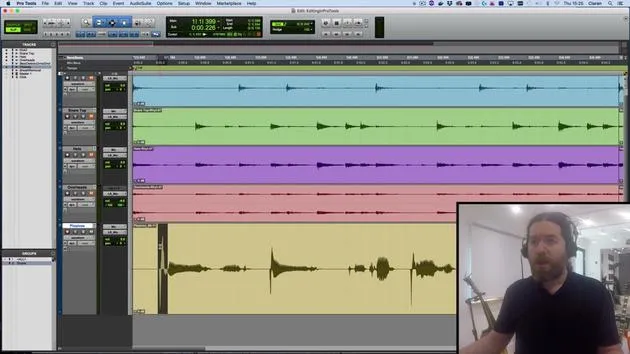
One of the main strengths of Pro Tools is its editing capabilities. We can:
- Take out coughs
- Remove splutters
- Edit mistakes in performances
- Keep only the good bits
What We'll Cover
In this section, we'll look at:
- The different edit modes in Pro Tools
- The edit tools
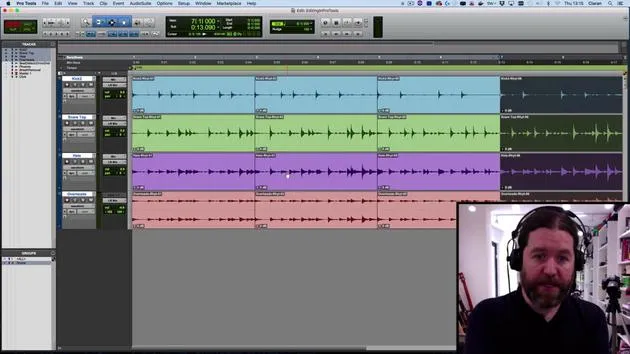
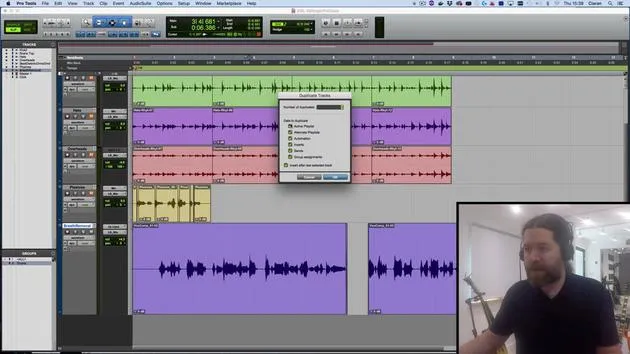
- How to take multiple performances and comp them into a single take
Let's get started!
31 lessons
2h 41m of structured video lessons
Advanced video features
Slow down, loop a passage, follow along
Mobile, tablet & desktop
Practise wherever you are
100% satisfaction guarantee
30-day money-back guarantee
Meet your guru
Meet your guru
Ciarán Robinson is an audio engineer with over 25 years of experience across live engineering, mixing, recording, studio design and sound for film, TV and games. He is currently head of the Music Producer MA at Tileyard Education in London and has taught at contemporary music institutes including BIMM, SSR and SAE.
He has lectured in audio production for more than 20 years, building courses on Pro Tools, game audio, studio engineering and post-production, with former students going on to work with acts such as Coldplay and Biffy Clyro.







