



Importing audio for sampling

With
Dov WatermanDov Waterman shows how to import your own audio into Alchemy for sampling in Logic, a quick way to keep ideas flowing while you compose.
What's in the course
14 lessons (1h 19m) · 1 free
Lesson transcript
Alchemy and Creativity in Music Production
Okay, so the other aspect of Alchemy and staying within the whole concept of being creative is understanding how important it is to remember that our creative zone is finite. It only lasts for a certain amount of time before we lose it or fall off the bandwagon concerning creativity.
Understanding Creative Blocks
- It's always a struggle.
- It's always a boundary that most of us in music production encounter.
This whole course is about trying to minimize those blocks. One effective way to do this is:
- Get to know your gear.
- Set up your templates.
- Create your working environment.
These steps ensure there are as few glitches as possible.
Exploring Alchemy
When it comes to something like Alchemy, which is very deep, we're not going to touch on everything here. We've covered a little bit on its signal flow and various capabilities in terms of synthesis.
Audio Sampling Capabilities
Another critical aspect of this instrument is its audio sampling capabilities.
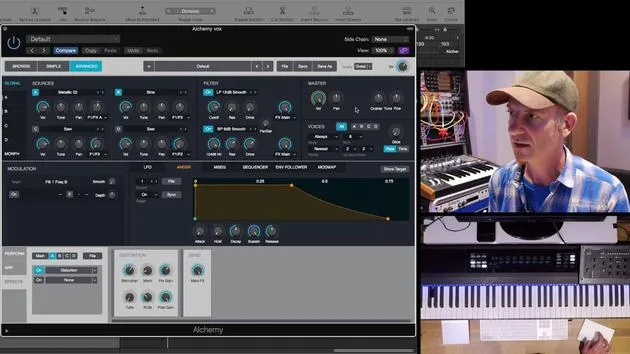
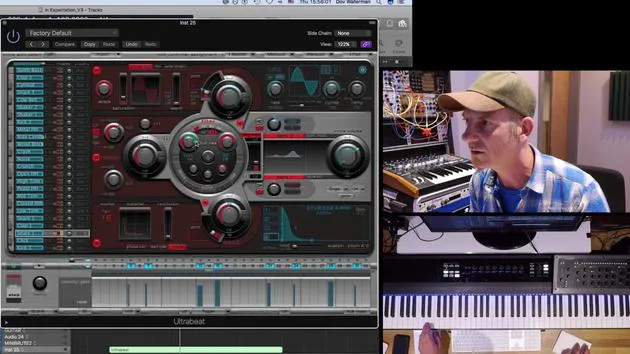
- When we go to import audio, we're now only working on Source A; everything else is turned off.
- Remember, there are four sources that can be combined in various ways to deliver a rich sound.
- However, it can also be overpowering, so I tend to use Alchemy sparingly, typically only one or maybe two voices.
Let's dive into Source A and click Import Audio. This provides a list of different places to find audio. Alchemy comes with a bunch of samples already built in, including:
- The EXS folder, which allows access to the EXS sample library.
For now, we'll work with what Alchemy has available. Let's go to vocal phrases and pick out a simple phrase.
- Before I press Import, you can either pull the instrument into the list or proceed directly to analyzing the audio.
Analysis Mode in Alchemy
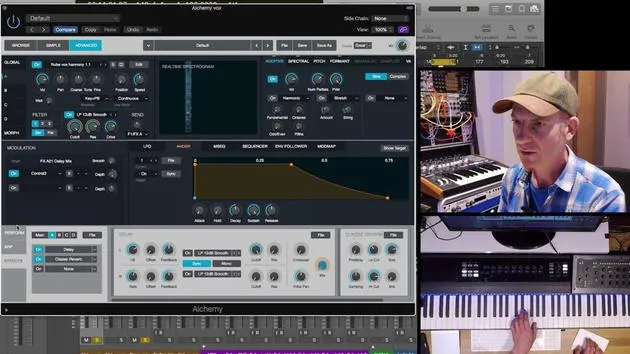
Now, what Alchemy will do when it processes audio is analyze it in one of these forms of synthesis:
-
Sampler:
- A simple sampler akin to EXS 74 or Akai.
-
Granular:
- Cuts a sample into very small bits and rearranges them.
- Allows you to stretch your sample without changing pitch as you go up and down the keyboard.
-
Spectral:
- A newer form of synthesis that deals with sound in a unique way.
-
Additive:
- The oldest type of synthesis (think of organs).
- Adds harmonics to a fundamental tone where you manipulate the sound by pulling out different stops.
-
Subtractive:
- Known as the Moog synthesizers.
- Involves filtering out harmonics, counter to additive synthesis.
Practical Application
Let's return to granular sound. After bringing it in and importing, you may hear a chipmunk-like sound. Here's what's happening:
- It plays the sound at the same speed but pitches it upwards, unlike sampler mode, which plays the sample faster as you ascend the keyboard.
- Granular synthesis maintains the speed while shifting the pitch, which is useful for synth tones or organic sounds where chords are played.
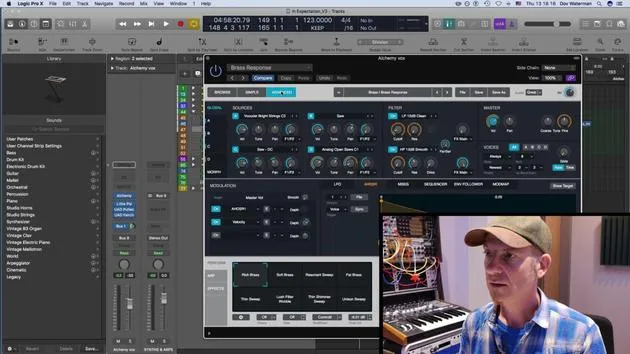
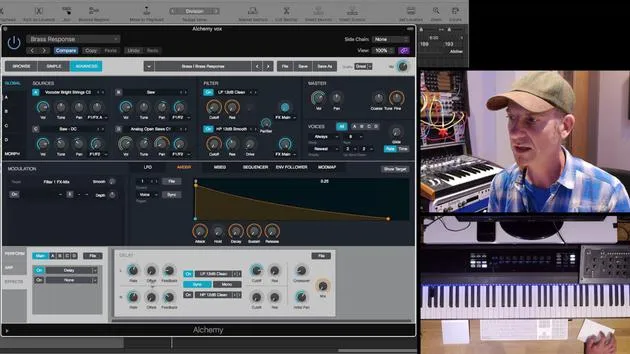
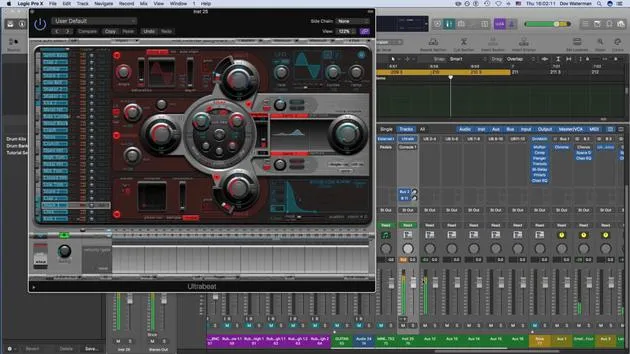
Cutting to a sound I've worked on, let's pull up the advanced settings and solo this section.
- This example comes from a track that I've been writing.
By understanding these concepts in Alchemy, you can better navigate the creative process and minimize those frustrating blocks that all musicians face.
14 lessons
1h 19m of structured video lessons
Advanced video features
Slow down, loop a passage, follow along
Mobile, tablet & desktop
Practise wherever you are
100% satisfaction guarantee
30-day money-back guarantee
Meet your guru
Meet your guru
Dov Waterman is a composer, pianist and producer. He has written and designed sound for films including After Earth, Terminator Genisys, Transformers: The Last Knight and The Snowman, and works as a sample-library audio editor and sound designer with companies such as Native Instruments and SonoKinetic.
His Composition in Logic series walks through building a track end to end in Logic Pro - from templates and workflow to synthesis and beat programming, MIDI effects, editing and the final mix - for producers who want to turn their ideas into finished records.







