



Push It (Performance)
With
Talia Girton
What's in the course
23 lessons (0h 33m) · 1 free
01. What Are Tied Notes
Free lesson1:03
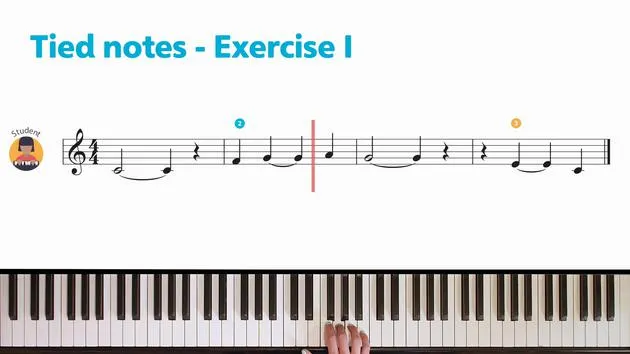
02. Tied Notes Exercise 1
1:00
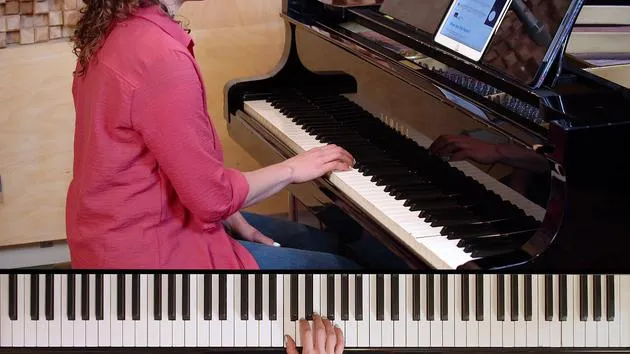
03. Tied Notes Exercise 1 (Performance)
1:23
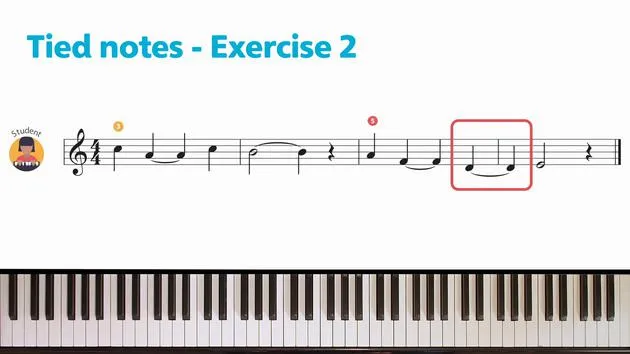
04. Tied Notes Exercise 2
1:09
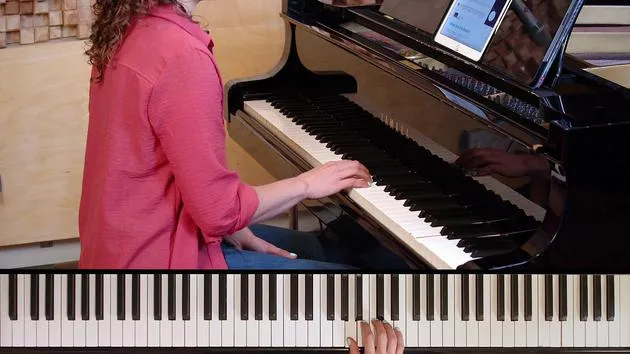
05. Tied Notes Exercise 2 (Performance)
1:03
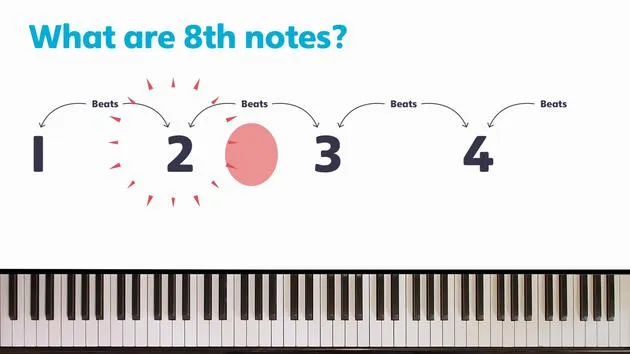
06. What Are Eighth Notes
1:25
07. Eighth Note Rhythm Game
1:48
08. Eighth Note Exercise 1
1:56
09. Eighth Note Exercise 1 (Performance)
1:21
10. Eighth Note Exercise 2
1:31
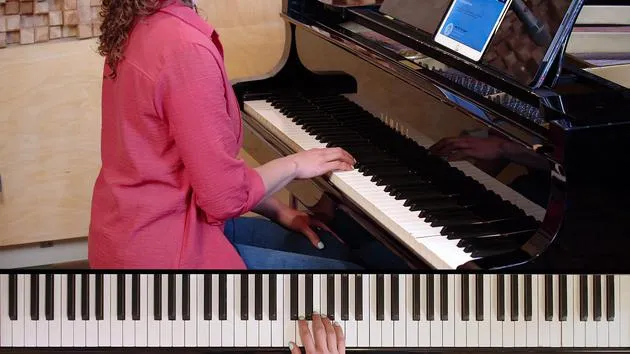
11. Eighth Note Exercise 2 (Performance)
1:05
Lesson transcript
Music Lesson: 'Push It' from the Rockschool Piano Method, Part 2
Introduction
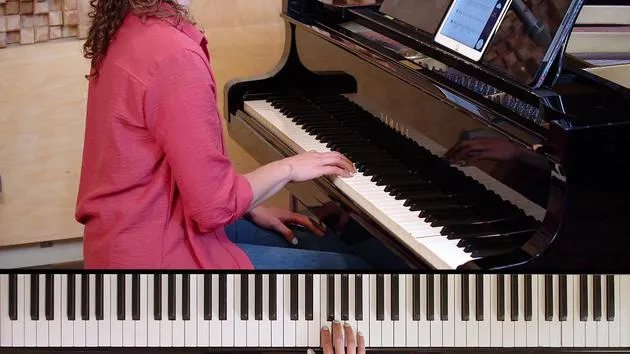
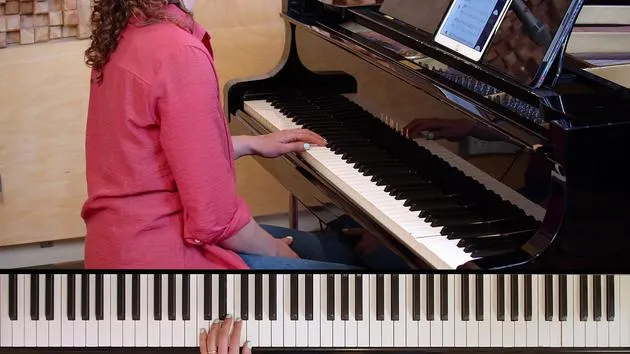
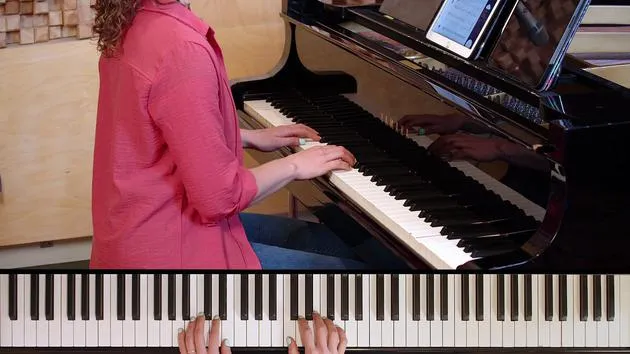
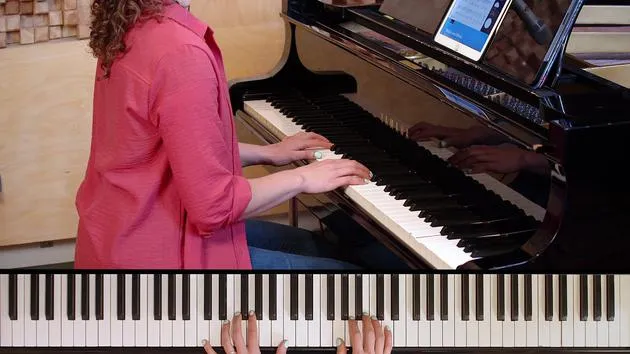
Today, we're going to perform the tune 'Push It'. This piece is taken from the Rockschool Piano Method, Part 2.
Objectives
- Understand the structure of the piece
- Practice the key techniques required for performance
Key Techniques
-
Timing:
- Focus on maintaining a steady tempo throughout the piece.
-
Dynamics:
- Pay attention to the dynamic markings; they are essential for conveying the emotion of the song.
-
Expression:
- Use varying touch to bring out different voices in the music.
Tips for using the interactive sheet music:
- Switch between my performance and the backing track using the player controls.
- Turn the virtual keyboard on and off using the button in the control bar to see the notes being played.
- Start slow and gradually increase tempo by using the speed control.
- Loop tricky sections by clicking on the sheet music and dragging with your mouse or finger.
- Use the built-in metronome to keep a steady tempo.
Enjoy your practice!
23 lessons
0h 33m of structured video lessons
Advanced video features
Slow down, loop a passage, follow along
Mobile, tablet & desktop
Practise wherever you are
100% satisfaction guarantee
30-day money-back guarantee
Meet your guru
Meet your guru
Talia Girton is a musician and HCPC-registered music therapist, and the founder of The Cycling Music Teachers. Her work brings together music therapy, counselling and education, and she tutors internationally on the music therapy training course at UDELAS in Panama as well as contributing to professional development with the European Piano Teachers Association (EPTA). On MusicGurus she teaches the Piano Method and Piano Foundations courses, guiding complete beginners from first steps through rhythm, both hands, theory and performance.







