



Chœurs

Avec
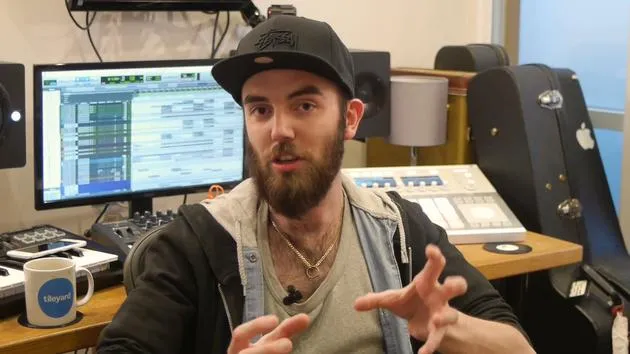
Paul WhalleyPaul Whalley montre comment il superpose et fusionne huit prises de chœurs ou plus en utilisant des canaux auxiliaires et l'EQ pour construire un son de chœur gospel.
Le contenu du cours
26 leçons (1h 43min) · 1 gratuites
01. Partie de guitare - concepts
1:37
02. Partie de guitare
4:58
03. Voix - concepts
1:22
04. EXERCICE : Recrée la production de la guitare
0:37
05. Voix
9:42
06. CHALLENGE #1 : CONSTRUIRE L'ARRANGEMENT VOCAL ET LE HOOK
0:45
07. Chœurs
Tu es ici4:07
08. Claviers et synthés - concepts
0:54
09. Claviers & synthétiseurs
9:38
10. Basse - concepts
1:01
11. Basse
5:24
12. Batterie - concepts
0:58
13. Batterie
9:49
14. EXERCICE : Recrée la production de la batterie
0:32
15. Effets et parties atmosphériques - concepts
1:09
16. Effets et parties atmosphériques
5:53
Transcription de la leçon
Backing Vocals Lesson
So, guys, next up, we're gonna have a quick look at the backing vocals here.
Overview
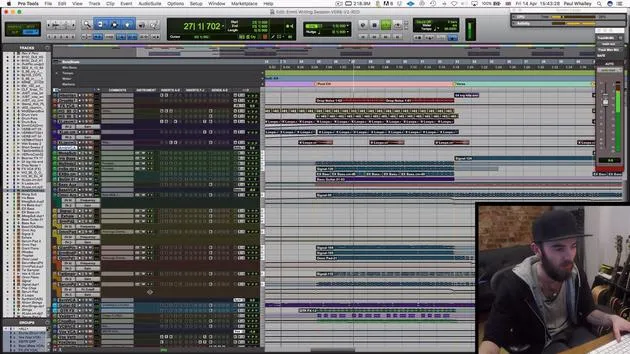
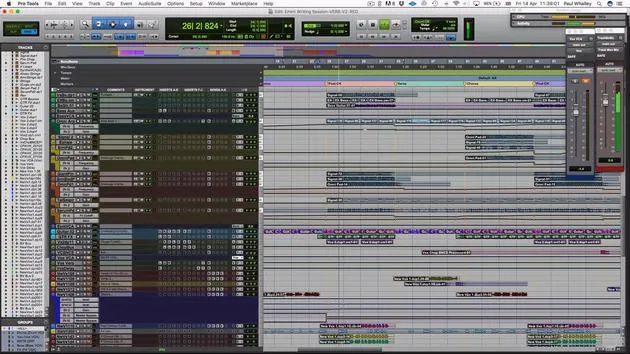
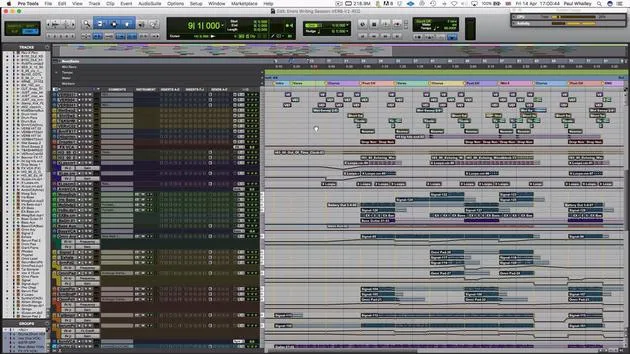
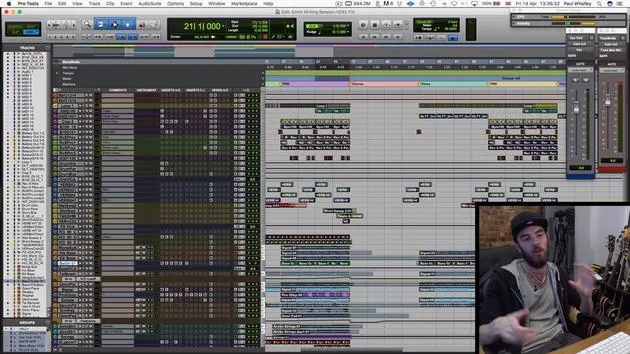
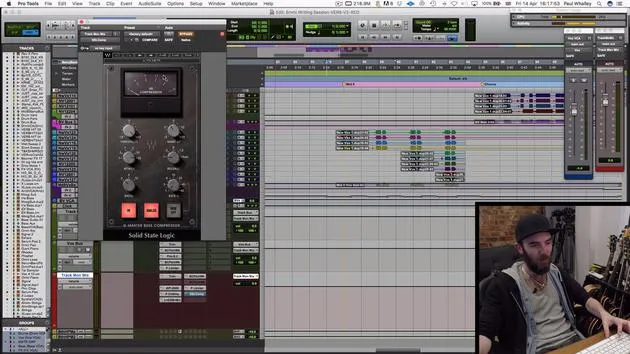
As you can see, on each channel, I'm using the same strip as I did on the lead vocal to treat each layer. However, we are combining eight or more layers into each section. Here's how I approach it:
- I take the various groups and put them together through an auxiliary channel.
- These all together sound like this.
You can hear that we're going for quite a sort of gospel choir sound. The key with backing vocals is the way you glue those all together.
Processing Steps
Equalization
What happens to glue those together?
- I take the processing off, and it suddenly sounds a bit mushy, a bit swamped, nothing special.
- To address this, I focus on equalization:
- I take out the muddy low ends.
- I boost the highs.
This needs to sit just above the lead vocal.
Digital Delay
To really make it sound like a gospel choir, I'm using a digital delay or a plugin that emulates digital delay on a very short feedback loop:
- Settings: 49 milliseconds and 67 milliseconds.
- This creates those little double sounds that come out:
"Who to trust can't be trusting you."
This is a great way to minimize recording effort, just four or five really tight vocals can end up sounding like a whole choir.
Stereo Imaging
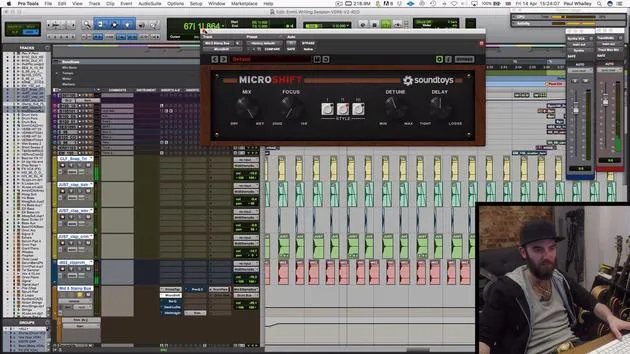
Next, I'm using a stereo imager from Sound Toys, but you can use any stereo imager available in your software. This helps again to make it sound bigger and more like a choir:
"Who to trust can't be trusting you."
If you're listening on headphones, you'll notice that the vocals suddenly sound a lot wider and bigger.
Adding Delay and Reverb
Then next up, just like we did on the lead vocal, we're adding a bit of delay on the send itself:
"Who to trust can't be trusting you."
This time, it's without the sidechain, which helps beef things up and make it sound like more people. After this:
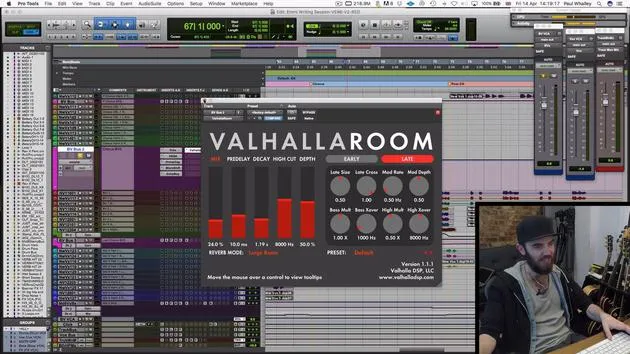
- I add a reverb right at the end to make it sound like it's in a space.
- I've set it to "large room," which is quite literally what I wanted it to sound like.
Conclusion
You glue all of these together with the other backing vocals. Each group has the same treatment, and it really helps to stick everything together.
It's very important to find the right balance between your lead and backing vocals, as this can make the difference between a polished-sounding record or something that seems like it was done anywhere, like in a bedroom.
If you follow these steps and take your time with the sonics of the vocals, it helps any listener really get hooked quickly, making it a real earworm.
26 leçons
1h 43m de leçons vidéo structurées
Fonctions vidéo avancées
Ralentissez, bouclez un passage, suivez la partition
Mobile, tablette et ordinateur
Pratiquez où vous voulez
Satisfaction garantie à 100 %
Garantie remboursement 30 jours
Rencontrez votre guru
Rencontrez votre guru
Paul Whalley est multi-instrumentiste, producteur et auteur-compositeur au son délibérément large. Il a passé des années sur la route comme musicien de studio en tournée avec des artistes tels que Mumford & Sons et Ellie Goulding. De formation classique, il est titulaire d'une licence en interprétation instrumentale et d'un Master en composition de la Guildhall School of Music. Depuis qu'il est passé de la tournée à la production et à l'écriture, il a travaillé avec des artistes comme NAO, Wretch 32 et Nina Nesbitt, et a joué sur des disques classés dans le top 40 partout dans le monde, dont 'Shout Out to My Ex' de Little Mix. Il est installé aux Tileyard Studios, dans le nord de Londres, où il écrit et produit pour de grands labels britanniques et développe de nouveaux artistes. Sur MusicGurus, lui et Emmi Green décortiquent un disque de pop à partir de zéro — chaque choix d'arrangement et de production mis à nu — pour les auteurs-compositeurs et les producteurs qui veulent entendre comment les tubes sont réellement construits.







