



Introduction à Virtual Drummer

Avec
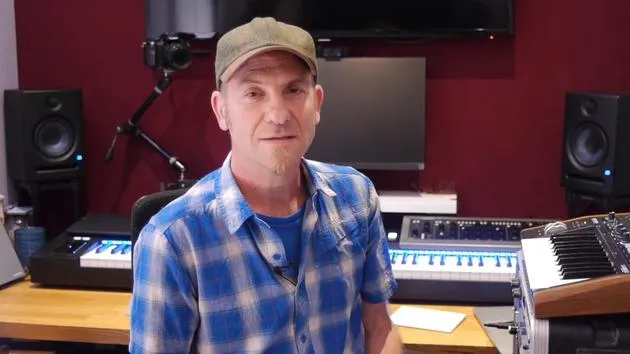
Dov WatermanDov Waterman ouvre le Virtual Drummer de Logic : comment fonctionnent ses grooves échantillonnés au feel réaliste, et comment ajuster les genres, les fills et les dynamiques pour qu'ils s'intègrent au reste de ton morceau.
Le contenu du cours
14 leçons (1h 19min) · 1 gratuites
01. Introduction à la programmation des rythmes et des beats
1:18
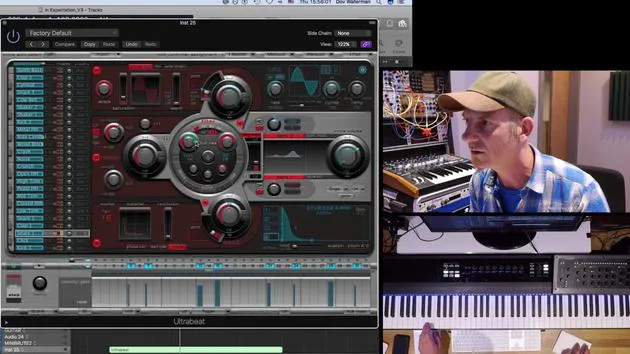
02. Introduction à Ultrabeat
7:56
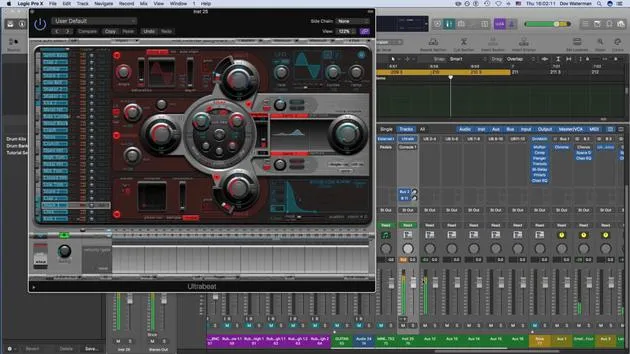
03. Ultrabeat en tant qu'instrument multi-sorties
5:53
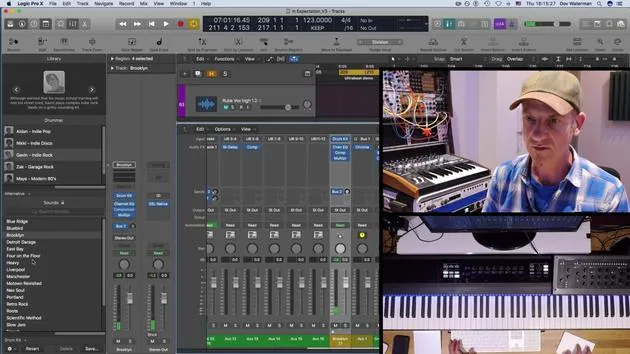
04. Introduction à Virtual Drummer
Tu es ici9:27
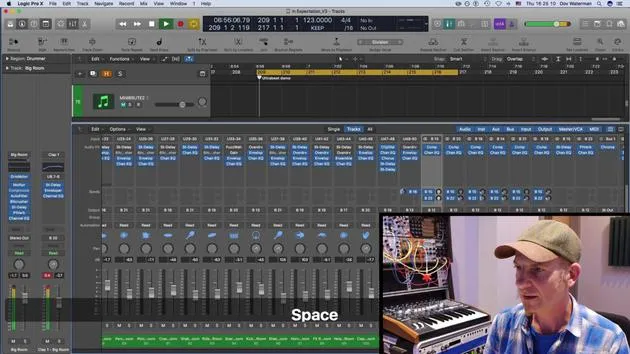
05. Virtual Drummer - effets avancés et superposition
11:18
06. Introduction aux Apple Loops
4:40
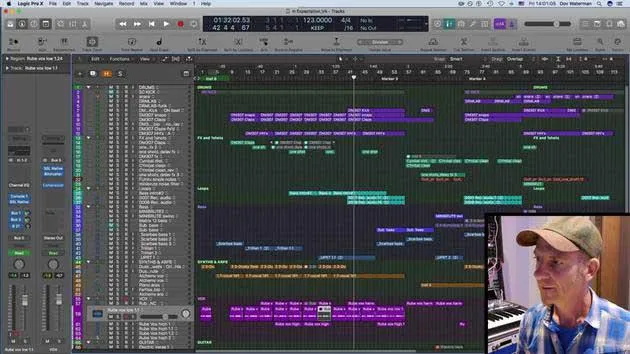
07. EXERCICE : Drum Machine Designer
1:07
Transcription de la leçon
Understanding the Virtual Drummer in Logic
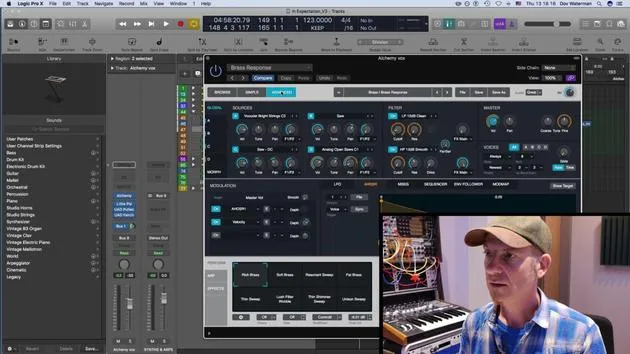
Moving on to the Virtual Drummer. Now, the virtual drummer is a new concept in Logic. It is basically an Apple loop or an audio loop, an audio file, but it's also a MIDI file.
Key Features:
- Real Drummer Feel: They managed to record some real drummers, giving you the feel of real drumming.
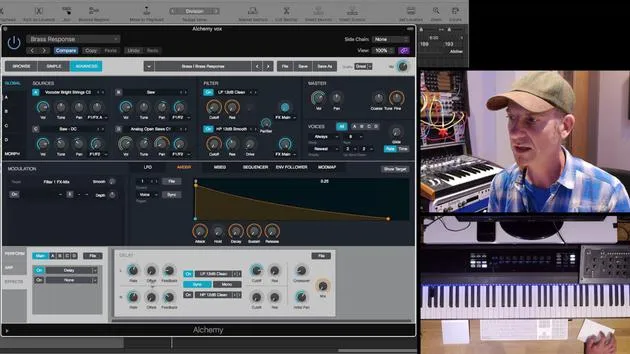
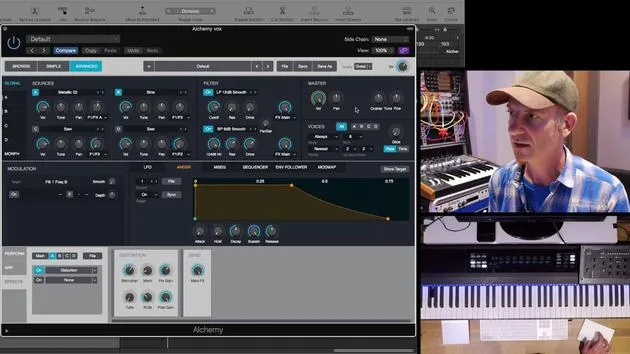
- Sound Sources: Using certain algorithms, Logic pulls out the transients and uses samples from within the EX24 and Ultrabeat as sound sources for these drummers.
Getting Started
To access the Drummer:
- Click on the plus sign (new instrument).
- Select Drummer in the details section.
- Choose various genres.
"I'm presuming that most of you have at least had a look at it and kind of figured out how it works."
When you open up Drummer for the first time:
- Click on your chosen genre and press Create (I'll press Cancel for now).
- It creates a drummer track, usually at the very beginning of your session. You can move it to wherever you want.
Understanding the Drummer Track
- The virtual drummer pulls in from a collection of sampled drum recordings.
- It maintains a real drummer's feel, not programmed or sequenced.
Exploring the Interface
- Double-clicking on the drum loop opens various parameters that you can change.
- This loop represents the length of the pattern, and you can modify fills (usually at the end) and mute instruments.
"Having these loops play alongside very sequenced, grid-based sequencing will give you a much... human feel."
Manipulating the Drummer
The beauty of this instrument is the ability to manipulate:
- In-Time Control: Adjust how much of the drum sound is present in different sections of your track.
- You can start with a simple beat and build complexity as the song progresses.
Example of Arrangement:
- Divide the drum loop into sections:
- Part 1: More fills.
- Part 2: Standard beat.
- Part 3: Add claps.
- Part 4: Remove the kick.
Each section can be manipulated independently for a more dynamic performance.
Utilizing Presets
- The section over here contains presets for different sections.
- Each region can have its unique preset saved for future use.
Apple Loops and Sample Interaction
To reiterate, this is an Apple loop playing samples from the EX24.
Options in the Mixer
- In the mixer, you can pull up the drum kit instance to change settings.
- Explore different kits available under Logic presets, such as the Indie Rock Kit played by a specific drummer.
Editing Kit Components
You can individually edit parts of the kit:
- Kick Drum: Dampen, tune, or change completely.
- Note: Some percussion sounds like tambourine, shaker, and hand claps may not show up in the current interface.
Creating Multi-Output Instruments
You can turn the drummer into a multi-output instrument:
- Access the mixer page.
- Create auxiliary tracks and route your instances out to sound sources like kick, snare, cymbals, etc.
"This is just an EX24, but it expands your editing capabilities."
Conclusion
So, that's an overview of how to utilize the Virtual Drummer in Logic. Exploring these tools will enhance your music production, allowing for greater creativity and a more human feel in your tracks.
14 leçons
1h 19m de leçons vidéo structurées
Fonctions vidéo avancées
Ralentissez, bouclez un passage, suivez la partition
Mobile, tablette et ordinateur
Pratiquez où vous voulez
Satisfaction garantie à 100 %
Garantie remboursement 30 jours
Rencontrez votre guru
Rencontrez votre guru
Dov Waterman est compositeur, pianiste et producteur. Il a écrit et conçu le son de films tels que After Earth, Terminator Genisys, Transformers: The Last Knight et The Snowman, et travaille comme monteur audio de bibliothèques de samples et sound designer avec des sociétés comme Native Instruments et SonoKinetic.
Sa série Composition in Logic parcourt la construction d'un morceau de bout en bout dans Logic Pro — des templates et du workflow jusqu'à la synthèse et la programmation de beats, les effets MIDI, le montage et le mix final — pour les producteurs qui veulent transformer leurs idées en disques aboutis.







