



Introduction à Alchemy

Avec
Dov WatermanDov Waterman présente le synthétiseur Alchemy de Logic et comment utiliser la synthèse pour ajouter de l'originalité et du mouvement à tes morceaux.
Le contenu du cours
14 leçons (1h 19min) · 1 gratuites
01. Introduction à la synthèse dans Logic Pro
0:47
02. Introduction à Alchemy
Tu es ici4:27
03. Flux du signal et effets d'Alchemy
8:59
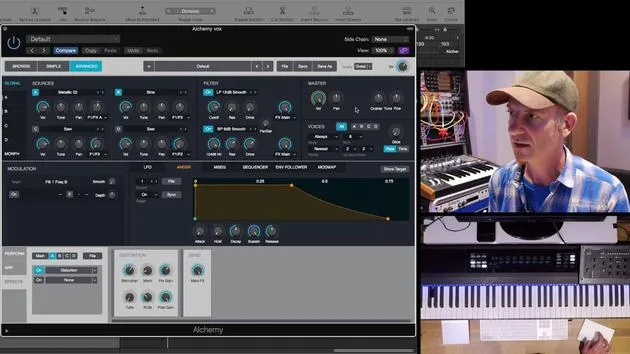
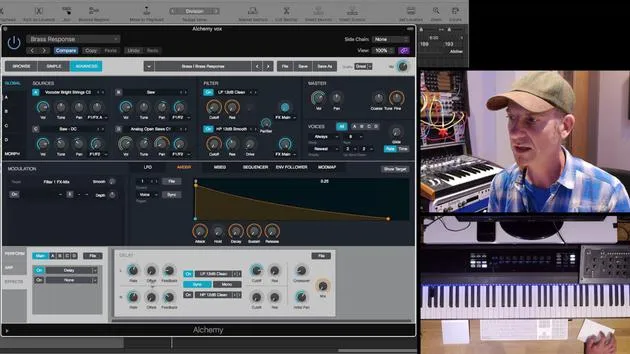
04. Modulation dans Alchemy
Leçon gratuite5:49
05. Importer de l'audio pour l'échantillonnage
6:24
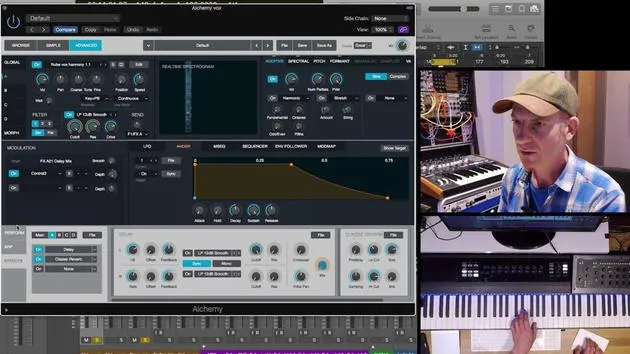
06. Mode performance d'Alchemy
10:13
07. DÉFI N°1 : CRÉE UN SYNTHÉ GRANULAIRE
1:29
01. Introduction à la programmation des rythmes et des beats
1:18
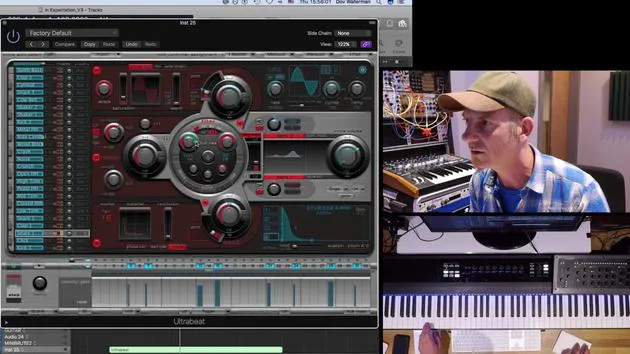
02. Introduction à Ultrabeat
7:56
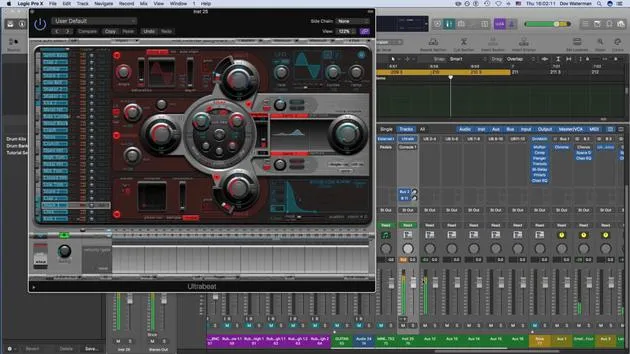
03. Ultrabeat en tant qu'instrument multi-sorties
5:53
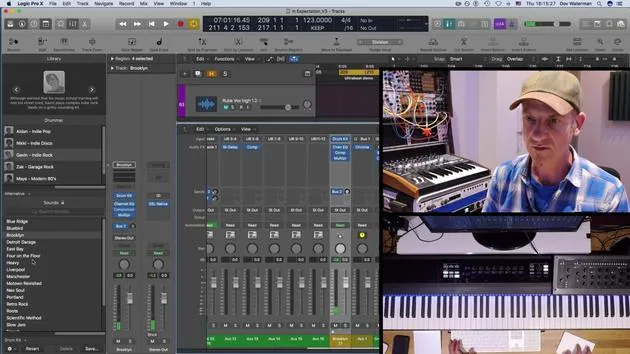
04. Introduction à Virtual Drummer
9:27
05. Virtual Drummer - effets avancés et superposition
11:18
06. Introduction aux Apple Loops
4:40
07. EXERCICE : Drum Machine Designer
1:07
Transcription de la leçon
Synthesis: Creating Originality and Movement in Music
In this section, we're going to talk about synthesis to create originality and movement interest within our music.
Overview of Synthesis
- The first synthesizer was the organ.
- As an additive synthesizer, it started with a fundamental note and involved pulling out stops to create a richer sound.
Modern Synthesizers
Fast forward to today, we have many different types and forms of synthesis. Logic goes some way to emulate these various forms and synthesizers from the past.
Notable Synthesizers in Logic:
- Various samplers, including EX24
- Ensemble synth
- Monophonic synth
- Polyphonic synth
- ES1 and ES2
Focus on Alchemy and Sculpture
Two instruments to note for our discussion are Alchemy and Sculpture.
Alchemy: The Swiss Army Knife of Synthesizers
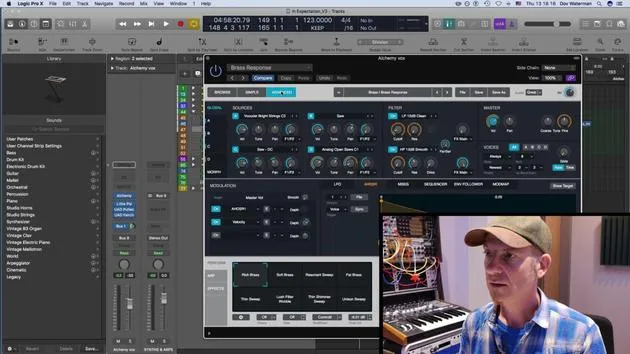
Alchemy is essentially a synthesizer cum sampler. The most interesting part of this synthesizer is that you can input your own audio, including any sample, such as EXS24.
Fun Fact: EX24 has been around as a sampler in Logic for many years without updates and was one of the only parts of Logic that hadn't been updated for quite a while until Alchemy came along.
Background of Alchemy:
- Developed by a company called Camel Audio, which was bought by Apple a few years ago.
- Alchemy resurfaced as an Apple instrument, specifically within Logic.
- Functions as both a sampler and a synthesizer, but it's a highly advanced synthesizer essentially composed of four synthesizers in one. Each can be considered a source on its own.
Overview of the Alchemy Interface
I will give a brief overview of the interface, as it's quite deep. I will highlight a few crucial aspects.
Key Components:
- Instrument Selection: You pull up an instrument.
- Browser Interface:
- Three Browsers/Tabs:
- Browse Section: Categories for different sounds and subcategories (e.g., arpeggiated sounds, organic sounds, various genres and timbres).
- A plethora of presets to choose from.
- Three Browsers/Tabs:
Note: By setting everything to "all," you can see hundreds of presets available.
Creating Your Own Preset:
- One of the beauties of any virtual synthesizer, including Alchemy, is that you can create your own preset:
- Tweaked Presets: Modify an existing preset and save it.
- Default Sounds: Pull up a default preset, tweak it, and save it as your own.
Conclusion
This overview touches upon the browse section and the modulation sections. The advanced section is where the real magic happens!
14 leçons
1h 19m de leçons vidéo structurées
Fonctions vidéo avancées
Ralentissez, bouclez un passage, suivez la partition
Mobile, tablette et ordinateur
Pratiquez où vous voulez
Satisfaction garantie à 100 %
Garantie remboursement 30 jours
Rencontrez votre guru
Rencontrez votre guru
Dov Waterman est compositeur, pianiste et producteur. Il a écrit et conçu le son de films tels que After Earth, Terminator Genisys, Transformers: The Last Knight et The Snowman, et travaille comme monteur audio de bibliothèques de samples et sound designer avec des sociétés comme Native Instruments et SonoKinetic.
Sa série Composition in Logic parcourt la construction d'un morceau de bout en bout dans Logic Pro — des templates et du workflow jusqu'à la synthèse et la programmation de beats, les effets MIDI, le montage et le mix final — pour les producteurs qui veulent transformer leurs idées en disques aboutis.







