Otros efectos MIDI

Con
Aamir YaqubEn esta lección, descubramos otros efectos MIDI como los efectos Transposer, Modulator, Randomizer y Scripter dentro de Logic.
Qué incluye el curso
20 lecciones (1h 47m) · 1 gratis
01. Bienvenido a la síntesis
Lección gratis0:53
02. Introducción a la síntesis, síntesis sustractiva
3:22
03. Primera etapa: generación de tono
4:09
04. Segunda etapa - Modelado del tono y filtros
1:35
05. Modelar el volumen - ADSR
3:27
06. LFOs
1:54
07. Alchemy
4:11
08. Retro synth
4:55
09. Sintetizadores ES1 y ES2
4:00
10. Sintetizador ESP
1:17
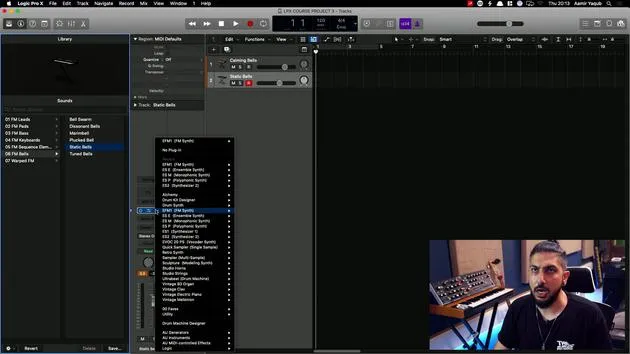
11. ESM, ESE, EFM1
8:54
12. Sculpture, EVOC20 y vocoding
7:53
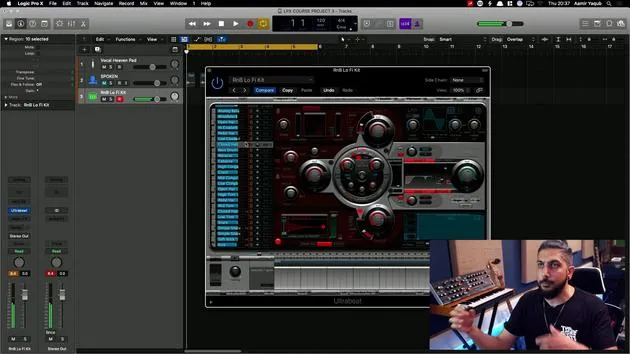
13. Drum Synth y Ultrabeat
7:11
14. Drum Kit and Drum Machine Designer
7:23
15. Sintetizadores de teclado: órgano vintage, EP, Clav, Mellotron
9:03
16. Studio Horns y Studio Strings
4:48
17. Efectos MIDI - Arpegiador
21:21
18. Efectos MIDI - Chord Trigger
5:45
19. Otros efectos MIDI
Estás aquí4:33
Transcripción de la lección
MIDI Effects Overview
So, looking at some of the other MIDI effects, and maybe when you get more into the world of MIDI, these will become handy.
Modifier
The modifier can change any signal into any other signal. You can:
- Change your input event
- Reassign that to the modulation wheel or anything else that you might want to reassign it to
- Change things like scale and add value to those as well
Modulator
The modulator allows you to assign an LFO or an envelope to any continuous controller message within MIDI, which can produce really quite weird and wonderful effects from time to time.
- As you can hear without this on, I have a very simple bell which just kind of plays. Let's play a little bit higher.
- But with it on and with the LFO working, you can hear I'm getting a much more interesting sound.
Note Repeater
Note repeater is kind of like note repeat, which we looked at earlier, but it has a bit more functionality. For example:
- I can repeat this note three times, which I did there.
- I can repeat it 28 times, but let's just go for like eight repeats.
Now, let's go for transposing. What this does is:
- It repeats eight times and transposes by one semitone every time.
- You can also ramp the velocity. This means if you take a look at what's going on here, you can make this kind of feel actually more like an echo, as the velocity goes down every time.
Remember, I'm still only pressing one note here. It's a very interesting plugin to play around with.
Randomizer
Randomizer takes any event type, like velocity, and randomizes it completely.
- For this demonstration, I'm not going to work with velocity, but with note number (essentially what note you're playing).
So, I'm going to play this note and just carry on playing it. What will happen is:
- It's just going to change and randomize the note that's being played.
- You can assign that to any MIDI value.
If it were velocity, I would play the same note now, and it would play the same note all the time, but at different volumes. This is a bit harder to control and hear, but you get the idea.
Transposer
With the transposer, you get the ability to immediately transpose everything that you're playing.
- For example, let's say I'm playing in the key of F major and I wonder what that would sound like if I played it two semitones up. Instead of actually playing it up, I can just use that and transpose.
This is really wonderful if you've decided to change keys but don't have the time or energy to relearn it in the new key.
Remember, because, as with all MIDI effects, this information is coming in, when it spits it out, and when you record it, it will be recorded in the key here, essentially the transposition that you are playing in. So, it's not just a simple key change; you continue to play in F, but it's going to be outputted in G.
20 lecciones
1h 47m de lecciones en vídeo estructuradas
Funciones de vídeo avanzadas
Ralentiza, repite un pasaje, sigue la partitura
Móvil, tablet y ordenador
Practica donde quieras
Garantía de satisfacción 100%
30 días de garantía de devolución
Conoce a tu gurú
Conoce a tu gurú
Aamir Yaqub es un productor e ingeniero musical afincado en Londres. Ha trabajado con algunos de los nombres más grandes de la música, entre ellos Alicia Keys, David Guetta, Rihanna, Sia y will.i.am, además de desarrollar a artistas independientes.
A lo largo de sus cursos enseña su flujo de trabajo completo en Logic Pro: desde la interfaz y la grabación, pasando por la creación de ritmos, la síntesis y los efectos MIDI, hasta la mezcla y el acabado de un tema.