



Repaso de los smart controls y la automatización

Con
Dov Waterman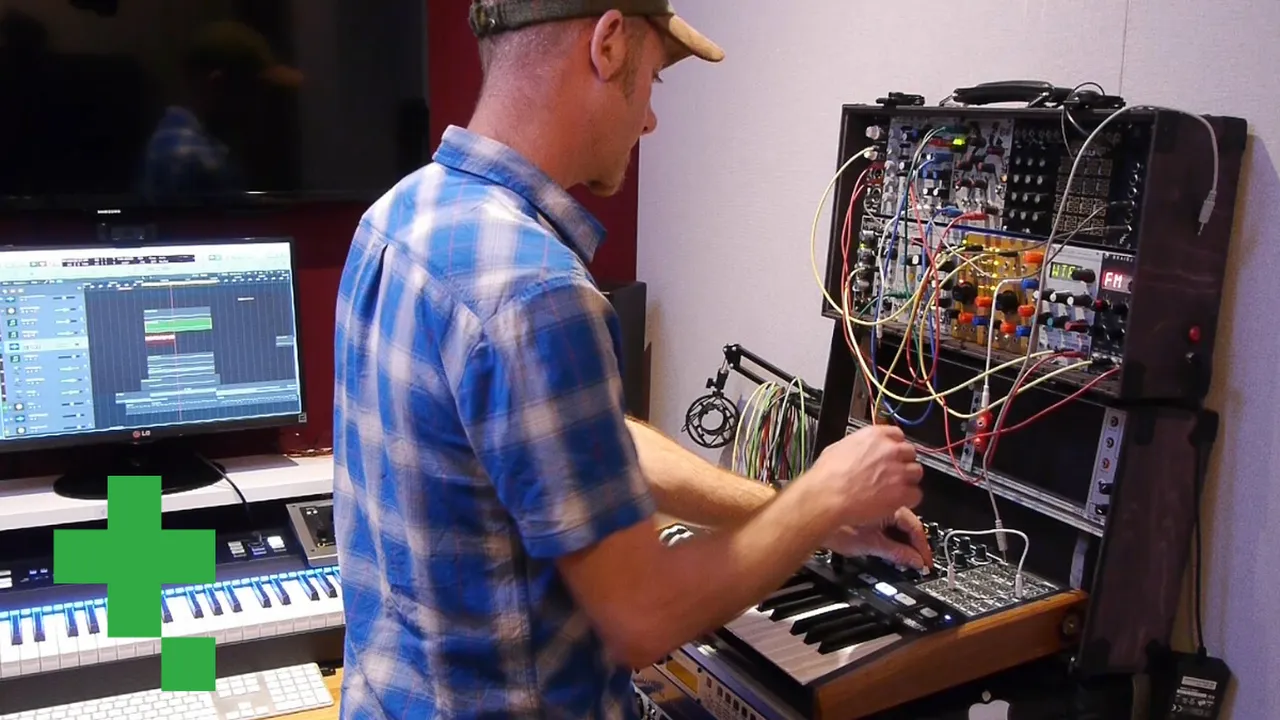
Qué incluye el curso
14 lecciones (0h 53m) · 1 gratis
Transcripción de la lección
Smart Controls and Automation in Music Production
Introduction to Smart Controls
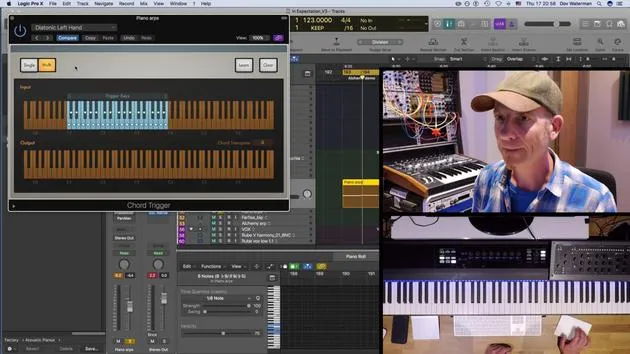
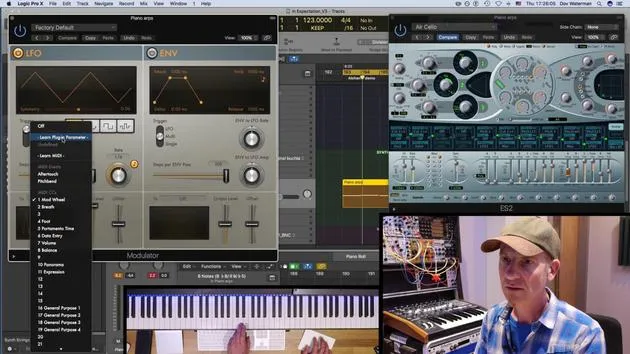
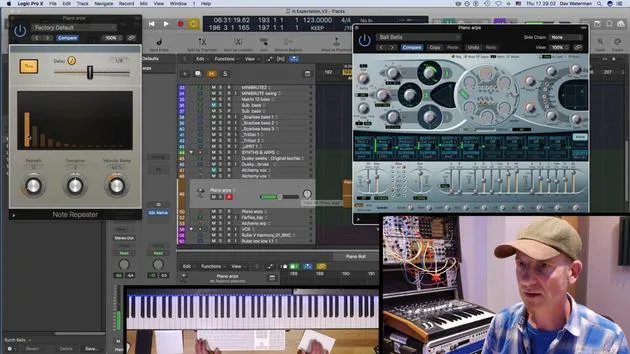
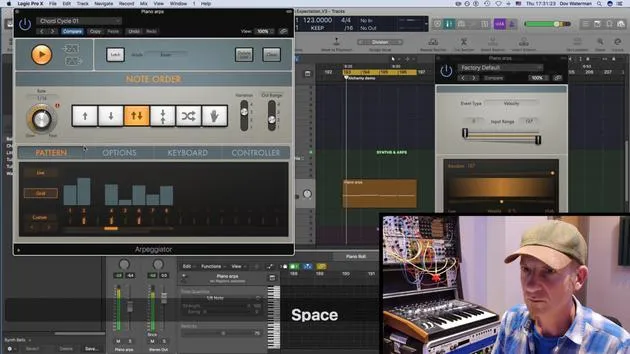
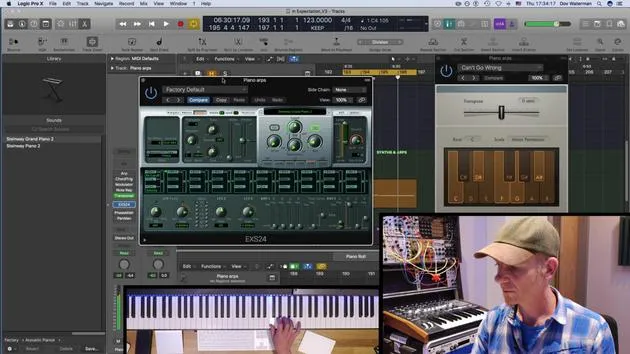
Smart controls are an essential tool in music production, especially when using a MIDI controller. Here's how they can enhance your workflow:
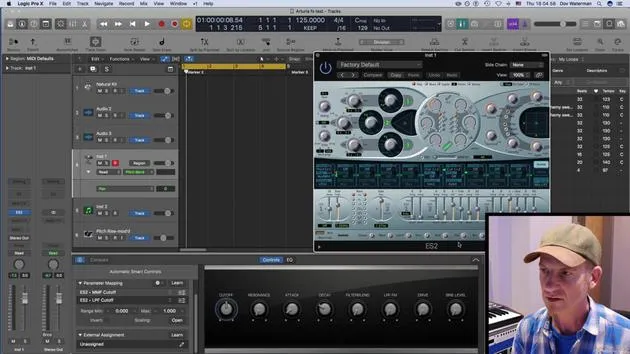
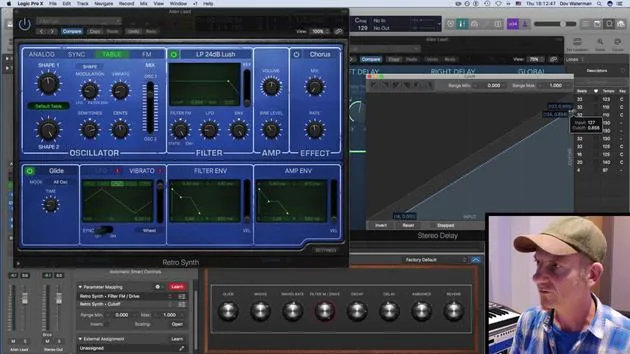
- Assigning Parameters: You can assign different aspects of the parameters using the Smart Controls panel and modulate them effectively.
- Automation: By enabling automation, you can record any movements or controller automation seamlessly.
Creating a Pool of Sounds
Recording and Saving
- After recording your controller automation, save it as an Apple Loop.
- This allows you to pull the loop into another track or project that you are working on.
The Benefits of a Sound Pool
Creating a pool of sounds and ideas has significant advantages:
- When Creativity Flows: It's great for moments when creativity is flowing, and you're experimenting with new ideas.
- Overcoming Creative Blocks: If your creative momentum stops, having a sound pool can be invaluable as it allows you to continue working without losing your progress.
Utilizing Apple Loops
- Organization: You can create a folder for your Apple Loops to easily access and integrate them into various tracks.
- Frequent Use: I use this method all the time in my productions, making it a vital part of my creative process.
By effectively utilizing smart controls and automation, you can enhance your music production workflow and ensure a steady stream of creativity.
14 lecciones
0h 53m de lecciones en vídeo estructuradas
Funciones de vídeo avanzadas
Ralentiza, repite un pasaje, sigue la partitura
Móvil, tablet y ordenador
Practica donde quieras
Garantía de satisfacción 100%
30 días de garantía de devolución
Conoce a tu gurú
Conoce a tu gurú
Dov Waterman es compositor, pianista y productor. Ha escrito y diseñado el sonido de películas como After Earth, Terminator Genisys, Transformers: The Last Knight y The Snowman, y trabaja como editor de audio de bibliotecas de samples y diseñador de sonido con empresas como Native Instruments y SonoKinetic.
Su serie Composition in Logic recorre la construcción de un tema de principio a fin en Logic Pro —desde las plantillas y el flujo de trabajo hasta la síntesis y la programación de ritmos, los efectos MIDI, la edición y la mezcla final— para productores que quieran convertir sus ideas en discos terminados.







