



Introducción a los controles inteligentes y la automatización

Con
Dov WatermanUsa la automatización en filtros, envíos de reverb y otros parámetros para dar forma al contorno de un tema: el arco que le da cuerpo a una pieza de principio a fin.
Qué incluye el curso
14 lecciones (0h 53m) · 1 gratis
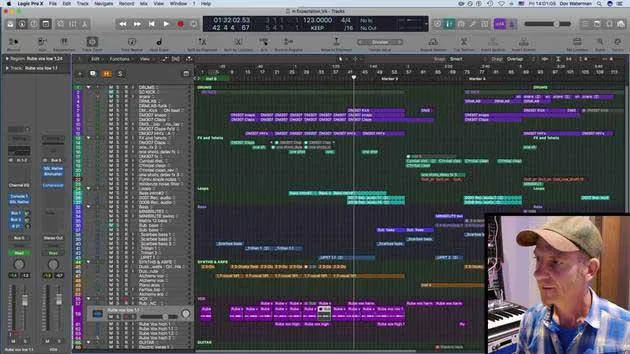
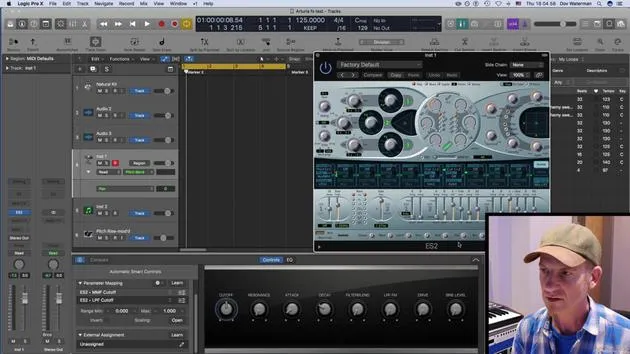
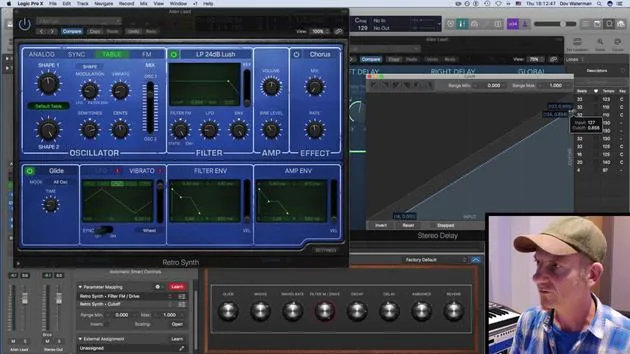
Transcripción de la lección
Smart Control and Automation in Music
Welcome to this part of the course!
Overview
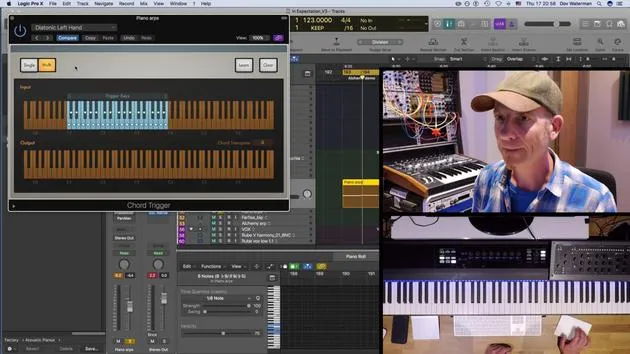
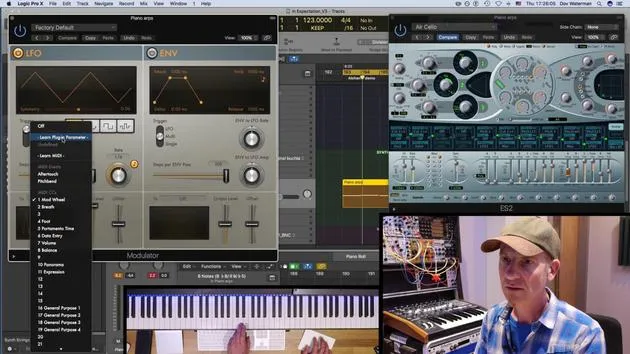
We're going to explore smart control and automation within the instruments you use. This involves:
- Creating Contours: Establishing arcs from the beginning to the end of a piece of music.
- Utilizing Parameters: Using filters and reverbs to add body to a track.
Apple Loops and Automation
We'll be discussing Apple Loops and how to turn smart control and automation ideas within a region into an Apple Loop for:
- Future Recall: Retrieving ideas for the project you're currently working on.
- Idea Pool: Adding to a collection that can be accessed in various other projects.
When working on an album with a consistent sound palette across different songs, these Apple Loops allow you to pull in ideas quickly and efficiently.
Let's Get Started!
If you're ready, let's dive into the details!
14 lecciones
0h 53m de lecciones en vídeo estructuradas
Funciones de vídeo avanzadas
Ralentiza, repite un pasaje, sigue la partitura
Móvil, tablet y ordenador
Practica donde quieras
Garantía de satisfacción 100%
30 días de garantía de devolución
Conoce a tu gurú
Conoce a tu gurú
Dov Waterman es compositor, pianista y productor. Ha escrito y diseñado el sonido de películas como After Earth, Terminator Genisys, Transformers: The Last Knight y The Snowman, y trabaja como editor de audio de bibliotecas de samples y diseñador de sonido con empresas como Native Instruments y SonoKinetic.
Su serie Composition in Logic recorre la construcción de un tema de principio a fin en Logic Pro —desde las plantillas y el flujo de trabajo hasta la síntesis y la programación de ritmos, los efectos MIDI, la edición y la mezcla final— para productores que quieran convertir sus ideas en discos terminados.







