



Programar un arreglo

Con
Dov WatermanDov Waterman muestra cómo crear un hook, una melodía y una armonía en Logic, usando sus herramientas MIDI y arpegiadores para generar ideas cuando falta la inspiración.
Qué incluye el curso
14 lecciones (0h 53m) · 1 gratis
Transcripción de la lección
Music Lesson: Arrangement, Melody, and Harmony
Okay, so this section is going to be about arrangement, melody, and harmony, and how to get the best hook.
Finding the Melody
Where does it come from?
- When inspiration hits, and the melody is there at your fingertips, that's fantastic!
- But when it's not, and you're struggling a bit, there are a few tools in Logic that can help.
Demonstration of a Track
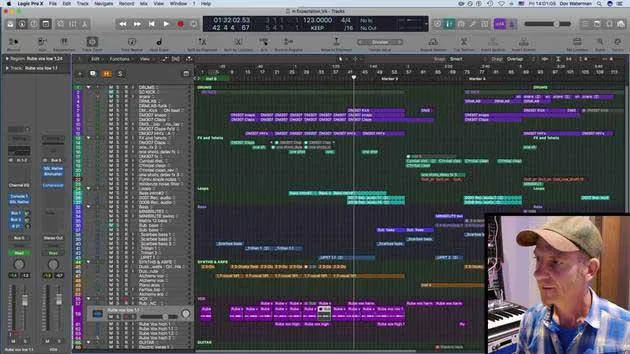
I'm going to play you a small snippet of a track that I've been working on. Literally just a few seconds.
Here it goes.
There are a few layers in this track, with lots and lots of sounds. One sound is playing the melody of a chorus section, accompanied by an arpeggiated sound.
What is an Arpeggio?
An arpeggiator is a way of giving a sound some movement.
Tools to Trigger Ideas
Here are a few tools we can utilize to trigger off ideas and experiment a little:
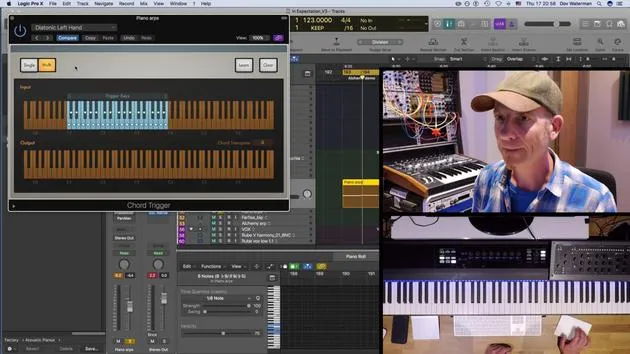
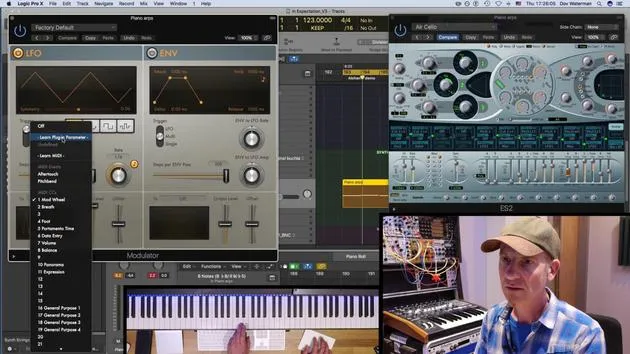
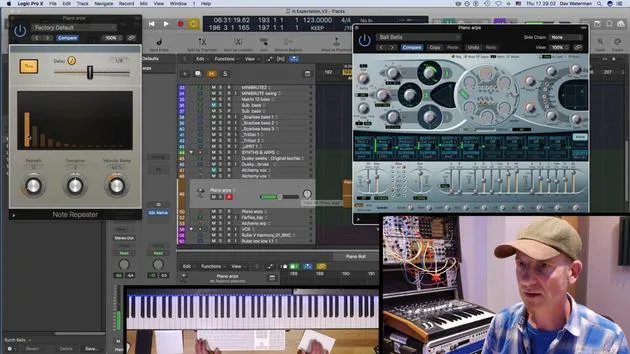
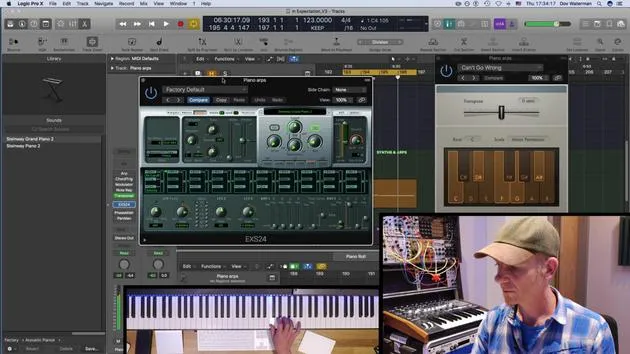
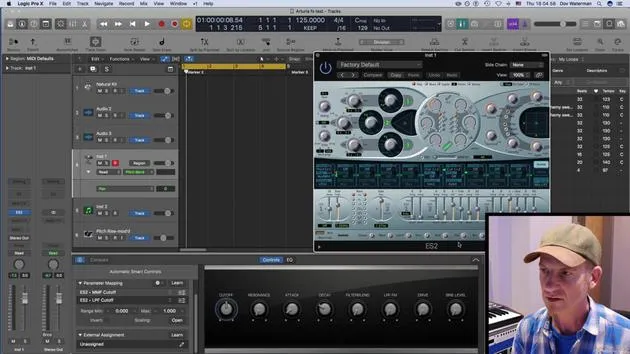
- MIDI Tools in Logic: If we go to our channel strip above the instrument, you will find the MIDI effects. For example, this is a specific instrument, Arturia's SEM.
The green tabs above the instrument are the MIDI effects in Logic. Previously, to use any type of MIDI effect, you had to go through a convoluted routing system in the environment. Fortunately, these MIDI effects have now been brought into the channel strip for easier access.
Identifying Chords
Let's turn off the arpeggiator for a second to identify the chord it's actually playing:
- E minor
- C
- A
- G
- E minor
To give it a little movement, I've turned on the Arpeggiator.
Examining the Arpeggiator
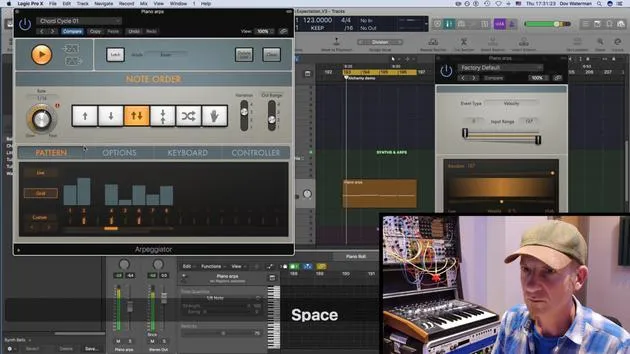
Let's open the Arpeggiator and see what it's doing:
- The two buttons over here relate to outputting your arpeggiator sequence as MIDI notes.
- This bottom button shows what the Arpeggiator is outputting.
When your sequence is playing, if we drag this out, it outputs the notes played.
Using Different Instruments
It's handy to use the same arpeggiator with a different instrument.
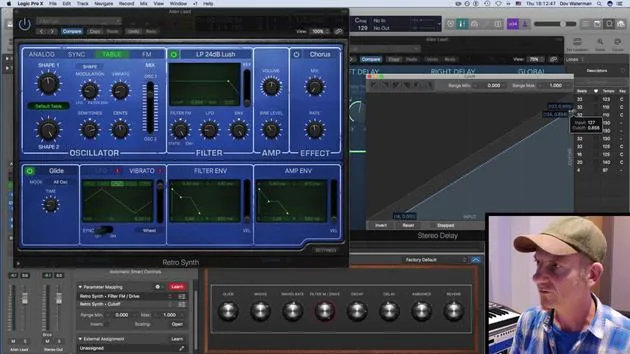
- Let's create another instrument using a polyphonic synth, one of the stock Logic synths.
- Rather than opening up an arpeggiator for that specific sound, you can output the region and the arpeggiator preset.
Sequence Rate and Pattern Options
Moving on to the rate of your sequence:
- This section controls the sequence speed, up or down.
- The octave range is below this.
Next is the pattern options: keyboard and controller options.
- Live mode will play the sequence from the preset or any sequence you have open.
Working with Live Mode
If I have it in live mode and press a key, it will play the generated notes from the chord. This allows you to manipulate the volume, similar to a sequencer.
Custom Section and Chord Bars
The custom section allows you to control various aspects, including volume modifications.
- For instance, using a preset like Pulsing Access doesn't change the notes but alters their volume.
You've also got chord bars here that will play the actual chord without arpeggiation, just generating chords.
Conclusion
To summarize:
- You can randomize patterns and give them some swing.
- The cycle length dictates how long the pattern plays.
- The pattern you're working with can be adjusted to whatever length you like.
The arpeggiator is a great way to create movement and modulation within your chords or melodies!
14 lecciones
0h 53m de lecciones en vídeo estructuradas
Funciones de vídeo avanzadas
Ralentiza, repite un pasaje, sigue la partitura
Móvil, tablet y ordenador
Practica donde quieras
Garantía de satisfacción 100%
30 días de garantía de devolución
Conoce a tu gurú
Conoce a tu gurú
Dov Waterman es compositor, pianista y productor. Ha escrito y diseñado el sonido de películas como After Earth, Terminator Genisys, Transformers: The Last Knight y The Snowman, y trabaja como editor de audio de bibliotecas de samples y diseñador de sonido con empresas como Native Instruments y SonoKinetic.
Su serie Composition in Logic recorre la construcción de un tema de principio a fin en Logic Pro —desde las plantillas y el flujo de trabajo hasta la síntesis y la programación de ritmos, los efectos MIDI, la edición y la mezcla final— para productores que quieran convertir sus ideas en discos terminados.







