



Aufnahmekonfiguration
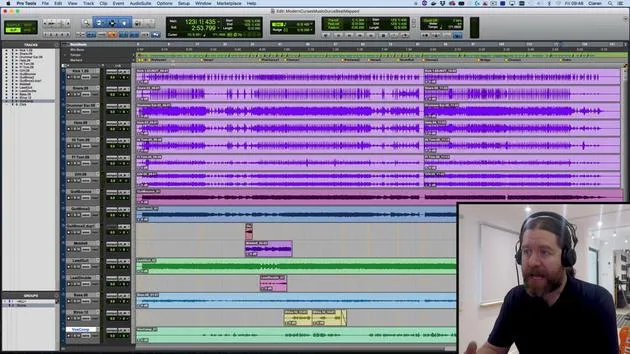
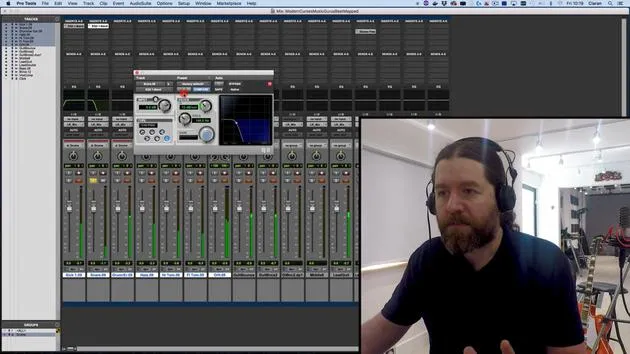
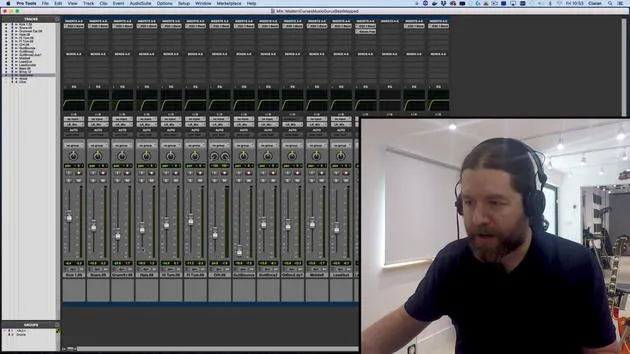
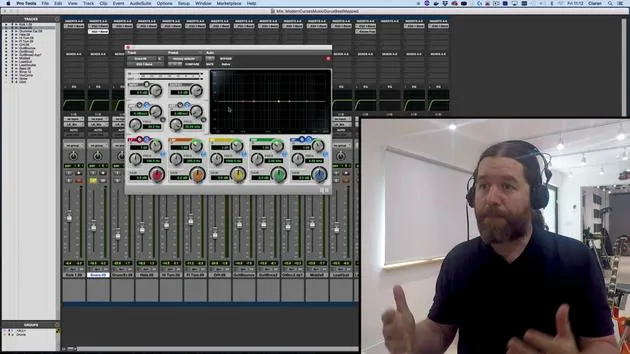
Eine Zusammenfassung der Aufnahmeeinrichtung in Pro Tools: Was Latenz ist, wie die Hardware-Puffergröße sie beeinflusst und wie du mit Input-Monitoring die Musiker im Timing hältst.
Das steckt im Kurs
31 Lektionen (2h 41m) · 1 gratis
01. Überblick über Abschnitt 1
0:25
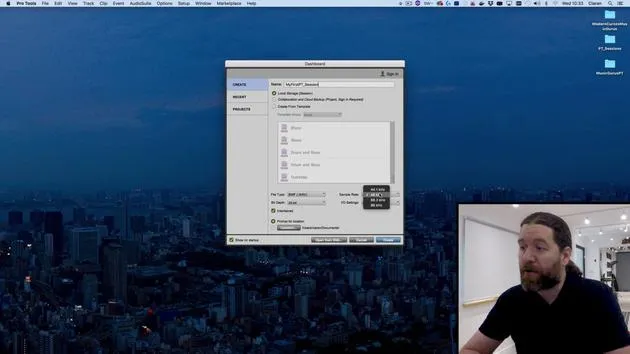
02. Eine Pro-Tools-Session öffnen und Einstellungen
Gratis-Lektion4:37
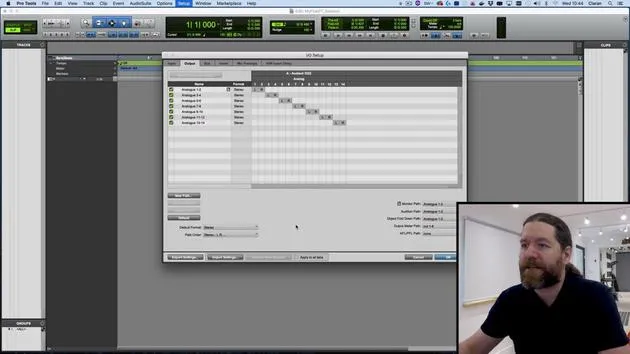
03. IO-Setup und Audio-Interface
8:12
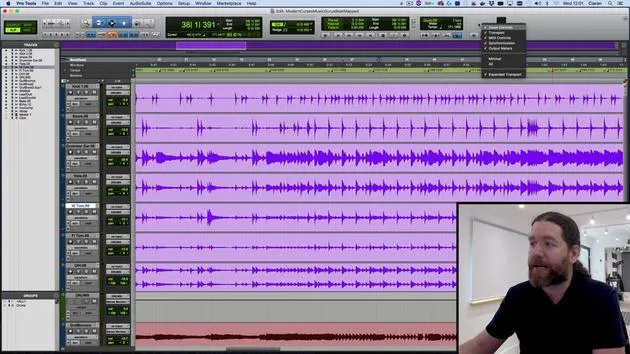
04. Überblick über das Bearbeitungsfenster
9:35
05. Zoomen und Spurhöhen
11:00
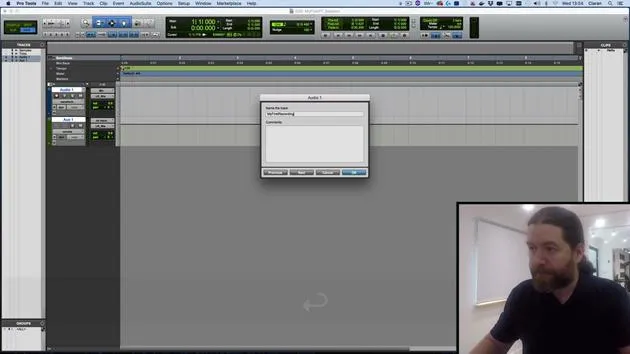
06. Spurtypen und Anlegen von Spuren
9:47
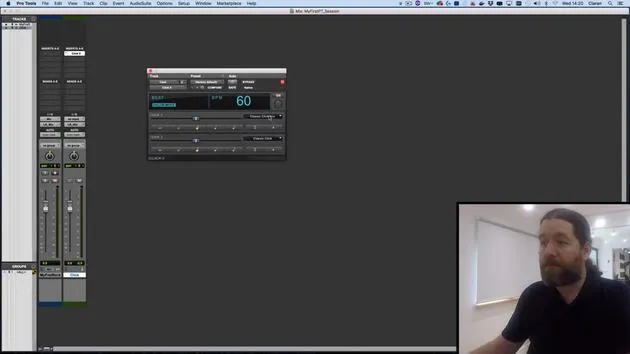
07. Einen Click-Track einrichten
5:11
08. Deine erste Aufnahme machen
4:01
09. Aufnahmekonfiguration
Du bist hier6:11
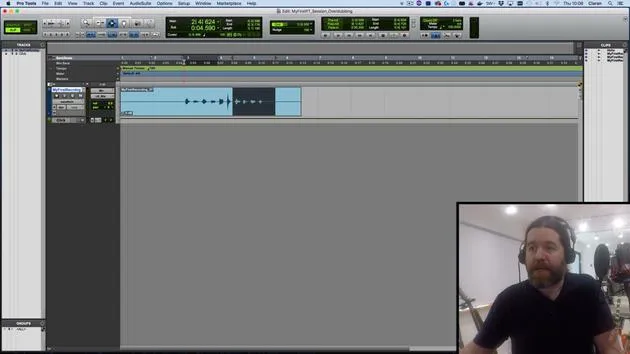
10. Ein- & Ausstanzen (Punch In/Out)
9:10
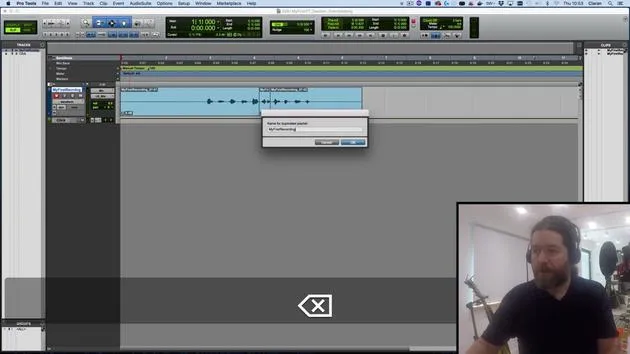
11. Playlists & Loop-Aufnahme
4:28
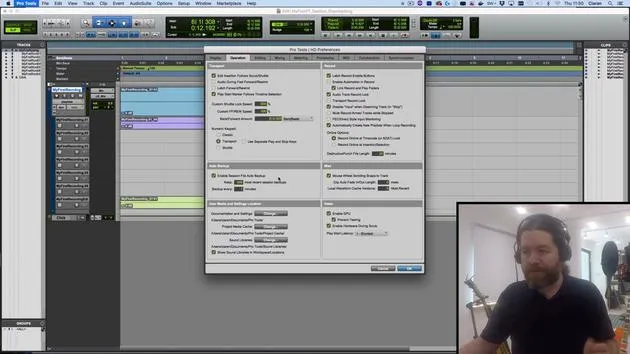
12. Deine Arbeit speichern und sichern
5:04
13. CHALLENGE #1: DEINE ERSTE AUFNAHME
0:27
Transkript der Lektion
Music Production Lesson: Latency and Stereo vs. Mono
Introduction
In this video, I'll briefly cover a few key concepts we've discussed earlier.
Understanding Latency
-
What is Latency?
Latency is the delay between sending signals to Pro Tools and receiving them back. -
Demonstration
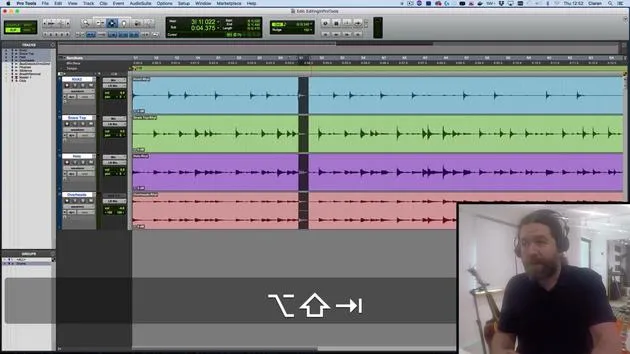
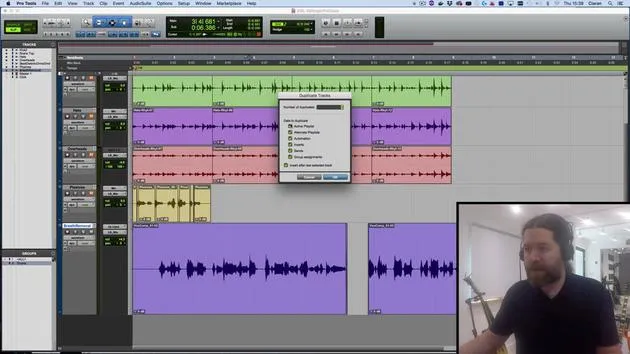
To illustrate this, I've turned my latency all the way up. When I input monitor this track and speak into the microphone, you'll hear a slightly disconcerting delay. -
Impact on Musicians
This delay can be very distracting to a musician. When they play, the fraction of a second delay may hinder their performance.
Managing Latency
-
Lowering Latency
Reducing latency gives the computer less time to process tasks. If we ask it to perform processor-intensive tasks, like using reverb or impulse responses, it needs time to manage these. -
Balance Hardware Buffer Size
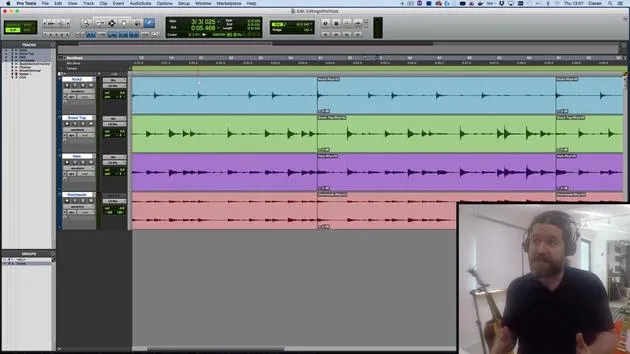
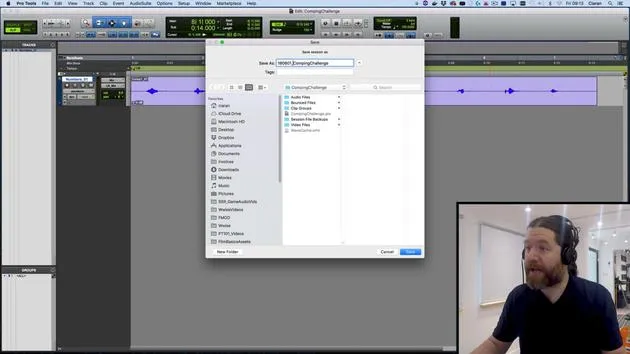
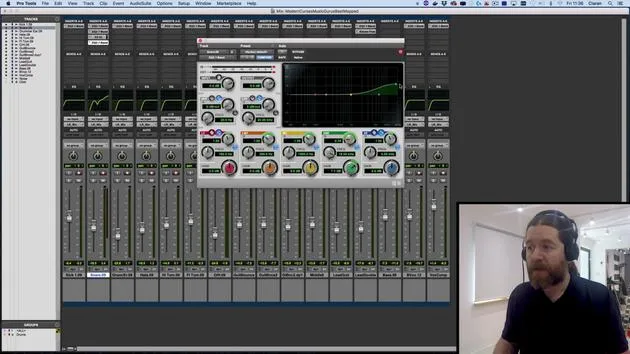
You can adjust the hardware buffer size in Pro Tools by going toSetup > Playback Engine. Currently, my hardware buffer size is set to 1024 samples.- When I lower it to 32 samples, the latency becomes almost unnoticeable. However, my computer may struggle with multiple tracks and plugins.
- 128 samples is typically a good compromise, allowing for minimal delay while the computer still performs adequately.
Input Monitoring
-
Testing Again
Let's input monitor again: "1, 2, 3. 1, 2, 3." I can detect a slight delay, but it's manageable for most musicians. Sensitivity to delay varies per musician, so keep that in mind and accommodate as needed. -
Using Input Monitoring
If latency remains problematic, consider input monitoring, sending a copy of the signal to the musician before it reaches your analog-to-digital converters. This capability depends on your audio interface.- For example, my Audient ID 22 offers an application to control this.
- Check your manual for details on your equipment or reach out to me for assistance.
The Mono vs. Stereo Debate
- Clarifying Terms
This is a common source of confusion:- Stereo does not simply mean two; it refers to sound with positional information. The term "stereo" actually means "solid."
- Mono does not mean one; it is a sound without positional context.
Understanding Stereo Sound
-
Perception of Sound
Our brains identify the location of sound through interaural amplitude, time, and timbre differences. Capturing this information, particularly with stereo mic techniques, results in a true stereo signal. -
Recording Techniques
-
Recording with One Microphone:
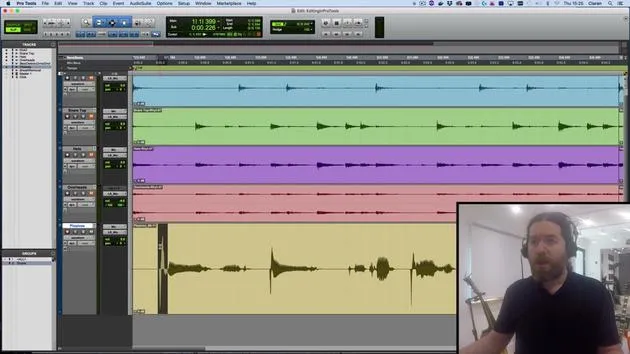
If I use a single microphone, I can capture the sound's timbre but not its spatial characteristics.- Example: When I snap my fingers, it's a monophonic sound source, but I hear it in stereo.
-
Minimum Requirements for Stereo:
To capture a stereo signal, you need at least two microphones and, to reproduce this signal with positional information, you need two speakers.
-
Conclusion: Distinction in Microphone Techniques
-
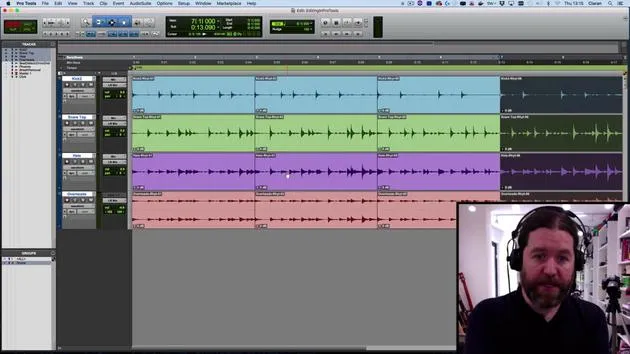
If I place two microphones on a snare drum (one top, one bottom), that's not stereo, but rather dual micing or dual mono, essentially two copies of the snare signal.
-
When to Use Stereo vs. Mono in Pro Tools:
- For stereo tracks, capture sounds with positional information using a stereo mic array, ideal for drum overheads, pianos, choirs, etc.
- Use a single microphone for kick drums, snare drums, or guitars, those are mono recordings.
-
Final Note:
You can always pan mono recordings later to create stereo properties, but remember that what you initially captured is mono.
Recap
- One microphone = mono recording.
- Two microphones = dual mono, unless capturing positional information, in which case you have stereo.
See you in the next video!
31 Lektionen
2 Std. 41 Min. strukturierte Videolektionen
Erweiterte Videofunktionen
Verlangsamen, Passagen loopen, mitlesen
Handy, Tablet & Desktop
Üben, wo du willst
100 % Zufriedenheitsgarantie
30 Tage Geld-zurück-Garantie
Lern deinen Guru kennen
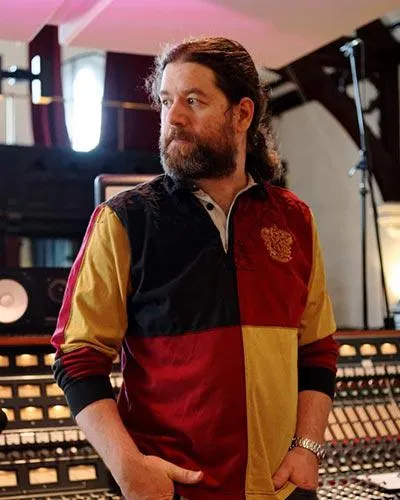
Lern deinen Guru kennen
Ciarán Robinson ist ein Toningenieur mit über 25 Jahren Erfahrung in Live-Technik, Mixing, Recording, Studiodesign und Sound für Film, Fernsehen und Games. Derzeit leitet er den Music-Producer-Master an der Tileyard Education in London und hat an Instituten für zeitgenössische Musik wie BIMM, SSR und SAE unterrichtet.
Seit mehr als 20 Jahren lehrt er Audioproduktion und hat Kurse zu Pro Tools, Game-Audio, Studiotechnik und Postproduktion aufgebaut; einige seiner ehemaligen Studierenden arbeiten inzwischen mit Acts wie Coldplay und Biffy Clyro.







