



Externe Instrumente sampeln - Drumcomputer und Synth

Mit
John WatsonVerstehe, wie John seinen Korg-Electribe-Drumcomputer in Ableton Live sampelt. Einschließlich der Verwendung des Korg-Monotron-Delays, um Live-Effekte hinzuzufügen.
Das steckt im Kurs
14 Lektionen (2h 26m) · 2 gratis
01. Erste Schritte & Setup
3:21
02. Eine Sample-Bibliothek verwalten
Gratis-Lektion4:34
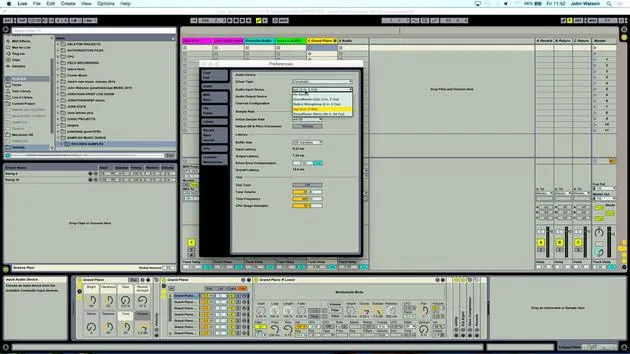
03. Ableton-Einstellungen
1:14
04. Samples verwenden: die Geräte Simpler und Sampler
7:04
05. Samples in deinem Track verwenden (trimmen, dehnen, stimmen, EQ)
12:56
06. Gesampelte Streicher und Flöten hinzufügen
7:28
07. Gesampelten Rhythmus hinzufügen: Kicks und Snares
25:07
08. Externe Instrumente sampeln - Drumcomputer und Synth
Du bist hier12:28
09. Die Parts in der Session-Ansicht aufbauen
13:55
10. Den Song in die Arrange-Ansicht aufnehmen
4:34
11. Feinabstimmung der Songstruktur
5:35
12. Den Track mischen: Effekte
21:24
13. Letzte Anpassungen
13:14
14. BONUS: Deinen Track mastern und auf Soundcloud hochladen
Gratis-Lektion13:31
Transkript der Lektion
Music Lesson: Sampling Techniques with Electribe and Korg Monotron
Introduction
Okay, so I'd like to kind of move away from my samples folder. Everything is just kind of, you know, using other people's sounds. I want to deliberately create something that I can then sample.
Equipment Setup
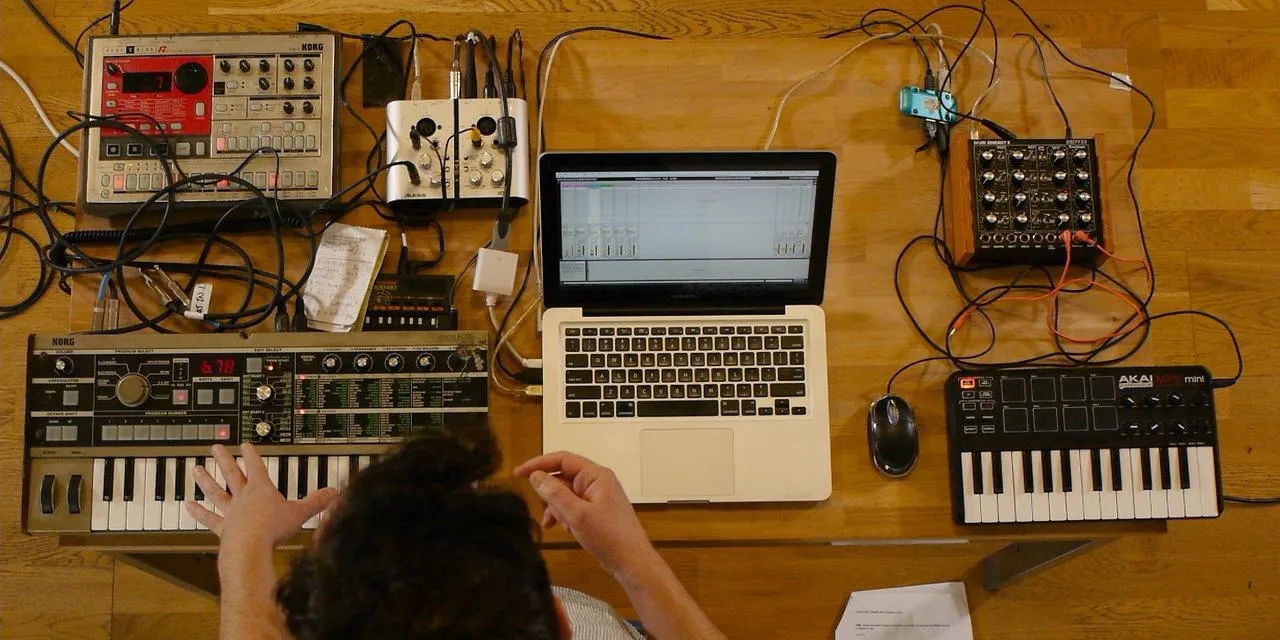
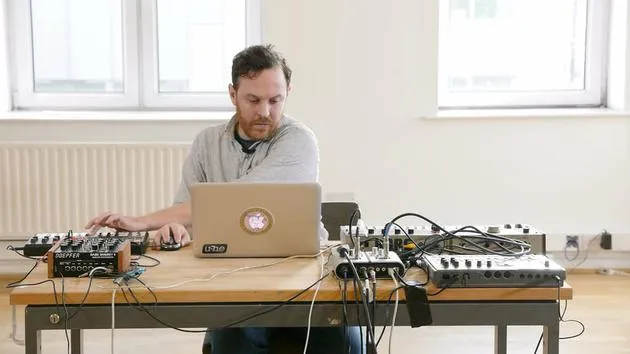
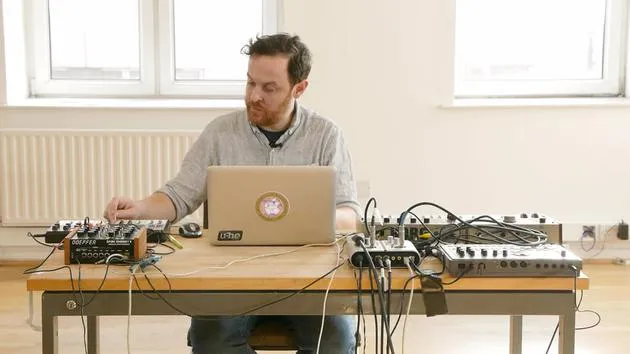
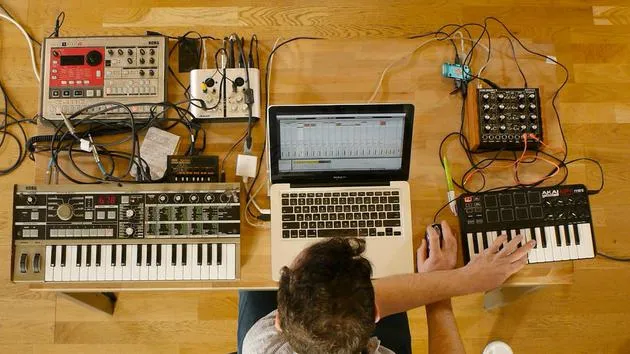
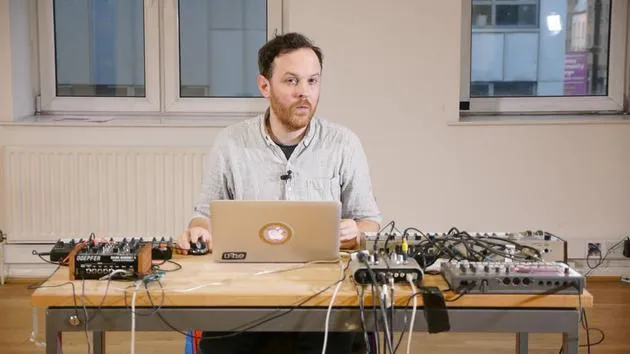
I've got the Electribe drum machine here and I'll talk a little bit about how I've routed this through to the Korg Monotron.
- The Korg Monotron is going to add a little bit of filtering, some delay effects to a percussive loop.
- I've selected a pattern that doesn't have a kick drum; it emphasizes the snare, which should work along with the rest of the beat.
Routing Explanation
- I'm using an existing pattern that's already stored in here.
- I took the headphone output as a stereo jack into the stereo input of the Monotron.
- Then, I've split the output into the left and right channels on the sound card.
Playing the Beat
Now I can play this beat and do some filtering. I've got a delay time that I can play around with.
Tempo Settings
To get this into my project, I need to note the tempo:
- Tempo: 115 beats per minute
I'll scroll back to 115 so when I play the track, I'll be in the right place.
Arming the Track
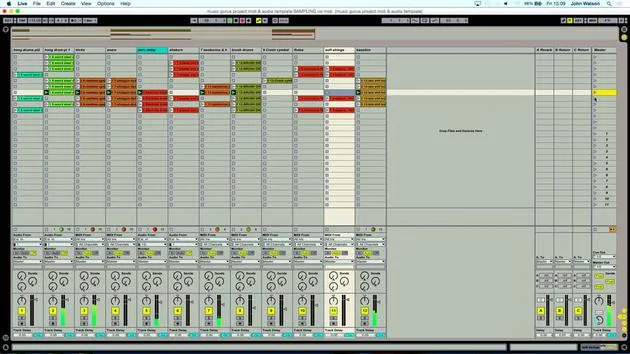
Let's go ahead and arm this track. I have a track already set up labeled Electribe audio with record enabled.
When I play the pattern, you can see it's coming through. I'm going to approach this with a free reign to edit and capture the best bits that I create.
Metronome and Recording
- Let's engage the metronome and arm the record function.
- I reckon I've got a little something there, so I'll check out the track now.
Let's also turn off the Monotron and deactivate the record, which will stop the sound coming through again.
Reviewing the Track
Let's play the track back. I remember the second half was more creative in terms of filtering on the Monotron.
Listening for Loop Points
Let's have a listen. Maybe this section, where the filter begins to open and then closes again, might loop a bit better.
- Result: I'm quite liking that!
Adding Variation
So far, we have a constant pattern coming from the hang drums. I'd like to add a bit of variation for better structure.
Unfreezing the Hang Drum Track
I'll go back over to my hang drum track, which I still had frozen.
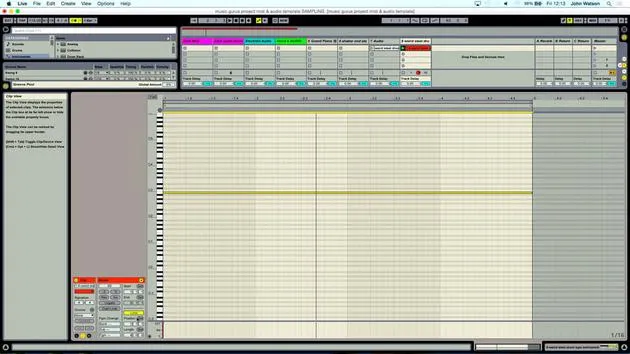
- Unfreezing it gives me access to the parameters in the simpler device.
- I'll also unmute it by turning on the yellow button to hear the sound.
Finding Interesting Sections
I remember I played the sample in on the B, but let's explore if there's another interesting section in this sample.
- Something interesting to discover a bit later in the sample.
- Starts getting noisy with various sounds, a good idea to pull it back a bit further.
Counting for Loop Creation
I'll count along to get a four or eight-bar loop:
- Counting: 1, 2, 3, 4. 1, 2, 3, 4.
This could work quite nicely, so I'll grab the endpoint to ensure I have a good loop.
Adjusting the Sample
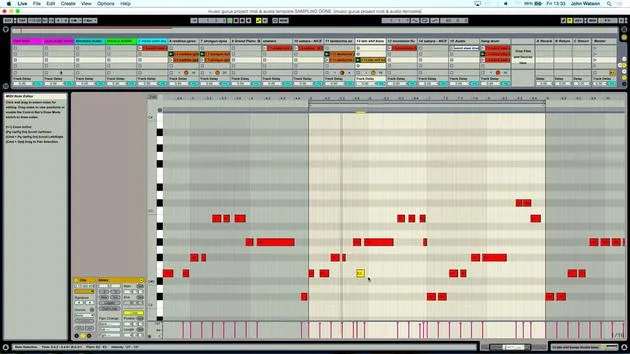
I recorded the note triggering the simpler. It's still in the same key, so I'll copy this clip down to the lower section.
Listening to the Loop
Let's listen to see if we get a good loop.
- Not too bad; I can extract an audio file from it and use warp markers for better looping.
- It was a bit abrasive the way it came in, so I'll soften the front by adjusting the attack time.
Final Adjustments
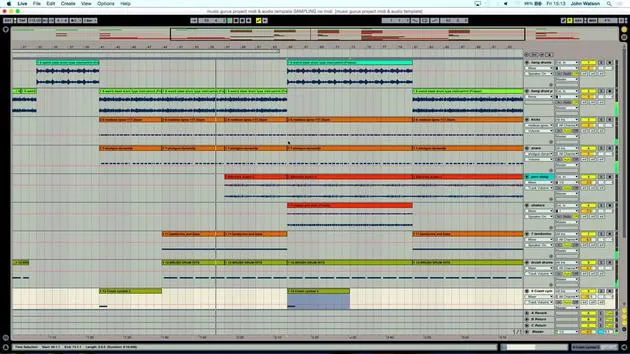
Let's freeze the track, add another audio track, and copy over the freeze. Now we have an audio version where we can adjust any lags where the sample might go too fast or slow.
Listening Again
Let's listen to the sample again. It starts coming out around this point, but I think we need to move this hit point in a bit.
- I'll adjust a few markers as necessary, taking care with the endpoints.
Changing Beats Mode
I'll also change the beats mode to Complex Pro for smoother stretching of the audio.
Conclusion
I'm close to finalizing it. I'm happy with the variations in sound between this new version and the original hang drum, which will help with structuring the overall piece.
14 Lektionen
2 Std. 26 Min. strukturierte Videolektionen
Erweiterte Videofunktionen
Verlangsamen, Passagen loopen, mitlesen
Handy, Tablet & Desktop
Üben, wo du willst
100 % Zufriedenheitsgarantie
30 Tage Geld-zurück-Garantie
Lern deinen Guru kennen
Lern deinen Guru kennen
Nach einem Praktikum bei Dave Allen, dem Produzenten von Depeche Mode und The Cure, ließ sich John dazu inspirieren, in London Music Technology zu studieren. Seine Musikkarriere nahm nach einem erfolgreichen Vertrag bei CookShop Records Fahrt auf, wo er 9 Singles und 2007 ein Album veröffentlichte, das begeisterte Kritiken von Q, Uncut und Lowdown Magazine sowie Airplay bei XFM und Radio One erhielt.
John begann seine Ausbildung zum Tontechniker 2005 im Bonafide-Studio, wo er sein Können verfeinerte, und gründete noch im selben Jahr Jackdaw Recordings. Er hat mit vielen erfolgreichen Künstlern zusammengearbeitet und begann 2007, für den Pop-Musiker Patrick Wolf zu spielen, mit Auftritten in führenden Häusern in Großbritannien und international – darunter The Astoria und das Shepherds Bush Empire.
Von seinem Londoner Studio aus schreibt John heute Musik, mit zwei weiteren Veröffentlichungen bei CookShop, macht Tontechnik für namhafte Künstler und gestaltet Sounddesign für TV-Spots, Film, Theater und Unternehmensvideos.
Genau diese seltene Mischung aus Songwriter, Produzent und aktivem Studiotechniker bringt John in seinen Unterricht ein. In Creative Composition & Production in Ableton Live und Creative Sampling & Production in Ableton Live zeigt er dir, wie er aus rohen Ideen fertige, veröffentlichungsreife Tracks macht – das Schreiben, das Sampling, das Sounddesign und das praktische technische Know-how hinter einer professionellen Platte.







