



Samples verwenden: die Geräte Simpler und Sampler

Mit
John Watson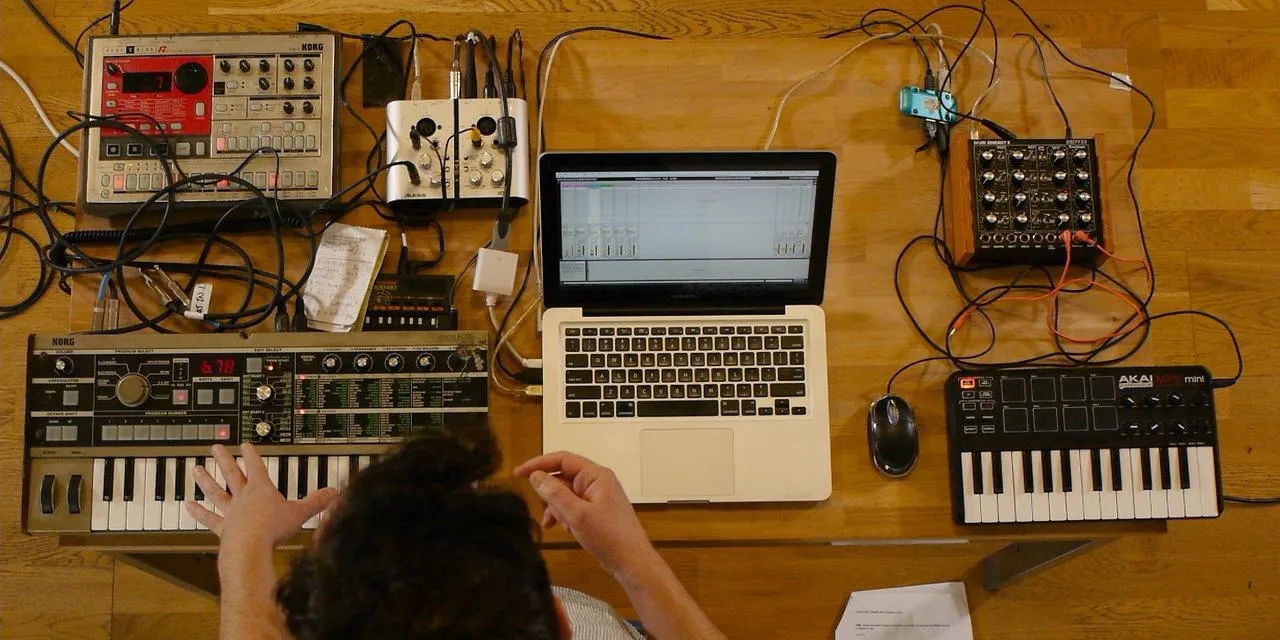
Das steckt im Kurs
14 Lektionen (2h 26m) · 2 gratis
01. Erste Schritte & Setup
3:21
02. Eine Sample-Bibliothek verwalten
Gratis-Lektion4:34
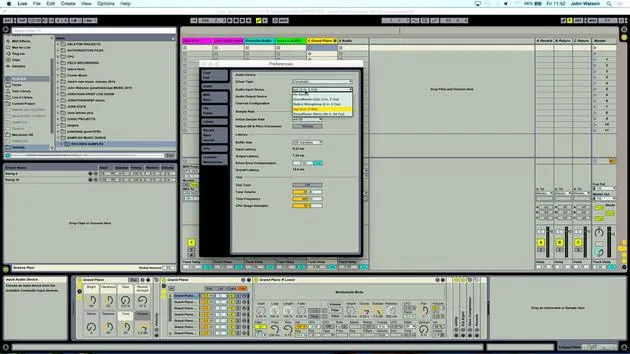
03. Ableton-Einstellungen
1:14
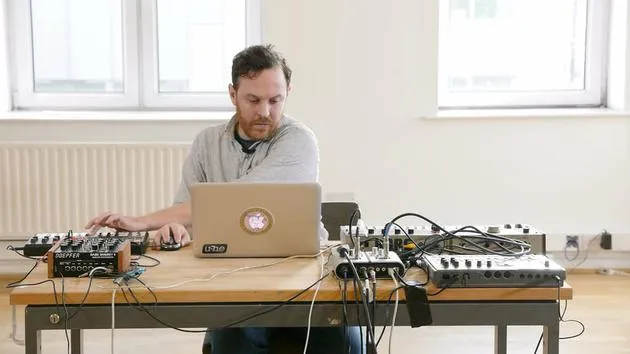
04. Samples verwenden: die Geräte Simpler und Sampler
Du bist hier7:04
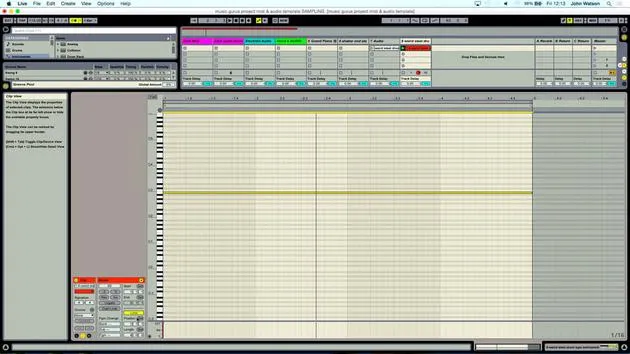
05. Samples in deinem Track verwenden (trimmen, dehnen, stimmen, EQ)
12:56
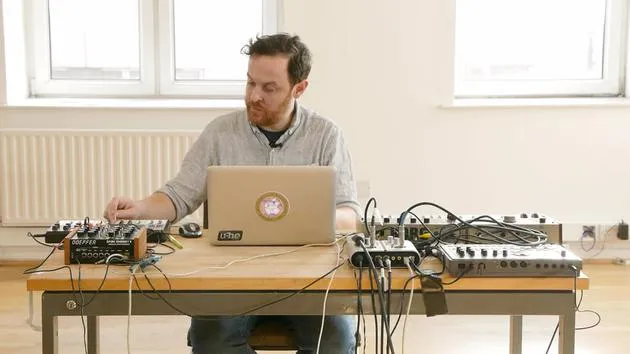
06. Gesampelte Streicher und Flöten hinzufügen
7:28
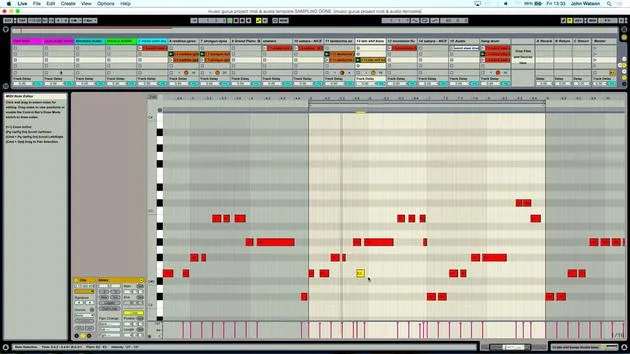
07. Gesampelten Rhythmus hinzufügen: Kicks und Snares
25:07
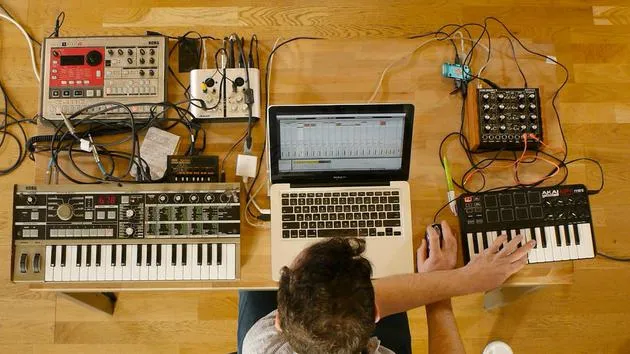
08. Externe Instrumente sampeln - Drumcomputer und Synth
12:28
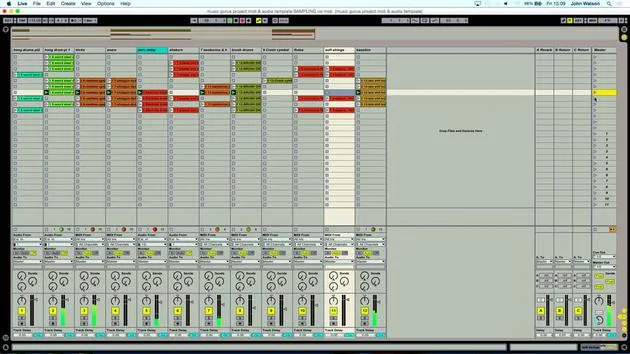
09. Die Parts in der Session-Ansicht aufbauen
13:55
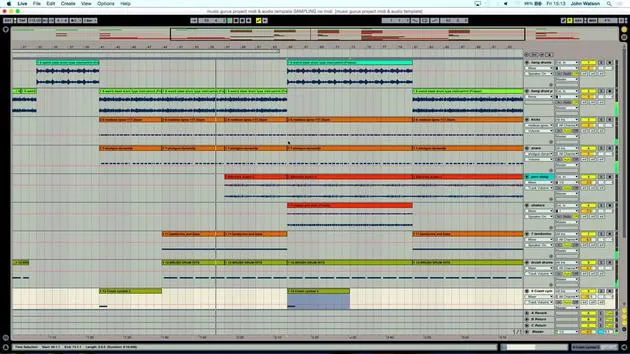
10. Den Song in die Arrange-Ansicht aufnehmen
4:34
11. Feinabstimmung der Songstruktur
5:35
12. Den Track mischen: Effekte
21:24
13. Letzte Anpassungen
13:14
14. BONUS: Deinen Track mastern und auf Soundcloud hochladen
Gratis-Lektion13:31
Transkript der Lektion
Music Lesson
Welcome back!
So really, the next stage is to start generating some ideas here. To do that, I want to create some MIDI tracks. This is going to allow me to play the keyboard. I've got my Akai MPK Mini here, which lets me input the samples into a sampler device.
The USB keyboard is plug and play, so I'm plugged in. I don't have to do anything on my MIDI channel; it's all set up for me.
Setting Up the Sampler
The next stage is to grab the Simpler device from my instruments folder.
- Double click it to load it onto the channel.
- The Simplest device is a sampler, and it's a bit of a pun with the name, it's really a very simple sampler.
- If I drag any sound into this device, I'm able to trigger it straight away on the keyboard.
- It links and maps the samples chromatically to the keys on my keyboard.
This setup is very quick, and when sampling, you're going to be running through ideas. Some things will work, and some won't, so it's important to keep moving through quickly to get a vibe going. Essentially, I'm just using sounds that I've either found or sampled myself.
Finding Sounds
Now, let's dive into my samples folder:
- Double-click to open it and look at the variety of sounds available.
- First off, I want to create some kind of rhythm track.
I'm thinking a good track to start with is a percussive guide track. Rather than just hearing the electronic beep of the metronome, I find it helpful to get some shakers or hi-hats to create a little rhythm track.
Searching for Samples
As I scroll through my bank of samples, I'm looking for something fairly sparse. I find this shaker sound, which I like.
- Drag the sample into the Simplest window; this means I can now play the keyboard, and my sample will play automatically.
I've trimmed these samples in terms of where they start, which is a really good idea. One way to do this is to count along with your sample:
"2, 3, 4, 1."
By doing that and looking at the sample window, I'm able to trim it down effectively. If I want it a bit faster, I can play higher up the keyboard.
Perfecting the Sample
Now, I'm aiming to liberate the actual shaker sound. I check to ensure it starts in the right place, and if I want to move the start point, I simply adjust the locator. For now, the sample seems to work quite well.
Finding Inspiration
The next thing I want to do is find something that's really going to inspire me to lay down some music.
- I'll come out of my percussion folder and go into field recordings.
- I'm going to grab this mysterious hang drum sample.
Creating the Track
- I create an audio track and drag the hang drum sample over.
- I'll also create a new MIDI track and drag the Simplest device over again.
- I load a sample into this window by dropping the audio in.
Next, I'll take the record off the shaker track; I know it's there and ready to use when I need it.
Arming the Hang Drum Track
Now, let's arm the hang drum track. This was a sample of someone playing the hang drum in a park in Switzerland. It was a nice calm day, with not a lot of wind, so I was able to get a good recording.
There's quite a bit of talking in the background as well, so I'll listen through to see if there are any nice parts to take.
- I find an interesting section that catches my ear, so I move in the locators to focus on that part.
I'll work roughly to start, counting in my head to figure out where potentially a bar is. I'm working in a four-four time signature, so I'll count where the first beat comes in.
This is starting to sound good, and I'll stop it there.
14 Lektionen
2 Std. 26 Min. strukturierte Videolektionen
Erweiterte Videofunktionen
Verlangsamen, Passagen loopen, mitlesen
Handy, Tablet & Desktop
Üben, wo du willst
100 % Zufriedenheitsgarantie
30 Tage Geld-zurück-Garantie
Lern deinen Guru kennen
Lern deinen Guru kennen
Nach einem Praktikum bei Dave Allen, dem Produzenten von Depeche Mode und The Cure, ließ sich John dazu inspirieren, in London Music Technology zu studieren. Seine Musikkarriere nahm nach einem erfolgreichen Vertrag bei CookShop Records Fahrt auf, wo er 9 Singles und 2007 ein Album veröffentlichte, das begeisterte Kritiken von Q, Uncut und Lowdown Magazine sowie Airplay bei XFM und Radio One erhielt.
John begann seine Ausbildung zum Tontechniker 2005 im Bonafide-Studio, wo er sein Können verfeinerte, und gründete noch im selben Jahr Jackdaw Recordings. Er hat mit vielen erfolgreichen Künstlern zusammengearbeitet und begann 2007, für den Pop-Musiker Patrick Wolf zu spielen, mit Auftritten in führenden Häusern in Großbritannien und international – darunter The Astoria und das Shepherds Bush Empire.
Von seinem Londoner Studio aus schreibt John heute Musik, mit zwei weiteren Veröffentlichungen bei CookShop, macht Tontechnik für namhafte Künstler und gestaltet Sounddesign für TV-Spots, Film, Theater und Unternehmensvideos.
Genau diese seltene Mischung aus Songwriter, Produzent und aktivem Studiotechniker bringt John in seinen Unterricht ein. In Creative Composition & Production in Ableton Live und Creative Sampling & Production in Ableton Live zeigt er dir, wie er aus rohen Ideen fertige, veröffentlichungsreife Tracks macht – das Schreiben, das Sampling, das Sounddesign und das praktische technische Know-how hinter einer professionellen Platte.







