



Monitoring-Optionen in Ableton Live

Mit
Isaac Cotec
Das steckt im Kurs
17 Lektionen (1h 33m) · 1 gratis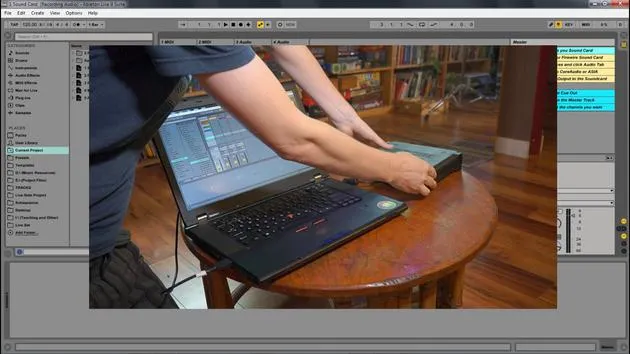
Transkript der Lektion
Understanding Monitoring Settings in Ableton Live
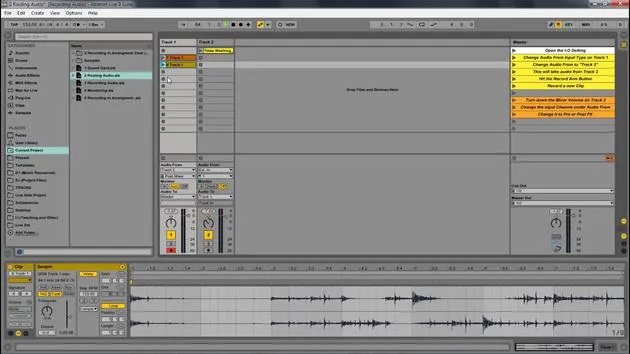
In this video, we're going to look at the different monitoring options available within Ableton Live. Monitoring lets you set how the track receives incoming audio. There are three different settings for monitoring: in, auto, and off.
Monitoring Settings
-
In
This setting will always play the track's input, regardless of whether a clip is playing or not.- Best suited for: An instrument that is plugged in and that you want to hear continuously.
-
Auto
This setting is active when the track is armed.- However, monitoring does not let an input signal through if a clip is playing.
- If you stop the playback of the clip, the input sound can be heard.
-
Off
This turns monitoring off altogether.- It does not allow any incoming instruments or input signals through.
- It will only playback clips.
Demonstration in Ableton Live
Let's look at these different monitoring settings with Ableton Live.
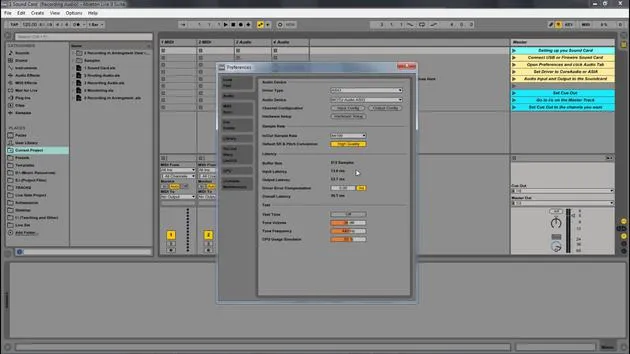
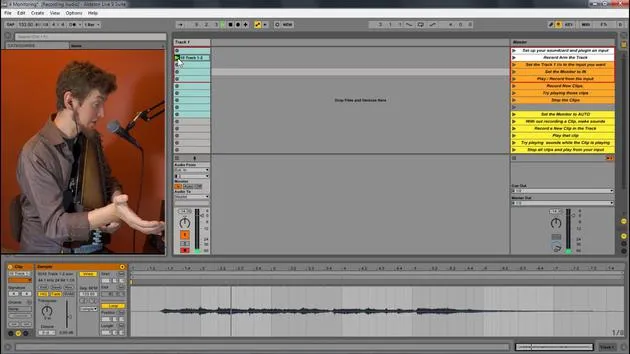
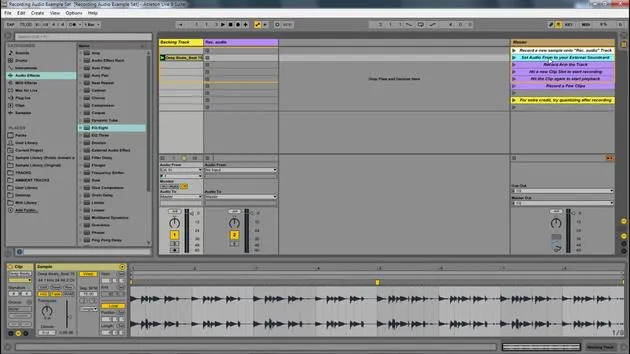
I have this live set open here, and I have these inputs from my external sound card.
- Input 1: My voice
- Input 2: My auto harp
I set the input to 2. For this, I plugged my second input, which is an instrument input within my MOTU. It's that yellow cord that runs all the way across to the back, connecting to a contact mic for the instrument.
Testing Monitoring Settings
-
Set to In
- Great, we can hear that.
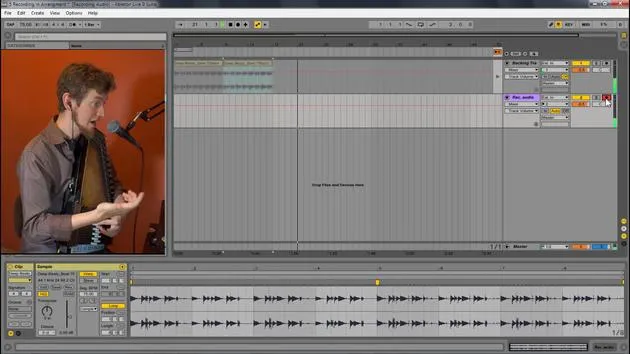
- Now I'm going to hit record and playback that clip.
- Notice we don't hear the clip at all, but we can still hear me playing. This is because we are set to input, which only allows the incoming signal.
-
Set to Auto
- Now, I can play back the clip.
- As I play the auto harp, we don't hear anything from it; we're just hearing the original clip.
- If I stop the playback, you can now hear the auto harp.
- Auto monitoring blends the signals: if a clip is playing, it won't allow the input signal to go out. But when the clip stops, the input sound is allowed through.
-
Set to Off
- Let's switch to off.
- Now, when I play my auto harp, we don't hear it through the speakers at all. But if I play back something I've recorded, we hear it.
- Off only plays pre-recorded clips or samples, not anything being played live.
Recording with Each Setting
- When I hit record with the off setting on, I won't hear anything while I'm recording.
- However, I will hear it once I play it back.
Summary
So, to summarize:
- In: Only allows track input.
- Auto: Plays either track input if no other clip is playing or will play the clip and not the input.
- Off: Only plays back clips; it does not play any input.
These are the different monitoring settings we have within Ableton Live.
17 Lektionen
1 Std. 33 Min. strukturierte Videolektionen
Erweiterte Videofunktionen
Verlangsamen, Passagen loopen, mitlesen
Handy, Tablet & Desktop
Üben, wo du willst
100 % Zufriedenheitsgarantie
30 Tage Geld-zurück-Garantie
Lern deinen Guru kennen
Lern deinen Guru kennen
Isaac Cotec ist wohl einer der besten Ableton-Trainer der Welt! Während er an seiner eigenen Musik arbeitete, begann er, Privatschülern Aufnahmetechniken, Sounddesign und Ableton Live beizubringen, und seit seiner Zertifizierung als offizieller Ableton Certified Trainer hat er Tausenden von Produzenten geholfen, ihr Niveau zu steigern und als Musiker erfolgreich zu sein.
Isaac begann 2005 mit Psyche Sonics elektronische Musik zu produzieren, einer experimentellen Gruppe, die sich mit der Wissenschaft und Erforschung binauraler Beats und der Bewusstseinsveränderung durch Klang beschäftigte. Nach dem Touren schrieb er weiter Musik unter dem Alias Cotec und trat später als Künstler Subaqueous hervor, der seine elektronische Vergangenheit mit zukunftsgewandten wie organischen Produktionstechniken verband. Bis heute hat er 3 Alben und 4 EPs veröffentlicht.
Isaac ist außerdem Gründer und Manager des Plattenlabels Invibe Music, das einige der besten Elektronik-Künstler des Pacific Northwest vertritt und sich auf Midtempo-Dance-Musik spezialisiert.
In seinen Ableton-Live-Kursen teilt Isaac die Produktions-, Sounddesign- und Songwriting-Techniken, die er über Jahre verfeinert hat – genau jene Fähigkeiten, mit denen er aus dem Funken einer Idee einen fertigen Track macht.







